

From my experience with Raycast, it stands out as an exceptionally fast and versatile productivity launcher tailored for macOS users. Its ability to combine quick app launching with powerful custom commands and deep integrations makes it a valuable tool for developers and power users alike. While it requires some scripting knowledge to unlock its full potential, the free pricing and extensibility justify the learning curve. However, its macOS exclusivity limits cross-platform use. Overall, if you seek to streamline your workflow and reduce context switching on a Mac, Raycast delivers a highly efficient solution.
Raycast Productivity Launcher for Mac - Fast App and Workflow Search
Raycast is a free, fast productivity launcher for macOS that enables quick app launching, custom commands, and workflow automation with developer tool integrations.
- Best for
- Quick Application Launching
- Key capability
- Fast App and File Launching
Your actions
Save Raycast, follow its updates and vote on it — everything stays in your account.
Sign in or create a free account
What is Raycast?
Raycast is a fast and extensible productivity launcher for macOS designed to streamline your workflow. It acts as a command palette that lets you quickly open apps, run scripts, control system settings, and integrate with developer tools and services—all from a single interface accessible via keyboard shortcuts.
Key features of Raycast
Raycast offers lightning-fast app launching, customizable commands, workflow automation, and deep integrations with popular developer tools and cloud services. Its extensible architecture allows users to create custom scripts and extensions, making it a versatile tool for both general productivity and developer-centric tasks.
Fast App and File Launching
Quickly open applications, files, and folders with minimal keystrokes.
Custom Commands and Extensions
Build and share custom commands using JavaScript or TypeScript to tailor Raycast to your needs.
Deep Integrations
Connect with tools like GitHub, Jira, Slack, and cloud providers to manage workflows seamlessly.
System Controls
Adjust system settings such as volume, brightness, and clipboard history without leaving the keyboard.
Open API
Developers can create extensions and integrate third-party services via Raycast’s open API.
Pros and cons of Raycast
Pros
- Extremely fast and responsive launcher
- Highly customizable with scripting support
- Rich integrations with popular developer tools
- Free to use with no feature restrictions
- Keyboard-centric workflow reduces context switching
Cons
- Available only on macOS
- Requires some scripting knowledge to create advanced commands
- Limited language support (English only)
Key use cases for Raycast
Quick Application Launching
Instantly open apps, files, and folders with a few keystrokes to speed up daily workflows.
Command and Workflow Automation
Create and run custom commands and scripts to automate repetitive tasks and integrate with APIs.
Developer Productivity
Access developer tools, run git commands, and manage cloud services directly from the launcher.
System Control
Control system settings like volume, brightness, and clipboard history without leaving the keyboard.
Search and Navigation
Search files, bookmarks, and web resources quickly to find information without context switching.
How Raycast works
- 1
Install Raycast
Download and install Raycast on your Mac from the official website.
- 2
Invoke the Launcher
Press the configurable keyboard shortcut (default: Command + Space) to open Raycast.
- 3
Search or Run Commands
Type to search for apps, files, or commands, or execute custom workflows.
- 4
Customize and Extend
Create your own commands and scripts using JavaScript/TypeScript to automate tasks.
Who is using Raycast
Software developers
Productivity enthusiasts
Mac power users
IT professionals
Teams using cloud and developer tools
Raycast pricing
Free
$0
Full access to all features with unlimited commands and extensions.
Plans and prices are as published by the vendor and can change. Check the official site before you buy. Open the pricing page (opens in a new tab)
Frequently asked questions about Raycast
Yes, Raycast is completely free with no paid plans currently.
Raycast is currently available exclusively for macOS.
Yes, Raycast supports creating custom commands and extensions using JavaScript or TypeScript.
Yes, it integrates with tools like GitHub, Jira, Slack, and more to streamline developer workflows.
This tool is designed to help users accomplish its core tasks more efficiently. It is typically used by individuals or teams looking to improve productivity and workflow.
Some tools offer a free plan or trial with limited features. Availability can vary, so confirm on the official website.
Yes, it can help with that use case depending on how you configure it and what features are available. You’ll get the best results with clear inputs and a defined goal.
Sign in to review this tool.
Sign In to ReviewNo reviews yet
Be the first to share how this tool worked for you.
Ask about pricing, limits, or how it compares — or answer someone else.
Sign In to AskNo questions yet
Have a question about using or paying for this tool? Be the first to ask.
Featured on TiorAI



Alternative Tools
Explore similar AI tools that might fit your needs

Free Trial
LaunchBar
LaunchBar is a macOS productivity app that speeds up launching applications, managing files, clipboard history, and automating workflows using keyboard shortcuts and custom scripts.

Free Trial
Keyboard Maestro
Keyboard Maestro is a macOS automation software that enables users to create macros triggered by hotkeys or events to automate repetitive tasks and improve workflow efficiency.
More AI API Design tools
Other tools in the same category, for when this one is not quite the fit.

Free
Swagger
Swagger is a set of tools for designing, documenting, testing, and mocking RESTful APIs using the OpenAPI Specification, widely used by developers and teams to streamline API development.

Freemium
GreenEyes.AI – Image Recog. Tech as API
GreenEyes.AI is an image recognition API platform that provides high-accuracy object detection, customizable models, and scalable API access for various industries including retail, manufacturing, and security.

Custom Pricing
Flagright AI
Flagright AI is a RegTech platform that automates AML compliance, KYC verification, and fraud detection using AI and machine learning to help financial institutions reduce risk and meet regulatory requirements.
Free
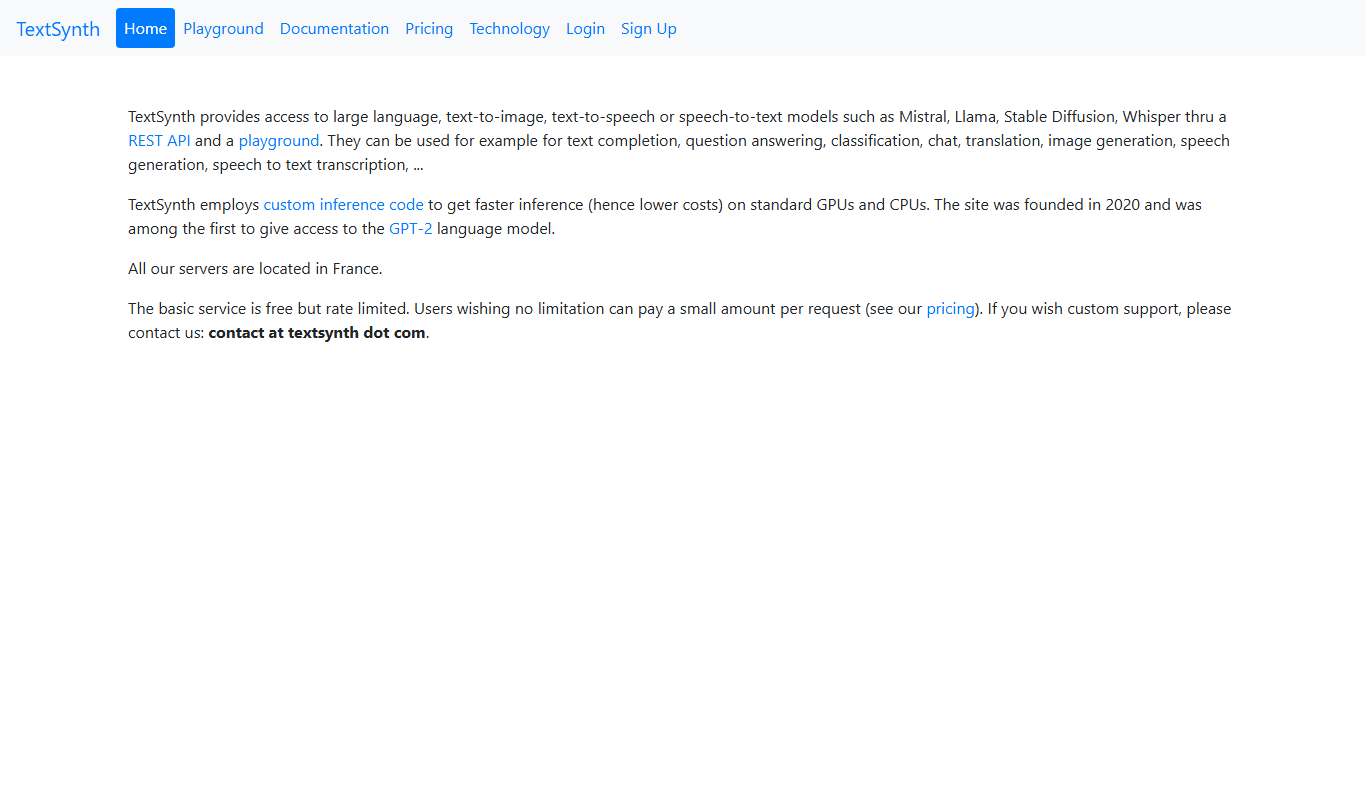
TextSynth
TextSynth is an AI platform for text generation, text-to-image, text-to-speech, speech-to-text, translation and classification.

Free
Stoplight
Stoplight is an API design and development platform that provides visual editing, interactive documentation, mocking, and governance tools to help teams build and manage APIs efficiently.

Free Trial
Boostramp
Boostramp is an AI-driven platform that automates personalized sales email outreach and lead generation, integrating with CRMs to streamline sales workflows.

Free Trial
CRUDERRA
CRUDERRA is a low-code platform that helps users build web and mobile applications quickly using drag-and-drop tools and database integration without needing extensive coding skills.

Free Trial
Aptori
Aptori is a low-code platform that helps businesses quickly build custom applications and automate workflows using a visual drag-and-drop interface and API integrations.