

ToonCrafter AI Cartoon Interpolation Tool
ToonCrafter AI interpolates between two key cartoon images, guided by a prompt, to generate a short cartoon video you can download and share.
- Best for
- Sketch interpolation
- Key capability
- Two-frame cartoon interpolation
Save ToonCrafter AI, follow its updates and vote on it — everything stays in your account.
Sign in or create a free account

What is ToonCrafter AI?
ToonCrafter AI is a web tool built on ToonCrafter, a generative cartoon interpolation model that uses pre-trained image-to-video diffusion models to interpolate between two cartoon images. Users select a start and an end key image, add a descriptive prompt and get a short cartoon video to download.
Key features of ToonCrafter AI
ToonCrafter AI generates a short cartoon video between a starting and an ending key image guided by a text prompt, and the underlying model also supports sketch interpolation, reference-based sketch colorization and sparse sketch-guided generation.
Two-frame cartoon interpolation
Select two key images as the start and end points and generate the frames in between.
Prompt guidance
A descriptive prompt guides the generated cartoon.
Sketch colorization
Apply reference images to colorize sketches.
Sketch-guided generation
Guide animations with sparse sketches for more control over the result.
Pros and cons of ToonCrafter AI
Pros
- Only two key images and a prompt are needed
- Built on an open-source research model
- Also covers sketch colorization and sketch-guided generation
Cons
- May misread image contents and produce incorrect motion in some scenarios
- Videos are limited to up to 512x320 resolution and 16 frames
Key use cases for ToonCrafter AI
Sketch interpolation
Create fluid transitions between cartoon sketches.
Sketch colorization
Colorize sketches using reference images.
Sketch-guided animation
Guide animations with sparse sketches.
Short cartoon clips
Turn two key images into a short cartoon video to download and share.
How ToonCrafter AI works
- 1
Select two key images
Choose a starting and an ending image that anchor the animation sequence.
- 2
Add a prompt
Input a descriptive prompt to guide the cartoon.
- 3
Generate the video
ToonCrafter AI generates the cartoon video between the two frames.
- 4
Download and share
Download the cartoon video and share it.
Who is using ToonCrafter AI
ToonCrafter AI pricing
Free
$0/month
Limited daily generations with basic features.
Pro
$9.99/month
Unlimited generations, access to premium styles, and faster processing.
Plans and prices are as published by the vendor and can change. Check the official site before you buy. Open the pricing page (opens in a new tab)
Frequently asked questions about ToonCrafter AI
A generative cartoon interpolation tool that uses pre-trained image-to-video diffusion models to interpolate between two cartoon images.
Researchers at The Chinese University of Hong Kong, City University of Hong Kong and Tencent AI Lab.
Videos of up to 512×320 resolution and 16 frames.
It may struggle to understand image contents semantically, which can lead to incorrect motion, and as an open-source research tool it may not cater to all commercial needs.
Yes. Download the pre-trained model and run the provided scripts, or use the Gradio demo application.
Yes, the ToonCrafter model is open-source.
Yes. A Gradio demo application lets users try the model without local installation.
Conclusion
Two key images, a starting frame and an ending frame, are the raw material here, and the tool generates the cartoon motion in between. A short descriptive prompt guides the result, and the finished cartoon video can be downloaded and shared. The model behind it is ToonCrafter, an open-source research model from university and Tencent AI Lab researchers that uses pre-trained image-to-video diffusion models.
Besides frame interpolation, the model can colorize sketches from reference images and follow sparse sketches for more control. Output is small, at up to 512×320 and 16 frames, and the site itself warns that misread image content can produce incorrect motion.
Sources
Sign in to review this tool.
Sign In to ReviewNo reviews yet
Be the first to share how this tool worked for you.
Ask about pricing, limits, or how it compares — or answer someone else.
Sign In to AskNo questions yet
Have a question about using or paying for this tool? Be the first to ask.
Featured on TiorAI



Alternative Tools
Explore similar AI tools that might fit your needs
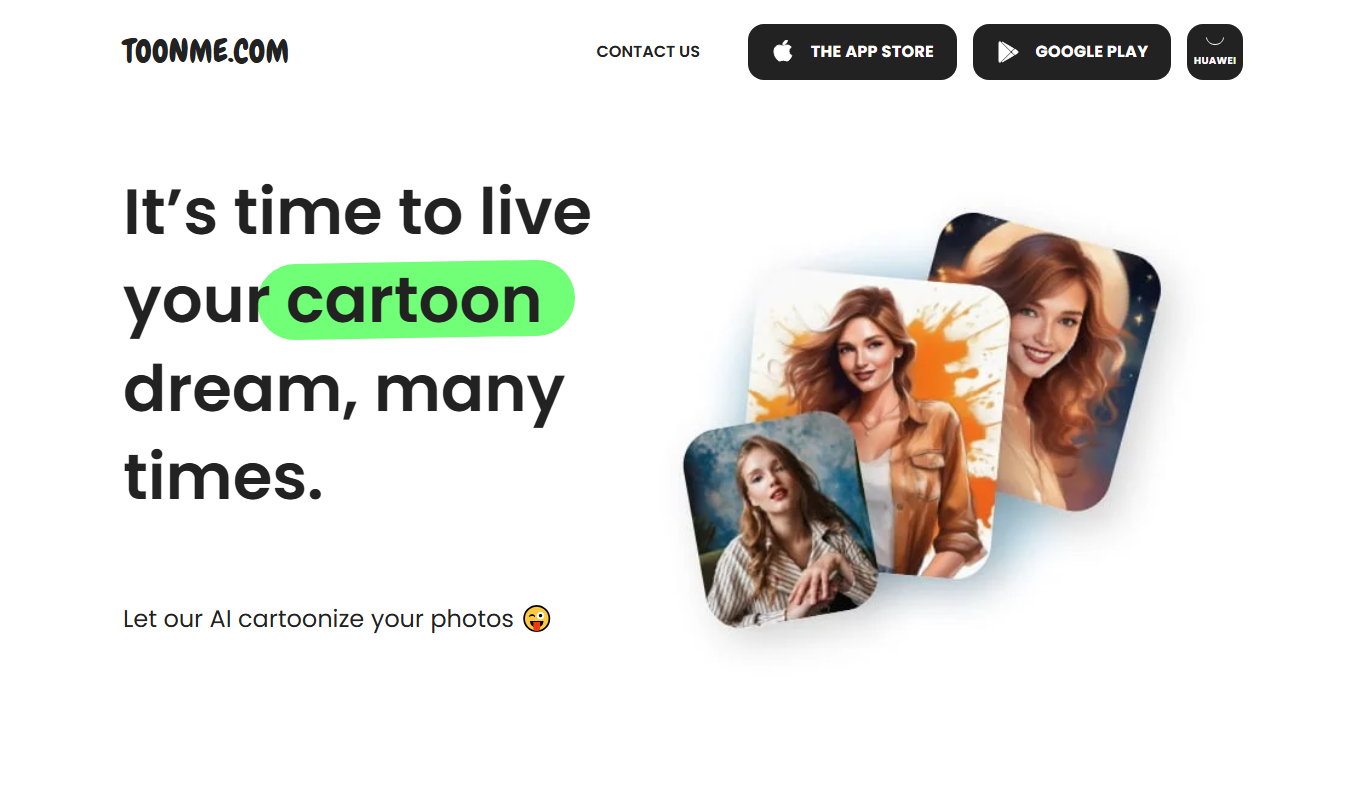
ToonMe
ToonMe is an AI-powered avatar generator that converts photos into cartoon-style images using neural networks, available on web and mobile platforms.
More AI Animation & Motion Tools tools
Other tools in the same category, for when this one is not quite the fit.

Studio
Studio.Design is a no-code design tool that turns any idea into a website, with a design editor, CMS, forms, SEO and one-click publishing.

TooToon
TooToon turns your ideas into webtoons: create and illustrate your webtoon with AI-driven tools for story writing, line art, character assets and full-color artwork.
CrazyFace
CrazyFace is an AI facial expression changer and editor: chat with AI, drag with the mouse or choose from 1000+ templates, with video editing and instant selfie generation.

Neural4D
Neural4D is an AI 3D generator that turns text, images and videos into high-quality 3D models and CAD assets in minutes.

We Are Learning
We Are is a learning design tool for creating 3D animated videos and interactive simulations, called Stories, that can be shared in your LMS or anywhere your learners are.

Storyboarder.ai
Storyboarder.ai is an AI storyboard generator: upload your script and get a complete storyboard, shot list, screenplay and animatic in minutes.

Webcam Motion Capture
Webcam Motion Capture is software that uses a standard webcam to track body and facial movements in real time, enabling users to animate 3D characters without expensive hardware.

Viddyoze
Viddyoze AI Video Generator is a cloud-based platform that automates video creation using AI-powered templates, enabling users to produce professional intros, outros, and animations quickly without prior editing experience.