

From my experience with Neural4D, I found it excels at transforming simple 2D videos into detailed 3D animations using advanced neural rendering. The platform’s cloud-based approach and real-time previews make it accessible even for creators without 3D modeling expertise. However, processing times can be longer for complex scenes, and the customization options may require some learning. Overall, if you need to generate realistic 3D video content efficiently without traditional animation pipelines, Neural4D offers a compelling AI-driven solution.
Neural4D AI Video Generation Platform for Realistic 3D Animation Creation
Neural4D is an AI-driven platform that transforms 2D videos into realistic 3D animations using neural rendering technology, enabling creators to produce high-quality synthetic video content without manual 3D modeling.
- Best for
- 3D Character Animation
- Key capability
- Neural Rendering Engine
Your actions
Save Neural4D, follow its updates and vote on it — everything stays in your account.
Sign in or create a free account

What is Neural4D?
Neural4D is an AI-powered video generation platform specializing in creating realistic 3D animations from 2D video inputs. Leveraging deep neural networks and advanced rendering techniques, it enables users to synthesize high-fidelity 3D video content without the need for complex manual modeling or motion capture setups.
Key features of Neural4D
Neural4D offers neural rendering for 3D video synthesis, real-time animation generation, customizable character models, and seamless integration with existing video workflows. Its AI models learn from input videos to produce lifelike 3D animations suitable for various creative and professional applications.
Neural Rendering Engine
Advanced AI models convert 2D inputs into photorealistic 3D animations.
Real-Time Preview
Interactive previews allow users to see animation results instantly and make adjustments.
Customizable Characters
Supports modification of character models and animation styles for tailored outputs.
Cloud-Based Platform
Accessible via web browser with cloud computing resources handling intensive processing.
Pros and cons of Neural4D
Pros
- Produces high-quality 3D animations from simple 2D inputs
- User-friendly web interface with real-time previews
- Cloud-based processing eliminates need for powerful local hardware
- Flexible pricing plans including free trial
Cons
- Processing times can be lengthy for complex videos
- Limited language support (English only)
- Advanced customization options may require learning curve
Key use cases for Neural4D
3D Character Animation
Generate realistic 3D animations of characters from 2D video inputs using AI-driven neural rendering.
Video Content Creation
Create high-quality synthetic videos for marketing, entertainment, and educational purposes without traditional 3D modeling.
Virtual Production
Use AI-generated 3D video assets to accelerate virtual production workflows in film and game development.
Research and Development
Explore advanced neural rendering techniques for academic or commercial R&D projects.
How Neural4D works
- 1
Upload Video Input
Users upload 2D video footage or images as the source material for 3D animation generation.
- 2
AI Processing
The platform applies neural rendering algorithms to analyze and reconstruct 3D representations from the input.
- 3
Customize Animation
Users can adjust animation parameters, character poses, and rendering styles to fit their project needs.
- 4
Export Video
Final 3D animated videos are rendered and exported in standard formats for use in production.
Who is using Neural4D
Video content creators
3D animators and artists
Marketing agencies
Film and game developers
Academic researchers in computer vision
Neural4D pricing
Free Trial
$0
Limited access to features with watermarked outputs and usage caps.
Pro
$49/month
Full feature access, higher resolution exports, and priority processing.
Enterprise
Custom pricing
Tailored solutions with dedicated support and API access for large-scale projects.
Plans and prices are as published by the vendor and can change. Check the official site before you buy. Open the pricing page (opens in a new tab)
Frequently asked questions about Neural4D
Neural4D primarily processes 2D videos featuring human characters or objects to generate 3D animations.
No, the platform is designed with an intuitive web interface suitable for users without programming skills.
Yes, commercial use is allowed under the Pro and Enterprise subscription plans.
It depends on your specific needs and how you plan to use the tool. The official website and documentation are the best sources for the latest details.
Pricing depends on the plan and included features. For the most accurate and up-to-date details, check the official pricing page.
This tool is designed to help users accomplish its core tasks more efficiently. It is typically used by individuals or teams looking to improve productivity and workflow.
Sign in to review this tool.
Sign In to ReviewNo reviews yet
Be the first to share how this tool worked for you.
Ask about pricing, limits, or how it compares — or answer someone else.
Sign In to AskNo questions yet
Have a question about using or paying for this tool? Be the first to ask.
Featured on TiorAI



More AI Animation & Motion Tools tools
Other tools in the same category, for when this one is not quite the fit.

Subscription
Virbo AI Talking Photo
Virbo AI Talking Photo is an app that uses AI to animate static photos by syncing facial movements with voice recordings or text-to-speech audio, enabling users to create talking pictures and videos easily on web and mobile platforms.

Free Trial
Boords
Boords is an online storyboarding software that helps video and animation teams create, collaborate on, and export detailed storyboards to streamline pre-production workflows.

Free
Plask
Plask is a web-based AI motion capture platform that turns any video into 3D animation, with no suits or sensors required, and exports it to 3D tools and game engines.

Freemium
Artflow ai
Artflow is an AI identity platform where Artflow Actors generate photos and videos that actually look like the user.
Custom Pricing
move.ai
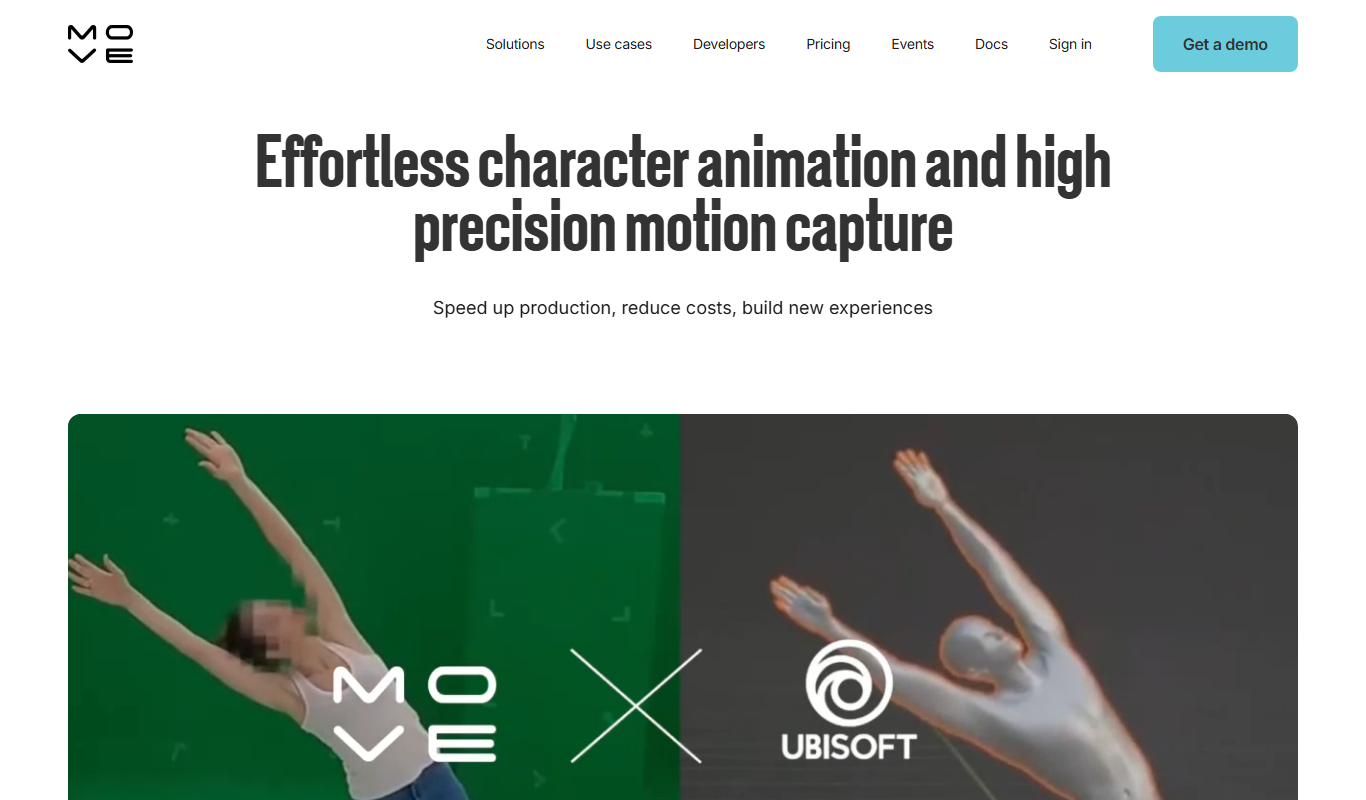
Move.ai is an AI-driven markerless motion capture software that converts standard video footage into 3D animation data, streamlining animation and visual effects production without specialized hardware.

Free
AI CSS Animations
AI CSS Animations is a free online tool that helps web designers and developers generate customizable CSS animation code quickly without manual coding.

Free Trial
Drawings Alive
Drawings Alive is an interactive animation software that allows users to animate drawings and images with interactive hotspots and synchronized audio, ideal for educational and marketing content creation.

Free
LivePortrait
LivePortrait is an AI-driven web tool that animates static portrait photos into realistic videos by applying facial movements and expressions using deep learning.