

AI CSS Animations Generator for Web Designers and Developers
AI CSS Animations is a free online tool that helps web designers and developers generate customizable CSS animation code quickly without manual coding.
- Best for
- Create CSS Animations
- Key capability
- AI-Powered Animation Generation
Save AI CSS Animations, follow its updates and vote on it — everything stays in your account.
Sign in or create a free account
What is AI CSS Animations?
AI CSS Animations is a free web tool that generates CSS animation code from a text description.
Key features of AI CSS Animations
AI CSS Animations creates CSS animations from a free-form prompt, which can also be given by voice, rather than from a fixed set of presets.
AI-Powered Animation Generation
Leverages AI to simplify the creation of complex CSS animations.
Wide Range of Animation Presets
Includes multiple animation types like fade, slide, bounce, rotate, and more.
Customizable Animation Settings
Users can modify duration, delay, easing, and iteration count for precise control.
Instant CSS Code Output
Generates clean, ready-to-use CSS code snippets instantly.
User-Friendly Interface
Simple and intuitive UI designed for quick animation creation without coding expertise.
Pros and cons of AI CSS Animations
Pros
- Completely free with no hidden costs
- Easy to use with no coding required
- Wide variety of animation presets
- Instantly generates clean CSS code
- Customizable animation parameters
Cons
- No support for JavaScript-based animations
- No advanced timeline or sequencing features
Key use cases for AI CSS Animations
Create CSS Animations
Generate custom CSS animations quickly without coding from scratch.
Enhance Web Design
Add engaging animations to websites to improve user experience and visual appeal.
Frontend Development
Assist developers in producing animation code snippets that can be integrated into projects.
Learning and Experimentation
Explore different animation effects to understand CSS animation properties better.
How AI CSS Animations works
- 1
Write a Prompt
Describe the animation you want in a free-form prompt, by text or by voice.
- 2
Customize Parameters
Adjust settings such as duration, delay, iteration count, and easing to tailor the animation.
- 3
Generate CSS Code
The tool automatically creates the CSS keyframes and animation properties based on your selections.
- 4
Copy and Implement
Copy the generated CSS code and paste it into your website’s stylesheet or inline styles.
Who is using AI CSS Animations
AI CSS Animations pricing
Free
$0
Full access to all animation presets and customization options without any cost.
Plans and prices are as published by the vendor and can change. Check the official site before you buy. Open the pricing page (opens in a new tab)
Frequently asked questions about AI CSS Animations
Yes, the tool is completely free and does not require any payment or subscription.
No coding skills are required; the tool generates CSS code automatically based on your selections.
Yes, you can adjust parameters like duration, delay, easing, and iteration count to fit your needs.
The CSS animations generated follow standard CSS3 specifications and work on modern browsers.
It depends on your specific needs and how you plan to use the tool. The official website and documentation are the best sources for the latest details.
Yes, it can help with that use case depending on how you configure it and what features are available. You’ll get the best results with clear inputs and a defined goal.
Some tools offer a free plan or trial with limited features. Availability can vary, so confirm on the official website.
Conclusion
The generator works from a free-form prompt given as text or by voice, not from a fixed set of presets, and returns CSS animation code. The output is ready-to-use CSS code with keyframes and animation properties, which can be pasted into a website’s stylesheet or inline styles. Generated animations follow standard CSS3 specifications and work on modern browsers.
Web designers and frontend developers are the main audience, along with students who want to understand CSS animation properties by exploring different effects. It is completely free and does not require any payment or subscription, since the site has no paid plans.
Sources
Sign in to review this tool.
Sign In to ReviewNo reviews yet
Be the first to share how this tool worked for you.
Ask about pricing, limits, or how it compares — or answer someone else.
Sign In to AskNo questions yet
Have a question about using or paying for this tool? Be the first to ask.
Featured on TiorAI



Alternative Tools
Explore similar AI tools that might fit your needs

Animate.css
Animate.css is a free CSS library that provides ready-made animation classes to easily add animations to web elements without JavaScript.
More AI Animation & Motion Tools tools
Other tools in the same category, for when this one is not quite the fit.

Virbo AI Talking Photo
Virbo AI Talking Photo is an app that uses AI to animate static photos by syncing facial movements with voice recordings or text-to-speech audio, enabling users to create talking pictures and videos easily on web and mobile platforms.
Boords
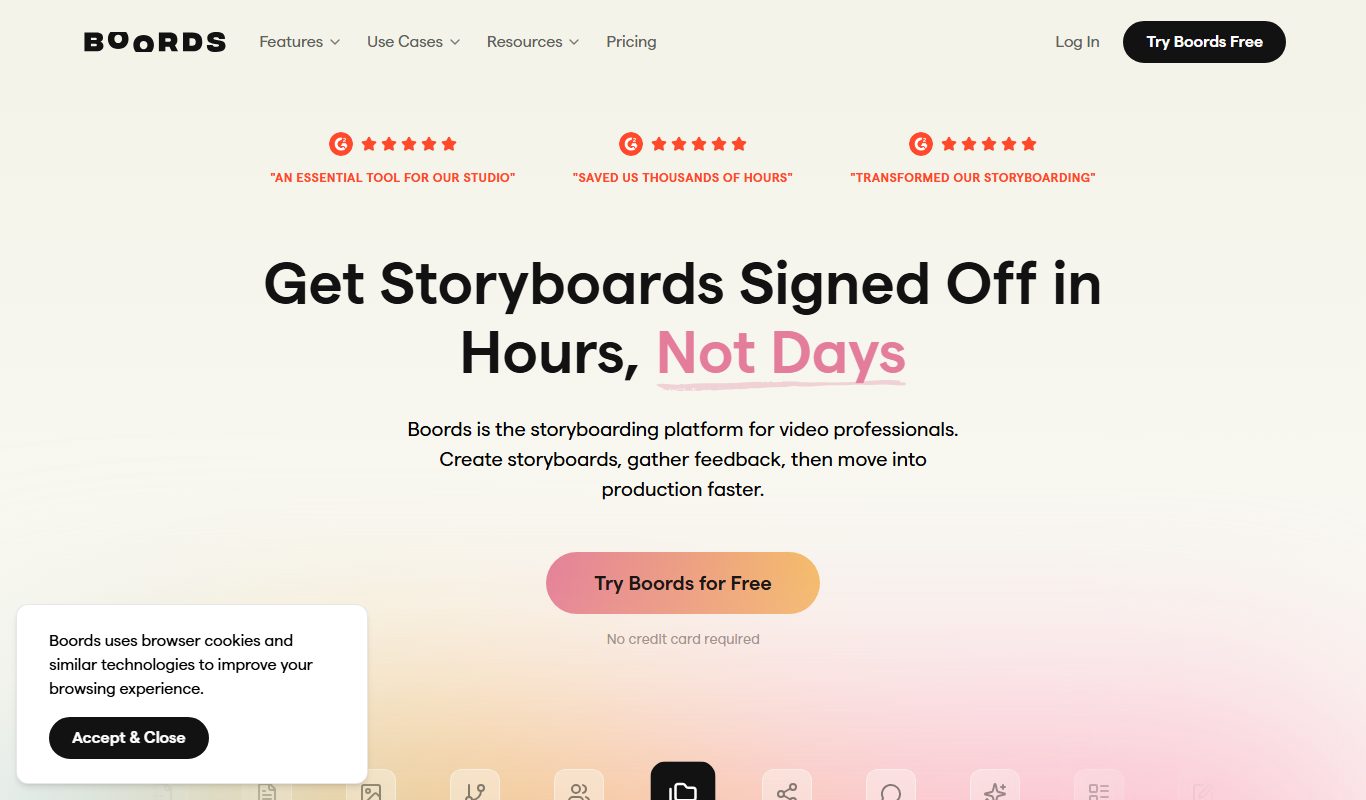
Boords is an online storyboarding software that helps video and animation teams create, collaborate on, and export detailed storyboards to streamline pre-production workflows.

Plask
Plask is a web-based AI motion capture platform that turns any video into 3D animation, with no suits or sensors required, and exports it to 3D tools and game engines.

Artflow ai
Artflow is an AI identity platform where Artflow Actors generate photos and videos that actually look like the user.
move.ai
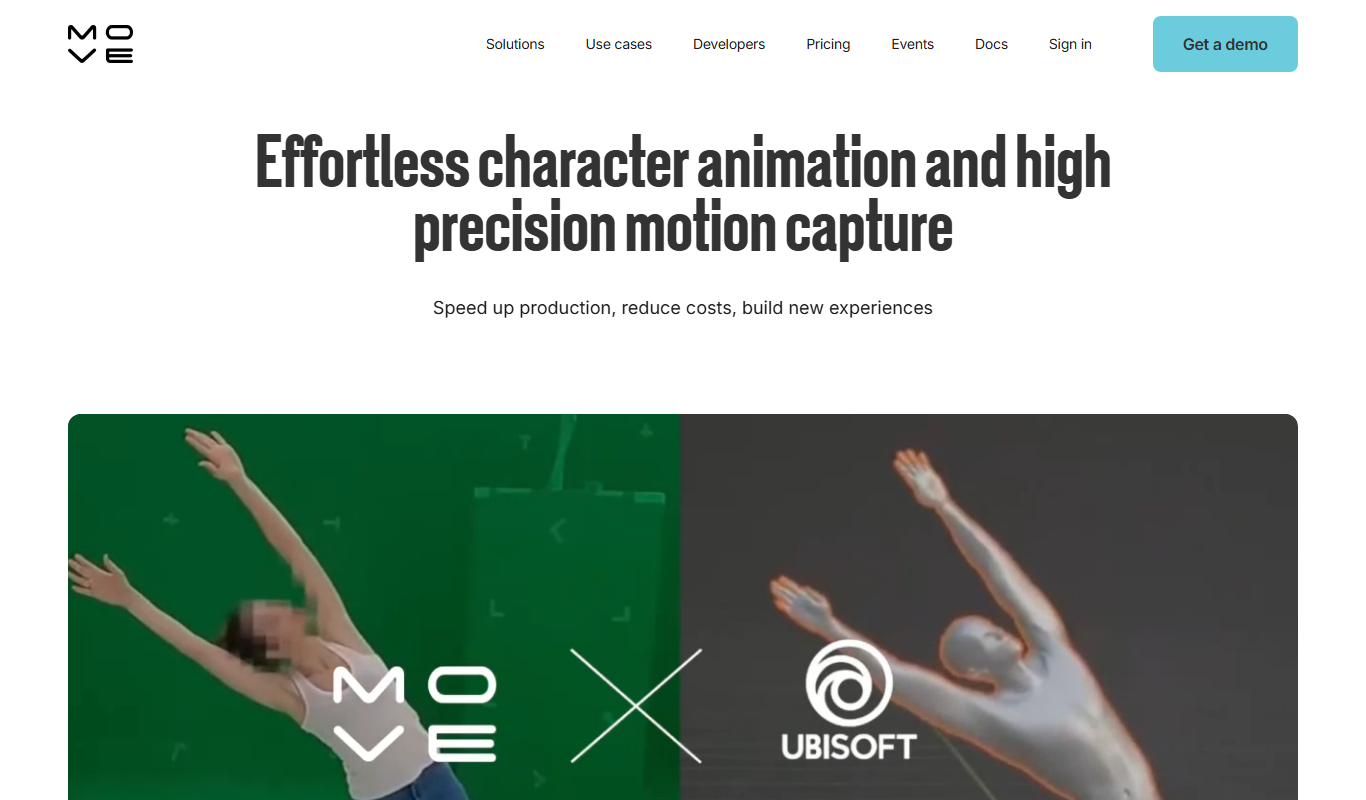
Move.ai is an AI-driven markerless motion capture software that converts standard video footage into 3D animation data, streamlining animation and visual effects production without specialized hardware.

Drawings Alive
Drawings Alive is an interactive animation software that allows users to animate drawings and images with interactive hotspots and synchronized audio, ideal for educational and marketing content creation.

LivePortrait
LivePortrait is an AI-driven web tool that animates static portrait photos into realistic videos by applying facial movements and expressions using deep learning.

Storyboarder.ai
Storyboarder.ai is a free, open-source desktop application that uses AI to help filmmakers and animators create and organize storyboards quickly and efficiently.