

From my experience with Virbo AI Talking Photo, I found it excels at turning ordinary photos into engaging animated talking videos with minimal effort. The app’s intuitive interface and AI-driven facial animation make it accessible even for beginners. It’s particularly well-suited for social media users and marketers looking to create personalized content quickly. However, the free version’s watermark and limited language support for text-to-speech can be restrictive for some users. Overall, if you want to create fun, talking photo animations without complex editing, Virbo offers a practical and affordable solution.
Virbo AI Talking Photo App for Animated Talking Pictures and Videos
Virbo AI Talking Photo is an app that uses AI to animate static photos by syncing facial movements with voice recordings or text-to-speech audio, enabling users to create talking pictures and videos easily on web and mobile platforms.
- Best for
- Personalized Animated Photos
- Key capability
- AI Facial Animation


Do you recommend this tool?
What is Virbo AI Talking Photo?
Virbo AI Talking Photo is an AI-powered app developed by Wondershare that transforms static photos into animated talking pictures and videos. Using advanced facial animation technology, it brings photos to life by syncing mouth movements and expressions with user-recorded or text-to-speech audio. This tool is designed for users who want to create personalized, engaging content easily without requiring advanced video editing skills.
Key features of Virbo AI Talking Photo
Virbo offers features such as AI-driven facial animation, text-to-speech voice synthesis, multi-language support, easy sharing options, and a user-friendly interface for creating talking photos and videos on mobile and web platforms.
AI Facial Animation
Automatically animates facial expressions and lip movements to match audio.
Text-to-Speech Support
Converts typed text into natural-sounding speech in multiple languages.
Multi-Platform Availability
Accessible via web, iOS, and Android apps for convenience.
Easy Sharing
Export creations as videos or GIFs and share directly to social media.
User-Friendly Interface
Designed for users of all skill levels with intuitive controls.
Pros and cons of Virbo AI Talking Photo
Pros
- Simple and intuitive user interface
- Supports both voice recording and text-to-speech
- Available on multiple platforms
- Affordable premium plan
- Quick export and sharing options
Cons
- Limited language options for text-to-speech
- Free version includes watermark on exports
- Some animations may look less natural with complex photos
Key use cases for Virbo AI Talking Photo
Personalized Animated Photos
Create engaging talking photos from static images to share with friends and family.
Social Media Content Creation
Generate eye-catching animated videos for social media posts and stories.
Marketing and Advertising
Produce unique promotional content using AI-driven talking photo animations.
Educational Materials
Develop interactive and animated visuals for educational presentations and e-learning.
How Virbo AI Talking Photo works
- 1
Upload Photo
Select a static photo from your device or take a new one within the app.
- 2
Add Audio
Record your voice or input text to generate speech using the built-in text-to-speech feature.
- 3
Animate Photo
The AI animates the photo’s facial features to sync with the audio, creating a talking effect.
- 4
Preview and Edit
Review the animated photo and make adjustments if needed.
- 5
Export and Share
Save the talking photo as a video or GIF and share it on social media or messaging platforms.
Who is using Virbo AI Talking Photo
Social media users
Content creators
Marketing professionals
Educators
Casual users wanting personalized animations
Virbo AI Talking Photo pricing
Free
$0/month
Basic features with watermark and limited export options.
Premium
$9.99/month
Removes watermark, unlocks HD exports, and provides unlimited animations.
Plans and prices are as published by the vendor and can change. Check the official site before you buy. Open the pricing page (opens in a new tab)
Frequently asked questions about Virbo AI Talking Photo
Yes, you can record your own voice or upload audio files to sync with the photo.
Yes, the free version includes a watermark on exported videos and GIFs.
Currently, the app supports English and Chinese for text-to-speech.
Yes, the app provides easy sharing options to popular social media platforms.
It depends on your specific needs and how you plan to use the tool. The official website and documentation are the best sources for the latest details.
Some tools offer a free plan or trial with limited features. Availability can vary, so confirm on the official website.
Yes, it can help with that use case depending on how you configure it and what features are available. You’ll get the best results with clear inputs and a defined goal.
Yes, it can help with that use case depending on how you configure it and what features are available. You’ll get the best results with clear inputs and a defined goal.
Sign in to review this tool.
Sign In to ReviewNo reviews yet
Be the first to share how this tool worked for you.
Ask about pricing, limits, or how it compares — or answer someone else.
Sign In to AskNo questions yet
Have a question about using or paying for this tool? Be the first to ask.
Featured on TiorAI



More AI Animation & Motion Tools tools
Other tools in the same category, for when this one is not quite the fit.

Free Trial
Gliytch
Gliytch is an AI-powered platform that enables users to create custom animated videos quickly and easily using text prompts and customizable templates.

Free Trial
Drawings Alive
Drawings Alive is an interactive animation software that allows users to animate drawings and images with interactive hotspots and synchronized audio, ideal for educational and marketing content creation.

Free
LivePortrait
LivePortrait is an AI-driven web tool that animates static portrait photos into realistic videos by applying facial movements and expressions using deep learning.

Free
Plask
Plask is a web-based AI-powered motion capture platform that uses a standard webcam to record, edit, and export 3D motion data for animation and game development.

Free
Animatable
Animatable AI is a web platform that uses artificial intelligence to help users create smooth character animations quickly and easily without prior animation experience.

Free Trial
MotionMate
MotionMate is an AI-driven video editing platform that automates the creation of motion graphics and animations, enabling users to produce professional videos quickly without advanced skills.

Free
Storyboarder.ai
Storyboarder.ai is a free, open-source desktop application that uses AI to help filmmakers and animators create and organize storyboards quickly and efficiently.
Free Trial
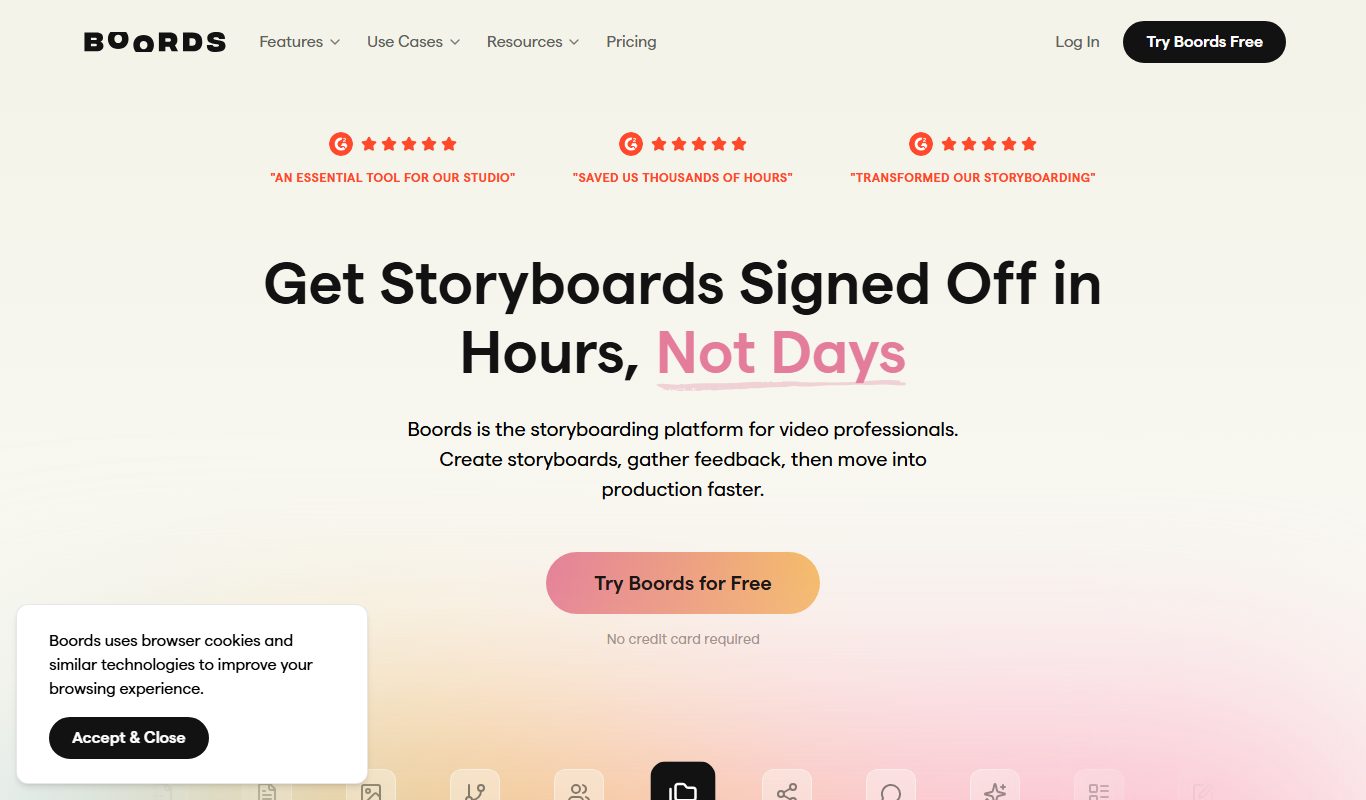
Boords
Boords is an online storyboarding software that helps video and animation teams create, collaborate on, and export detailed storyboards to streamline pre-production workflows.