

From my experience with Studio, it stands out for its seamless integration of vector design and timeline-based animation, making it a powerful tool for creating interactive UI prototypes. The real-time collaboration features significantly streamline teamwork, especially for remote design teams. However, the free plan’s limitations may challenge larger teams or more complex projects, and the lack of a mobile app restricts editing flexibility on the go. Overall, Studio is an excellent choice for UI/UX designers and product teams seeking a robust, animation-capable prototyping platform.
Studio Design Platform for Collaborative UI/UX Prototyping and Animation
Studio is a collaborative design platform that enables UI/UX designers to create interactive prototypes with vector-based tools and timeline animations, supporting real-time team collaboration.
- Best for
- UI/UX Prototyping
- Key capability
- Vector-Based Design Tools
Your actions
Save Studio, follow its updates and vote on it — everything stays in your account.
Sign in or create a free account

What is Studio?
Studio is a collaborative design platform focused on UI/UX prototyping and animation. It enables designers and teams to create interactive, animated prototypes with vector-based tools, facilitating seamless collaboration and real-time feedback. Studio aims to bridge the gap between static design and functional prototypes by integrating animation capabilities directly into the design workflow.
Key features of Studio
Studio offers vector-based design tools, timeline animation controls, real-time collaboration features, and interactive prototyping capabilities. It supports importing assets, creating reusable components, and exporting prototypes for user testing or development handoff.
Vector-Based Design Tools
Precision vector editing for scalable UI components and graphics.
Timeline Animation Editor
Create detailed animations and transitions with an intuitive timeline interface.
Real-Time Collaboration
Multiple users can work simultaneously with live updates and commenting.
Interactive Prototyping
Build clickable prototypes with animated states and user flows.
Component System
Reusable components and symbols to maintain design consistency.
Pros and cons of Studio
Pros
- Intuitive vector-based design and animation tools
- Real-time collaboration enhances team productivity
- Supports detailed interactive prototyping
- Cross-platform availability via web and desktop apps
Cons
- Limited free plan features may restrict larger teams
- No mobile app available for on-the-go editing
Key use cases for Studio
UI/UX Prototyping
Create interactive and animated prototypes for web and mobile applications to visualize user experience.
Collaborative Design
Work in real-time with team members to co-design interfaces and share feedback seamlessly.
Animation and Microinteractions
Design detailed animations and microinteractions to enhance user engagement and interface dynamics.
Vector Graphic Design
Create and edit vector graphics as part of the design process for scalable and precise UI elements.
How Studio works
- 1
Create a Project
Start by creating a new design project within Studio’s web or desktop app.
- 2
Design UI Elements
Use vector tools to design screens, components, and assets with precision.
- 3
Add Animations
Apply timeline-based animations and microinteractions to bring your designs to life.
- 4
Collaborate with Team
Invite team members to view, comment, and edit designs in real-time.
- 5
Share and Export
Share interactive prototypes via links or export assets for development.
Who is using Studio
UI/UX designers
Product teams
Design agencies
Freelance designers
Startups focused on digital products
Studio pricing
Free
$0/month
Basic access with limited projects and collaborators.
Pro
$15/month
Unlimited projects, advanced collaboration, and priority support.
Plans and prices are as published by the vendor and can change. Check the official site before you buy. Open the pricing page (opens in a new tab)
Frequently asked questions about Studio
Yes, Studio offers an intuitive interface suitable for both beginners and experienced designers.
Yes, Studio supports real-time collaboration allowing multiple users to work on the same project simultaneously.
Yes, you can share interactive prototypes via links or export assets for development.
Studio is available as a web application and a desktop app for Windows and macOS.
This tool is designed to help users accomplish its core tasks more efficiently. It is typically used by individuals or teams looking to improve productivity and workflow.
Yes, it can help with that use case depending on how you configure it and what features are available. You’ll get the best results with clear inputs and a defined goal.
Yes, it can help with that use case depending on how you configure it and what features are available. You’ll get the best results with clear inputs and a defined goal.
Sign in to review this tool.
Sign In to ReviewNo reviews yet
Be the first to share how this tool worked for you.
Ask about pricing, limits, or how it compares — or answer someone else.
Sign In to AskNo questions yet
Have a question about using or paying for this tool? Be the first to ask.
Featured on TiorAI



Alternative Tools
Explore similar AI tools that might fit your needs
Free
Figma
Figma is a cloud-based design tool for creating user interfaces and prototypes collaboratively in real time, accessible via web and desktop apps.
More AI Animation & Motion Tools tools
Other tools in the same category, for when this one is not quite the fit.

Subscription
Virbo AI Talking Photo
Virbo AI Talking Photo is an app that uses AI to animate static photos by syncing facial movements with voice recordings or text-to-speech audio, enabling users to create talking pictures and videos easily on web and mobile platforms.
Free Trial
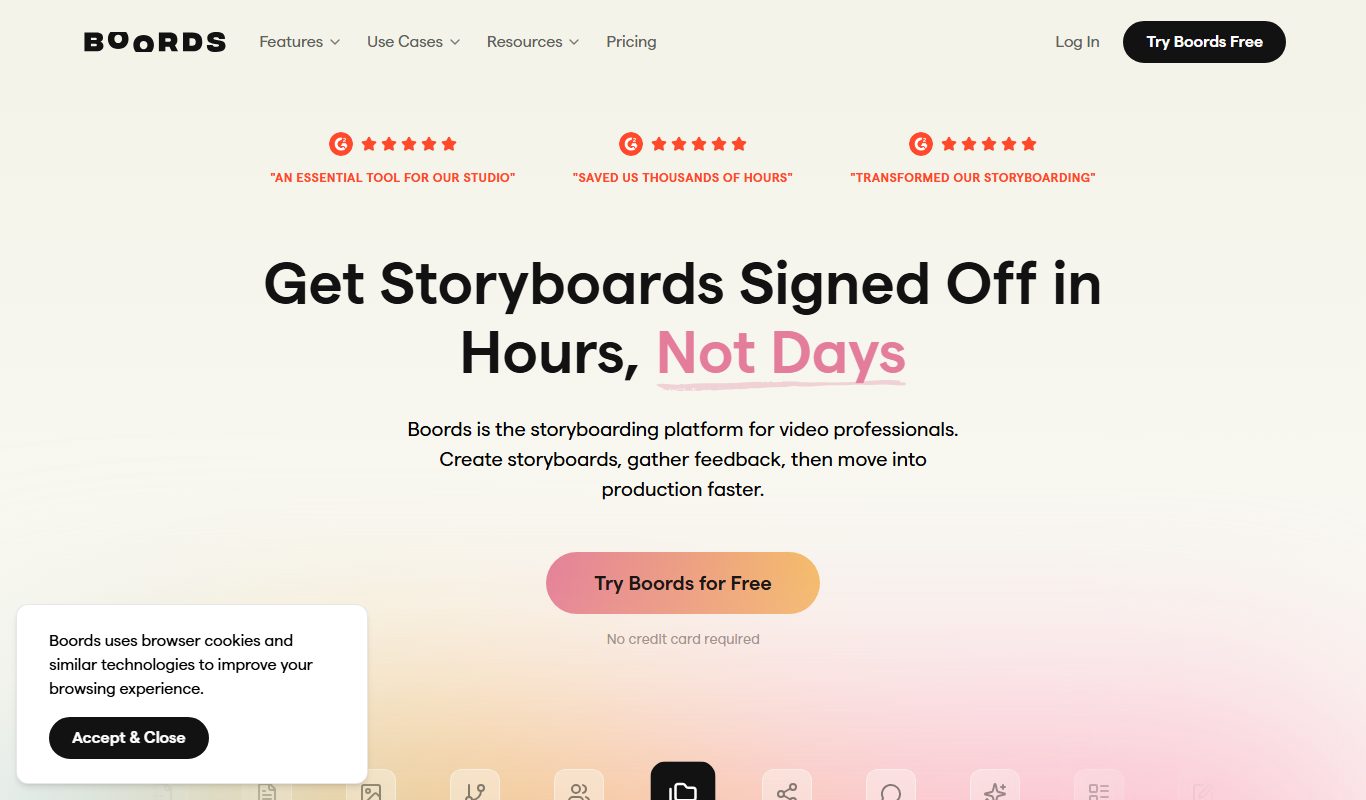
Boords
Boords is an online storyboarding software that helps video and animation teams create, collaborate on, and export detailed storyboards to streamline pre-production workflows.

Free
Plask
Plask is a web-based AI motion capture platform that turns any video into 3D animation, with no suits or sensors required, and exports it to 3D tools and game engines.

Freemium
Artflow ai
Artflow is an AI identity platform where Artflow Actors generate photos and videos that actually look like the user.
Custom Pricing
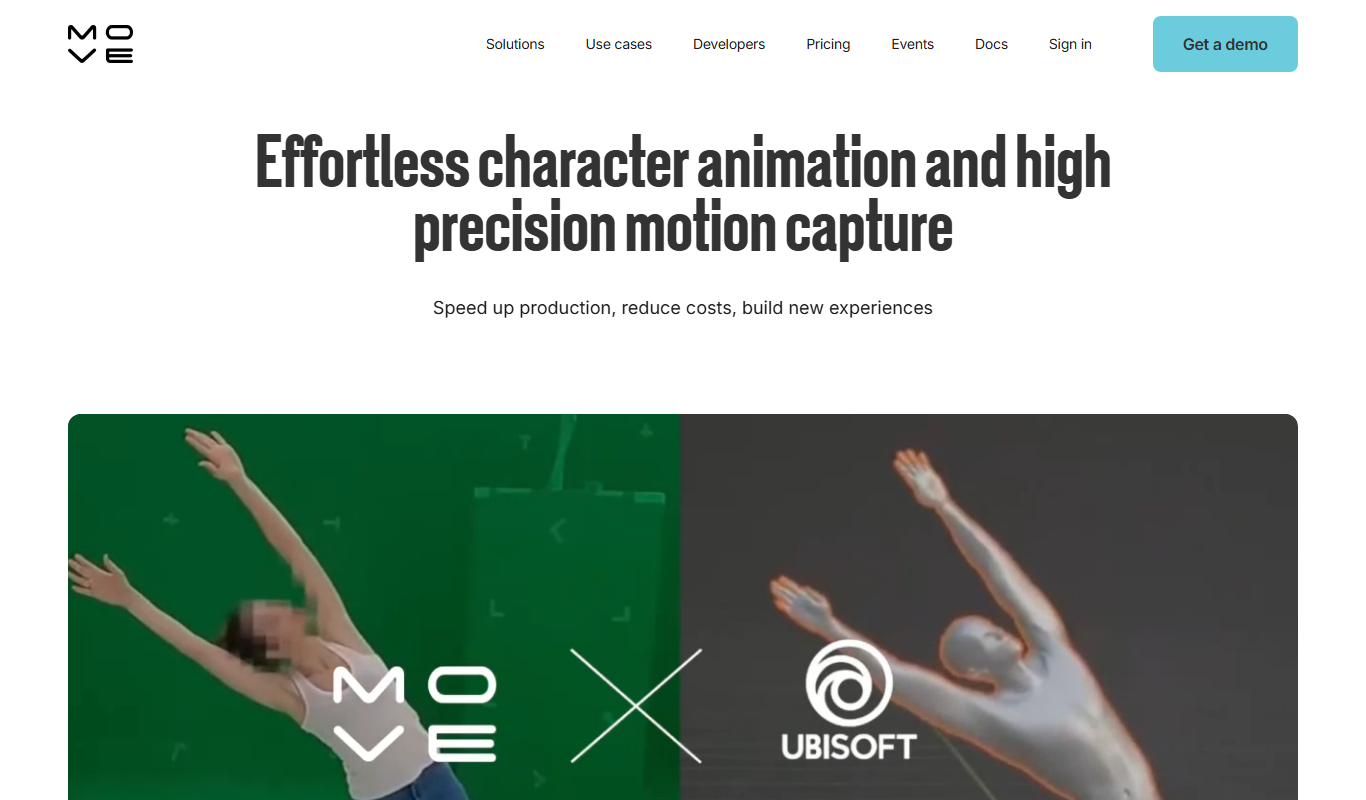
move.ai
Move.ai is an AI-driven markerless motion capture software that converts standard video footage into 3D animation data, streamlining animation and visual effects production without specialized hardware.

Free
AI CSS Animations
AI CSS Animations is a free online tool that helps web designers and developers generate customizable CSS animation code quickly without manual coding.

Free Trial
Drawings Alive
Drawings Alive is an interactive animation software that allows users to animate drawings and images with interactive hotspots and synchronized audio, ideal for educational and marketing content creation.

Free
LivePortrait
LivePortrait is an AI-driven web tool that animates static portrait photos into realistic videos by applying facial movements and expressions using deep learning.