

From my experience with CrazyFace, I found it excels at quickly turning static photos into realistic animated videos without requiring technical skills. The web-based platform is intuitive and accessible, making it ideal for content creators and marketers who want to add dynamic visuals to their projects. However, the free plan’s watermark and limited animation customization are trade-offs to consider. Overall, if you need a straightforward tool to animate faces for social media or marketing videos, CrazyFace delivers solid and fast results.
CrazyFace AI Face Animation Tool for Realistic Video Creation Online
CrazyFace is an AI-powered web tool that animates static face photos into realistic videos using deep learning, ideal for content creators and marketers.
- Best for
- Content Creation
- Key capability
- AI-Driven Face Animation
Your actions
Save CrazyFace, follow its updates and vote on it — everything stays in your account.
Sign in or create a free account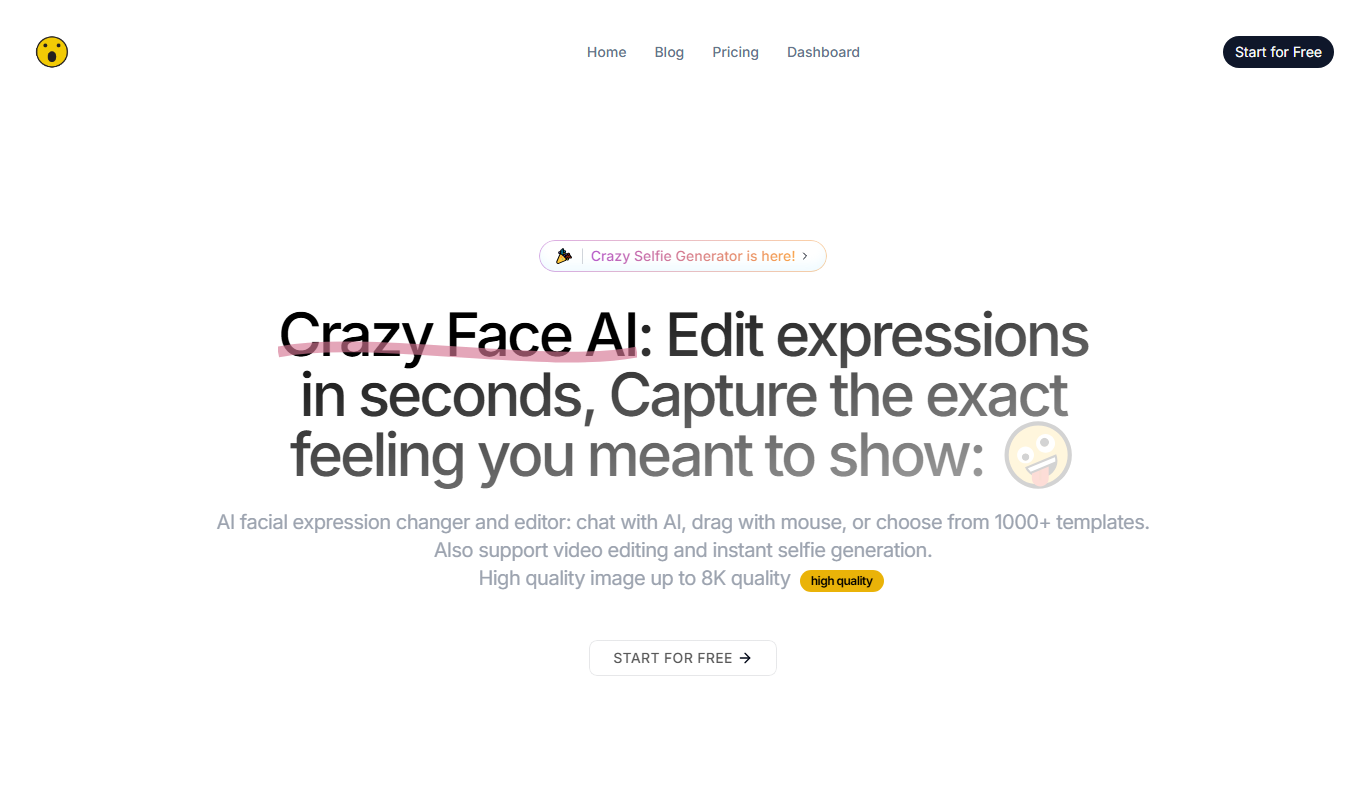

What is CrazyFace?
CrazyFace is an AI-powered online tool that animates static photos by generating realistic facial movements and expressions. It leverages deep learning to create lifelike video animations from a single image, enabling users to produce engaging video content without advanced video editing skills.
Key features of CrazyFace
CrazyFace offers easy-to-use face animation capabilities, allowing users to upload photos and generate animated videos with natural facial expressions. It supports various animation styles and provides quick rendering times, making it accessible for creators and marketers alike.
AI-Driven Face Animation
Transforms static photos into dynamic videos with realistic facial movements.
Multiple Animation Styles
Offers various presets to customize the animation effect.
Web-Based Platform
Accessible through any modern web browser without software installation.
Fast Rendering
Generates animations quickly, enabling efficient content creation.
Pros and cons of CrazyFace
Pros
- User-friendly interface with no technical skills required
- Fast and realistic face animation results
- Accessible via web without installation
Cons
- Limited customization options for animations
- Free plan includes watermark on videos
- Best results require high-quality frontal face photos
Key use cases for CrazyFace
Content Creation
Create engaging animated videos by animating static photos for social media, marketing, or entertainment.
Marketing and Advertising
Generate personalized video ads with animated faces to capture audience attention and increase engagement.
Entertainment and Media
Produce creative video content such as memes, short clips, or storytelling animations using AI-driven face animation.
Education and Training
Develop interactive educational videos by animating instructors’ photos or historical figures for more engaging lessons.
How CrazyFace works
- 1
Upload Photo
Users upload a static image of a face they want to animate.
- 2
Select Animation Style
Choose from different animation presets or customize facial expressions.
- 3
Generate Animation
The AI processes the image to create a realistic animated video.
- 4
Download or Share
Users can download the resulting video or share it directly on social platforms.
Who is using CrazyFace
Social media content creators
Digital marketers
Educators and trainers
Entertainment producers
Small business owners
CrazyFace pricing
Free
$0/month
Limited number of animations with watermark and basic features.
Pro
$19/month
Unlimited animations, watermark removal, higher resolution exports, and priority support.
Plans and prices are as published by the vendor and can change. Check the official site before you buy. Open the pricing page (opens in a new tab)
Frequently asked questions about CrazyFace
CrazyFace works best with clear, frontal face photos. Images with multiple faces or low quality may not animate well.
Yes, videos created on the free plan include a CrazyFace watermark.
Animated videos can be downloaded in MP4 format.
CrazyFace respects user privacy and does not share uploaded photos publicly.
It depends on your specific needs and how you plan to use the tool. The official website and documentation are the best sources for the latest details.
Some tools offer a free plan or trial with limited features. Availability can vary, so confirm on the official website.
It depends on your specific needs and how you plan to use the tool. The official website and documentation are the best sources for the latest details.
Yes, it can help with that use case depending on how you configure it and what features are available. You’ll get the best results with clear inputs and a defined goal.
Sign in to review this tool.
Sign In to ReviewNo reviews yet
Be the first to share how this tool worked for you.
Ask about pricing, limits, or how it compares — or answer someone else.
Sign In to AskNo questions yet
Have a question about using or paying for this tool? Be the first to ask.
Featured on TiorAI



Alternative Tools
Explore similar AI tools that might fit your needs

Free
Reface
Reface is an AI-driven app that enables users to swap faces in videos and GIFs realistically, creating personalized and entertaining content for social media and messaging.
More AI Animation & Motion Tools tools
Other tools in the same category, for when this one is not quite the fit.

Free
Cascadeur
Cascadeur is an AI-assisted 3D animation software that enables users to create realistic character motions using physics simulation and pose prediction without relying on motion capture.

Freemium
AnimeShorts
AnimeShorts is an AI generation platform that creates anime short videos from prompts and comics from uploaded stories, with consistent original characters.

Free
ToonCrafter AI
ToonCrafter AI interpolates between two key cartoon images, guided by a prompt, to generate a short cartoon video you can download and share.

Free
animeBuilder
Anime Builder lets creators make anime characters, avatars, manga scenes, photo-to-anime art and stylized motion with advanced AI models, organised as a character to motion workflow.

Freemium
DeepMotion
DeepMotion is an AI-driven motion capture platform that converts video footage into realistic 3D animations in real time without requiring specialized hardware.

Free
Ebsynth
EbSynth is VFX software for retouching, rotoscoping and stylization that changes a whole video from edited keyframes, with Free, Pro and Studio plans.

Free
Genmo AI
Genmo AI is a research lab building open video generation models, including the open-source Mochi 1 text-to-video model and an online Playground.

Subscription
Animatable
Animatable is a web-based AI tool that turns your videos into animations in a chosen style, with prompts to tweak details such as hair, eyes and clothing colors.