

ToonMe AI Avatar Generator for Cartoon and Artistic Photo Transformations
ToonMe is an AI-powered avatar generator that converts photos into cartoon-style images using neural networks, available on web and mobile platforms.
- Best for
- Social Media Profile Creation
- Key capability
- Multiple Cartoon Styles
Save ToonMe, follow its updates and vote on it — everything stays in your account.
Sign in or create a free account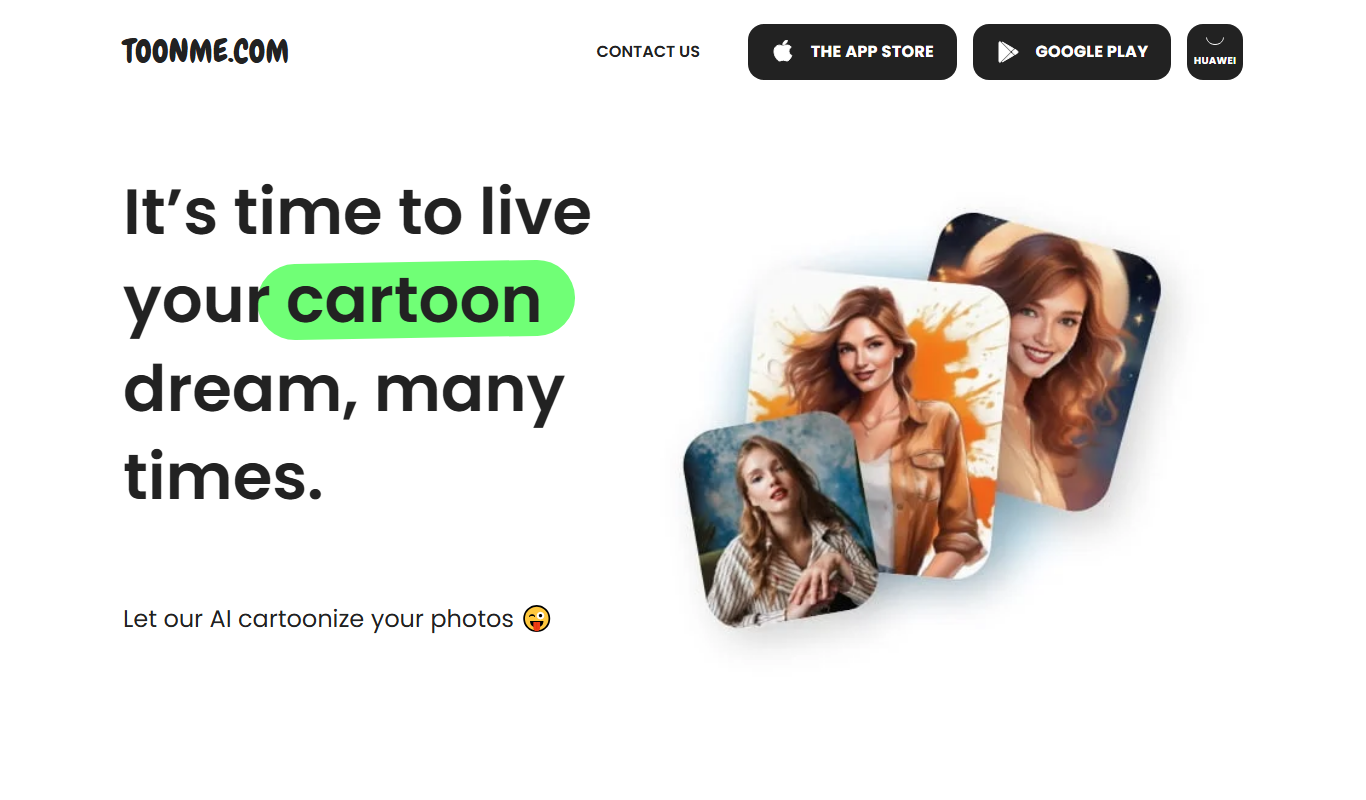
What is ToonMe?
ToonMe is an AI-powered avatar generator that transforms user photos into cartoon and artistic styles. Using advanced neural networks, it creates stylized illustrations that mimic hand-drawn or digital cartoon art. The tool is accessible via web and mobile apps, allowing users to easily convert selfies or portraits into unique avatars for social media, entertainment, or creative projects.
Key features of ToonMe
ToonMe offers automated photo-to-cartoon conversion with multiple artistic styles, including classic cartoons, vector art, and digital painting effects. It supports batch processing, high-resolution downloads, and sharing options. The app also includes editing tools to customize the final avatar look.
Multiple Cartoon Styles
Offers a variety of artistic filters including classic cartoons, vector art, and digital painting.
High-Resolution Output
Generates avatars in high resolution suitable for profile pictures and prints.
Mobile and Web Access
Available as a web platform and mobile apps for iOS and Android.
Easy Sharing
Integrated sharing options for social media platforms.
Pros and cons of ToonMe
Pros
- Simple and intuitive user interface
- Multiple artistic cartoon styles available
- Fast AI processing with quality results
- Available across web and mobile platforms
Cons
- Free version includes watermarks on images
- Limited customization options beyond preset styles
- Some advanced features require paid subscription
Key use cases for ToonMe
Social Media Profile Creation
Create unique cartoon-style avatars for social media profiles to stand out and express personality.
Digital Art and Illustration
Generate artistic cartoon renditions of photos for use in digital art projects or personal collections.
Entertainment and Fun
Transform selfies and photos into fun, stylized cartoons for entertainment and sharing with friends.
Marketing and Branding
Businesses and influencers can create branded cartoon avatars to enhance marketing materials and campaigns.
How ToonMe works
- 1
Upload Photo
Users upload a selfie or portrait photo via the website or app.
- 2
Select Style
Choose from various cartoon and artistic styles available.
- 3
AI Processing
The AI analyzes the photo and generates a stylized cartoon avatar.
- 4
Edit and Download
Users can adjust effects, then download or share the final avatar.
Who is using ToonMe
ToonMe pricing
Free
$0/month
Basic access with limited styles and watermark on images.
Pro
$4.99/month
Access to all styles, watermark removal, HD downloads, and priority processing.
Plans and prices are as published by the vendor and can change. Check the official site before you buy. Open the pricing page (opens in a new tab)
Frequently asked questions about ToonMe
Yes, ToonMe offers a free plan with limited features and watermarked images.
Yes, ToonMe has mobile apps available for both iOS and Android devices.
ToonMe supports common image formats like JPEG and PNG for uploads.
Commercial use depends on the licensing terms; users should review ToonMe’s terms and conditions.
It depends on your specific needs and how you plan to use the tool. The official website and documentation are the best sources for the latest details.
Yes, it can help with that use case depending on how you configure it and what features are available. You’ll get the best results with clear inputs and a defined goal.
Yes, it can help with that use case depending on how you configure it and what features are available. You’ll get the best results with clear inputs and a defined goal.
Conclusion
ToonMe converts a selfie or portrait into a cartoon avatar, with styles ranging from classic cartoons to vector art and digital painting. It works through the website as well as iOS and Android apps. After processing, effects can be adjusted before the avatar is downloaded or shared, and output is high resolution for profile pictures and prints.
Beyond personal profile pictures, businesses and influencers create branded cartoon avatars for marketing materials and campaigns. The free plan has limited features and watermarked images, and a paid subscription adds all styles, watermark removal and HD downloads. Customization beyond the preset styles is limited.
Sources
Sign in to review this tool.
Sign In to ReviewNo reviews yet
Be the first to share how this tool worked for you.
Ask about pricing, limits, or how it compares — or answer someone else.
Sign In to AskNo questions yet
Have a question about using or paying for this tool? Be the first to ask.
Featured on TiorAI



Alternative Tools
Explore similar AI tools that might fit your needs

Prisma
Prisma is an iOS and Android app that applies artistic styles to photos using neural networks.
More AI Avatar Generator tools
Other tools in the same category, for when this one is not quite the fit.

Decentraland
Decentraland is a blockchain-based virtual reality platform that allows users to own virtual land as NFTs, create 3D environments, and interact socially in a decentralized metaverse.

Zugara
Zugara is an AR company offering a Virtual Dressing Room for events and stores.

FittingBox
FittingBox is an augmented reality platform that enables virtual try-on of eyewear using 3D modeling and face detection technology, enhancing online and in-store shopping experiences.
FaceSwap
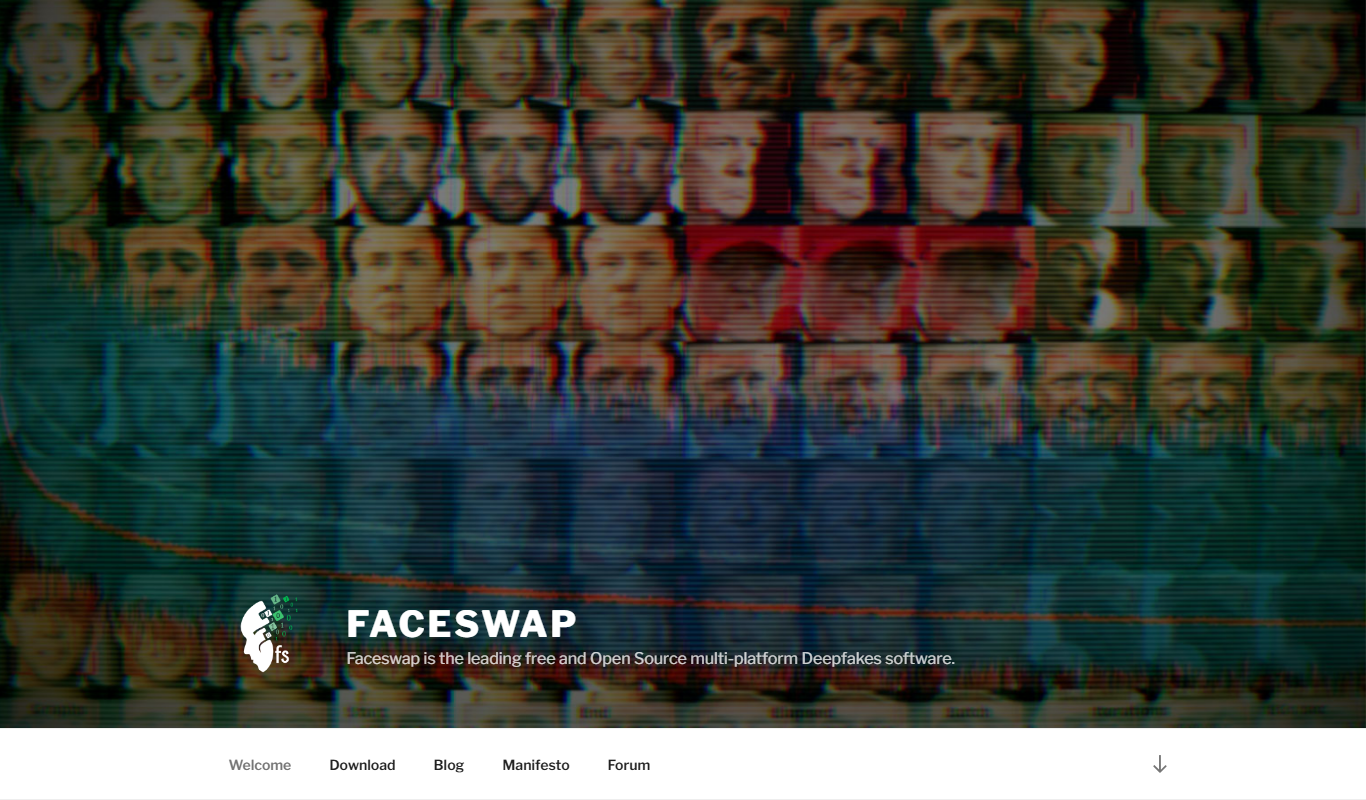
FaceSwap is a free, open-source AI software that enables realistic face swapping in images and videos using deep learning techniques.

Digital Domain
Digital Domain is a top visual effects and digital production studio specializing in CGI, virtual reality, and immersive media for films, commercials, and interactive experiences.
3Dthis
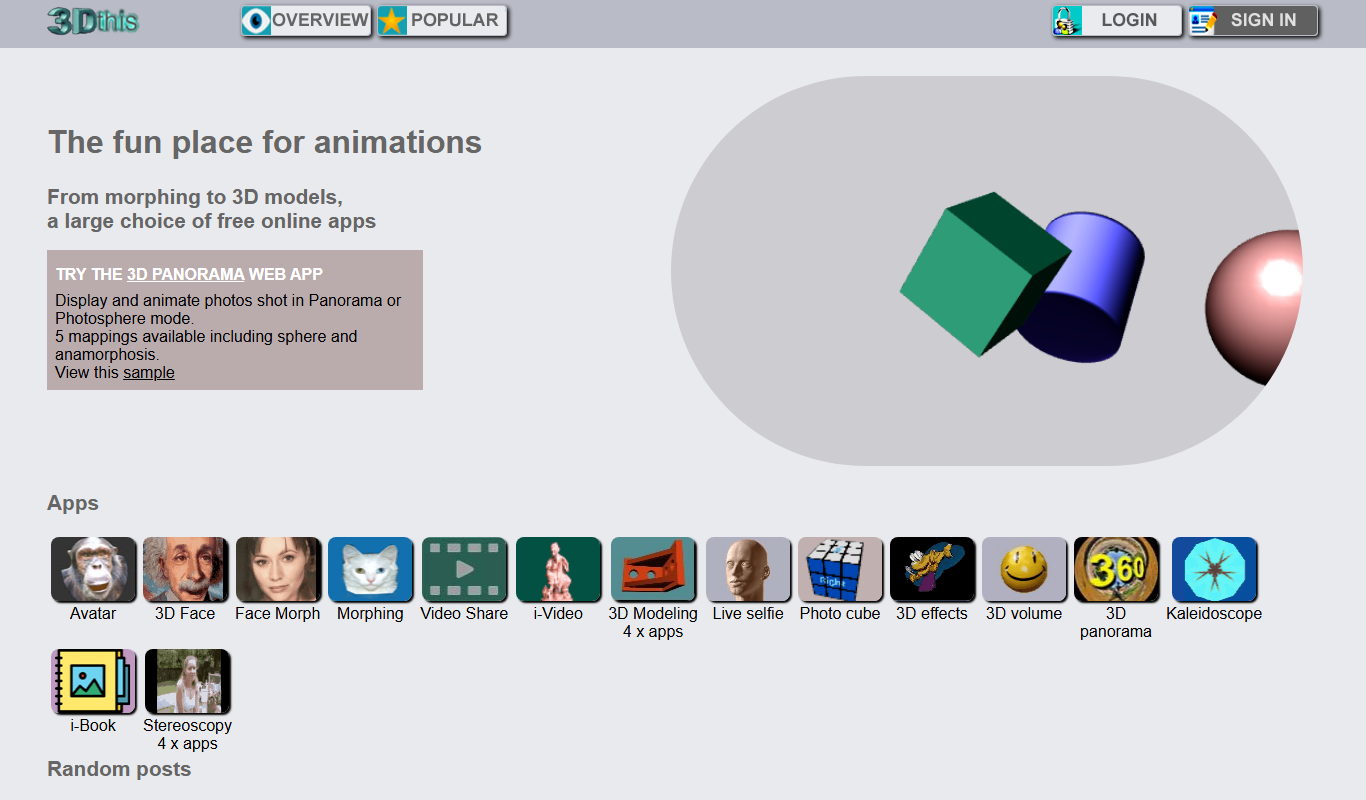
3Dthis is a web-based platform that allows users to create, animate, and customize 3D avatars and models from photos or templates without software installation.

ModiFace
ModiFace is an augmented reality platform that enables realistic virtual makeup try-on and beauty simulations using advanced face tracking and 3D modeling technology.

Faceware
Faceware is a markerless facial motion capture software that tracks and translates human facial expressions into digital animations in real time, widely used in gaming, film, and virtual production.