

Bubble No-Code Platform for Building Web Apps Without Coding Skills
Bubble is a no-code AI app builder for creating web and mobile apps visually, switching between AI prompting and visual editing for design, database, logic and privacy rules.
- Best for
- Startup MVP Development
- Key capability
- Visual Drag-and-Drop Editor
Save Bubble, follow its updates and vote on it — everything stays in your account.
Sign in or create a free account
What is Bubble?
Bubble is a no-code AI app builder for creating web and native mobile apps without writing traditional code. Users switch between AI prompting and visual editing, combining a drag-and-drop editor with workflows, a built-in database and hosting, and can publish apps to iOS and Android, from marketplaces and internal tools to SaaS products.
Key features of Bubble
Bubble offers a visual editor for UI design, a workflow system for logic and automation, a built-in database, API integrations, user authentication, and responsive design capabilities. It supports custom plugins and allows deployment directly from the platform.
Visual Drag-and-Drop Editor
Design responsive user interfaces without coding using an intuitive visual editor.
Workflow Automation
Create complex logic and automate processes with a no-code workflow builder.
Built-in Database
Store, query, and manipulate data directly within Bubble’s integrated database system.
API Connector
Easily connect to third-party APIs to enhance app capabilities.
User Authentication
Implement secure user sign-up, login, and roles management out of the box.
Plugin Marketplace
Extend functionality with community and official plugins for payments, analytics, and more.
Pros and cons of Bubble
Pros
- No coding required to build fully functional web apps
- Powerful visual workflow and database tools
- Active community and plugin marketplace
- Scalable plans for startups to enterprises
- Fast prototyping and deployment
Cons
- Steeper learning curve compared to simple drag-and-drop builders
- Performance can vary with very complex apps
- Limited offline capabilities
- Pricing can be high for large-scale apps
Key use cases for Bubble
Startup MVP Development
Build minimum viable products quickly without writing code, enabling fast iteration and validation.
Custom Web Applications
Create fully customized web apps tailored to specific business needs using visual workflows and database management.
Internal Tools
Develop internal dashboards and tools to streamline business operations without relying on engineering teams.
Marketplace Platforms
Build multi-user marketplaces with user accounts, payments, and complex workflows.
Prototyping and Testing
Rapidly prototype app ideas and test user experiences before committing to full development.
How Bubble works
- 1
Sign Up
Create a free account on Bubble’s website to access the platform.
- 2
Design Your App
Use the drag-and-drop editor to build your app’s user interface visually.
- 3
Set Up Workflows
Define app logic and automation by creating workflows triggered by user actions.
- 4
Manage Data
Create and configure your app’s database to store and manipulate data.
- 5
Integrate APIs
Connect external services and APIs to extend your app’s functionality.
- 6
Test and Deploy
Preview your app, fix issues, and deploy it live directly from Bubble.
Who is using Bubble
Bubble pricing
Free
$0/month
Projects that are under construction: development version, API connector, 1 app editor, 50K workload units per month, web app and native mobile editor.
Starter
$59 / month, billed annually
Projects that are ready to launch. Everything in Free, plus recurring workflows, basic version control, 175K workload units per month, live website, custom domain and 5 mobile build submissions per month.
Growth
$209 / month, billed annually
Best for team collaboration. Everything in Starter, plus premium version control, two-factor authentication, 2 app editors, 10 custom branches and 250K workload units per month.
Team
$549 / month, billed annually
Best for scaling your team and business. Everything in Growth, plus sub apps, 5 app editors, 25 custom branches and 500K workload units per month.
Enterprise
Contact us
Best for maximum security and scale. Everything in Team, plus custom workload units, choice of hosting location, customizable server, dedicated support team and pay by invoice or ACH.
Plans and prices are as published by the vendor and can change. Check the official site before you buy. Open the pricing page (opens in a new tab)
Frequently asked questions about Bubble
No, Bubble is designed for users without coding experience to build web apps visually.
Yes, Bubble includes an API connector to integrate with third-party services.
Yes, Bubble supports complex workflows, databases, and user management for sophisticated apps.
Yes, paid plans allow you to connect custom domains for your Bubble apps.
This tool is designed to help users accomplish its core tasks more efficiently. It is typically used by individuals or teams looking to improve productivity and workflow.
It depends on your specific needs and how you plan to use the tool. The official website and documentation are the best sources for the latest details.
Yes, it can help with that use case depending on how you configure it and what features are available. You’ll get the best results with clear inputs and a defined goal.
Pricing depends on the plan and included features. For the most accurate and up-to-date details, check the official pricing page.
Conclusion
Apps take shape by switching between AI prompting and visual editing, with a drag-and-drop editor for the interface and workflows triggered by user actions for the logic. Each app also gets an integrated database, an API connector for third-party services and user sign-up, login and roles management out of the box. Hosting and a secure backend are handled by the platform, and native mobile apps can be published to iOS and Android next to the web version.
Non-technical founders, freelancers building client apps and small to medium businesses are typical builders. Building is free on a plan meant for projects under construction, and launching starts with Starter, which adds a live website and custom domain. Growth and Team add app editors and workload for collaboration, while Enterprise is arranged through sales.
Sources
Sign in to review this tool.
Sign In to ReviewNo reviews yet
Be the first to share how this tool worked for you.
Ask about pricing, limits, or how it compares — or answer someone else.
Sign In to AskNo questions yet
Have a question about using or paying for this tool? Be the first to ask.
Featured on TiorAI



Alternative Tools
Explore similar AI tools that might fit your needs

Adalo
Adalo is a no-code platform that lets you create mobile and web applications visually without programming, supporting native app publishing and database integration.

OutSystems
OutSystems is a low-code platform that accelerates enterprise application development through visual tools, AI assistance, and seamless integration, enabling rapid deployment across web and mobile.
More AI App Builder tools
Other tools in the same category, for when this one is not quite the fit.

Curiosity
Curiosity Studio turns a sentence into working internal software, grounded in your company's connected data and permissions, on your own infrastructure.

AppifyText.ai
AppifyText.ai builds a working web app from a plain English description or an Excel file, and in v3 AI can edit the app too.

Tynker AI
Tynker AI is a no-code platform for creators, agencies and brands to build AI-driven games, quizzes and event activations that mix text, image and audio, with instant deployment and analytics.

Sparkable
Sparkable builds a working React web app from a description: describe the app, watch it run live in your browser, then edit the code, add npm packages and download the project.
Typeblock
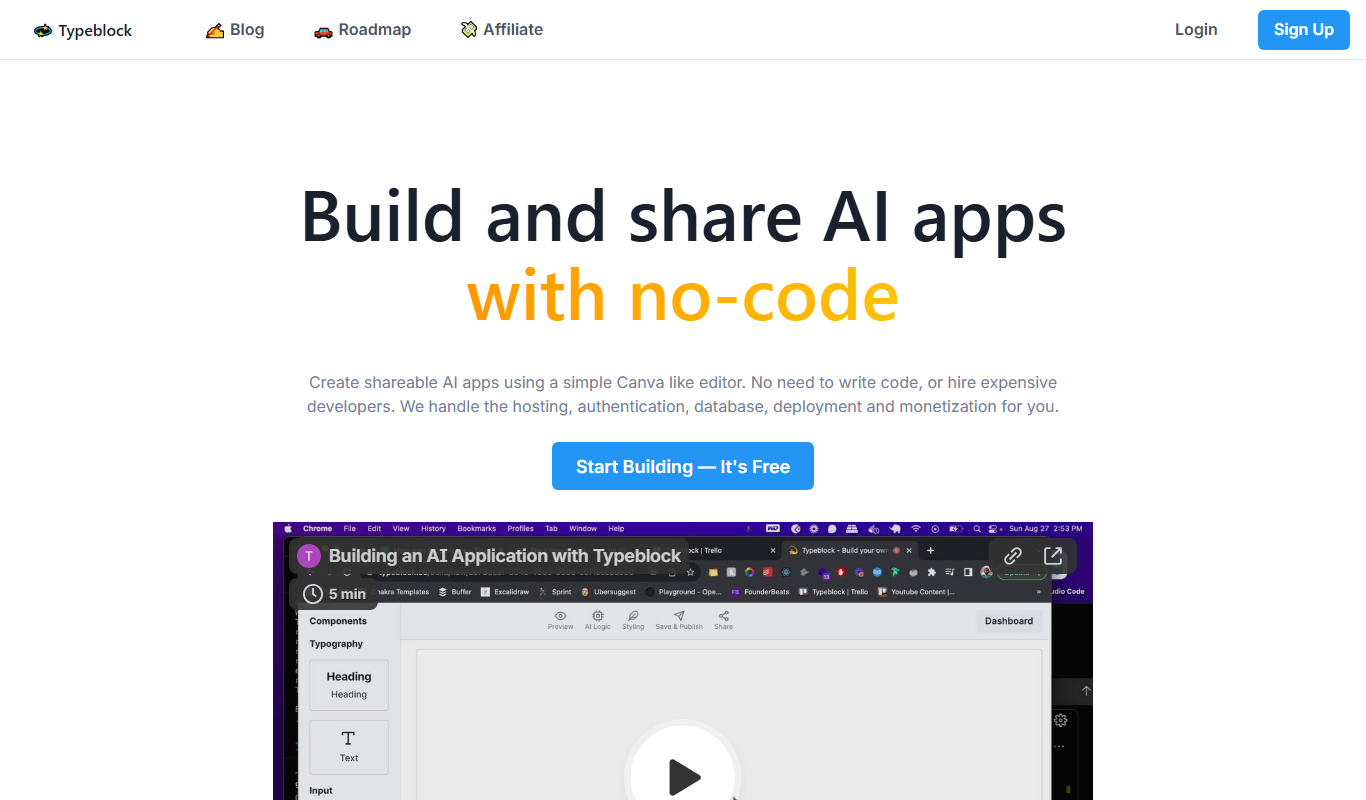
Typeblock lets you build and share AI apps with no code in a Canva like editor, with hosting, authentication, email collection and Stripe monetization handled for you.
toolmark.ai
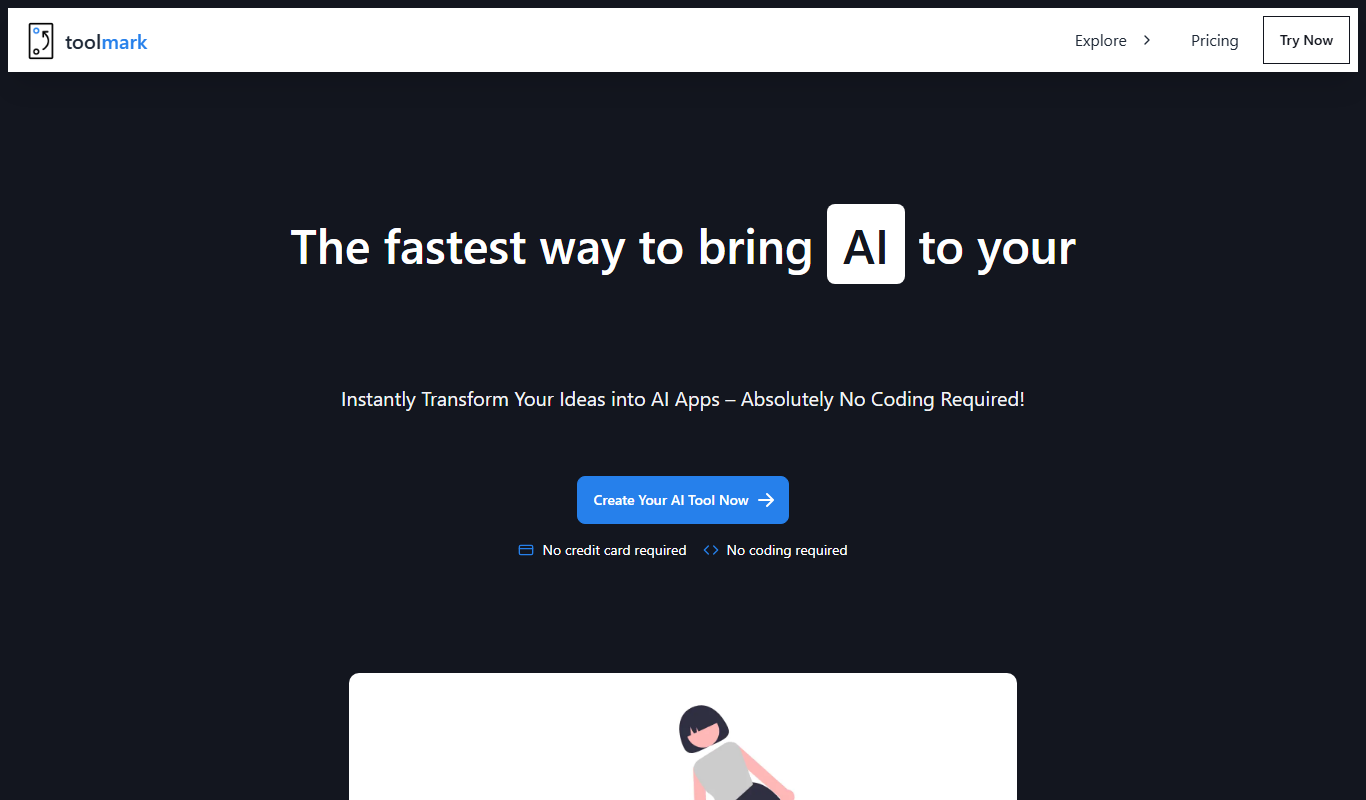
toolmark.ai lets you create AI tools without code that generate text, images, voice and more, then embed them on your site or publish them, with a 7-day free trial.

Glowby Genius by Glowbom
Glowby Genius by Glowbom turns a rough sketch into working software for iOS, Android and the web, then keeps the code and project memory.

Digital Emperor
Digital Emperor's AI suite turns an app description into instant design specifications, including a user flow, sitemap and copy.