

Rounding Calculator
Round numbers to specified decimal places using different rounding modes. See how each method affects the result.
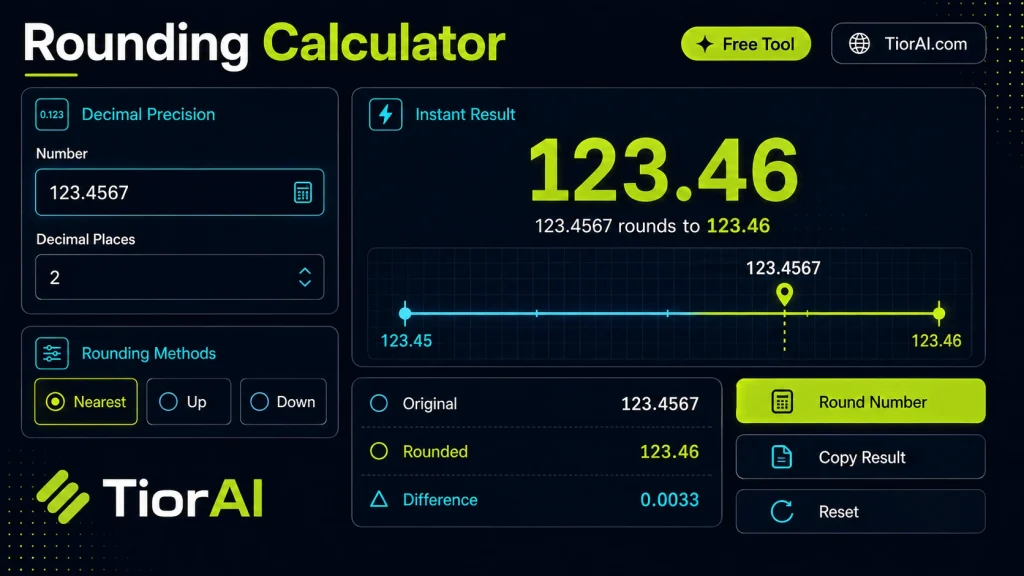
| Rounded Result | -- |
|---|---|
| Original Number | -- |
| Rounding Mode | -- |
Compare All Rounding Modes
| Mode | Result |
|---|---|
| Half Up (Standard) | -- |
| Half Down | -- |
| Up (Ceiling) | -- |
| Down (Floor) | -- |
| Truncate | -- |
| Half to Even (Bankers) | -- |
Rounding Methods Explained
- Round Half Up: Standard rounding. 0.5 and above rounds up, below 0.5 rounds down.
- Round Half Down: Above 0.5 rounds up, 0.5 and below rounds down.
- Round Up: Always rounds away from zero.
- Round Down: Always rounds toward zero.
- Truncate: Simply removes digits without rounding.
- Bankers Rounding: Rounds half to nearest even number. Reduces cumulative error.
How to use it
- Enter Your Values Input your numbers or parameters into the Rounding Calculator. Fill in all required fields for an accurate calculation.
- Calculate Results Click the calculate button to process your inputs. The Rounding Calculator delivers instant, accurate results.
- Review and Use Review your calculated results, explore the breakdown, and copy or share the output for your needs.
Tip Try different input values with the Rounding Calculator to compare scenarios side by side before making decisions.
Understanding Number Rounding
Rounding is the process of reducing the digits in a number while keeping its value close to the original. This is done to simplify numbers, making them easier to work with or communicate, especially when exact precision is unnecessary or impractical.
Why rounding is important:
Data simplification:Large or complex numbers can be rounded to make them more understandable.Measurement precision:Instruments often provide results with more decimal places than needed, so rounding aligns results with the required accuracy.Financial calculations:Currency values are typically rounded to two decimal places for cents.
Common rounding methods include rounding to the nearest integer, decimal place, or significant figure. Each method serves different purposes depending on the context. For example, rounding to significant figures is useful in scientific measurements where the precision of the data matters, while rounding to decimal places is common in everyday calculations.
Rounding calculators automate this process, allowing users to quickly and accurately round numbers without manual calculation errors. They are especially helpful when dealing with large datasets, financial reports, or scientific data analysis.
What is Number Rounding?
Rounding is a mathematical technique used to reduce the number of digits in a number while keeping its value close to the original. This simplification helps make numbers easier to read, communicate, and use in calculations where exact precision is not necessary.
There are several rounding methods, including rounding to the nearest integer, decimal place, or significant figure. Each method serves different purposes depending on the context, such as financial calculations, scientific measurements, or data reporting.
When to Use a Rounding Calculator
- Simplifying complex numbers for reports or presentations.
- Adjusting measurement data to a required precision in scientific or engineering tasks.
- Performing financial calculations that require rounding to two decimal places.
- Preparing datasets for statistical analysis with consistent decimal precision.
Common Mistakes to Avoid
- Mixing up rounding to decimal places with rounding to significant figures, which can lead to incorrect results.
- Failing to specify the rounding method or precision, resulting in ambiguous or unintended outputs.
Using a rounding calculator helps eliminate manual errors and saves time by automating the rounding process. It is a practical tool for students, professionals, and anyone working with numerical data.
Frequently asked questions
Reviews and questions
Whether this tool gave people the answer they needed, and what they asked about it.
Sign in to review this tool.
Sign In to ReviewNo reviews yet
Be the first to say whether this tool gave you what you needed.
Ask how to read the result, or what the tool does with an edge case — or answer someone else.
Sign In to AskNo questions yet
Not sure how to read a result? Be the first to ask.