

Sloyd AI 3D Modeling Tool for Game Developers and Designers
Sloyd is a web-based AI-assisted 3D modeling tool designed to help game developers and designers quickly create customizable low-poly 3D assets with ease.
- Best for
- Game Asset Creation
- Key capability
- AI-Assisted Modeling
Save Sloyd, follow its updates and vote on it — everything stays in your account.
Sign in or create a free account
What is Sloyd?
Sloyd is a web-based AI-powered 3D modeling tool designed to simplify and accelerate the creation of 3D assets. It leverages artificial intelligence to assist users in generating customizable, low-poly 3D models suitable for game development, VR/AR projects, and design prototyping. The platform focuses on ease of use, allowing both beginners and professionals to create complex models without deep technical expertise.
Key features of Sloyd
Sloyd offers AI-assisted modeling workflows, a library of customizable templates, real-time editing, and export options compatible with popular game engines and 3D software. Its intuitive interface enables rapid iteration and asset creation optimized for performance.
AI-Assisted Modeling
Leverages AI to automate complex modeling steps and suggest design improvements.
Template Library
Access a growing collection of base models to jumpstart your projects.
Real-Time Editing
Modify models interactively with instant visual feedback.
Export Flexibility
Supports multiple file formats such as OBJ and FBX for seamless integration.
Pros and cons of Sloyd
Pros
- User-friendly AI-assisted modeling reduces learning curve
- Web-based platform requires no installation
- Supports export to common 3D file formats
- Good for rapid prototyping and game asset creation
Cons
- Limited advanced modeling features compared to professional software
- Pricing may be high for casual users needing occasional exports
Key use cases for Sloyd
Game Asset Creation
Create optimized 3D models for games quickly using AI-assisted tools that simplify complex modeling tasks.
3D Design Prototyping
Rapidly prototype 3D designs for visualization, concept art, or product design with intuitive AI-powered modeling.
Low-Poly Model Generation
Generate low-poly 3D models suitable for real-time applications, VR, and AR projects efficiently.
Educational Use
Learn 3D modeling fundamentals with AI guidance and accessible tools designed for beginners and educators.
How Sloyd works
- 1
Sign Up
Create a free account on Sloyd’s web platform to access the modeling tools.
- 2
Choose a Template or Start from Scratch
Select from a variety of AI-generated base models or begin a new project with an empty canvas.
- 3
Customize Your Model
Use AI-assisted tools to modify shapes, textures, and details with real-time feedback.
- 4
Export Your Asset
Download your finished 3D model in formats compatible with game engines or 3D software.
Who is using Sloyd
Sloyd pricing
Free
$0/month
Access to basic modeling tools and limited exports.
Pro
$29/month
Full access to all features, unlimited exports, and priority support.
Plans and prices are as published by the vendor and can change. Check the official site before you buy. Open the pricing page (opens in a new tab)
Frequently asked questions about Sloyd
Yes, Sloyd is designed with an intuitive interface and AI assistance to help beginners create 3D models easily.
You can export your models in popular formats like OBJ and FBX, compatible with most game engines and 3D software.
Yes, models created with Sloyd can be used commercially, but you should review the licensing terms on their website.
It depends on your specific needs and how you plan to use the tool. The official website and documentation are the best sources for the latest details.
Yes, it can help with that use case depending on how you configure it and what features are available. You’ll get the best results with clear inputs and a defined goal.
Some tools offer a free plan or trial with limited features. Availability can vary, so confirm on the official website.
Conclusion
Work starts from a free account on the web platform, where a project begins either from AI-generated base models or from an empty canvas. AI-assisted tools then modify shapes, textures and details with real-time feedback, and the finished 3D model is downloaded in formats compatible with game engines or 3D software. As a web-based platform, it requires no installation.
The output is aimed at low-poly 3D models for games, real-time applications and VR and AR projects, so game developers, indie developers and small studios and VR/AR content creators are the main users. Educators and students learning 3D modeling are also addressed. The listed drawbacks include limited advanced modeling features compared to professional software. A free plan sits alongside paid Plus, Pro and Enterprise plans.
Sources
Sign in to review this tool.
Sign In to ReviewNo reviews yet
Be the first to share how this tool worked for you.
Ask about pricing, limits, or how it compares — or answer someone else.
Sign In to AskNo questions yet
Have a question about using or paying for this tool? Be the first to ask.
Featured on TiorAI



Alternative Tools
Explore similar AI tools that might fit your needs

Tinkercad
Tinkercad is a free, browser-based 3D design and electronics simulation tool by Autodesk, perfect for beginners and educators to create models and circuits without prior CAD experience.
More AI 3D Modeling Tools tools
Other tools in the same category, for when this one is not quite the fit.

OpalAi ScanTo3D
OpalAi ScanTo3D is a mobile app for capturing spaces with an iPhone Pro or iPad Pro with a 3D LiDAR scanner and generating floor plans, digital twins and BIM-ready models.
123kanfang.com
123kanfang is a Chinese technology provider for online VR property viewing and virtual home decoration that builds 3D models from panoramic photos.

cgfaces
cgfaces is a collection of free AI-generated images of people and the prompts behind them, with a built-in AI generator for your own variations.

Meshy
Meshy is an AI 3D model generator that turns text or images into ready-to-use 3D models in under a minute.
TextTo3D
TextTo3D is a web-based AI tool that converts natural language text descriptions into 3D models, enabling users to create 3D content without prior modeling experience.
Alpha3D
Alpha3D turns a prompt or a photo into a game-ready 3D model, with retopology, UV unwrapping, texturing, rigging and format conversion in one workflow.

Stable Fast 3D(SF3D)
Stable Fast 3D (SF3D) is an open-source Stability AI model that turns a single image into a textured 3D mesh with UV unwrapping and material parameters.
Instant3d.ai
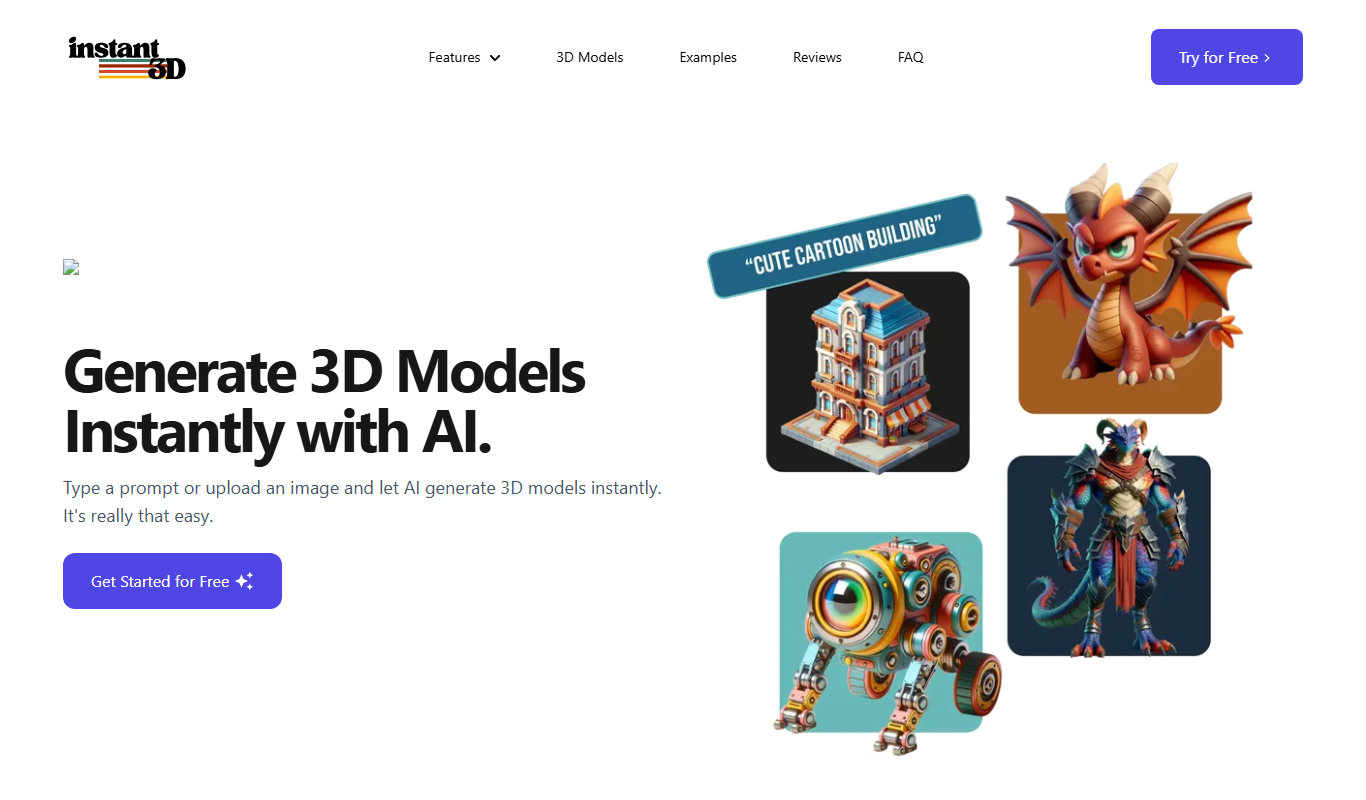
Instant3D.ai is a web-based AI tool that automates 3D model creation from simple inputs, enabling rapid design and prototyping without advanced skills.