

Houdini 3D Animation Software for Visual Effects and Procedural Modeling
Houdini is a professional 3D animation and visual effects software by SideFX, known for its procedural node-based workflow and advanced simulation capabilities used in film, TV, and game development.
- Best for
- Visual Effects Production
- Key capability
- Procedural Node-Based Workflow
Save Houdini, follow its updates and vote on it — everything stays in your account.
Sign in or create a free account
What is Houdini?
Houdini is a professional 3D animation and visual effects software developed by SideFX. It is widely recognized for its procedural generation capabilities, allowing artists and technical directors to create complex simulations, animations, and models with a node-based workflow. Houdini is used extensively in film, television, and game development for creating high-quality visual effects and animations.
Key features of Houdini
Houdini offers a comprehensive suite of tools including procedural modeling, particle and fluid simulations, character rigging and animation, rendering, and compositing. Its node-based architecture provides flexibility and control, enabling artists to iterate quickly and create complex effects efficiently.
Procedural Node-Based Workflow
Enables non-destructive, flexible creation of complex assets and effects.
Advanced Simulation Tools
Includes fluid, smoke, fire, destruction, and crowd simulation capabilities.
Character Rigging and Animation
Robust tools for creating and animating characters with precise control.
Integration with Industry Pipelines
Supports formats and workflows compatible with major VFX and game development tools.
High-Quality Rendering
Built-in renderers like Mantra and support for third-party renderers for photorealistic output.
Pros and cons of Houdini
Pros
- Powerful procedural workflow for flexibility
- Comprehensive simulation and animation tools
- Industry-standard for VFX and animation
- Cross-platform support
- Strong community and learning resources
Cons
- Steep learning curve for new users
- High cost for commercial licenses
- Resource-intensive requiring powerful hardware
Key use cases for Houdini
Visual Effects Production
Create complex visual effects for films, TV, and games using Houdini’s procedural workflows and simulation tools.
3D Animation
Develop character animations and dynamic simulations with advanced rigging and animation tools.
Procedural Modeling
Build detailed 3D models and environments procedurally, allowing for flexible and non-destructive workflows.
Game Development
Generate assets and effects optimized for real-time engines, integrating Houdini’s tools into game pipelines.
Simulation and Dynamics
Simulate fluids, smoke, fire, destruction, and crowds with Houdini’s powerful physics-based solvers.
How Houdini works
- 1
Install Houdini
Download and install Houdini on your Windows, macOS, or Linux system.
- 2
Create a Project
Start a new project and set up your scene using Houdini’s node-based interface.
- 3
Build Procedural Assets
Use nodes to create procedural models, animations, and simulations that can be easily modified.
- 4
Simulate Effects
Apply physics-based simulations like fluids, smoke, and destruction to enhance realism.
- 5
Render and Export
Render your final animation or effect using integrated renderers and export for post-production or game engines.
Who is using Houdini
Houdini pricing
Apprentice
Free
Free version for non-commercial use with limited features.
Indie
$299 for 1 year or $449 for 2 years
Affordable license for independent artists and small studios.
Commercial
$4,495 perpetual or subscription options
Commercial licenses are split between Houdini Core and Houdini FX, with subscription or perpetual options.
Plans and prices are as published by the vendor and can change. Check the official site before you buy. Open the pricing page (opens in a new tab)
Frequently asked questions about Houdini
Houdini has a steep learning curve but offers extensive tutorials and a free Apprentice version for learning.
Yes, Houdini supports game asset creation and integrates with game engines like Unreal and Unity.
Houdini runs on Windows, macOS, and Linux operating systems.
This tool is designed to help users accomplish its core tasks more efficiently. It is typically used by individuals or teams looking to improve productivity and workflow.
It depends on your specific needs and how you plan to use the tool. The official website and documentation are the best sources for the latest details.
Pricing depends on the plan and included features. For the most accurate and up-to-date details, check the official pricing page.
Conclusion
Procedural, node-based work is the core of this SideFX package: models, animations and simulations are created with nodes that can be easily modified. Its simulation capabilities include fluid, smoke, fire, destruction and crowd simulation. Finished work is rendered with built-in renderers like Mantra or third-party renderers and exported for post-production or game engines, including Unreal and Unity.
Visual effects artists, 3D animators, technical directors and game developers working in film, television and game development are its core users. It runs on Windows, macOS and Linux. A free Apprentice version covers non-commercial use and learning, Indie costs $299 for one year or $449 for two, and commercial licenses split between Houdini Core and Houdini FX with subscription or perpetual options.
Sources
Sign in to review this tool.
Sign In to ReviewNo reviews yet
Be the first to share how this tool worked for you.
Ask about pricing, limits, or how it compares — or answer someone else.
Sign In to AskNo questions yet
Have a question about using or paying for this tool? Be the first to ask.
Featured on TiorAI



Alternative Tools
Explore similar AI tools that might fit your needs
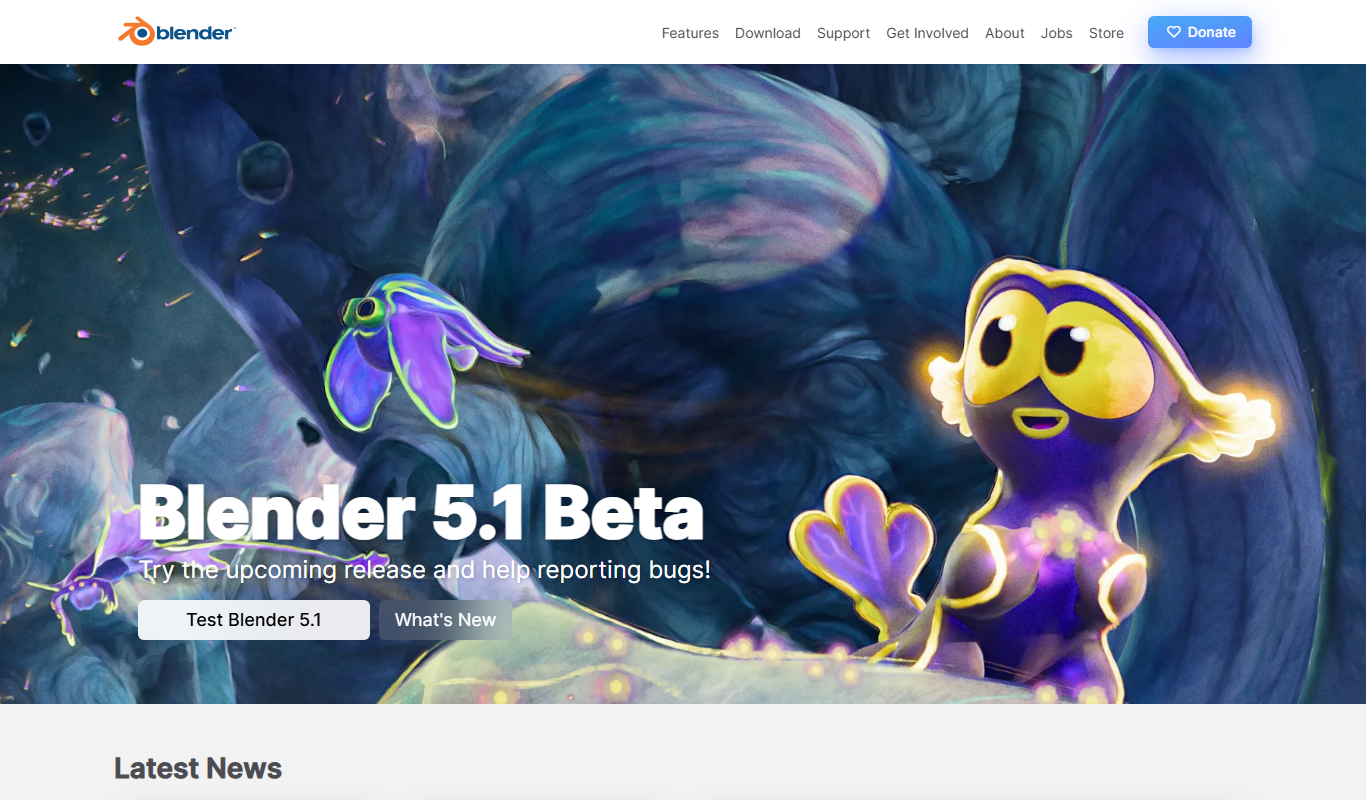
Blender
Blender is a free, open-source 3D creation suite used for modeling, animation, rendering, and video editing across various creative industries.
More Art & Creative Design tools
Other tools in the same category, for when this one is not quite the fit.

Newmoney.AI
Newmoney.AI is an AI-powered crypto and cash wallet: buy, trade, swap and send crypto across SUI, Solana, Ethereum and Bitcoin with the AI agent Newton, including via WhatsApp and Telegram.

Notion Business OS
Notion Business OS is a comprehensive Notion template by Landmark Labs that helps small businesses and teams manage projects, clients, content, and workflows in one centralized workspace.

AI Song Generator
AI Song Generator is a web tool that creates original songs and lyrics from your genre, mood and topic, with a limited free plan and paid subscriptions.

TwoShot
TwoShot is an AI creative suite for music, audio, video and images: generate music and sounds from text, split stems, make voiceovers and produce in an online studio.

Kuakua – Psychology & AI Tools for Well-Being
Kuakua is a free website of psychology games, tests, screenings and cognitive experiments that turns psychology research into small tools for well-being.

WebsiteAuditAI
WebsiteAuditAI runs AI-powered UX, CRO and copywriting audits of any web page and returns scored reports with actionable recommendations.

MixPeek
MixPeek is an AI-driven multimedia search engine that indexes videos, images, audio, and documents to enable fast, accurate search through a web interface and developer API.

Remodel AI
Remodel AI is a web-based AI tool that redesigns any room or home exterior from an uploaded photo in seconds.