

Amped Studio Online Music Production Software with MIDI and Audio Editing
Amped Studio is an online DAW with AI music tools to create beats, record vocals, mix tracks and produce songs in your browser without installation.
- Best for
- Music Composition
- Key capability
- Browser-Based DAW
Save ampedstudio.com, follow its updates and vote on it — everything stays in your account.
Sign in or create a free account
What is ampedstudio.com?
Amped Studio is an online DAW (digital audio workstation) with AI music tools that lets you create music directly in your browser with no installations or setup. You can record vocals, arrange tracks, add effects and use VST plugins installed on your computer, and AI tools such as the AI assistant and AI Splitter help generate ideas and split songs into stems.
Key features of ampedstudio.com
Amped Studio provides a full-featured online DAW experience including MIDI and audio track editing, virtual instruments, effects plugins, real-time collaboration, and cloud storage integration. Its intuitive interface and browser-based workflow make music production more accessible and flexible.
Browser-Based DAW
No installation required; works on any modern web browser.
MIDI and Audio Editing
Supports MIDI sequencing, audio recording, and multi-track editing.
Virtual Instruments and Effects
Virtual instruments from bass to lead, VST 3 support and use of an external MIDI controller.
Collaboration
Create collaborative songs: generate a link and send it to a musician friend.
AI Assistant
Select a music style and the AI assistant creates between 4 and 8 tracks of audio stems in project or song form to edit further.
AI Splitter
Upload any song and get separate instrumental and vocal tracks.
Pros and cons of ampedstudio.com
Pros
- Accessible from any device with a web browser
- No installation or setup required
- Supports both MIDI and audio recording
- Real-time collaboration features
- Free Starter plan and paid plans with a 7-day trial
Cons
- Requires stable internet connection
- Limited offline functionality
- The current version of the studio does not support mobile mode
Key use cases for ampedstudio.com
Music Composition
Create and arrange music tracks using MIDI instruments and audio samples directly in the browser.
Audio Recording and Editing
Record vocals or instruments and edit audio clips with built-in tools without installing software.
Collaborative Music Projects
Work with other musicians remotely by sharing projects and collaborating in real-time.
Learning Music Production
Ideal for beginners and educators to learn and teach music production concepts using an accessible online platform.
How ampedstudio.com works
- 1
Create an Account
Sign up on the Amped Studio website to start saving projects and accessing premium features.
- 2
Start a New Project
Open the online DAW in your browser and create a new music project with MIDI and audio tracks.
- 3
Add Instruments and Effects
Use built-in virtual instruments and effects to compose and shape your sound.
- 4
Record and Edit
Record audio inputs or program MIDI sequences, then edit and arrange them on the timeline.
- 5
Collaborate and Export
Share your project with collaborators or export your final mix to audio files.
Who is using ampedstudio.com
ampedstudio.com pricing
Starter
Free
For beginner musicians: ads, 5 projects, 16 tracks, no project export, export only in MP3 format, 5 virtual instruments, 10 virtual effects and one-time demo access to AI features.
Premium
$6.99/month, or $5.99/month billed yearly ($69.99)
No ads, 50 projects, unlimited tracks and project exports, MP3 and WAV export, 10GB storage, VST 3 support, 9 virtual instruments and 21 virtual effects; 7-day trial.
Premium + AI
$12.99/month, or $9.99/month billed yearly ($119.99)
Everything in Premium with unlimited projects, 50GB storage, 8 sample packs and the AI music assistant and splitter; 7-day trial.
Plans and prices are as published by the vendor and can change. Check the official site before you buy. Open the pricing page (opens in a new tab)
Frequently asked questions about ampedstudio.com
No, Amped Studio runs entirely in your web browser without any downloads.
Yes, Amped Studio supports real-time collaboration with other users.
You can export your projects as WAV or MP3 audio files.
Currently, Amped Studio is only available as a web application.
Some tools offer a free plan or trial with limited features. Availability can vary, so confirm on the official website.
Yes, it can help with that use case depending on how you configure it and what features are available. You’ll get the best results with clear inputs and a defined goal.
It depends on your specific needs and how you plan to use the tool. The official website and documentation are the best sources for the latest details.
Conclusion
Music is made directly in the browser, where vocals can be recorded onto a track, MIDI melodies and chords edited, and VST 3 plugins installed on the computer used alongside built-in instruments. An external MIDI keyboard can be connected, and a Drumpler drum machine takes custom one-shots.
Two AI tools sit on top of the DAW: an AI assistant that generates between 4 and 8 tracks of stems in a chosen music style, and a splitter that separates any uploaded song into instrumental and vocal tracks. It is not a text-prompt AI music generator, and the assistant’s results come from a sound library database for the user to develop further. Collaborative songs are created by generating a link and sending it to a musician friend.
The free Starter plan has ads, 5 projects and 16 tracks, while Premium offers unlimited tracks and Premium + AI adds the music assistant and splitter, each with a 7-day trial. The current version does not support mobile mode.
Sources
Sign in to review this tool.
Sign In to ReviewNo reviews yet
Be the first to share how this tool worked for you.
Ask about pricing, limits, or how it compares — or answer someone else.
Sign In to AskNo questions yet
Have a question about using or paying for this tool? Be the first to ask.
Featured on TiorAI



Alternative Tools
Explore similar AI tools that might fit your needs

Soundtrap
Soundtrap is a cloud-based digital audio workstation that enables users to create, record, edit, and collaborate on music and podcasts online through web and mobile platforms.

Audiotool
Audiotool is a web-based digital audio workstation that lets users create, mix, and collaborate on music projects online using virtual instruments and effects without software installation.
More AI Music & Audio Tools tools
Other tools in the same category, for when this one is not quite the fit.

Soundify
Soundify is a free AI generator that creates sound effects from text descriptions, with 5 free generations a day for signed-in users.

AI Song Generator
AI Song Generator is a web tool that creates original songs and lyrics from your genre, mood and topic, with a limited free plan and paid subscriptions.

A.V. Mapping
A.V. Mapping is an AI platform that analyzes your video or photo, recommends licensed music and sound effects from musicians, and handles the music license in one place.

Beatoven.ai
Beatoven.ai is an AI-driven platform that generates custom royalty-free music tracks tailored to your project's mood and style, ideal for content creators and marketers.
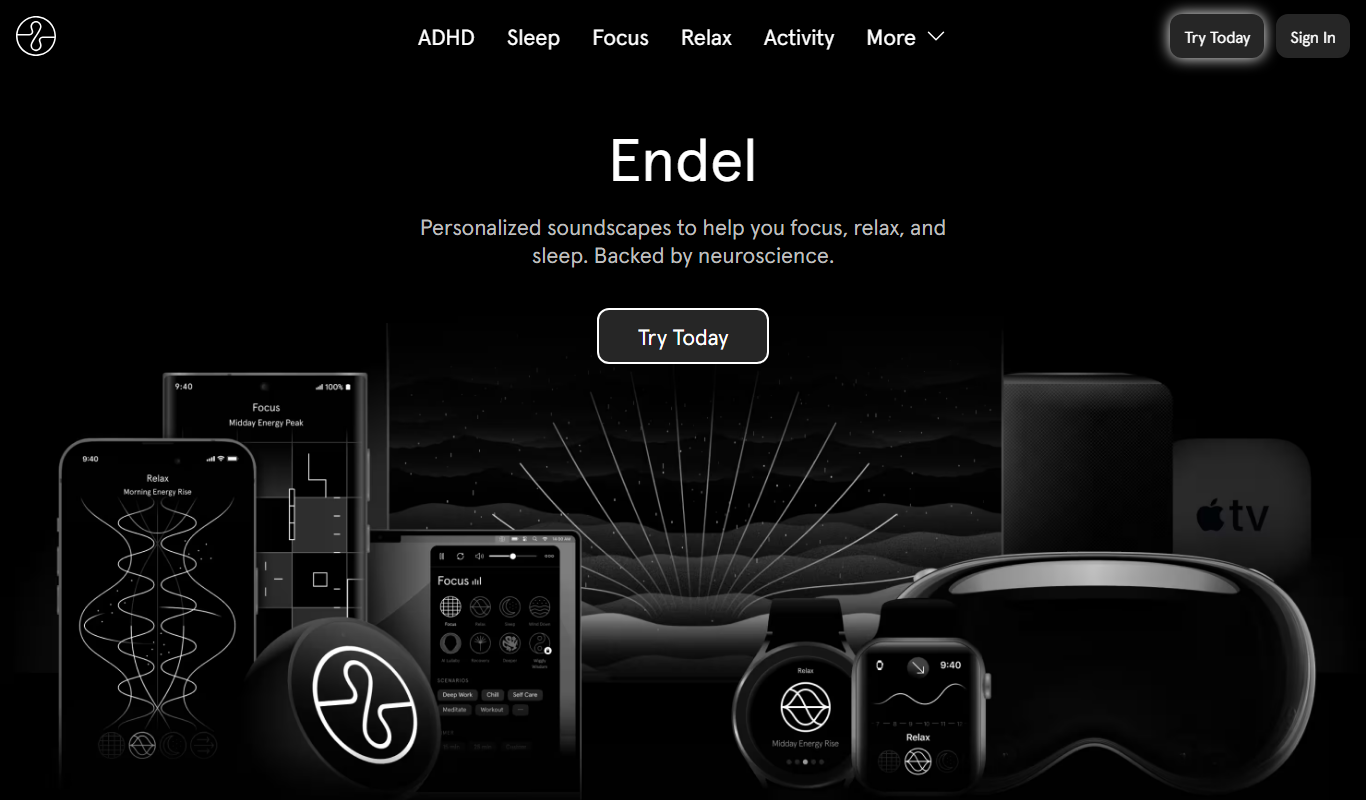
Endel
Endel is an AI-driven app that generates adaptive soundscapes tailored to improve focus, relaxation, and sleep by using real-time data such as time, location, and biometric inputs.

SONOTELLER
SONOTELLER.AI is an AI song analyzer that tags lyrics and music (genres, moods, instruments, BPM and key) and autotags music catalogs through its API.

AI Song Generator-Make Song
AI Song Generator-Make Song is an online tool that uses artificial intelligence to create original songs by generating melodies and lyrics based on user inputs such as themes or moods.
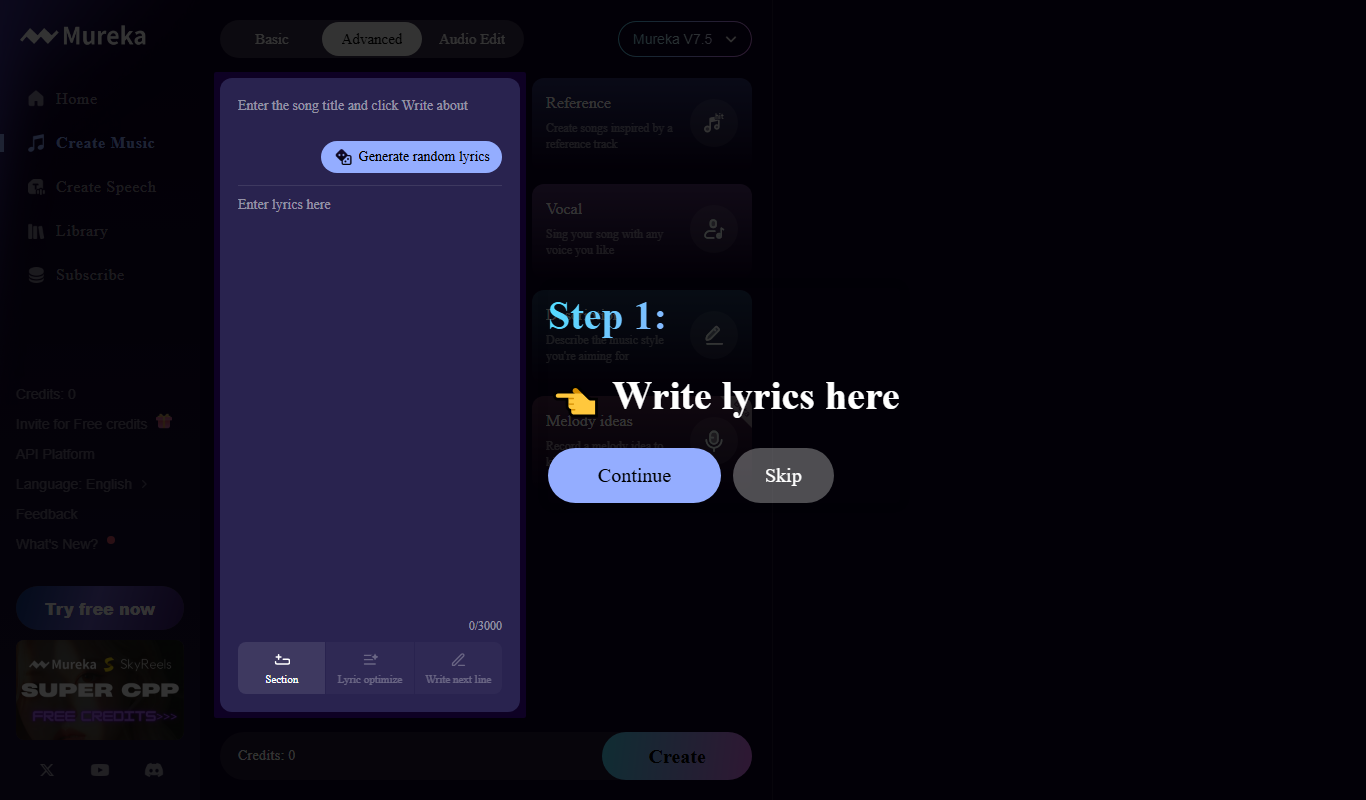
Mureka
Mureka is an AI music generator that creates full songs, vocals, lyrics and instrumentals from text prompts, with free use and paid subscription plans.