

Indiemono Indie Curators and Spotify Playlists with Free Music Submission
Indiemono is an indie music platform of independent curators and Spotify playlists where artists can submit music for free to be considered for its editorial selections.
- Best for
- Pitching songs to playlists
- Key capability
- Free music submission
Save IndieMono, follow its updates and vote on it — everything stays in your account.
Sign in or create a free account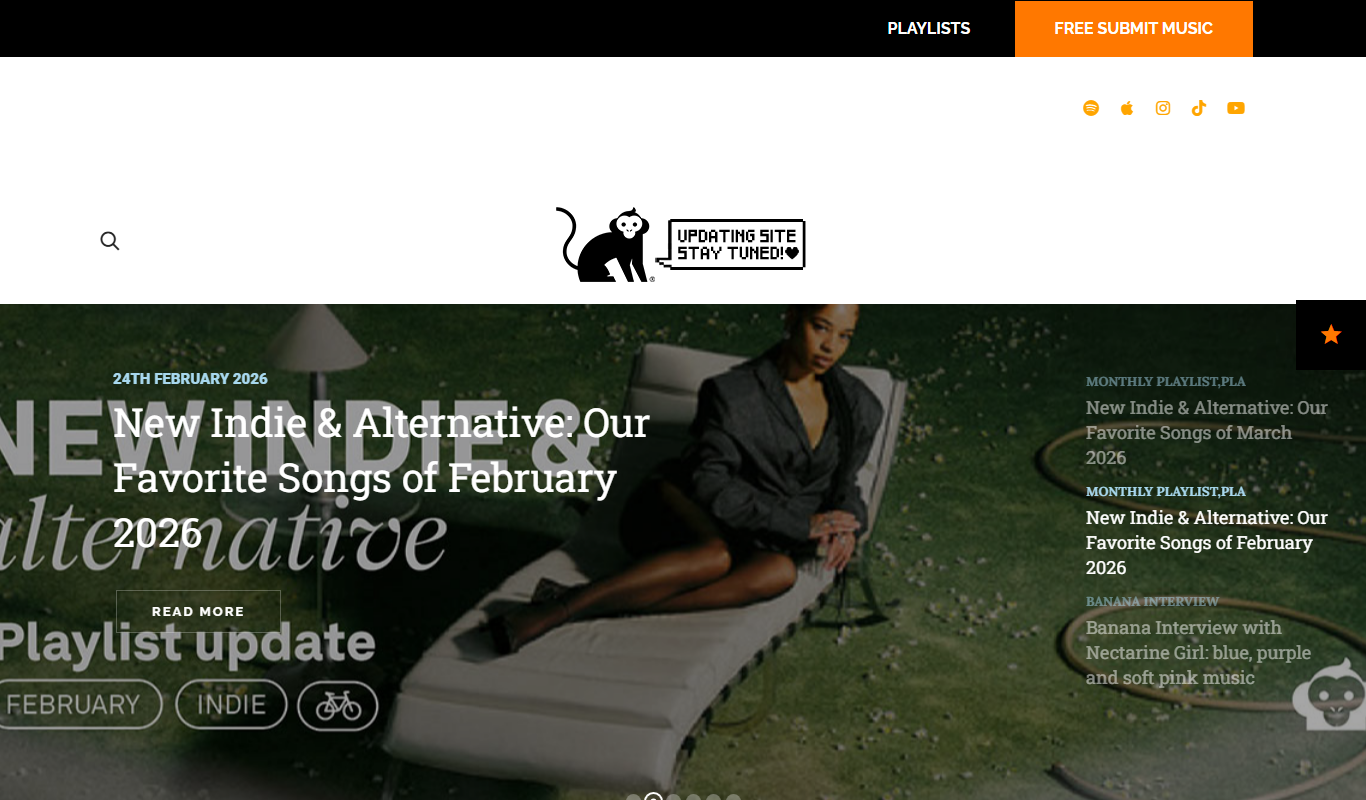
What is IndieMono?
Indiemono is an independent music curation platform focused on Spotify playlists and the discovery of new talent. Indie bands and artists submit songs for free to its curators, and it also runs a blog, a digital label and the Distromono distribution service.
Key features of IndieMono
Indiemono offers free music submission through genre boxes, curated Spotify and Apple Music playlists, a blog with monthly favourite songs, a digital label for selected releases and its own distribution platform.
Free music submission
Choose a genre box or browse playlists and submit a song for free to be considered for editorial selections.
Curated Spotify playlists
Independent curators sort submissions and decide which playlists can promote them.
No paid placements
Indiemono does not sell placements, and artists do not pay for curation.
Label releases
Selected releases are distributed globally with the technical standards and platform relationships of established labels.
Distromono distribution
A distribution platform for independent artists who want control, clarity and sustainability.
Pros and cons of IndieMono
Pros
- Music submission is free and placements are never sold
- Playlists on both Spotify and Apple Music
- Distromono pricing without revenue commissions
- Helpful for overcoming writer's block
- Provides editing and refinement suggestions
Cons
- No individual feedback on submitted songs
- No dedicated mobile app available
- Some advanced features require subscription
Key use cases for IndieMono
Pitching songs to playlists
Independent artists submit music to Spotify playlists run by independent curators.
Discovering indie music
Listeners follow curated playlists such as the monthly indie and alternative selection running since 2011.
Releasing and distributing music
Songs that are not released yet can be sent as demos to the digital label or released through Distromono.
Idea Brainstorming
Use AI to brainstorm topics, outlines, and concepts for various writing projects.
Editing and Refinement
Improve and polish existing text by leveraging AI suggestions for clarity, style, and grammar.
How IndieMono works
- 1
Choose a genre box
Start by choosing the genre box, or browse playlists to submit directly.
- 2
Submit the song once
One submission is enough; the curators place songs across all playlists.
- 3
Curators listen
Curators listen to submissions and playlist the songs they like.
- 4
Check where you were playlisted
Use Spotify for Artists to see if and where the song was playlisted.
- 5
Export or Publish
Save, export, or directly use the generated content for your projects.
Who is using IndieMono
IndieMono pricing
Free music submission
Free
Submit songs through genre boxes to be considered for editorial playlist selections.
Pro
$15/month
Unlimited usage, priority access to new features, and enhanced AI capabilities.
Plans and prices are as published by the vendor and can change. Check the official site before you buy. Open the pricing page (opens in a new tab)
Frequently asked questions about IndieMono
Yes. Indiemono does not sell placements or accept payments for inclusion in a playlist; artists do not pay for curation.
No. Choose one box; the curators place songs in playlists everywhere.
The most reliable way is to check Spotify for Artists.
No. Because the system is free, the curators spend their time listening to submissions and playlisting the songs they like.
A distribution platform for independent artists who want control, clarity and sustainability, with pricing without revenue commissions.
Pricing depends on the plan and included features. For the most accurate and up-to-date details, check the official pricing page.
Yes, it can help with that use case depending on how you configure it and what features are available. You’ll get the best results with clear inputs and a defined goal.
Some tools offer a free plan or trial with limited features. Availability can vary, so confirm on the official website.
Conclusion
Getting an unknown song in front of listeners is the problem Indiemono addresses: indie bands and artists submit tracks for free to a team of independent curators who run Spotify playlists. An artist picks one genre box, sends the song once and then checks Spotify for Artists to see whether and where it was playlisted. Placements are not sold, and artists do not have to pay for curation.
Because the system is free, submissions get no individual feedback, and a song that is not picked simply does not appear. Beyond playlists on Spotify and Apple Music, the site publishes a blog with monthly indie and alternative favourites. For releases there are two routes: unreleased songs can go to the digital label as demos, or artists can distribute independently through Distromono, a separate platform priced without revenue commissions.
Sources
Sign in to review this tool.
Sign In to ReviewNo reviews yet
Be the first to share how this tool worked for you.
Ask about pricing, limits, or how it compares — or answer someone else.
Sign In to AskNo questions yet
Have a question about using or paying for this tool? Be the first to ask.
Featured on TiorAI



More Music & Audio tools
Other tools in the same category, for when this one is not quite the fit.

Soundify
Soundify is a free AI generator that creates sound effects from text descriptions, with 5 free generations a day for signed-in users.

AI Song Generator
AI Song Generator is a web tool that creates original songs and lyrics from your genre, mood and topic, with a limited free plan and paid subscriptions.

A.V. Mapping
A.V. Mapping is an AI platform that analyzes your video or photo, recommends licensed music and sound effects from musicians, and handles the music license in one place.

ampedstudio.com
Amped Studio is an online DAW with AI music tools to create beats, record vocals, mix tracks and produce songs in your browser without installation.

Beatoven.ai
Beatoven.ai is an AI-driven platform that generates custom royalty-free music tracks tailored to your project's mood and style, ideal for content creators and marketers.

TwoShot
TwoShot is an AI creative suite for music, audio, video and images: generate music and sounds from text, split stems, make voiceovers and produce in an online studio.

Fadr
Fadr is a music tech platform with a vocal remover, stem splitter, key and tempo detector, remix and mashup makers, a DJ controller and DrumGPT.
Endel
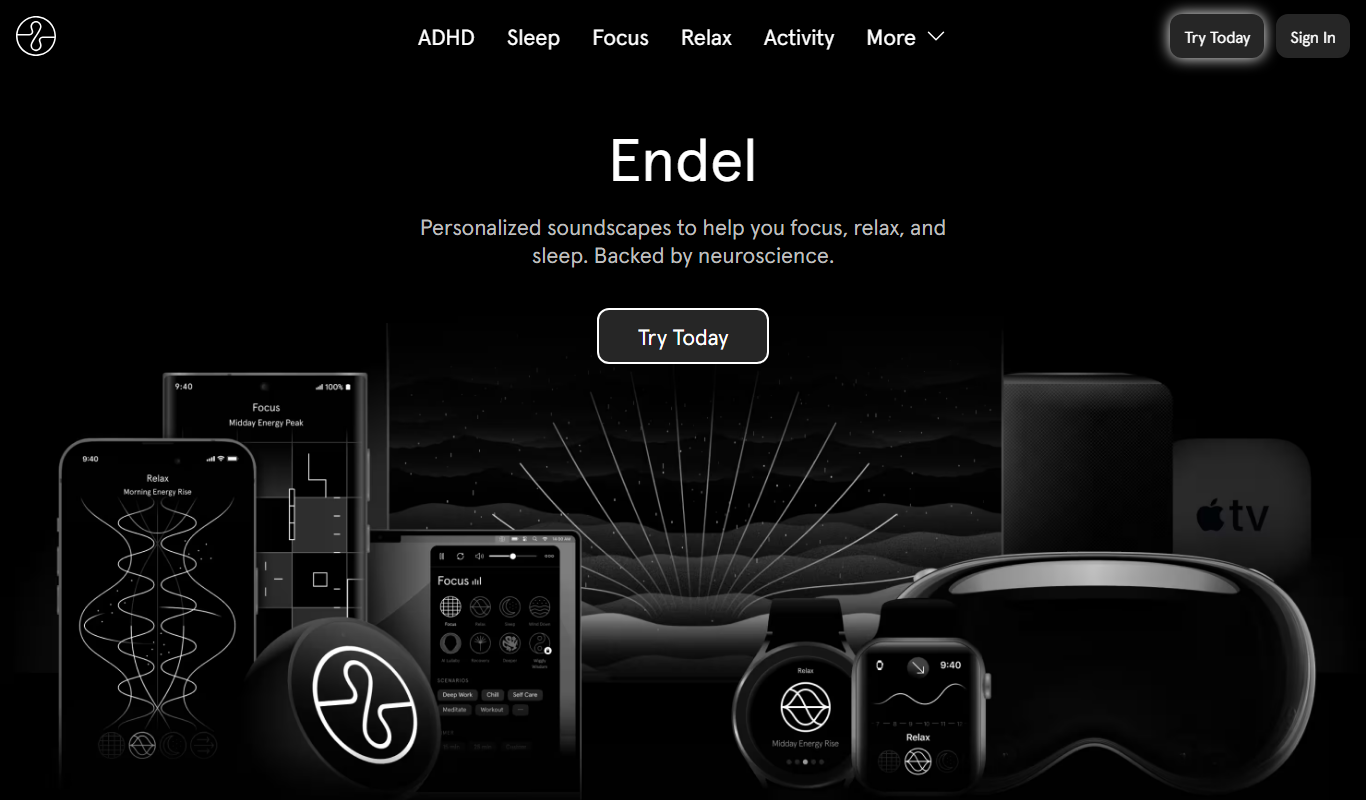
Endel is an AI-driven app that generates adaptive soundscapes tailored to improve focus, relaxation, and sleep by using real-time data such as time, location, and biometric inputs.