

From my experience with YTMP3, I found it excels at providing a straightforward and fast way to convert YouTube videos into MP3 audio files without any software installation or registration. The tool’s simplicity makes it ideal for casual users who want quick offline access to audio content. However, the service is ad-supported and limited to YouTube sources only, which might not suit users looking for broader functionality or an ad-free experience. Overall, if you need a no-frills, free online YouTube to MP3 converter, YTMP3 delivers reliable and easy results.
Convert YouTube Videos to MP3 Audio Online Free with YTMP3
YTMP3 is a free online tool that converts YouTube videos into MP3 audio or MP4 video files by pasting the video URL and downloading the converted file without registration.
- Best for
- Convert YouTube Videos to MP3
- Key capability
- Free and No Registration
Your actions
Save YTMP3, follow its updates and vote on it — everything stays in your account.
Sign in or create a free account
What is YTMP3?
YTMP3 is a free online tool that converts YouTube videos into MP3 audio files or MP4 video files. It allows users to quickly extract audio from YouTube content by simply pasting the video URL and downloading the converted file. The service is web-based and does not require any software installation.
Key features of YTMP3
YTMP3 offers fast and straightforward conversion of YouTube videos to MP3 or MP4 formats, supporting high-quality audio extraction. It features a simple user interface, no registration requirements, and compatibility with multiple languages.
Free and No Registration
Users can convert and download files without creating an account or paying fees.
Supports MP3 and MP4 Formats
Offers flexibility to download audio-only or video files.
High-Quality Audio Conversion
Extracts audio with good quality suitable for most listening devices.
Multi-language Support
Interface available in several languages to accommodate global users.
Fast Conversion Speed
Processes video URLs quickly to minimize waiting time.
Pros and cons of YTMP3
Pros
- Simple and intuitive user interface
- No registration or software installation required
- Supports multiple languages
- Fast conversion and download process
- Free to use without hidden costs
Cons
- Ad-supported interface can be distracting
- Limited to YouTube video conversions only
- No advanced editing or customization features
- Potential legal issues with copyrighted content
Key use cases for YTMP3
Convert YouTube Videos to MP3
Users can extract audio tracks from YouTube videos and download them as MP3 files for offline listening.
Download Audio for Offline Playback
Allows users to save music or podcasts from YouTube to listen without an internet connection.
Create Audio Collections
Facilitates building personal audio libraries from various YouTube content.
Quick Audio Extraction
Enables fast conversion of video URLs to audio format without installing software.
How YTMP3 works
- 1
Paste YouTube URL
Copy the link of the YouTube video you want to convert and paste it into the input field on YTMP3.cc.
- 2
Choose Format
Select the desired output format, either MP3 for audio or MP4 for video.
- 3
Start Conversion
Click the convert button to begin processing the video into the selected format.
- 4
Download File
Once conversion is complete, download the file directly to your device for offline use.
Who is using YTMP3
Music enthusiasts wanting offline audio
Podcast listeners
Students needing audio resources
Casual users converting videos for personal use
Users with limited internet access
YTMP3 pricing
Free
$0
Unlimited conversions with ads supported, no premium features.
Plans and prices are as published by the vendor and can change. Check the official site before you buy. Open the pricing page (opens in a new tab)
Frequently asked questions about YTMP3
Yes, YTMP3 is completely free and does not require any payment or registration.
You can convert YouTube videos to MP3 audio or MP4 video formats.
YTMP3 typically supports videos up to 1 hour in length, but very long videos may not convert.
Downloading copyrighted content without permission may violate YouTube’s terms of service and copyright laws. Use responsibly.
It depends on your specific needs and how you plan to use the tool. The official website and documentation are the best sources for the latest details.
It depends on your specific needs and how you plan to use the tool. The official website and documentation are the best sources for the latest details.
Yes, it can help with that use case depending on how you configure it and what features are available. You’ll get the best results with clear inputs and a defined goal.
It depends on your specific needs and how you plan to use the tool. The official website and documentation are the best sources for the latest details.
Sign in to review this tool.
Sign In to ReviewNo reviews yet
Be the first to share how this tool worked for you.
Ask about pricing, limits, or how it compares — or answer someone else.
Sign In to AskNo questions yet
Have a question about using or paying for this tool? Be the first to ask.
Featured on TiorAI



Alternative Tools
Explore similar AI tools that might fit your needs

Free
ClipGrab
ClipGrab is a free, open-source video downloader and converter that lets you download videos from popular sites like YouTube and convert them into various formats including MP4 and MP3.
More AI Audio Editing tools
Other tools in the same category, for when this one is not quite the fit.

One-time purchase
Vocaloid
Vocaloid is a singing voice synthesizer software by Yamaha that enables users to create realistic singing vocals by inputting melodies and lyrics, widely used in music production and virtual idol creation.

Free Trial
MorphVOX
MorphVOX is a voice changer software that allows real-time voice modification with various effects, ideal for gaming, streaming, and audio production.

Free
GarageBand
GarageBand is a free digital audio workstation by Apple that enables users to create, record, and edit music and podcasts on Mac and iOS devices using virtual instruments, loops, and multi-track recording.

Free
CloudConvert
CloudConvert is an online file conversion platform supporting over 200 formats, offering batch processing, customizable settings, and API integration for developers.
Free
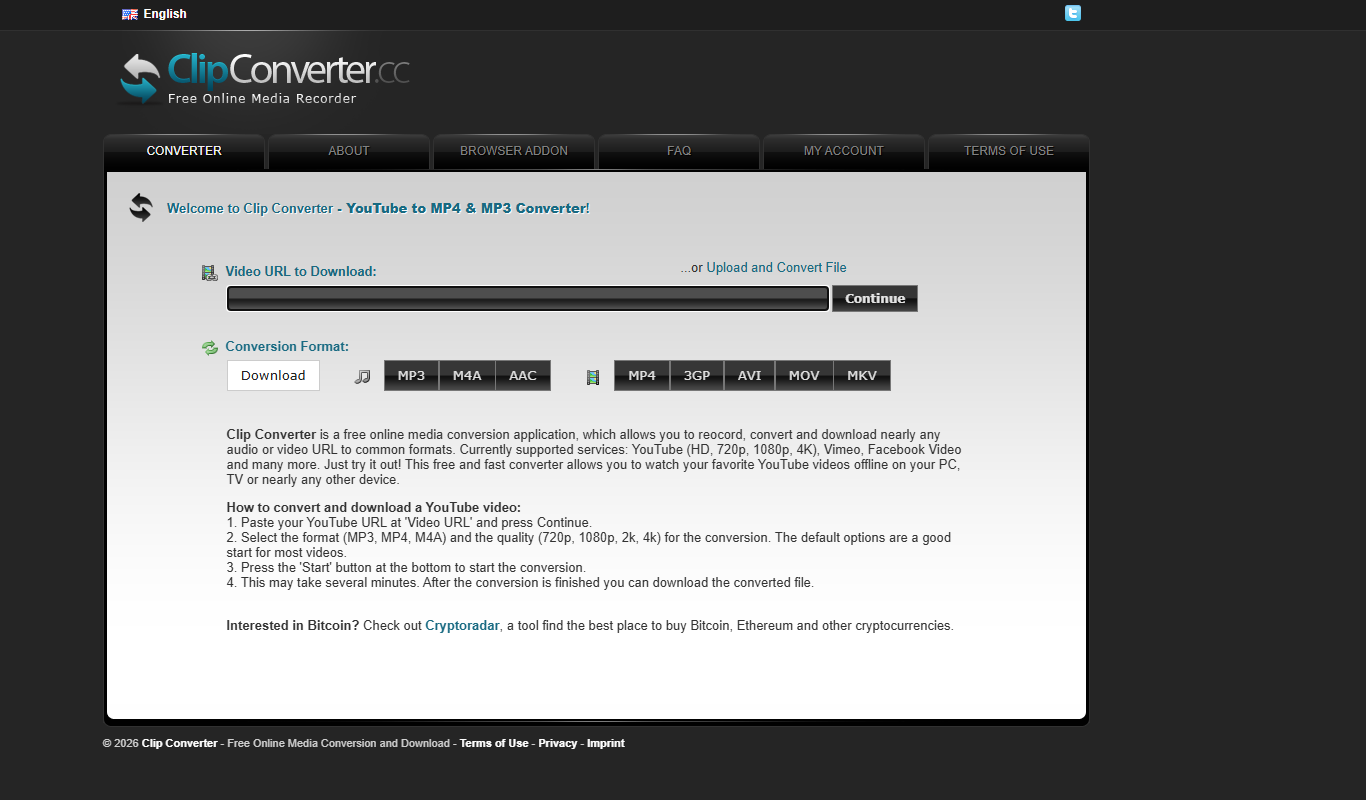
ClipConverter
ClipConverter is a free online tool that lets you download and convert videos from popular streaming sites into various video and audio formats without software installation.

Free
DaVinci Resolve
DaVinci Resolve is a professional video editing software combining editing, color grading, visual effects, and audio post-production in one platform, available in free and paid Studio versions.

Free
Bandicam
Bandicam is a screen recording software for Windows and Mac that captures high-quality video from your screen, games, and external devices with features like real-time drawing and webcam overlay.

Free
Any Video Converter
Any Video Converter is a multimedia software that converts video files between numerous formats, downloads online videos, and offers basic editing and DVD burning features.