

Yolly AI Video and Image Generator for Creative Content Production
Yolly AI is a web-based platform that uses artificial intelligence to generate videos and images from text prompts or user inputs, designed for marketers, content creators, and educators to produce creative visual content quickly and easily.
- Best for
- Marketing Video Production
- Key capability
- AI-Powered Video Generation
Save Yolly AI – AI Video & Image Generator, follow its updates and vote on it — everything stays in your account.
Sign in or create a free account
What is Yolly AI – AI Video & Image Generator?
Yolly AI is a web-based platform that leverages artificial intelligence to generate videos and images from text prompts or user inputs. It enables users to create creative visual content quickly without requiring advanced design or video editing skills. The tool is designed to assist marketers, content creators, educators, and businesses in producing engaging multimedia content efficiently.
Key features of Yolly AI – AI Video & Image Generator
Yolly AI offers AI-powered video and image generation capabilities, including customizable templates, text-to-video/image conversion, and easy export options. It supports creative workflows by automating visual content creation, helping users save time and enhance their digital presence.
AI-Powered Video Generation
Automatically create videos from text prompts or images with customizable styles.
AI Image Synthesis
Generate unique images based on user input for creative projects.
Template Library
Access a variety of templates to streamline content creation.
Easy Export Options
Download generated content in multiple formats suitable for different platforms.
User-Friendly Interface
Intuitive design that requires no prior video or graphic design experience.
Pros and cons of Yolly AI – AI Video & Image Generator
Pros
- Easy to use with no technical skills required
- Supports both video and image generation
- Offers customizable templates
- Affordable pricing tiers
- Quick content generation saves time
Cons
- Limited advanced editing features
- Free plan includes watermarks
- Currently supports only English language
Key use cases for Yolly AI – AI Video & Image Generator
Marketing Video Production
Create engaging marketing videos quickly using AI-generated visuals and animations.
Social Media Content Creation
Generate unique images and videos tailored for social media platforms to boost engagement.
Creative Visual Storytelling
Develop compelling visual stories by combining AI-generated images and videos for presentations or campaigns.
Product Demonstrations
Produce clear and attractive product demo videos without the need for extensive filming or editing skills.
Educational Content
Create illustrative videos and images to support educational materials and e-learning courses.
How Yolly AI – AI Video & Image Generator works
- 1
Sign Up
Create a free account on the Yolly AI website to access the platform.
- 2
Choose Content Type
Select whether you want to generate a video or an image.
- 3
Input Text or Upload Assets
Provide text prompts or upload images to guide the AI in generating content.
- 4
Customize Output
Use available templates and editing tools to adjust the generated content to your needs.
- 5
Generate and Export
Let the AI create the final video or image, then download or share it directly.
Who is using Yolly AI – AI Video & Image Generator
Yolly AI – AI Video & Image Generator pricing
Starter
$9.90 /mo
500 credits per month, watermark-free images and videos, all video, image and music models, high-quality lossless music downloads, commercial license and priority support.
Standard
$19.90 /mo
Everything in Starter, plus 1200 credits per month.
Premium
$49.90 /mo
Everything in Standard, plus 6000 credits per month.
Plans and prices are as published by the vendor and can change. Check the official site before you buy. Open the pricing page (opens in a new tab)
Frequently asked questions about Yolly AI – AI Video & Image Generator
Yes, Yolly AI is designed to be user-friendly and requires no prior design or video editing skills.
You can create AI-generated videos and images for marketing, social media, education, and more.
There is no free plan on the pricing page, but the home page lets users try the AI video and image creators free with no credit card required.
Yes, the Starter, Standard and Premium plans all include watermark-free images and videos.
It depends on your specific needs and how you plan to use the tool. The official website and documentation are the best sources for the latest details.
Some tools offer a free plan or trial with limited features. Availability can vary, so confirm on the official website.
Yes, it can help with that use case depending on how you configure it and what features are available. You’ll get the best results with clear inputs and a defined goal.
Yes, it can help with that use case depending on how you configure it and what features are available. You’ll get the best results with clear inputs and a defined goal.
Conclusion
One account here gives access to several video models such as Veo 3, Kling and Seedance, plus image models including Flux, DALL-E and GPT-4o, with no separate subscriptions required. Simple text descriptions can become videos, still images can be turned into animated video clips, and existing videos can be transformed into new styles and formats. More than 100 viral-ready templates produce trending effects such as ASMR clips and vertical product ads with one click, and the menu also includes an AI music generator and an AI background remover.
Marketing videos, social media content, product demonstrations and educational material are the use cases the page describes. Access is sold through monthly credit plans named Starter, Standard and Premium, all with watermark-free images and videos and a commercial license. There is no free plan on the pricing page, although the home page invites visitors to try the video and image creators free with no credit card required.
Sources
Sign in to review this tool.
Sign In to ReviewNo reviews yet
Be the first to share how this tool worked for you.
Ask about pricing, limits, or how it compares — or answer someone else.
Sign In to AskNo questions yet
Have a question about using or paying for this tool? Be the first to ask.
Featured on TiorAI



More AI Content Creation Tools tools
Other tools in the same category, for when this one is not quite the fit.

Verbatik
Verbatik AI is an all-in-one AI creative platform for text to speech, voice cloning, AI video, music, photo editing and sound effects.

AI Kungfu Video Generator
AI Kungfu Video Generator transforms photos into kungfu fight, Tai Chi or Wushu videos with the Hailuo model, producing short 6-second clips paid with credits.
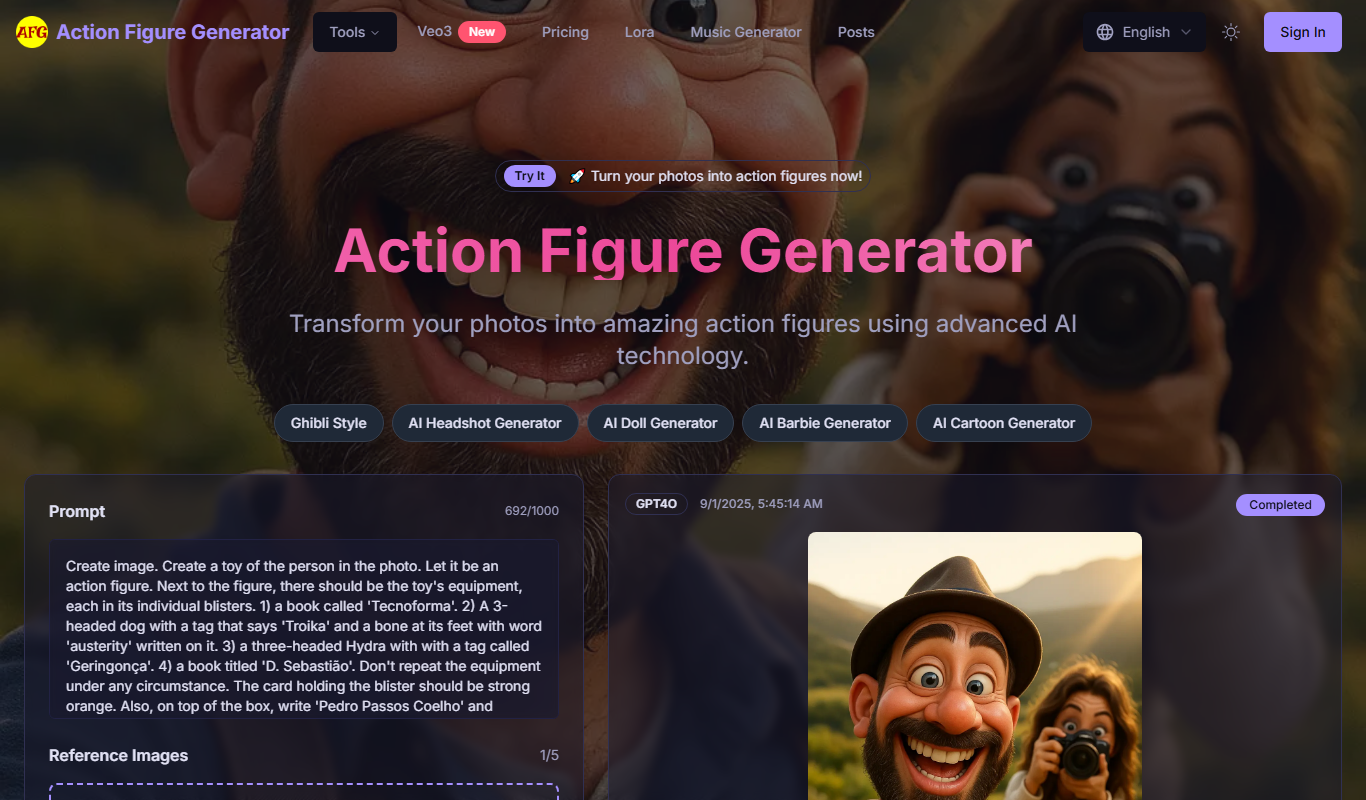
Action Figure
Action Figure Generator turns your photos into custom action figure images with toy packaging and accessories, using one-time credit packages.

AnimeShorts
AnimeShorts is an AI generation platform that creates anime short videos from prompts and comics from uploaded stories, with consistent original characters.

animeBuilder
Anime Builder lets creators make anime characters, avatars, manga scenes, photo-to-anime art and stylized motion with advanced AI models, organised as a character to motion workflow.

Vibrant.ink
Vibrant.ink is a storytelling platform to write stories, develop characters and build worlds, with AI-generated images and pay-as-you-go Ink instead of a subscription.

neural frames
Neural Frames is an AI music video generation suite for musicians that turns a song into beat-synced visuals, with three subscription plans and a free option to try the product.
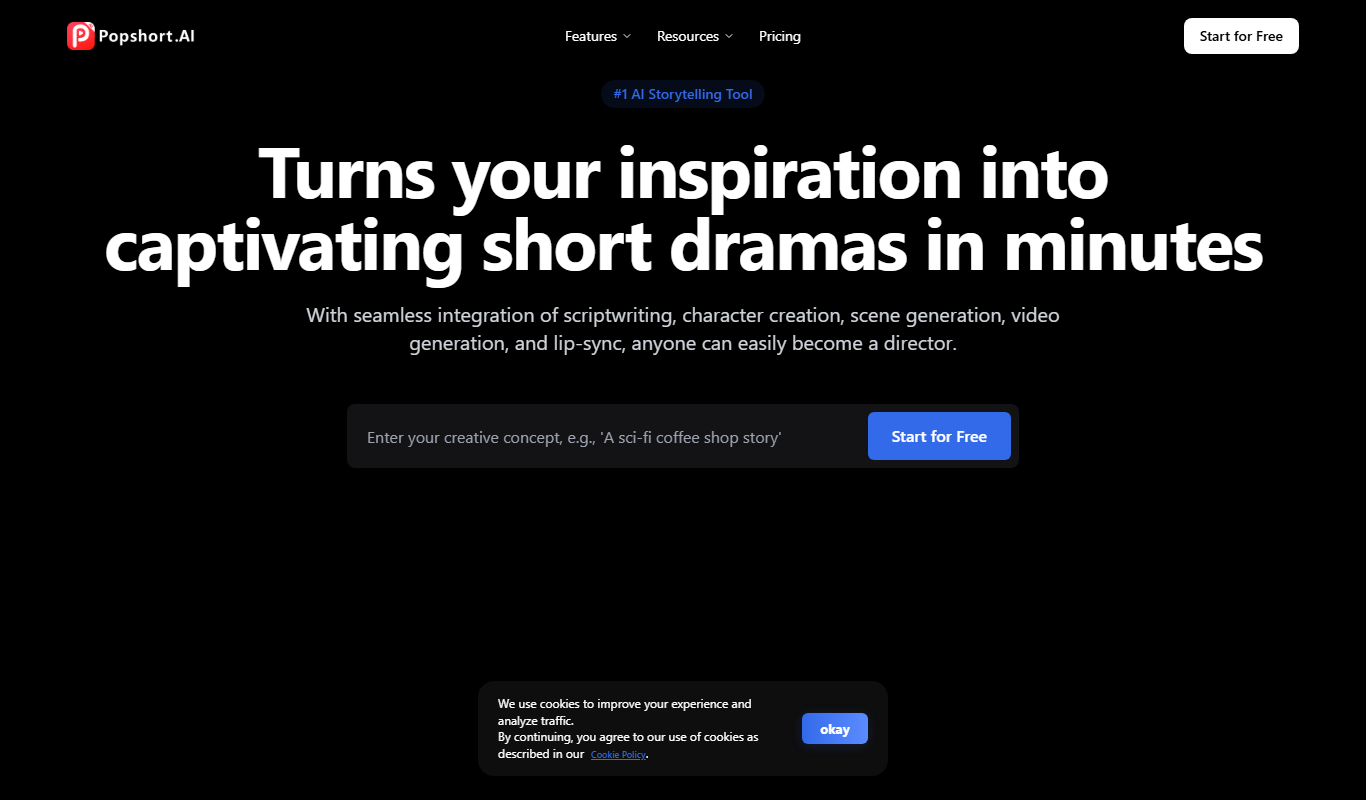
PopShort.AI
PopShort.AI turns an idea, script or novel into a complete short drama with AI-powered scripts, characters, storyboards, video, music and lip sync.