

Vibrant.ink AI Writing Assistant for Creative Content and Copywriting
Vibrant.ink is a storytelling platform to write stories, develop characters and build worlds, with AI-generated images and pay-as-you-go Ink instead of a subscription.
- Best for
- Creative Content Writing
- Key capability
- Story Wizard
Save Vibrant.ink, follow its updates and vote on it — everything stays in your account.
Sign in or create a free account

What is Vibrant.ink?
Vibrant.ink is a storytelling platform with an AI-powered creative toolkit for writing stories with context-specific images. It helps creators develop characters, locations and worlds, suggests ideas when they get stuck, and focuses on refining the writer’s vision rather than generating entire stories automatically.
Key features of Vibrant.ink
Vibrant.ink offers a story editor with a starting wizard, inspiration assistance, an integrated image gallery for context-specific images, character and location building, interactive viewing, collaboration and publishing to its community.
Story Wizard
Come with your own ideas or use the wizard, which generates a few ideas from options you select.
Inspiration Assistance
When you get stuck, it generates a few ideas of what to do next and you pick where to take the story.
Integrated Image Gallery
Create a context-specific image based on a story passage or a custom prompt.
Characters and Locations
Build a cast of characters with custom visual characteristics, clothing, accessories and personality traits.
Pros and cons of Vibrant.ink
Pros
- User-friendly interface with intuitive controls
- Effective AI-generated creative content
- Context-specific images created from a story passage or custom prompt
- No subscription; you only pay for the Ink you use
Cons
- Limited language support (English only)
- No mobile app available currently
Key use cases for Vibrant.ink
Creative Content Writing
Generate engaging and original creative content for blogs, articles, and storytelling.
Collaborative Storytelling
Create captivating stories together with friends or a community of creatives.
Idea Generation
Brainstorm new ideas and concepts for content projects or campaigns.
Editing and Refinement
Improve and polish existing text to enhance clarity, tone, and style.
How Vibrant.ink works
- 1
Create an Account
Sign up for a free account on the Vibrant.ink website and receive 200 Ink to get started.
- 2
Start a Story
Come with your own ideas or use the wizard to generate a few ideas from options you select.
- 3
Input Prompts or Text
Provide initial ideas, keywords, or existing text for the AI to work with.
- 4
Generate and Edit Content
Use AI-generated suggestions to draft or improve your writing, then refine as needed.
- 5
Export or Publish
Download your final content or copy it for use in your projects.
Who is using Vibrant.ink
Vibrant.ink pricing
Free account
$0
Sign up for a free account and receive 200 Ink to get started.
Ink top-ups
Starting at $10
Pay as you go: buy more Ink as you need it, with price breaks for higher quantities. No subscriptions.
Plans and prices are as published by the vendor and can change. Check the official site before you buy. Open the pricing page (opens in a new tab)
Frequently asked questions about Vibrant.ink
Yes, it supports both beginners and professionals by providing creative assistance and editing tools.
Yes, the editor tool can polish your text or dialogue, and you can ask AI questions about your story.
Currently, Vibrant.ink primarily supports English.
A free account receives 200 Ink to get started, and there are no subscriptions.
This tool is designed to help users accomplish its core tasks more efficiently. It is typically used by individuals or teams looking to improve productivity and workflow.
Pricing depends on the plan and included features. For the most accurate and up-to-date details, check the official pricing page.
Yes, it can help with that use case depending on how you configure it and what features are available. You’ll get the best results with clear inputs and a defined goal.
Some tools offer a free plan or trial with limited features. Availability can vary, so confirm on the official website.
Conclusion
An AI-powered creative toolkit assists in writing captivating stories, each with context-specific images. Getting started can mean bringing your own ideas or letting a wizard generate a few, and an inspiration assistant suggests what to do next when you get stuck. Any AI idea, passage, character, location or image can be revised or declined, since the platform focuses on helping creators refine their vision rather than generating entire stories.
Characters get custom visual characteristics, clothing and personality traits, and visual styles include cute cartoon, anime and fantasy. Readers see an interactive view where images bring characters, locations and pivotal moments to life, and chapters can be shared privately or with the community at any time. Stories can also be created together with friends or a community of creatives.
There are no subscriptions: content is paid for with Ink, the platform’s own currency, and a free account starts with Ink before paid top-ups.
Sources
Sign in to review this tool.
Sign In to ReviewNo reviews yet
Be the first to share how this tool worked for you.
Ask about pricing, limits, or how it compares — or answer someone else.
Sign In to AskNo questions yet
Have a question about using or paying for this tool? Be the first to ask.
Featured on TiorAI



More AI Anime Art tools
Other tools in the same category, for when this one is not quite the fit.
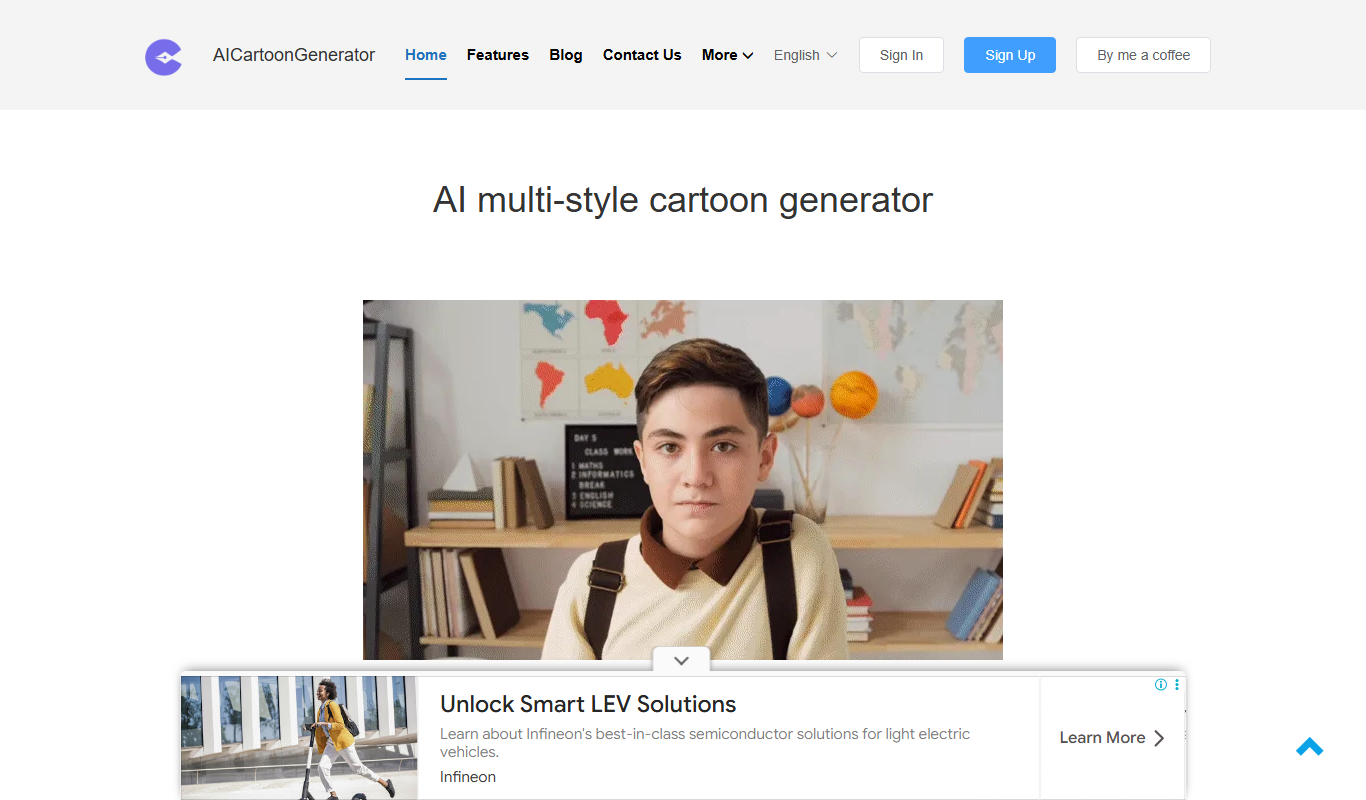
FigureToCartoon
FigureToCartoon is a free online AI cartoon generator that converts photos into cartoon art in many styles, with no signup required.

anifusion.ai
Anifusion turns your story into manga pages with built-in layouts, characters, speech bubbles and editing tools, plus video and sketching. Start free with 100 credits.

SketchEdge
SketchEdge uses AI to extract natural, hand-drawn-like line drawings from your photos and images, for design, manga backgrounds and reference material.

animeBuilder
Anime Builder lets creators make anime characters, avatars, manga scenes, photo-to-anime art and stylized motion with advanced AI models, organised as a character to motion workflow.

Animood
Animood gives AI-powered anime recommendations based on your mood, watch history and AniList data.

Bigjpg
Bigjpg is an AI image enlarger that uses Deep Convolutional Neural Networks to upscale anime-style artworks and photos up to 16x, available on the web, Windows, Mac, iOS and Android and through an API.

Prompton
Prompton is a marketplace for requesting AI illustrations from creators, such as SNS icons, YouTube thumbnails, covers and game assets, under plans each creator prices.

PicSo
PicSo is an AI art generator that creates unique digital images from text prompts, offering multiple art styles and high-resolution downloads for creative projects.