

From my experience with Workout Fusion, I found it excels at simplifying the creation and management of personalized workout plans, especially for personal trainers managing multiple clients. The intuitive drag-and-drop builder and extensive exercise library make designing workouts straightforward, even for beginners. However, the lack of a dedicated mobile app can be a limitation for users who want offline access or a native app experience. Overall, if you need a web-based solution to organize workouts and track client progress efficiently, Workout Fusion delivers solid, affordable functionality.
Workout Fusion Review: Customizable Workout Planner & Fitness Tracker
Workout Fusion is a web-based fitness platform that enables personal trainers and individuals to build custom workout plans, manage clients, and track fitness progress through an extensive exercise library and intuitive tools.
- Best for
- Personal Workout Planning
- Key capability
- Extensive Exercise Library
Your actions
Save Workout Fusion, follow its updates and vote on it — everything stays in your account.
Sign in or create a free account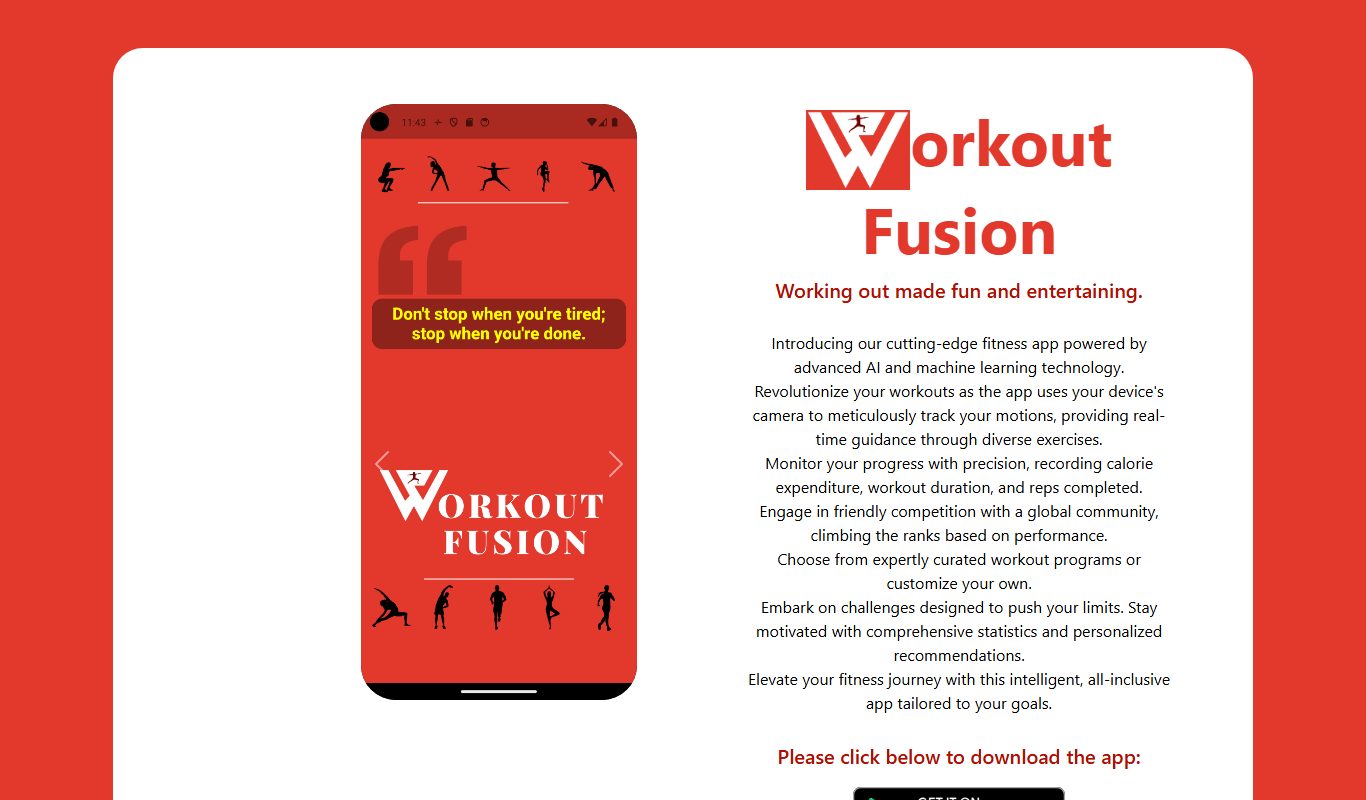
What is Workout Fusion?
Workout Fusion is a web-based fitness software designed to help personal trainers, gyms, and fitness enthusiasts create, manage, and track customized workout programs. It offers an extensive exercise library, workout builder tools, and client management features to streamline training workflows and enhance fitness results.
Key features of Workout Fusion
Key features include a drag-and-drop workout builder, detailed exercise instructions with videos, client progress tracking dashboards, scheduling tools, and the ability to share workouts digitally with clients or groups.
Extensive Exercise Library
Access hundreds of exercises with detailed instructions and demonstration videos.
Custom Workout Builder
Create tailored workout plans using an intuitive drag-and-drop interface.
Client Management Tools
Organize client profiles, assign workouts, and track individual progress.
Progress Tracking & Reporting
Visualize workout completion rates and performance metrics over time.
Scheduling & Notifications
Set workout schedules and send reminders to clients to improve adherence.
Pros and cons of Workout Fusion
Pros
- User-friendly workout builder with drag-and-drop functionality
- Comprehensive exercise library with videos
- Effective client management and progress tracking
- Affordable pricing with free trial
- Web-based access without software installation
Cons
- No dedicated mobile app limits offline use
- Lacks integrations with popular fitness tracking devices
- Some advanced features require subscription
Key use cases for Workout Fusion
Personal Workout Planning
Create and customize workout routines tailored to individual fitness goals and preferences.
Fitness Trainer Client Management
Manage multiple clients’ workout programs, track progress, and communicate effectively.
Exercise Library Access
Utilize a comprehensive database of exercises with instructions and videos for varied training.
Progress Tracking
Monitor workout completion, track improvements, and adjust plans accordingly.
Group Training Sessions
Organize and schedule group workouts with shared plans and progress monitoring.
How Workout Fusion works
- 1
Sign Up
Create an account on the Workout Fusion website to access the platform.
- 2
Build Workouts
Use the exercise library and drag-and-drop tools to design personalized workout routines.
- 3
Assign to Clients
Share workouts with clients or groups via email or app links for easy access.
- 4
Track Progress
Monitor client workout completion and performance through progress dashboards.
- 5
Adjust Plans
Modify workouts based on tracked data and client feedback to optimize results.
Who is using Workout Fusion
Personal trainers
Fitness coaches
Gym owners
Fitness enthusiasts
Small fitness studios
Workout Fusion pricing
Free Trial
$0 for 14 days
Full access to features for two weeks to evaluate the platform.
Monthly Subscription
$19.99/month
Access all features with unlimited clients and workouts.
Annual Subscription
$199.99/year
Discounted yearly plan with full feature access and priority support.
Plans and prices are as published by the vendor and can change. Check the official site before you buy. Open the pricing page (opens in a new tab)
Frequently asked questions about Workout Fusion
Yes, individuals can use the platform to create and track their own workouts.
Workout Fusion is accessible via mobile web browsers but does not currently have a dedicated app.
Yes, you can assign workouts to individual clients or groups for easy distribution.
Currently, Workout Fusion does not offer integrations with third-party fitness applications.
It depends on your specific needs and how you plan to use the tool. The official website and documentation are the best sources for the latest details.
It depends on your specific needs and how you plan to use the tool. The official website and documentation are the best sources for the latest details.
It depends on your specific needs and how you plan to use the tool. The official website and documentation are the best sources for the latest details.
Sign in to review this tool.
Sign In to ReviewNo reviews yet
Be the first to share how this tool worked for you.
Ask about pricing, limits, or how it compares — or answer someone else.
Sign In to AskNo questions yet
Have a question about using or paying for this tool? Be the first to ask.
Featured on TiorAI



Alternative Tools
Explore similar AI tools that might fit your needs

Free Trial
Trainerize
Trainerize is a fitness coaching platform that helps personal trainers create and deliver workout and nutrition programs, track client progress, and manage their fitness business remotely via web and mobile apps.

Subscription
TrueCoach
TrueCoach is an online platform that enables fitness coaches to deliver personalized workout programs, track client progress, and communicate remotely through messaging and video check-ins.

Free Trial
My PT Hub
My PT Hub is a personal trainer software platform that helps fitness professionals manage clients, create workout and nutrition plans, schedule sessions, and track progress via web and mobile apps.
More AI Personal Assistant Tools tools
Other tools in the same category, for when this one is not quite the fit.
Free
SuratFit
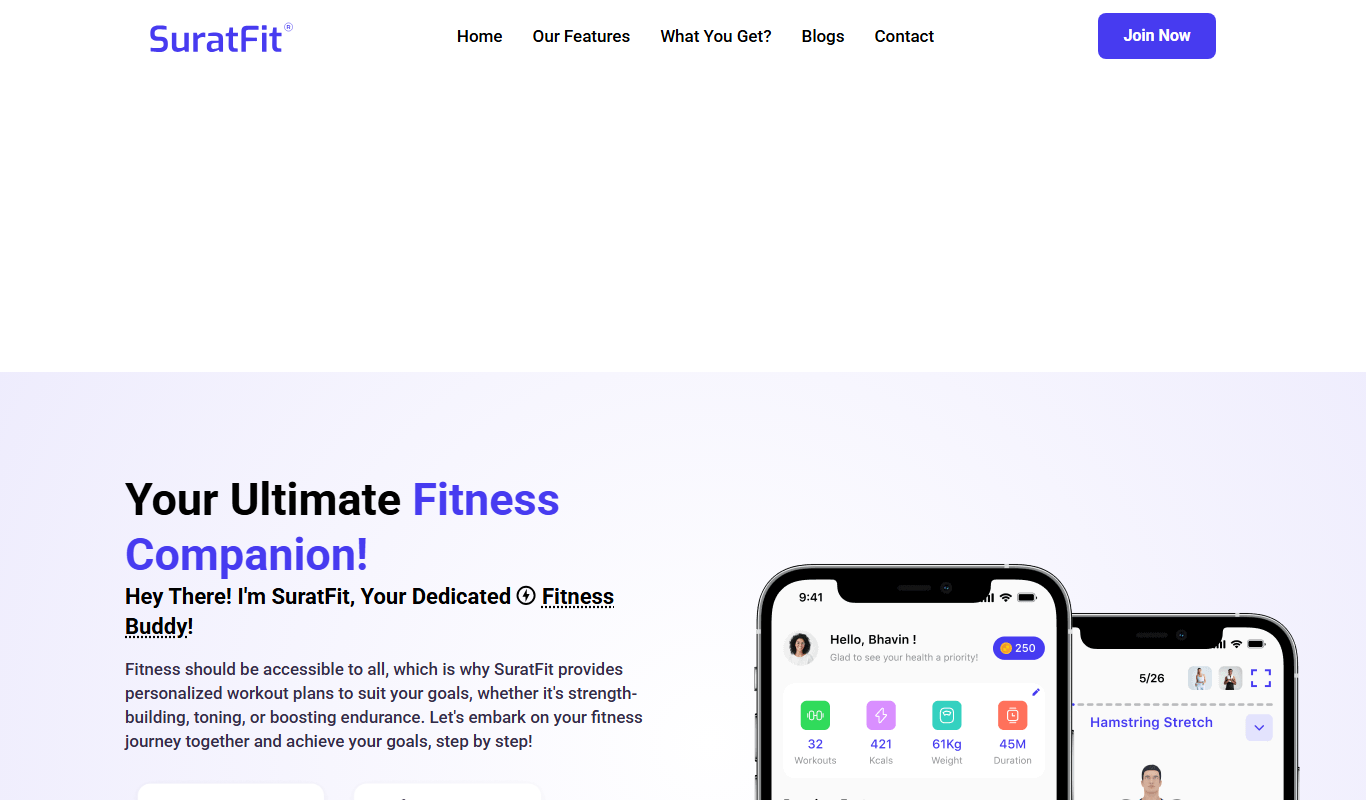
SuratFit is a fitness app for iOS and Android that offers workouts, a step tracker and a workout buddy.
Subscription
Peak Strength
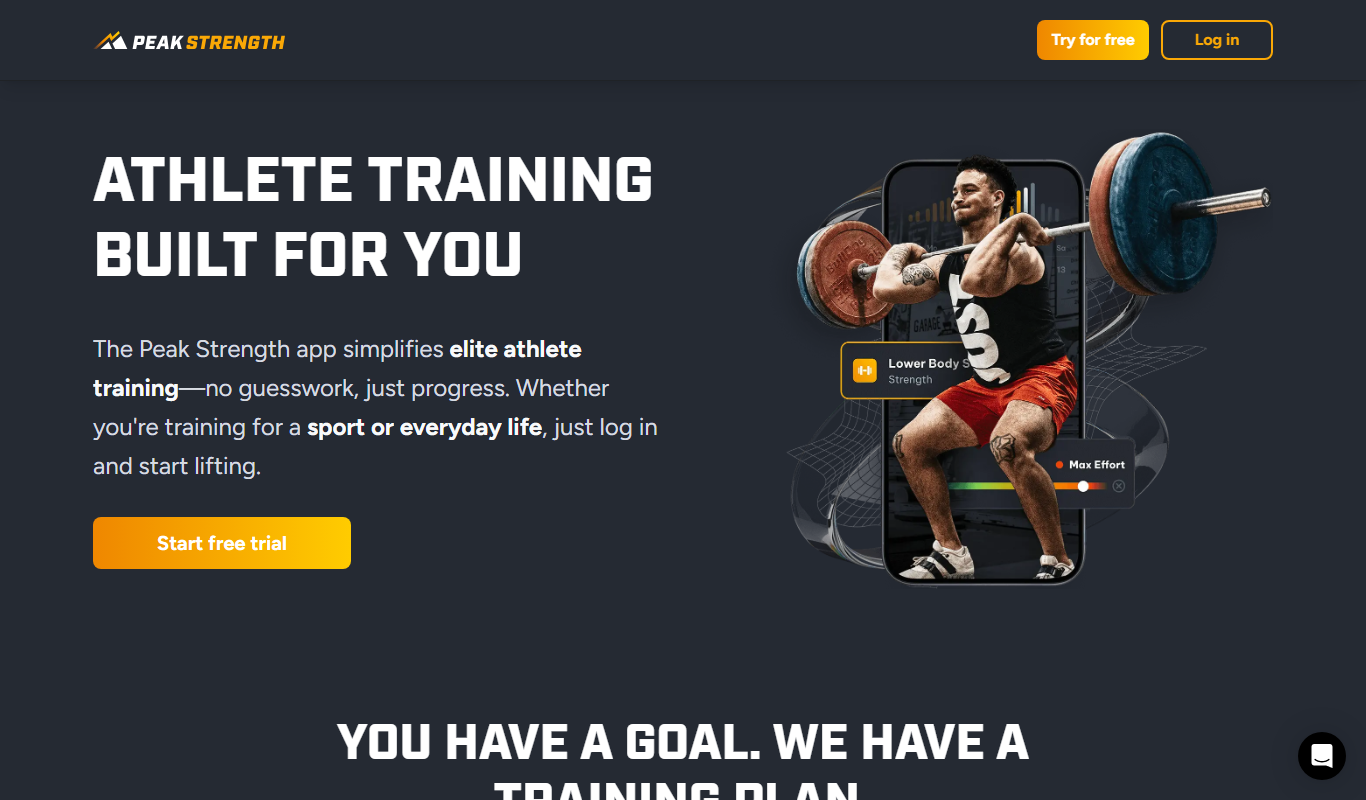
Peak Strength is a personalized strength training app for athletes, with exercise demos and immediate feedback.
Free
SmartGym
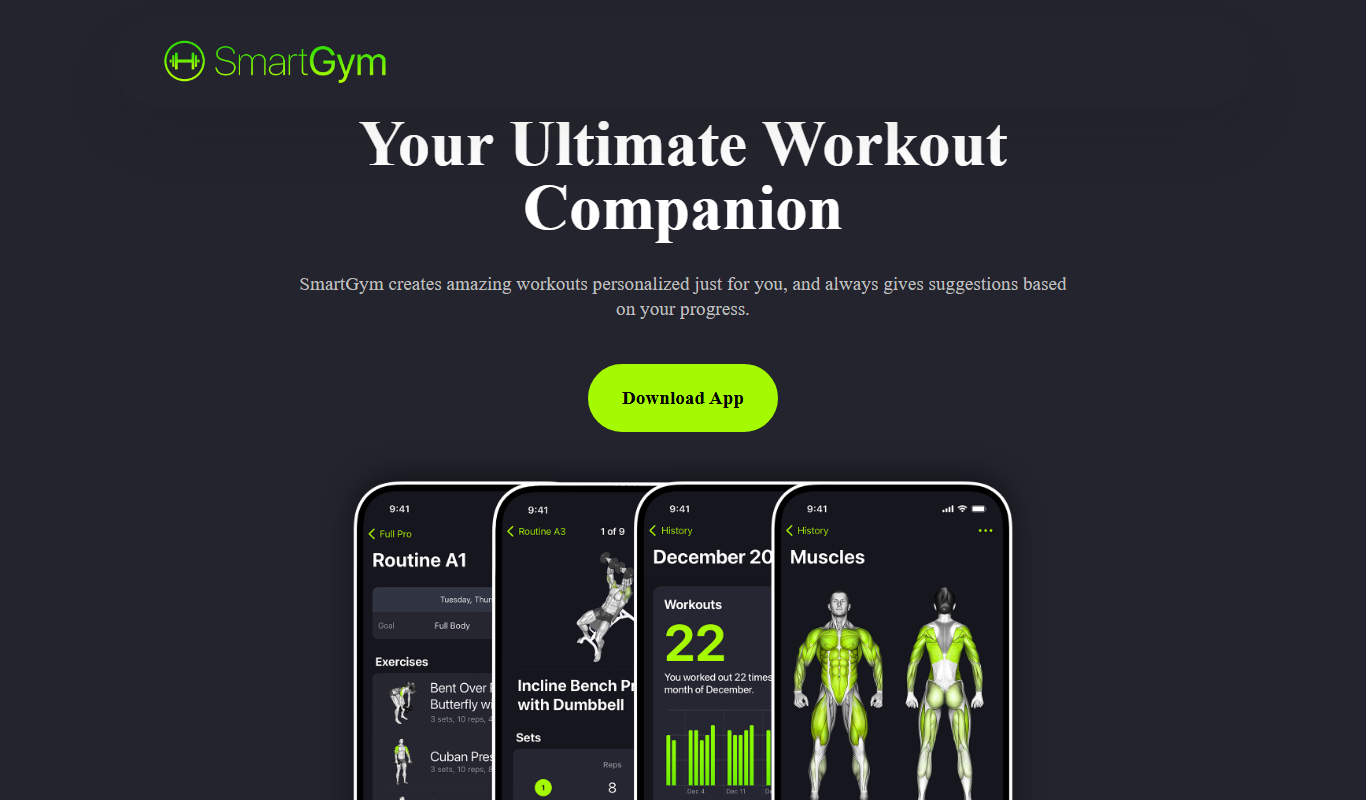
SmartGym is a mobile fitness app that helps users track workouts, customize training plans, and analyze progress with an extensive exercise library and goal-setting features.

Free
Rizz!
Rizz! is an AI chatbot that creates personalized, context-aware messages to improve conversations across social and professional platforms.

Free
Kin AI
Kin AI is an AI personal assistant designed to help users manage tasks, set reminders, and improve productivity through natural language input and automation.

Freemium
Personaliz.ai
Personaliz.ai is an AI-driven personalization platform that enables marketers to deliver real-time, behavior-based personalized marketing campaigns and product recommendations to improve customer engagement and conversions.

Custom Pricing
Adaptify
Adaptify is an AI-powered marketing platform that enables businesses to create personalized, adaptive campaigns by analyzing customer data and behavior in real time.

Freemium
Customuse
Customuse is an AI-driven platform that automates personalized content creation and marketing campaigns to enhance customer engagement and conversion.