

My PT Hub Review: Best Personal Trainer Software for Client Management
My PT Hub is a personal trainer software platform that helps fitness professionals manage clients, create workout and nutrition plans, schedule sessions, and track progress via web and mobile apps.
- Best for
- Client Management
- Key capability
- Extensive Exercise Library
Save My PT Hub, follow its updates and vote on it — everything stays in your account.
Sign in or create a free account
What is My PT Hub?
My PT Hub is a comprehensive personal trainer software designed to help fitness professionals manage their clients, programs, and business operations efficiently. It offers tools for workout programming, nutrition coaching, scheduling, and client communication, all accessible via web and mobile apps.
Key features of My PT Hub
The platform provides a robust exercise library, customizable workout and nutrition plans, client progress tracking, appointment scheduling, and seamless communication tools to enhance the trainer-client relationship.
Extensive Exercise Library
Access hundreds of exercises with videos and instructions to build effective workouts.
Customizable Nutrition Plans
Design meal plans and track client nutrition intake seamlessly.
Client Progress Dashboard
Visualize client improvements with charts, photos, and measurement tracking.
Integrated Scheduling System
Manage bookings and appointments with calendar sync and automated reminders.
Mobile App Access
Clients and trainers can access plans and communicate on the go via iOS and Android apps.
Pros and cons of My PT Hub
Pros
- Comprehensive client and business management features
- User-friendly interface with mobile app support
- Extensive exercise and nutrition libraries
- Flexible scheduling and communication tools
- Affordable pricing with free trial
Cons
- Limited language support (English only)
Key use cases for My PT Hub
Client Management
Manage client profiles, track progress, and communicate effectively with clients through a centralized platform.
Workout Programming
Create, customize, and deliver workout plans tailored to individual client needs with an extensive exercise library.
Nutrition Coaching
Design and monitor nutrition plans, allowing clients to log meals and track their dietary habits.
Scheduling and Booking
Organize appointments and sessions with integrated calendar and booking features to streamline trainer-client interactions.
Progress Tracking
Monitor client progress with detailed analytics, including body measurements, photos, and workout adherence.
How My PT Hub works
- 1
Sign Up and Set Up Profile
Create an account and set up your trainer profile with business details.
- 2
Add Clients
Import or manually add client profiles to start managing their fitness journeys.
- 3
Create Workout and Nutrition Plans
Use the exercise library and nutrition templates to build personalized programs.
- 4
Schedule Sessions
Organize client appointments and send reminders through the integrated calendar.
- 5
Track Progress and Communicate
Monitor client data and communicate via messaging to provide ongoing support.
Who is using My PT Hub
My PT Hub pricing
Starter
$25/month
Start your business: 3 clients, 50 workouts, 50 nutrition plans, payment processing, 1-to-1 bookings and chat messaging.
Premium
$59/month
Grow your business: everything in Starter plus unlimited clients, unlimited workouts and nutrition plans, AI workout builder, group bookings, classes and live streams, and automated client check-ins.
Ultimate
$215/month
Supercharge your business: everything in Premium, with all add-ons included.
Plans and prices are as published by the vendor and can change. Check the official site before you buy. Open the pricing page (opens in a new tab)
Frequently asked questions about My PT Hub
Not on every plan: Starter includes 3 clients, while the higher plans include unlimited clients.
Yes, there are iOS and Android apps available for clients to access their plans and communicate with trainers.
Yes, My PT Hub offers a 30-day free trial, and no card details are required.
Absolutely, the platform allows you to create and tailor workout programs to individual client needs.
It depends on your specific needs and how you plan to use the tool. The official website and documentation are the best sources for the latest details.
It depends on your specific needs and how you plan to use the tool. The official website and documentation are the best sources for the latest details.
Pricing depends on the plan and included features. For the most accurate and up-to-date details, check the official pricing page.
It depends on your specific needs and how you plan to use the tool. The official website and documentation are the best sources for the latest details.
Conclusion
Trainers add client profiles, then build personalized programs from the exercise library and nutrition templates. An integrated calendar organizes appointments and sends reminders, while messaging keeps trainer and client in contact. Clients use iOS and Android apps, and a custom branded app is available as an add-on for a one-time fee. An AI workout builder is part of the larger plans, and AI-powered check-ins are sold separately as an add-on.
It is designed for fitness professionals, from personal trainers to physiotherapists and small gym owners. Starter covers 3 clients, while Premium and Ultimate include unlimited clients plus group bookings, classes and live streams. A 30-day free trial comes first, with no card details required.
Sources
Sign in to review this tool.
Sign In to ReviewNo reviews yet
Be the first to share how this tool worked for you.
Ask about pricing, limits, or how it compares — or answer someone else.
Sign In to AskNo questions yet
Have a question about using or paying for this tool? Be the first to ask.
Featured on TiorAI



Alternative Tools
Explore similar AI tools that might fit your needs

Trainerize
Trainerize is a fitness coaching platform that helps personal trainers create and deliver workout and nutrition programs, track client progress, and manage their fitness business remotely via web and mobile apps.

TrueCoach
TrueCoach is an online platform that enables fitness coaches to deliver personalized workout programs, track client progress, and communicate remotely through messaging and video check-ins.
More AI Fitness tools
Other tools in the same category, for when this one is not quite the fit.
Size Stream
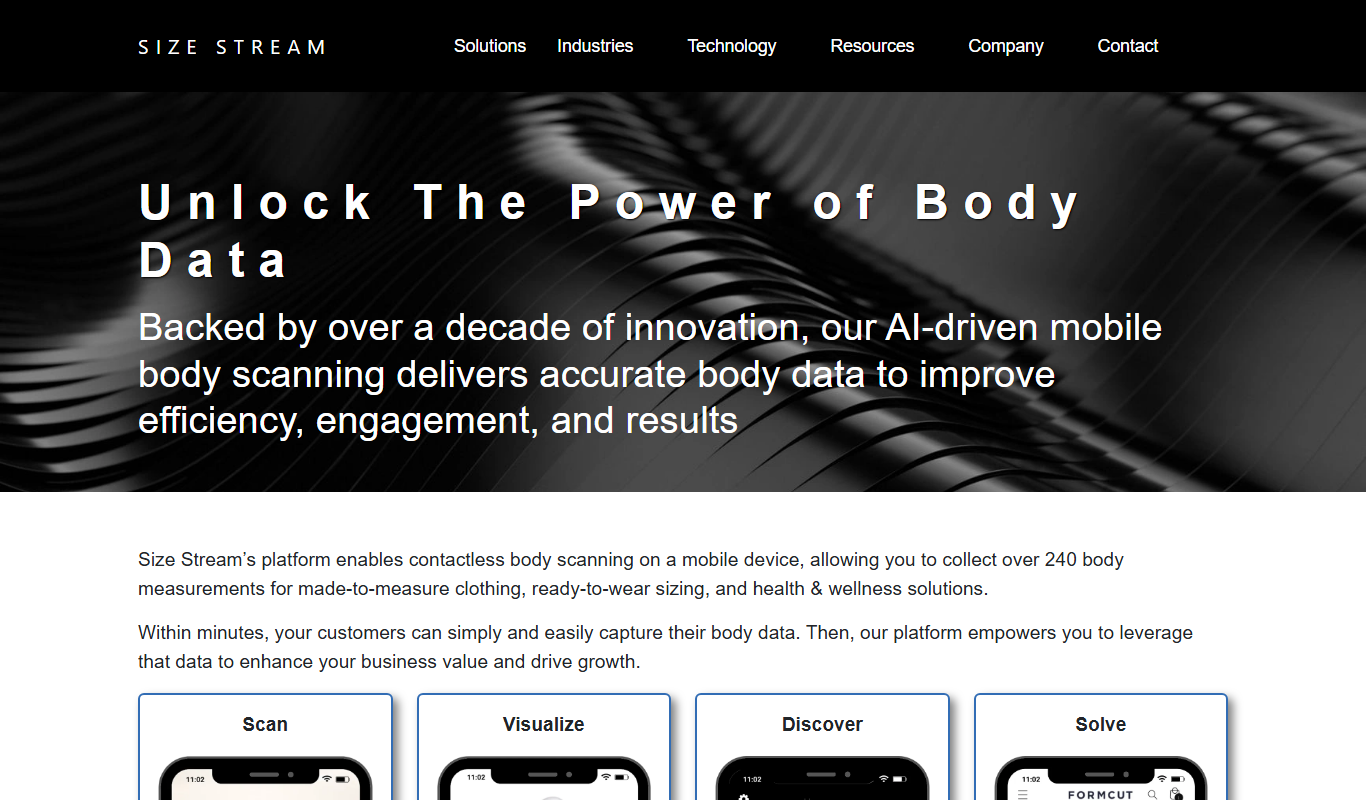
Size Stream is a 3D body scanning platform that captures precise body measurements and creates digital avatars for apparel fitting, health tracking, and virtual try-on applications.
AsthmaMD
AsthmaMD is a free mobile app for iOS and Android that helps individuals with asthma track symptoms, manage medications and create personalized asthma action plans.

CalorieMama
CalorieMama is an AI-driven app that helps users track calories and nutrition by recognizing foods from photos, making diet management easier and more accurate.

Fooducate
Fooducate is a nutrition app that helps users scan foods, track calories, and receive personalized health grades to support healthier eating habits.
Foodvisor
Foodvisor is an AI-driven nutrition app that analyzes meal photos to provide calorie counts, macronutrient breakdowns, and personalized diet recommendations to support health and fitness goals.
Foreo UFO
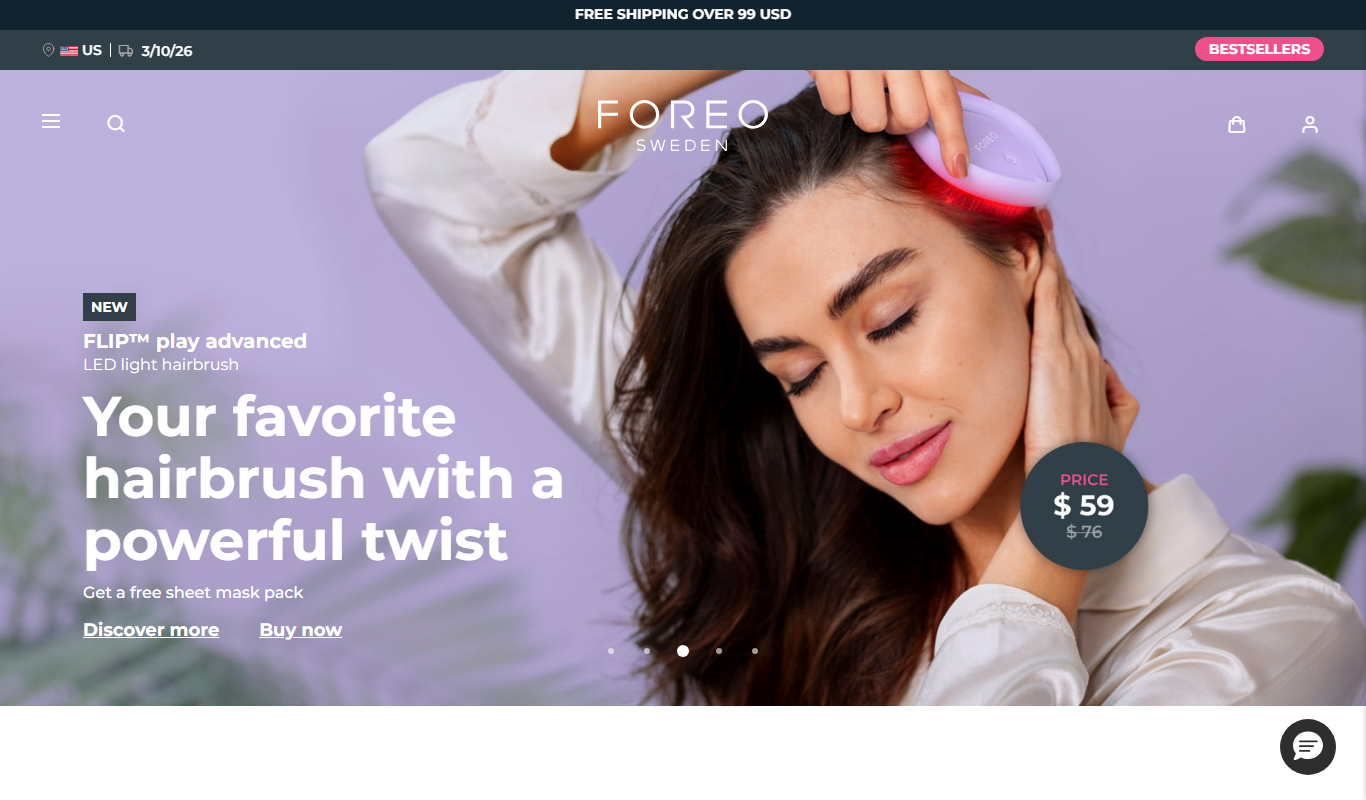
Foreo UFO is a smart facial device that uses LED light therapy, sonic pulsations, and thermal technology to deliver quick, customizable skincare treatments at home.

CarePredict
CarePredict is an AI-powered wearable system that monitors seniors' activities, detects falls, and provides health insights to caregivers for enhanced elderly care.

Noom
Noom is a weight loss and health coaching app that uses behavioral psychology and personalized coaching to help users build sustainable healthy habits and lose weight.