

From my experience with WorkFusion App, it stands out for its robust combination of RPA and AI capabilities, enabling automation of complex business processes beyond simple task repetition. The visual workflow designer makes it accessible to users without deep coding skills, which is a significant advantage in enterprise environments. However, the platform’s pricing and complexity may pose challenges for smaller organizations or those new to automation. Overall, WorkFusion App is a solid choice for medium to large enterprises seeking to enhance operational efficiency through intelligent automation.
WorkFusion App Review: Intelligent Automation Platform for Business Efficiency
WorkFusion App is an AI-driven robotic process automation platform that helps enterprises automate complex business workflows by combining RPA with intelligent data capture and bot management.
- Best for
- Automating Repetitive Tasks
- Key capability
- AI-Powered Data Capture
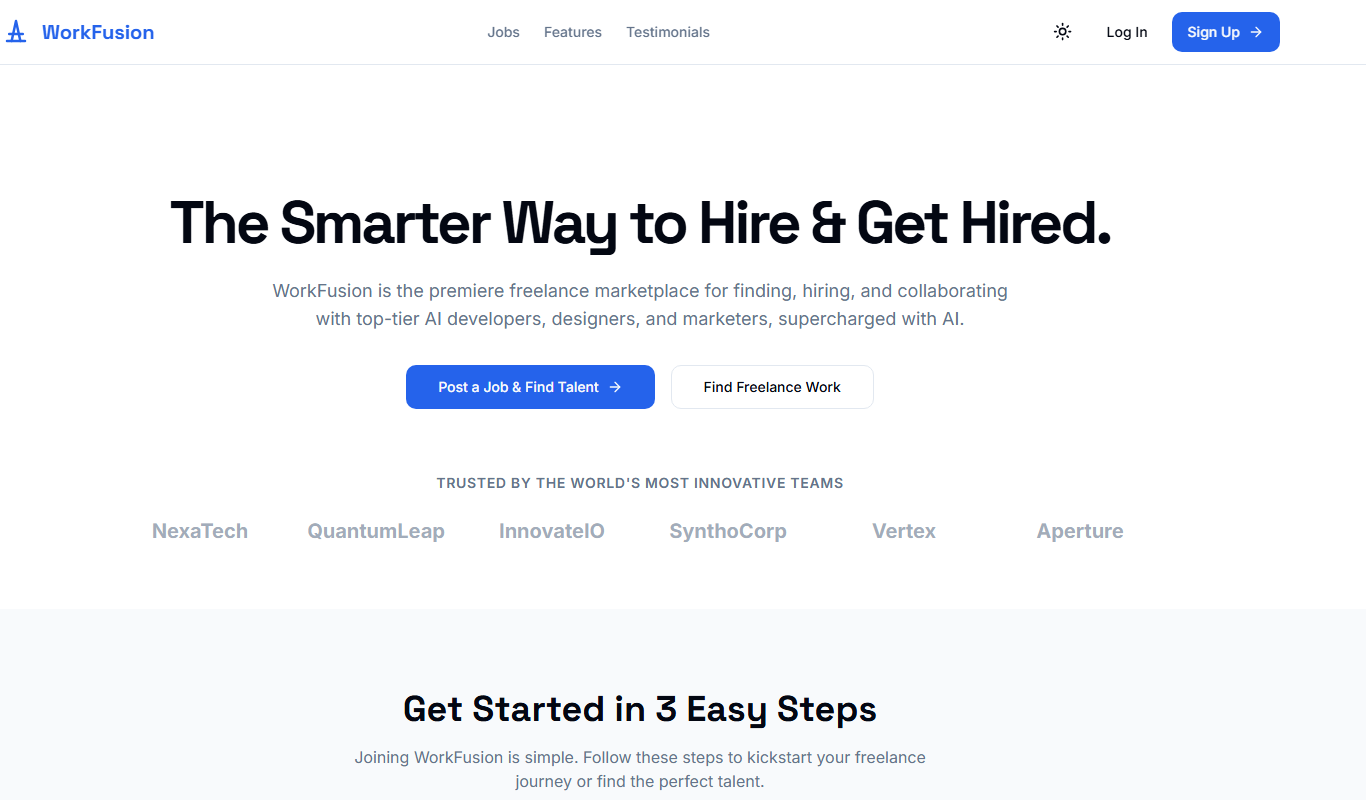
What is WorkFusion App?
WorkFusion App is an intelligent automation platform designed to help enterprises automate complex business processes by combining robotic process automation (RPA) with artificial intelligence (AI). It enables organizations to build, deploy, and manage software bots that perform repetitive tasks, data extraction, and decision-making processes, thereby increasing operational efficiency and reducing manual errors.
Key features of WorkFusion App
The platform offers features such as AI-driven data capture, workflow orchestration, bot management, analytics, and integration capabilities with existing enterprise systems, making it a comprehensive solution for digital workforce automation.
AI-Powered Data Capture
Automatically extract and interpret data from structured and unstructured documents.
Visual Workflow Designer
Drag-and-drop interface to build and customize automation workflows without coding.
Bot Management Console
Centralized platform to deploy, monitor, and manage software bots.
Integration Capabilities
Connects with various enterprise applications and databases for seamless automation.
Analytics and Reporting
Provides insights into automation performance and business impact.
Pros and cons of WorkFusion App
Pros
- Combines RPA with AI for intelligent automation
- User-friendly visual workflow design
- Strong integration with enterprise systems
- Comprehensive bot management and analytics
Cons
- Pricing is not transparent and may be high for small businesses
- Steeper learning curve for complex automation scenarios
Key use cases for WorkFusion App
Automating Repetitive Tasks
WorkFusion App enables businesses to automate routine, rule-based tasks to improve efficiency and reduce human error.
Data Extraction and Processing
The platform uses AI-powered bots to extract data from documents and systems, streamlining data entry and validation.
Customer Service Automation
WorkFusion helps automate customer service workflows, such as ticket routing and response generation, enhancing response times.
Compliance and Audit Reporting
It supports automating compliance checks and generating audit reports to ensure regulatory adherence.
End-to-End Business Process Automation
The tool orchestrates complex workflows across multiple systems, enabling seamless end-to-end automation.
How WorkFusion App works
-
1
Identify Automation Opportunities
Analyze business processes to find repetitive tasks suitable for automation.
-
2
Design Automation Workflows
Use WorkFusion’s visual tools to create workflows and configure bots for specific tasks.
-
3
Deploy Bots
Launch software bots in the cloud or on-premises to execute automated tasks.
-
4
Monitor and Optimize
Track bot performance and process outcomes to continuously improve automation efficiency.
Who is using WorkFusion App
Large enterprises
Financial services companies
Healthcare organizations
Customer service departments
Compliance teams
WorkFusion App pricing
Enterprise
Custom Pricing
Tailored solutions with dedicated support and advanced features for large organizations.
Plans and prices are as published by the vendor and can change. Check the official site before you buy. Open the pricing page (opens in a new tab)
Frequently asked questions about WorkFusion App
WorkFusion primarily targets medium to large enterprises due to its advanced features and pricing model.
Yes, WorkFusion App is available as a cloud-based platform, enabling flexible deployment options.
Yes, the visual workflow designer allows users with minimal coding experience to create automation processes.
This tool is designed to help users accomplish its core tasks more efficiently. It is typically used by individuals or teams looking to improve productivity and workflow.
It depends on your specific needs and how you plan to use the tool. The official website and documentation are the best sources for the latest details.
Sign in to review this tool.
No reviews yet
Be the first to share how this tool worked for you.
Ask about pricing, limits, or how it compares — or answer someone else.
No questions yet
Have a question about using or paying for this tool? Be the first to ask.
Featured on TiorAI



Alternative Tools
Explore similar AI tools that might fit your needs

Enterprise
UiPath
UiPath is a robotic process automation platform that enables businesses to automate repetitive tasks and complex workflows using a visual drag-and-drop interface and AI integration.
Custom Pricing
Automation Anywhere
Automation Anywhere is a comprehensive RPA platform that uses AI and machine learning to automate business processes, enabling organizations to improve efficiency and reduce operational costs.

Enterprise Licensing
Blue Prism
Blue Prism is an enterprise-grade Robotic Process Automation platform that enables organizations to automate repetitive tasks using software robots, improving efficiency and compliance.
More AI Website Designer Lite tools
Other tools in the same category, for when this one is not quite the fit.
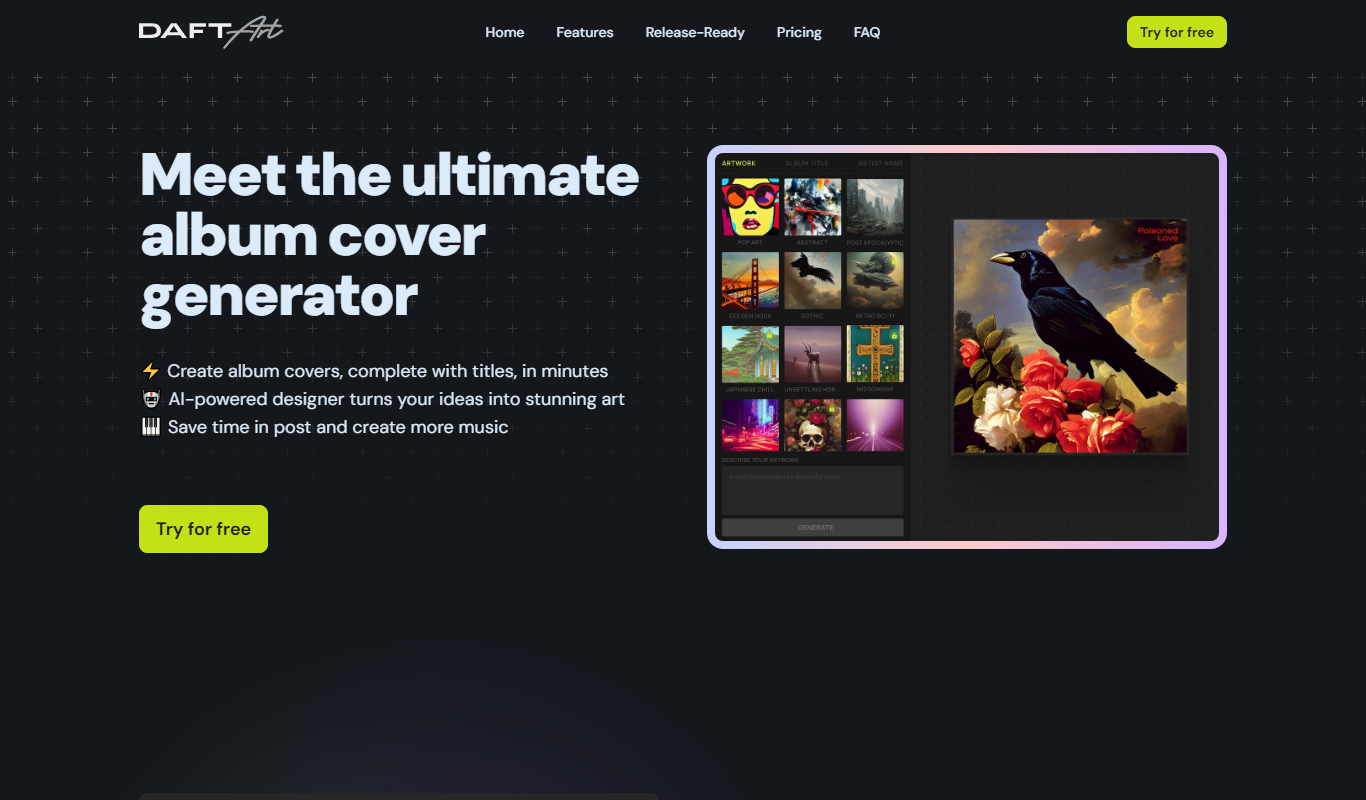
Free
Daft Art
Daft Art is a web-based AI art generator that creates unique digital images from text prompts, offering various artistic styles and easy downloads for creative projects.
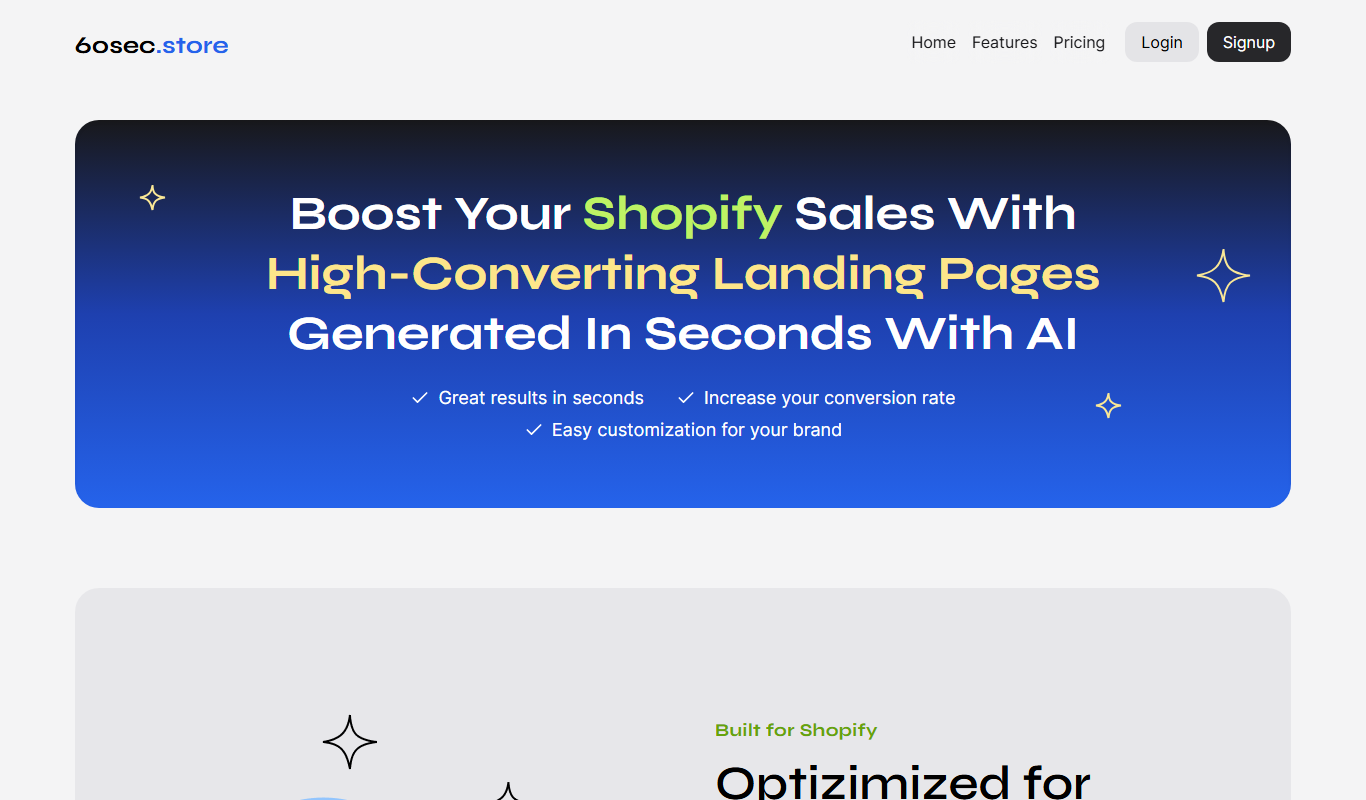
Free Trial
60sec.store: AI Landing Pages 4 Shopify
60sec.store is an AI-driven landing page builder that helps Shopify merchants create optimized landing pages quickly without coding, improving conversions and marketing efficiency.
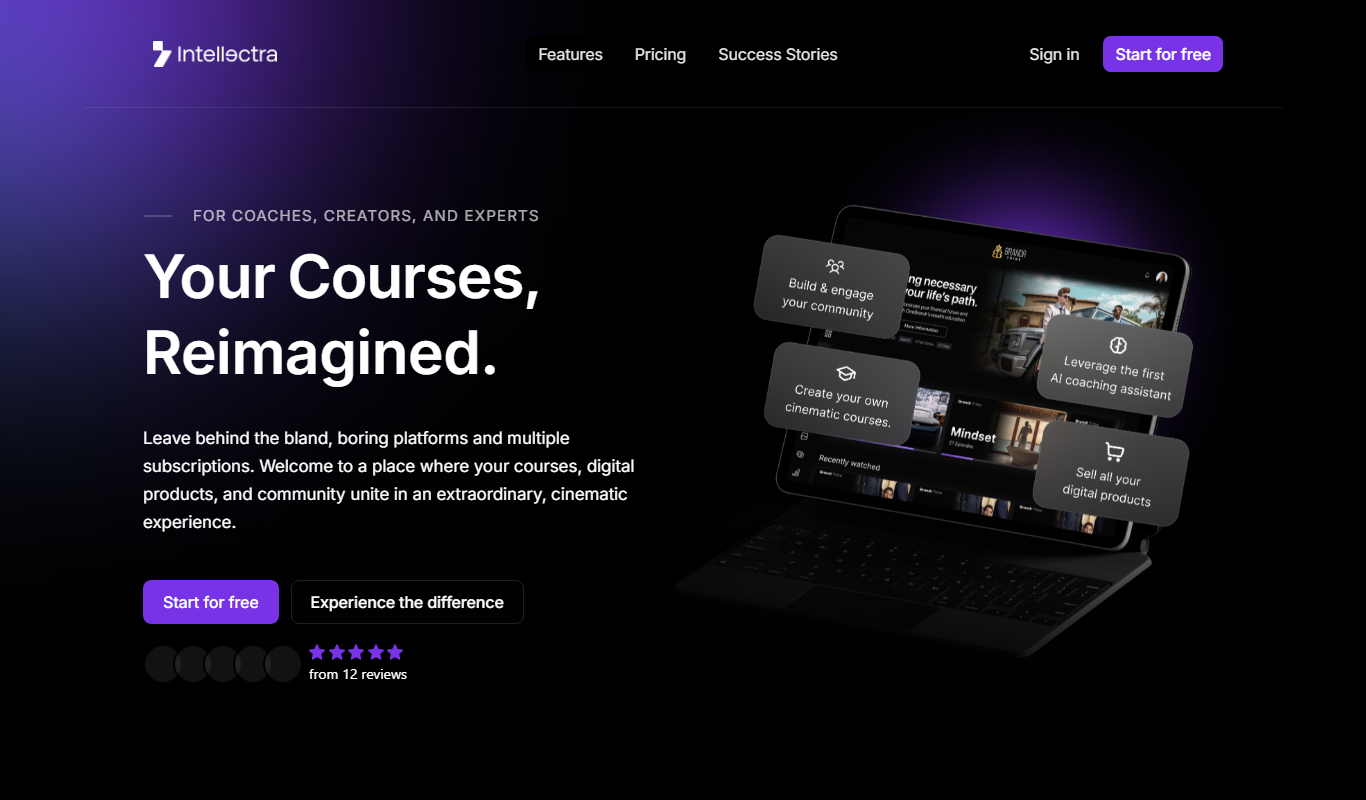
Freemium
Intellectra
Intellectra is an AI-driven platform that enables businesses to analyze data, automate workflows, and build custom AI models to improve decision-making and operational efficiency.
Free Trial
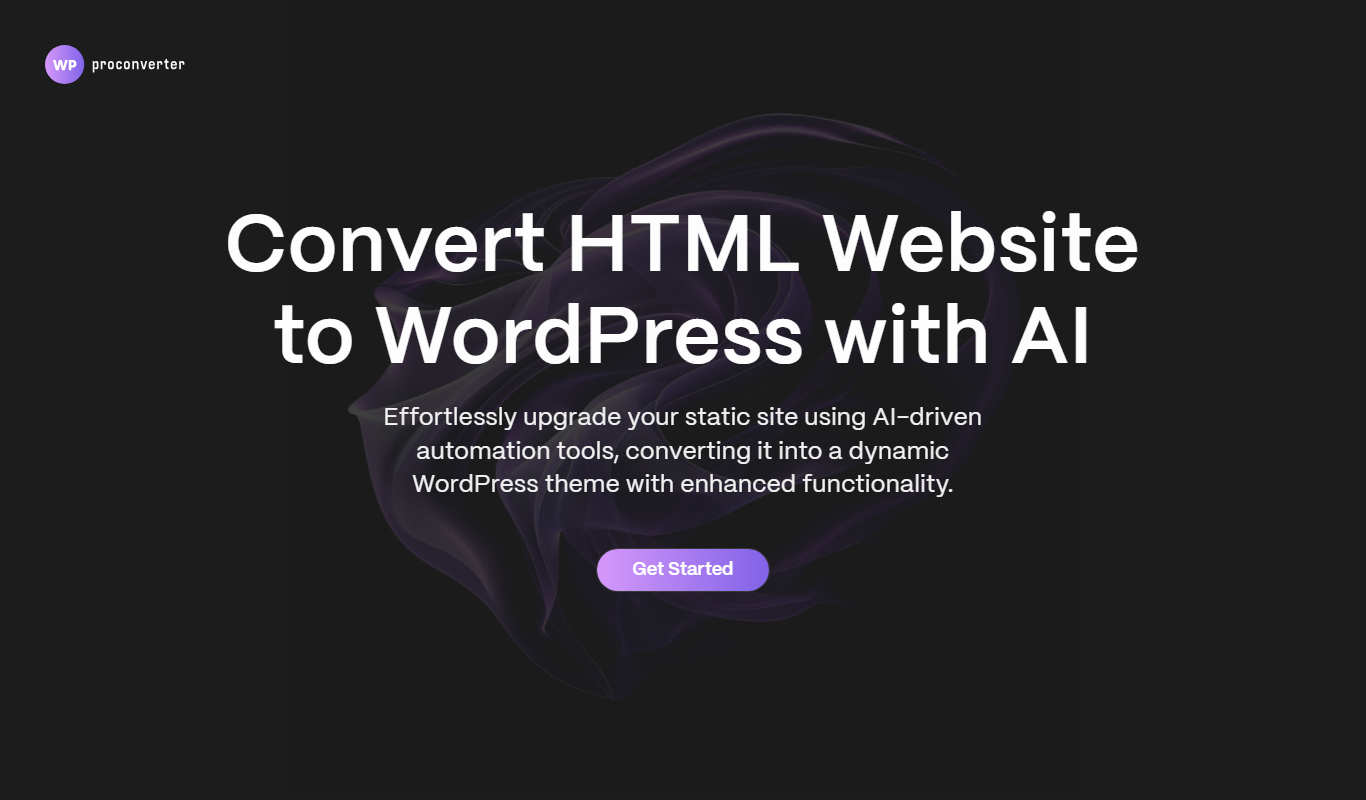
WordPress Pro Converter
WordPress Pro Converter is a WordPress plugin that enables easy migration, backup, and cloning of WordPress sites with automatic URL updates and minimal downtime.

Free Trial
ShipStation
ShipStation is a cloud-based shipping and order management software that helps e-commerce businesses automate shipping label creation, manage orders from multiple sales channels, and track shipments with multiple carriers.

Free Trial
Softgen
Softgen is an AI-driven software development platform that automates code generation and review, helping developers accelerate project delivery with natural language inputs and multi-language support.
Freemium
Lusion AI
Lusion AI is a web-based platform that uses artificial intelligence to generate and edit images from text prompts or existing photos, designed for artists and creators.

Free
SysDesigna
SysDesigna is a web-based platform that helps software engineers prepare for system design interviews through curated problems, interactive design tools, and mock interview simulations.