

From my experience with WordPress Pro Converter, it stands out for simplifying the often complex process of migrating WordPress sites, especially for users without deep technical expertise. The automatic URL replacement feature is particularly helpful, reducing manual errors during migration. While it lacks multisite support and some advanced features require the Pro version, it delivers reliable backups and smooth site transfers for most single-site WordPress setups. Overall, if you manage WordPress sites and need a straightforward migration or backup solution, this plugin is a solid choice.
WordPress Pro Converter - Advanced Website Migration and Backup Tool
WordPress Pro Converter is a WordPress plugin that enables easy migration, backup, and cloning of WordPress sites with automatic URL updates and minimal downtime.
- Best for
- Website Migration
- Key capability
- Full Site Backup
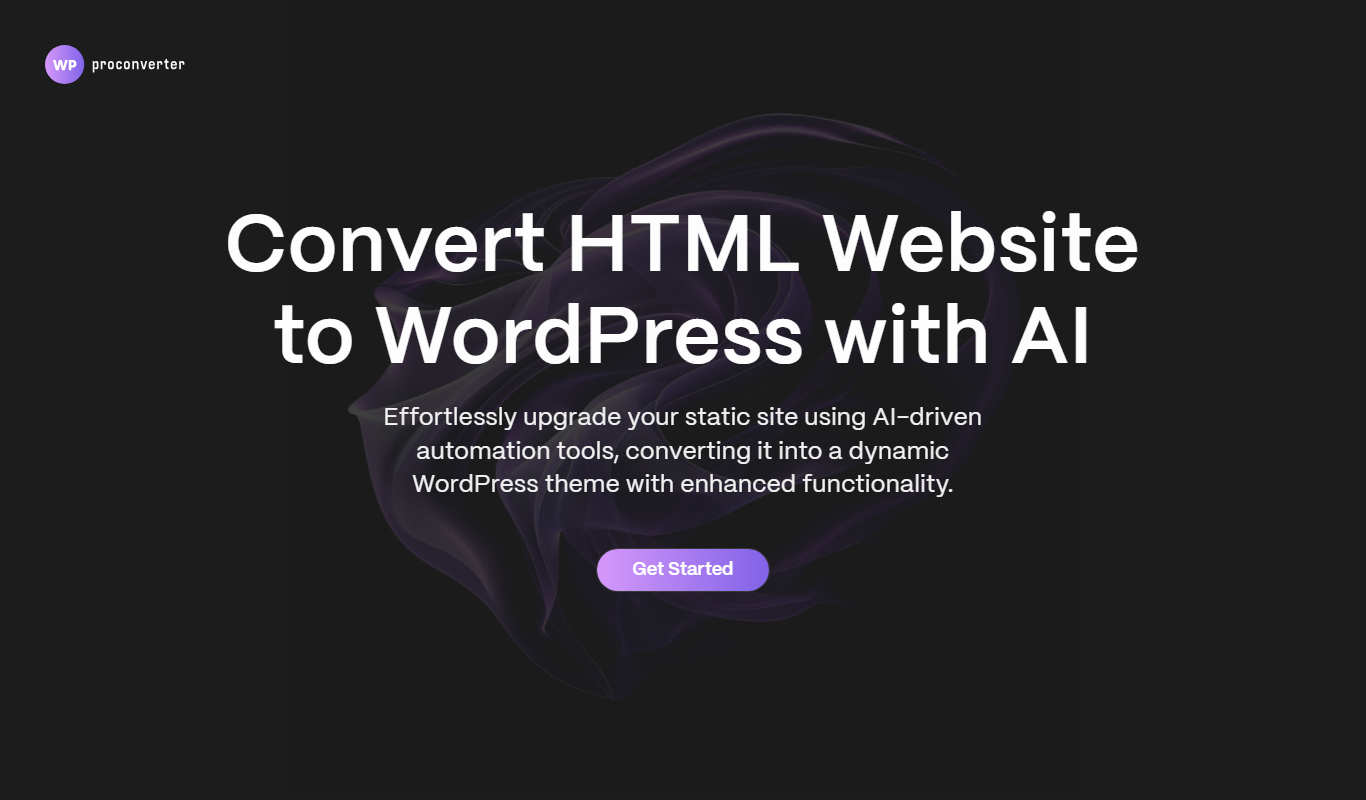
What is WordPress Pro Converter?
WordPress Pro Converter is a specialized WordPress plugin designed to simplify the complex process of migrating, backing up, and cloning WordPress websites. It handles the transfer of all site files, databases, and configurations, ensuring a smooth transition between hosts or domains without requiring advanced technical skills.
Key features of WordPress Pro Converter
The tool offers comprehensive migration capabilities including full site backups, database migration with URL replacement, site cloning for staging or development, and compatibility with various hosting environments. It supports both manual and automated migration workflows.
Full Site Backup
Backup all WordPress files and databases in a single package.
Seamless Migration
Transfer sites between hosts or domains with minimal downtime.
Database URL Replacement
Automatically update URLs in the database during migration.
Site Cloning
Duplicate entire WordPress sites for testing or staging.
User-Friendly Interface
Intuitive plugin dashboard for managing migration and backup tasks.
Pros and cons of WordPress Pro Converter
Pros
- Simplifies complex WordPress migrations
- Automatic URL replacement reduces manual work
- Supports full site backups and restores
- User-friendly interface for non-technical users
Cons
- Limited support for multisite WordPress installations
- Some advanced features require paid Pro version
Key use cases for WordPress Pro Converter
Website Migration
Easily transfer WordPress sites between domains or hosts without downtime or data loss.
Backup and Restore
Create full backups of WordPress sites to restore in case of data loss or errors.
Site Cloning
Duplicate WordPress sites for development, testing, or staging environments.
Database Migration
Migrate WordPress databases seamlessly between servers or environments.
URL Replacement
Automatically update URLs in the database during migration to reflect new domain names.
How WordPress Pro Converter works
-
1
Install Plugin
Add the WordPress Pro Converter plugin to your WordPress site from the official repository or upload it manually.
-
2
Create Backup or Export
Use the plugin interface to create a full backup or export your site including files and database.
-
3
Import to New Site
Install the plugin on the destination WordPress site and import the backup or exported package.
-
4
URL Replacement
Automatically update URLs in the database to match the new domain or path.
-
5
Finalize Migration
Verify the site functionality on the new host and complete the migration process.
Who is using WordPress Pro Converter
WordPress site owners
Web developers
Digital agencies
Freelancers managing client sites
Small to medium businesses
WordPress Pro Converter pricing
Free Trial
$0
Limited features to test basic migration and backup capabilities.
Pro
$49/year
Full access to all migration, backup, and cloning features with priority support.
Plans and prices are as published by the vendor and can change. Check the official site before you buy. Open the pricing page (opens in a new tab)
Frequently asked questions about WordPress Pro Converter
It supports most standard hosting environments but may have limitations with some managed WordPress hosts.
Currently, the plugin supports single WordPress sites; multisite migration is not supported.
Yes, it includes automatic URL replacement in the database during migration.
Basic WordPress familiarity is helpful, but the plugin is designed for users without advanced technical skills.
It depends on your specific needs and how you plan to use the tool. The official website and documentation are the best sources for the latest details.
Yes, it can help with that use case depending on how you configure it and what features are available. You’ll get the best results with clear inputs and a defined goal.
Some tools offer a free plan or trial with limited features. Availability can vary, so confirm on the official website.
Sign in to review this tool.
No reviews yet
Be the first to share how this tool worked for you.
Ask about pricing, limits, or how it compares — or answer someone else.
No questions yet
Have a question about using or paying for this tool? Be the first to ask.
Featured on TiorAI



Alternative Tools
Explore similar AI tools that might fit your needs
Free
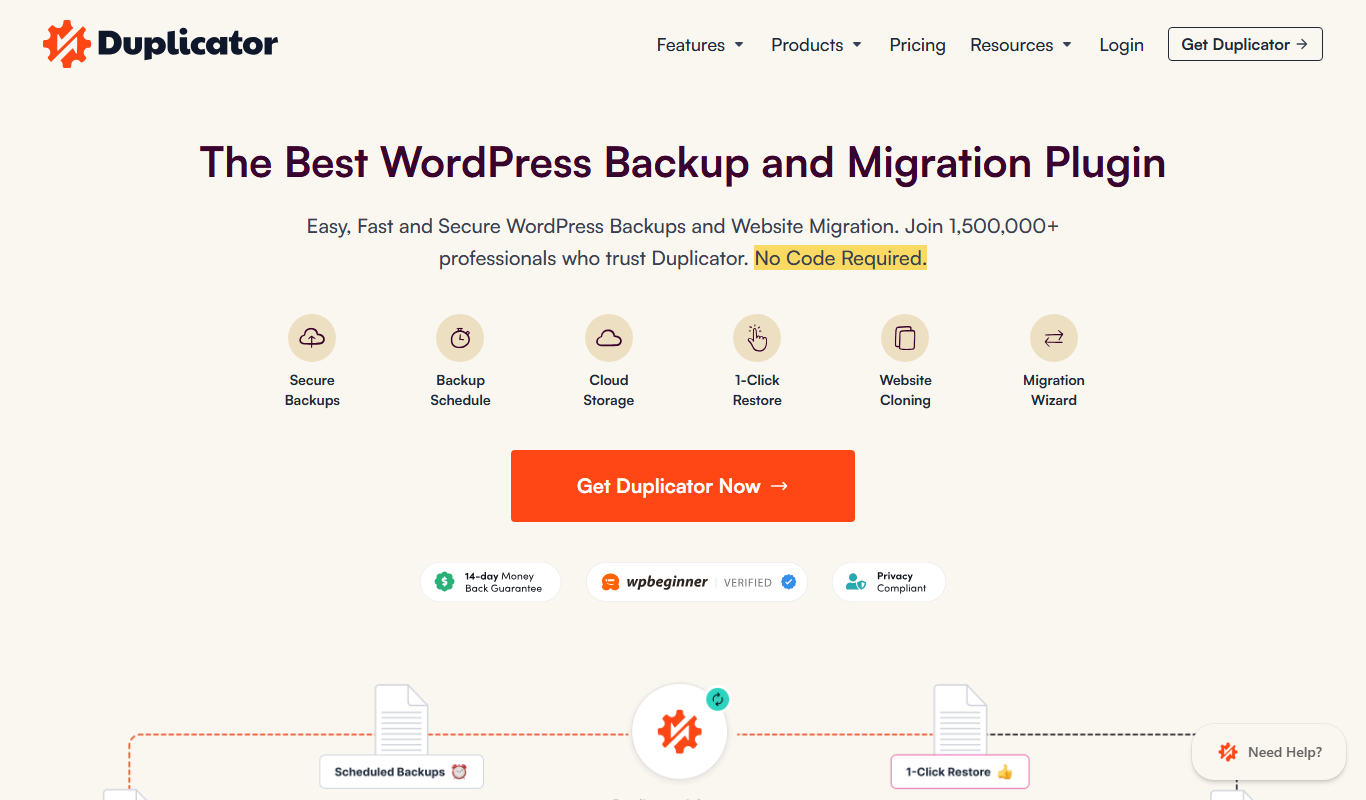
Duplicator
Duplicator is a WordPress plugin that allows users to migrate, back up, and clone WordPress websites by packaging all site files and databases into a portable archive with an installer script for easy deployment.

Free
UpdraftPlus
UpdraftPlus is a WordPress plugin that automates website backups, supports multiple cloud storage options, and enables easy restoration and migration of WordPress sites.
More AI Website Designer Lite tools
Other tools in the same category, for when this one is not quite the fit.

Free
Daft Art
Daft Art is a web-based AI art generator that creates unique digital images from text prompts, offering various artistic styles and easy downloads for creative projects.
Free Trial
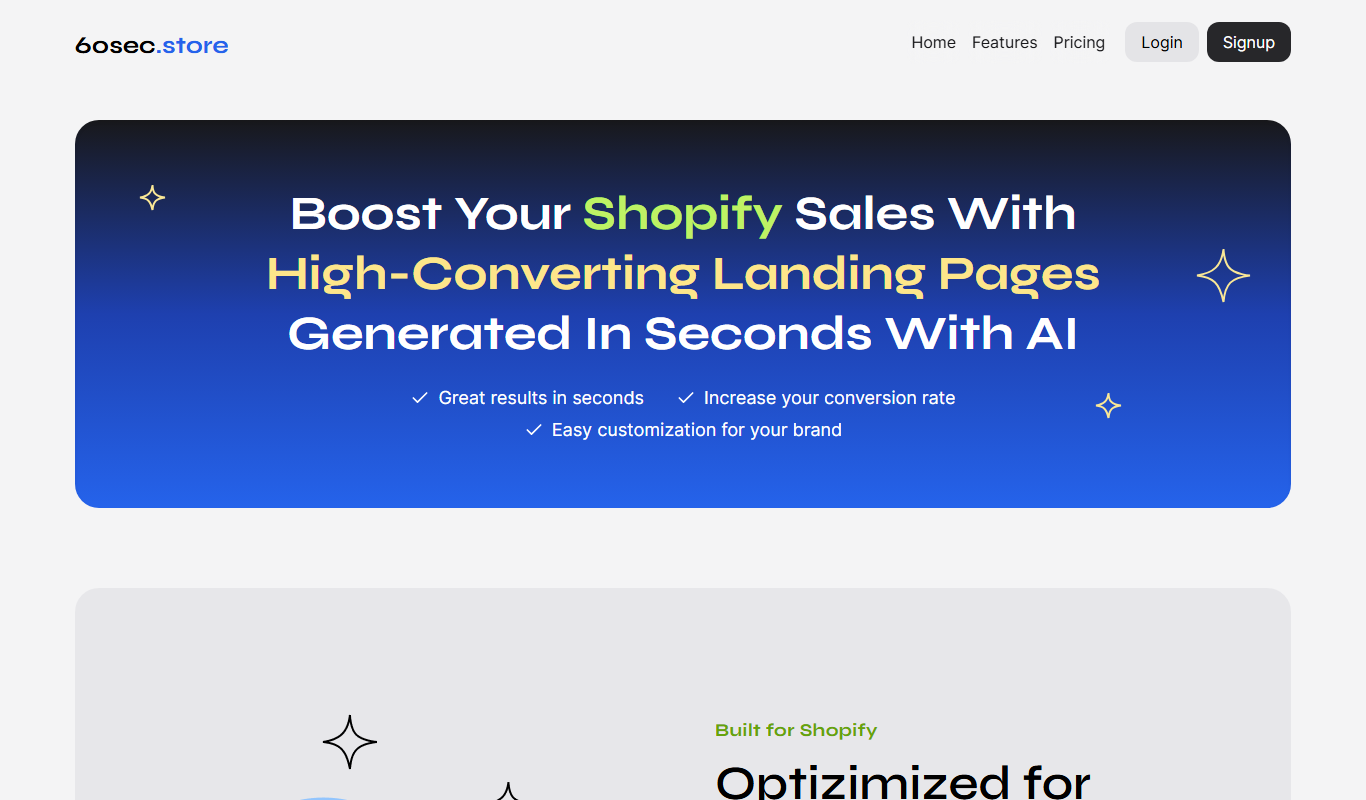
60sec.store: AI Landing Pages 4 Shopify
60sec.store is an AI-driven landing page builder that helps Shopify merchants create optimized landing pages quickly without coding, improving conversions and marketing efficiency.
Freemium
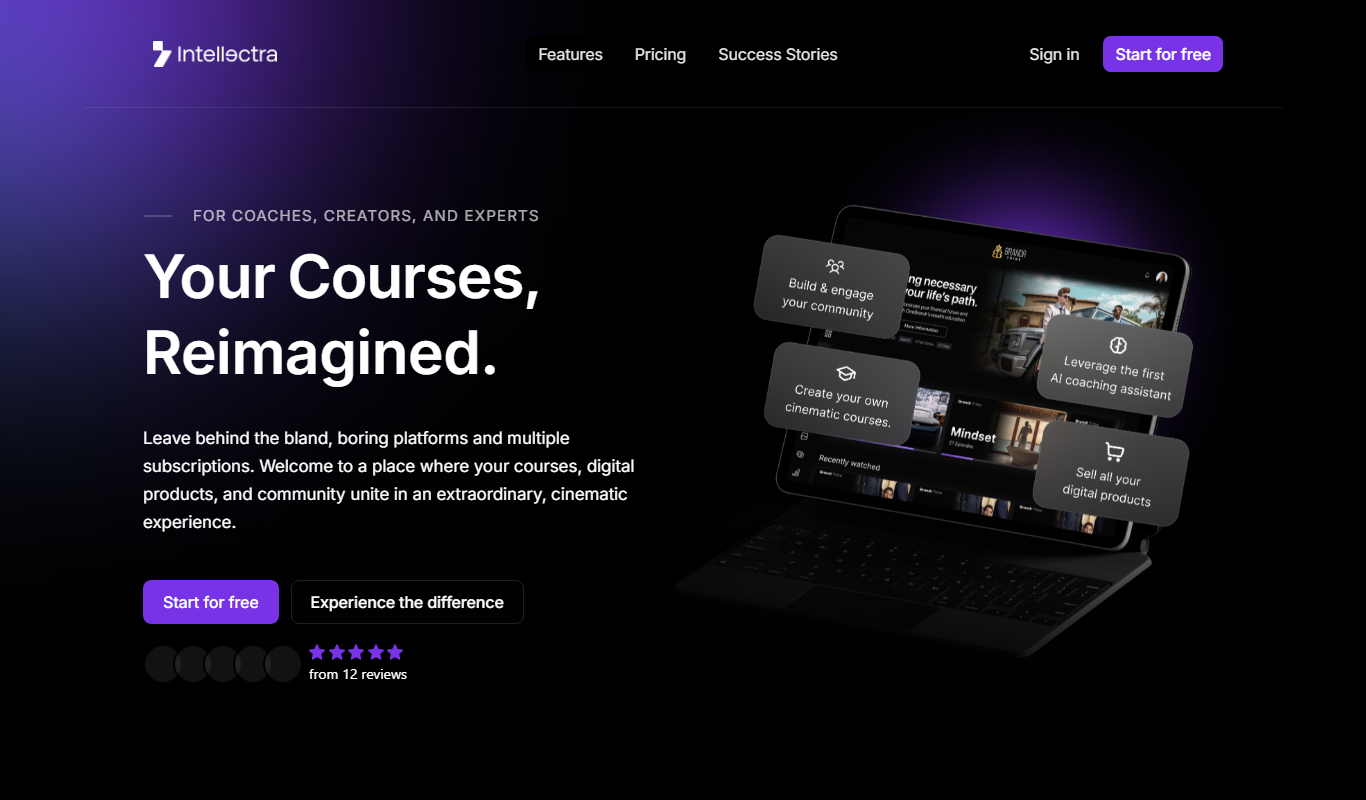
Intellectra
Intellectra is an AI-driven platform that enables businesses to analyze data, automate workflows, and build custom AI models to improve decision-making and operational efficiency.
Custom Pricing
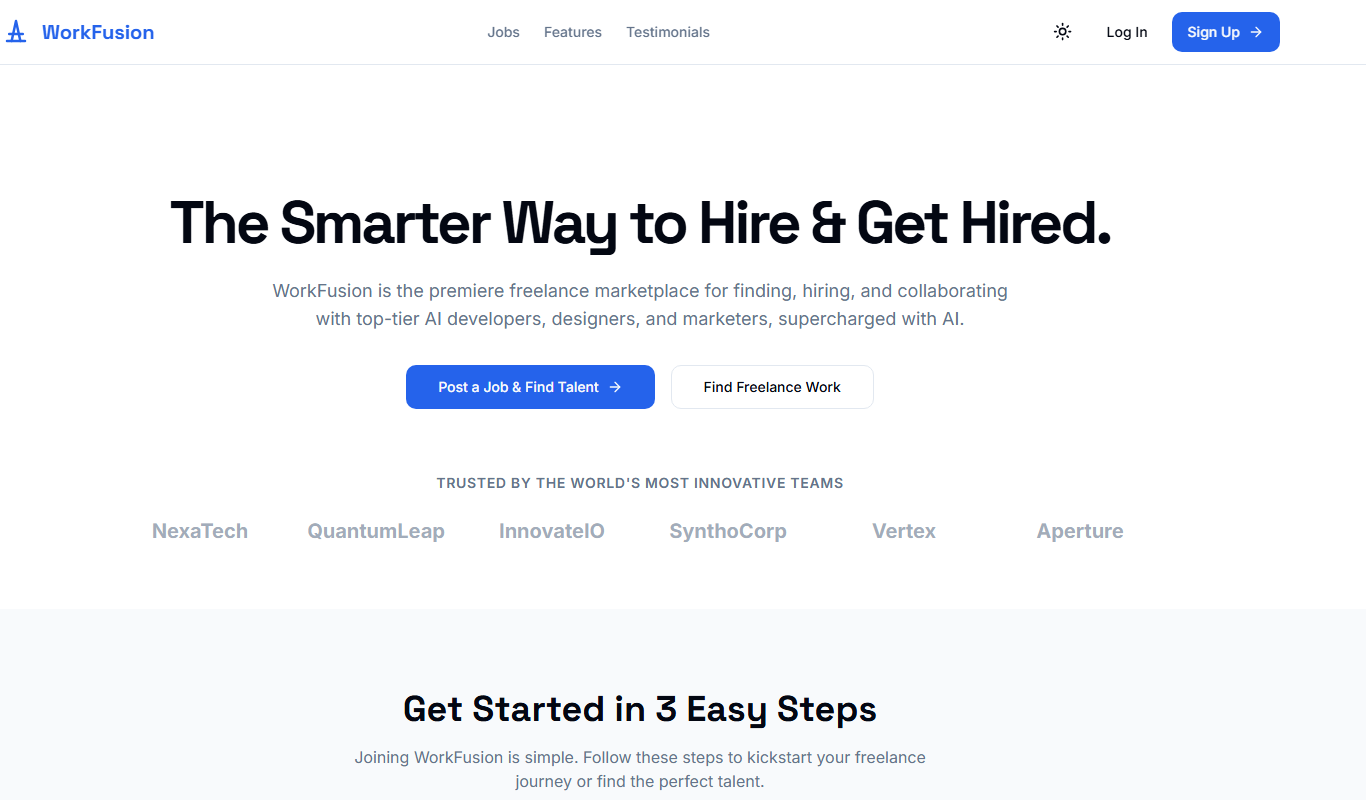
WorkFusion App
WorkFusion App is an AI-driven robotic process automation platform that helps enterprises automate complex business workflows by combining RPA with intelligent data capture and bot management.

Free Trial
ShipStation
ShipStation is a cloud-based shipping and order management software that helps e-commerce businesses automate shipping label creation, manage orders from multiple sales channels, and track shipments with multiple carriers.

Free Trial
Softgen
Softgen is an AI-driven software development platform that automates code generation and review, helping developers accelerate project delivery with natural language inputs and multi-language support.
Freemium
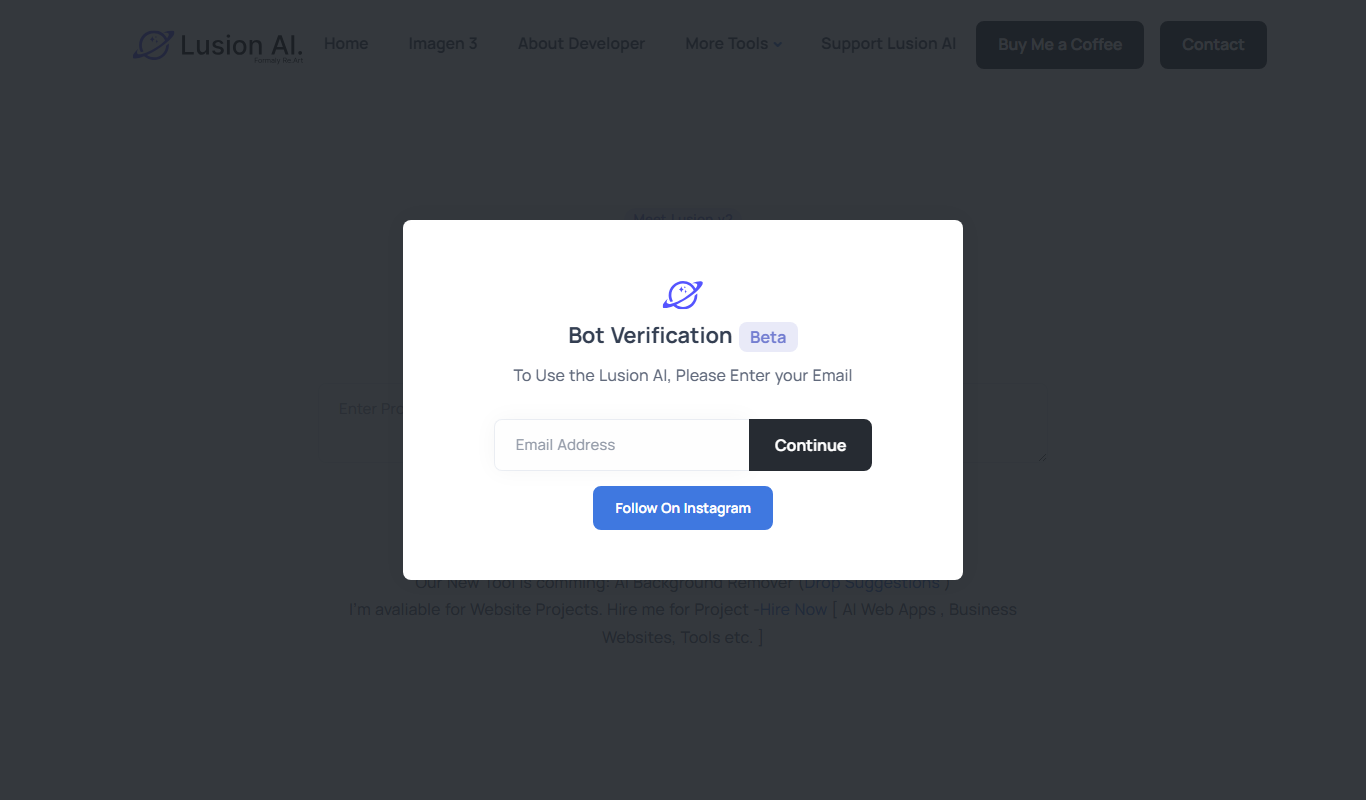
Lusion AI
Lusion AI is a web-based platform that uses artificial intelligence to generate and edit images from text prompts or existing photos, designed for artists and creators.

Free
SysDesigna
SysDesigna is a web-based platform that helps software engineers prepare for system design interviews through curated problems, interactive design tools, and mock interview simulations.