

From my experience with Duplicator, I found it excels at simplifying the complex process of migrating and backing up WordPress sites without requiring deep technical knowledge. The packaging and installer approach makes moving sites straightforward and reliable. After spending time with the plugin, I can say it’s particularly well-suited for developers, agencies, and business owners who need to clone or move sites frequently. However, there’s a trade-off: the free version lacks advanced features like scheduled backups and multisite support, which are only available in premium plans. Overall, if you need a dependable WordPress migration and backup solution, Duplicator delivers solid results.
Duplicator WordPress Plugin for Site Migration and Backup Solutions
Duplicator is a WordPress plugin that allows users to migrate, back up, and clone WordPress websites by packaging all site files and databases into a portable archive with an installer script for easy deployment.
- Best for
- Website Migration
- Key capability
- Full Site Packaging
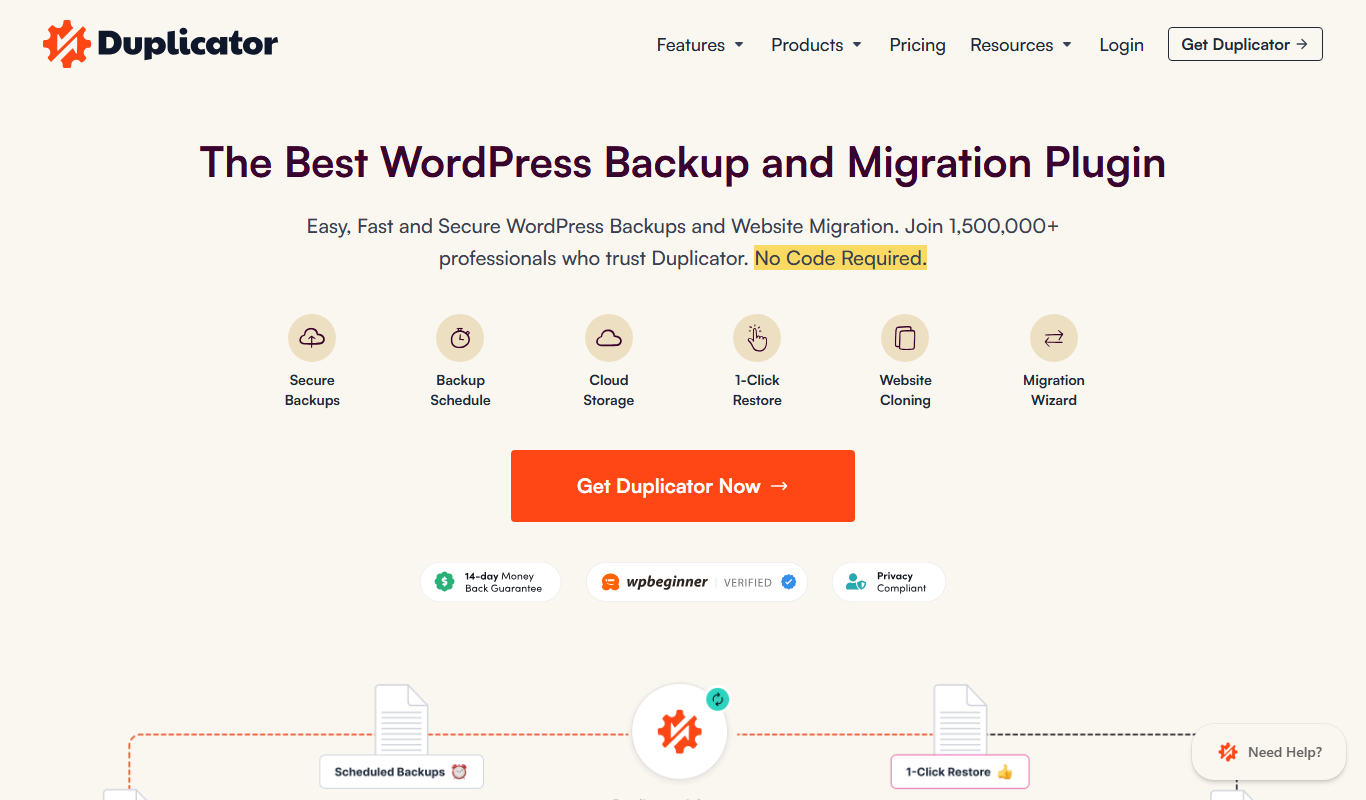
What is Duplicator?
Duplicator is a WordPress plugin developed by Snap Creek LLC that simplifies the process of migrating, backing up, and cloning WordPress websites. It packages all site files, themes, plugins, and databases into a portable archive that can be easily deployed on a new server or domain. This tool is widely used by developers, agencies, and site owners to move sites without technical complexity or downtime.
Key features of Duplicator
Duplicator offers comprehensive site migration and backup capabilities including site packaging, installer scripts, scheduled backups, cloud storage integration, and multisite support. It supports manual and automated workflows to streamline WordPress site management.
Full Site Packaging
Creates a complete archive of WordPress files and database for easy migration or backup.
Installer Script
Automates unpacking and installation of the site on a new server with minimal user input.
Scheduled Backups
Allows users to schedule automatic backups to local or cloud storage destinations.
Cloud Storage Integration
Supports backup storage on services like Dropbox, Google Drive, and Amazon S3.
Multisite Support
Supports migration and backup of WordPress multisite networks.
Pros and cons of Duplicator
Pros
- Simple and intuitive site migration process
- Supports full site backups including database
- Free version available with essential features
- Cloud storage integration for backups
- Multisite support in premium plans
Cons
- Free version lacks scheduled backups and multisite support
- Large sites may require premium plans for smooth operation
- No standalone desktop or mobile app
Key use cases for Duplicator
Website Migration
Duplicator enables users to easily move or clone a WordPress site from one location to another without downtime.
Site Backup and Restore
Users can create full backups of their WordPress sites including files and databases for disaster recovery.
Website Duplication for Testing
Developers and site owners can duplicate live sites to staging or local environments for testing and development.
Manual Site Deployment
Duplicator facilitates manual deployment of WordPress sites by packaging site content and database into a single archive.
How Duplicator works
-
1
Create a Package
Select the WordPress site you want to migrate or back up and create a package that includes all files and the database.
-
2
Download Package and Installer
Download the generated archive and installer PHP script to your local machine.
-
3
Upload to New Location
Upload both the package archive and installer script to the new server or hosting environment.
-
4
Run Installer
Access the installer script via browser to unpack the site and configure database settings on the new location.
-
5
Complete Migration
Finalize the migration by updating URLs and testing the site on the new server.
Who is using Duplicator
WordPress developers
Web agencies
Small to medium business owners
Website administrators
Freelancers managing client sites
Duplicator pricing
Free
$0/month
Basic site migration and manual backup features with limited support.
Personal
$59/year
Includes scheduled backups, cloud storage, and email support for one site.
Business
$99/year
Adds multisite support, priority support, and additional features for up to three sites.
Gold
$149/year
Full feature set with unlimited sites, priority support, and advanced tools.
Plans and prices are as published by the vendor and can change. Check the official site before you buy. Open the pricing page (opens in a new tab)
Frequently asked questions about Duplicator
Yes, Duplicator allows you to move your WordPress site to a new domain or server easily using its package and installer.
Multisite support is available in the Business and Gold premium plans.
The free version has no explicit size limit, but very large sites may require the premium version for better performance.
Scheduled backups are available in the premium versions of Duplicator.
It depends on your specific needs and how you plan to use the tool. The official website and documentation are the best sources for the latest details.
Some tools offer a free plan or trial with limited features. Availability can vary, so confirm on the official website.
Yes, it can help with that use case depending on how you configure it and what features are available. You’ll get the best results with clear inputs and a defined goal.
Yes, it can help with that use case depending on how you configure it and what features are available. You’ll get the best results with clear inputs and a defined goal.
Sign in to review this tool.
No reviews yet
Be the first to share how this tool worked for you.
Ask about pricing, limits, or how it compares — or answer someone else.
No questions yet
Have a question about using or paying for this tool? Be the first to ask.
Featured on TiorAI



Alternative Tools
Explore similar AI tools that might fit your needs

Free
UpdraftPlus
UpdraftPlus is a WordPress plugin that automates website backups, supports multiple cloud storage options, and enables easy restoration and migration of WordPress sites.
More Business Management tools
Other tools in the same category, for when this one is not quite the fit.

Free
Roadtrippers
Roadtrippers is a travel planning app that helps users create detailed road trip itineraries by mapping routes, discovering attractions, and optimizing travel plans.

Free
TripIt
TripIt is a travel app that automatically organizes your travel plans into a single itinerary by parsing confirmation emails, providing real-time flight alerts, and allowing itinerary sharing.

Free
FormSwift
FormSwift is an online platform that provides customizable legal and business document templates, PDF editing, and electronic signature capabilities to help users create and manage important documents easily.

Pay As You Go
TextMagic
TextMagic is a cloud-based SMS marketing platform that enables businesses to send bulk text messages, automate notifications, and engage customers with two-way messaging and API integration.

Free Trial
EZ Texting
EZ Texting is a cloud-based SMS marketing platform that enables businesses to send mass text messages, automate campaigns, and engage customers with two-way messaging.

Free Trial
SimpleTexting
SimpleTexting is a cloud-based SMS marketing platform that enables businesses to send mass text messages, automate SMS workflows, and engage customers with two-way messaging to improve communication and marketing effectiveness.

Free
Spocket
Spocket is a dropshipping platform that helps ecommerce entrepreneurs source products from vetted US and EU suppliers, automate order fulfillment, and integrate with major online store platforms like Shopify and WooCommerce.

Free
Oberlo
Oberlo is a dropshipping app for Shopify that automates product importing, inventory management, and order fulfillment, enabling entrepreneurs to run ecommerce stores without holding inventory.