

From my experience with Voisi AI, I found it excels at simplifying voice-based business automation, especially for customer support and lead generation. The platform’s no-code conversation builder and CRM integrations make it accessible for teams without deep technical expertise. It’s particularly well-suited for small to medium businesses in India due to its support for English and Hindi. However, the limited language options and the need to contact sales for enterprise pricing could be a barrier for some users. Overall, if you want to automate voice interactions efficiently and improve customer engagement, Voisi AI offers a practical and scalable solution.
Voisi AI Review: AI-Powered Voice Assistant for Business Automation
Voisi AI is an AI-driven voice assistant platform that automates business voice interactions such as customer support and lead qualification, supporting English and Hindi languages with CRM integration and customizable conversation flows.
- Best for
- Automated Customer Support
- Key capability
- AI-Powered Voice Conversations
Your actions
Save Voisi AI, follow its updates and vote on it — everything stays in your account.
Sign in or create a free account

What is Voisi AI?
Voisi AI is an AI-powered voice assistant platform designed to automate voice interactions for businesses. It leverages natural language processing and machine learning to conduct intelligent voice conversations, enabling companies to streamline customer support, lead generation, and appointment scheduling without manual effort.
Key features of Voisi AI
The platform offers features such as AI-driven voice calls, customizable conversation flows, multilingual support, integration with CRM systems, and real-time analytics to monitor call performance and customer engagement.
AI-Powered Voice Conversations
Conducts natural and intelligent voice interactions with customers using advanced AI.
Multilingual Support
Supports multiple languages including English and Hindi to cater to diverse customer bases.
Customizable Conversation Builder
Allows businesses to create tailored voice scripts without coding.
CRM Integration
Seamlessly connects with popular CRM platforms to automate lead and customer data management.
Real-Time Analytics Dashboard
Provides insights into call performance, customer engagement, and campaign effectiveness.
Pros and cons of Voisi AI
Pros
- Easy-to-use voice conversation builder
- Supports multiple languages relevant to Indian market
- Integrates well with CRM systems
- Real-time analytics for performance tracking
- Offers a free plan to get started
Cons
- Limited language options beyond English and Hindi
- Pricing details for enterprise plans require direct contact
Key use cases for Voisi AI
Automated Customer Support
Voisi AI enables businesses to automate customer interactions through voice, reducing wait times and improving service efficiency.
Lead Generation and Qualification
The tool can engage potential customers via voice calls, qualify leads, and schedule follow-ups automatically.
Appointment Scheduling
Voisi AI assists in managing appointments by interacting with clients and updating calendars without human intervention.
Business Process Automation
It automates repetitive voice-based tasks, freeing up human resources for higher-value activities.
How Voisi AI works
- 1
Sign Up and Setup
Create an account on Voisi AI and configure your business profile and preferences.
- 2
Design Conversation Flows
Use the platform’s tools to build and customize voice interaction scripts tailored to your business needs.
- 3
Integrate with Systems
Connect Voisi AI with your CRM or other business tools to synchronize data and automate workflows.
- 4
Launch Voice Campaigns
Initiate AI-powered voice calls to customers or leads, automating interactions based on your scripts.
- 5
Monitor and Optimize
Track call analytics and customer responses to refine conversation flows and improve outcomes.
Who is using Voisi AI
Small and medium businesses
Customer support teams
Sales and marketing departments
Lead generation agencies
Appointment-based service providers
Voisi AI pricing
Free
$0/month
Basic access with limited voice calls and features to test the platform.
Pro
$49/month
Expanded voice call limits, advanced features, and priority support.
Enterprise
Custom pricing
Tailored solutions with unlimited calls, dedicated support, and custom integrations.
Plans and prices are as published by the vendor and can change. Check the official site before you buy. Open the pricing page (opens in a new tab)
Frequently asked questions about Voisi AI
Voisi AI currently supports English and Hindi for voice interactions.
Yes, Voisi AI offers integrations with popular CRM systems to streamline workflows.
Yes, Voisi AI provides a free plan with limited features to try the platform.
You can fully customize conversation flows using the platform’s no-code builder.
Yes, it can help with that use case depending on how you configure it and what features are available. You’ll get the best results with clear inputs and a defined goal.
Yes, it can help with that use case depending on how you configure it and what features are available. You’ll get the best results with clear inputs and a defined goal.
Integration support depends on the tool and its available connectors or API. Check the official documentation or integrations page to confirm what is supported.
Some tools offer a free plan or trial with limited features. Availability can vary, so confirm on the official website.
Sign in to review this tool.
Sign In to ReviewNo reviews yet
Be the first to share how this tool worked for you.
Ask about pricing, limits, or how it compares — or answer someone else.
Sign In to AskNo questions yet
Have a question about using or paying for this tool? Be the first to ask.
Featured on TiorAI



More AI Customer Support Tools tools
Other tools in the same category, for when this one is not quite the fit.
Custom Pricing
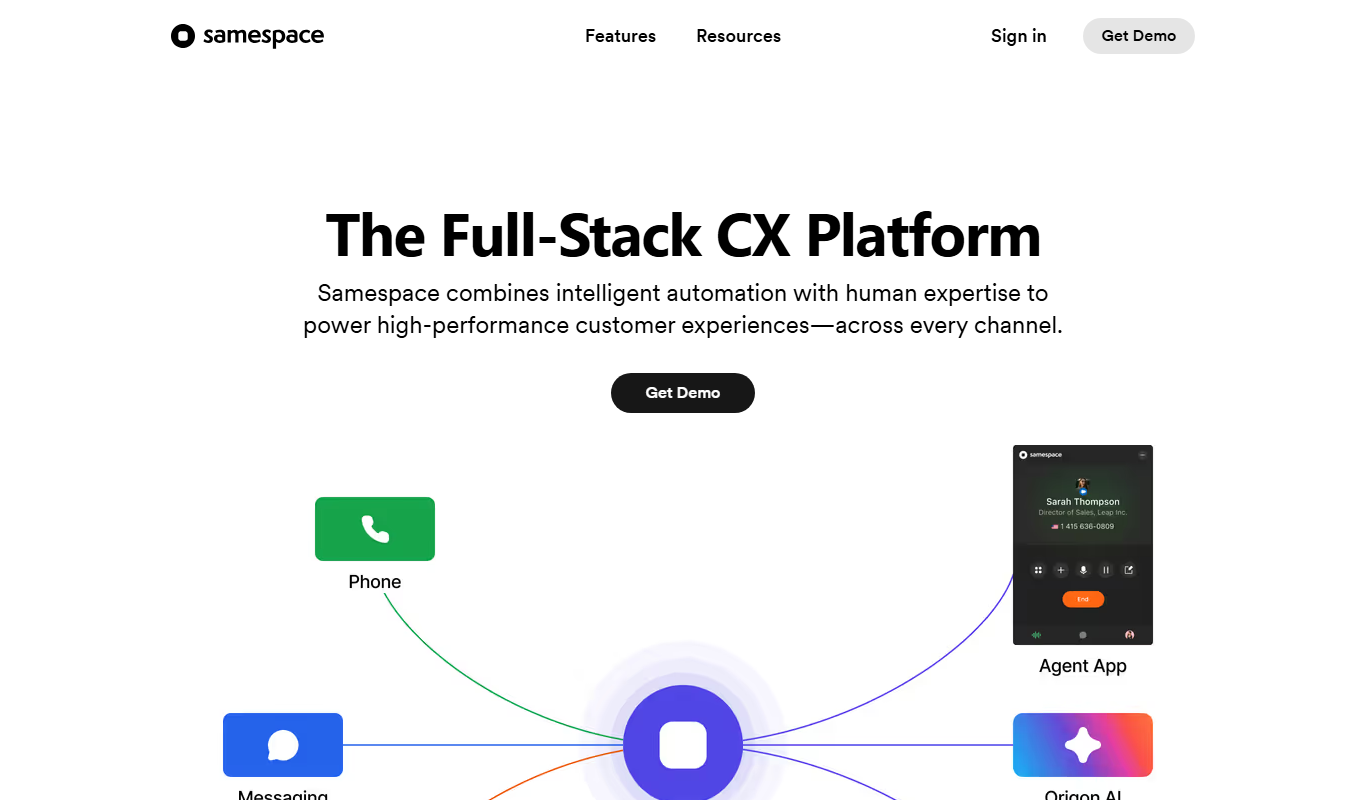
samespace.com
Samespace is a cloud-based contact center software that enables businesses to manage customer interactions across voice, SMS, chat, and email channels from a unified platform with features like IVR, call routing, and real-time analytics.
Free Trial
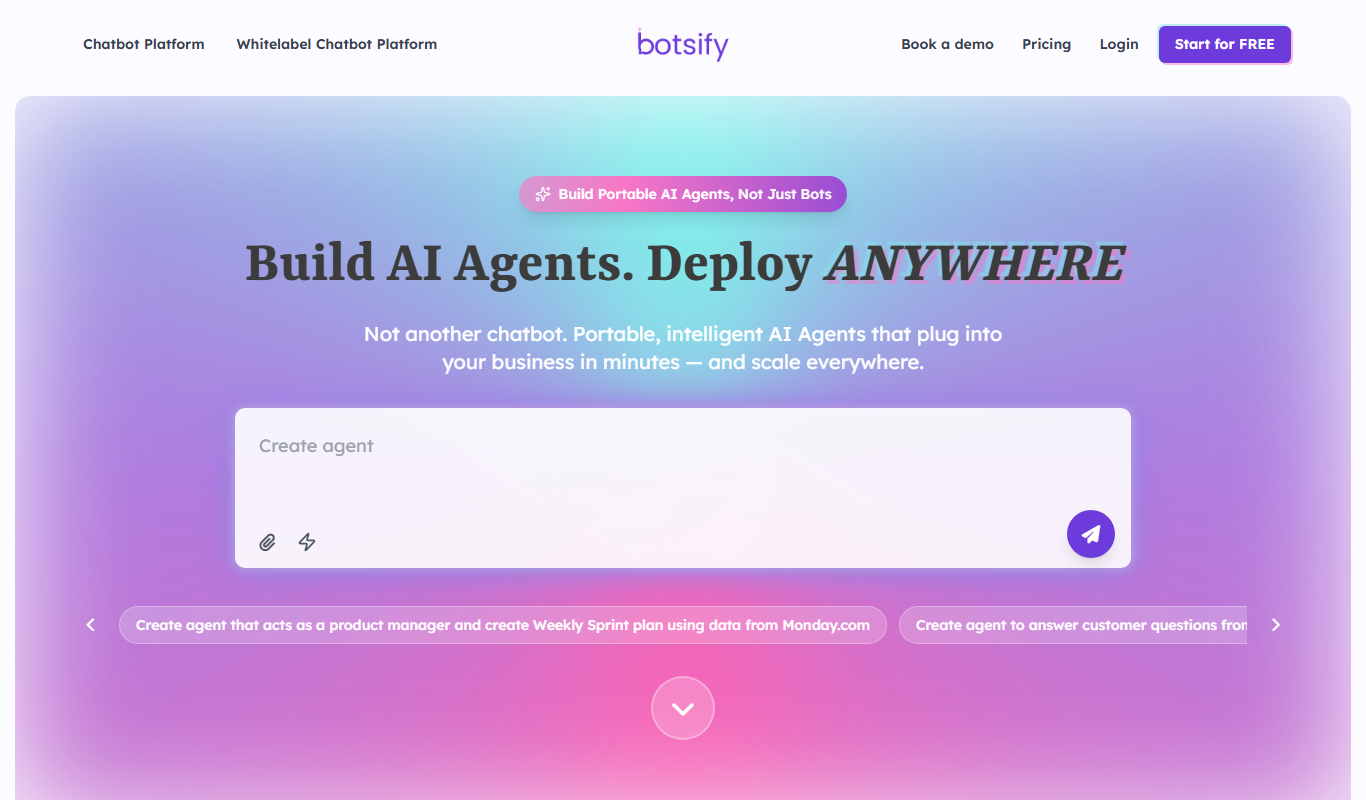
Botsify
Botsify is a white-label platform for building and reselling AI chatbots and AI agents under your own brand, with client management and platform customization for agencies.
Free
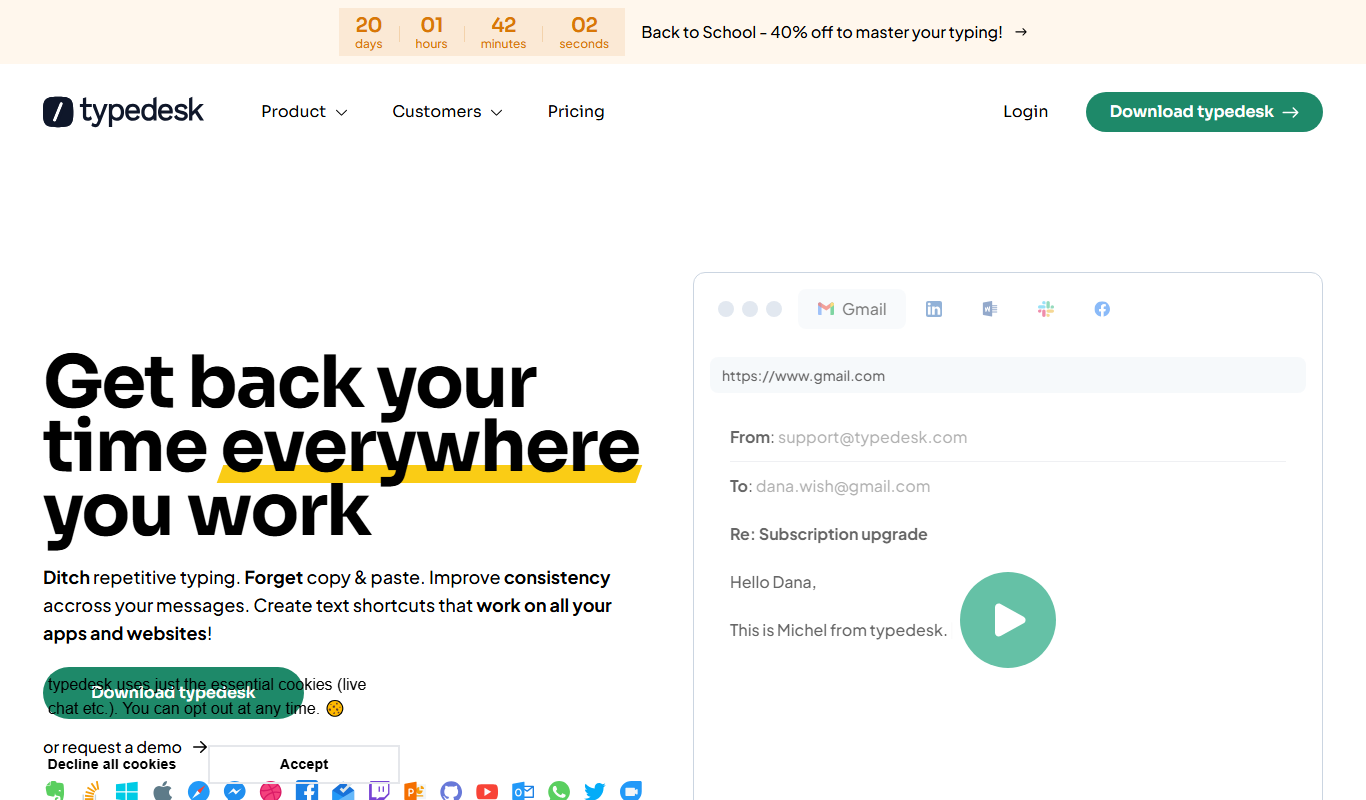
typedesk
Typedesk is an AI-powered text expander that helps users save time by creating and inserting reusable text snippets across multiple platforms, improving communication efficiency in customer support, sales, and team collaboration.
Free Trial
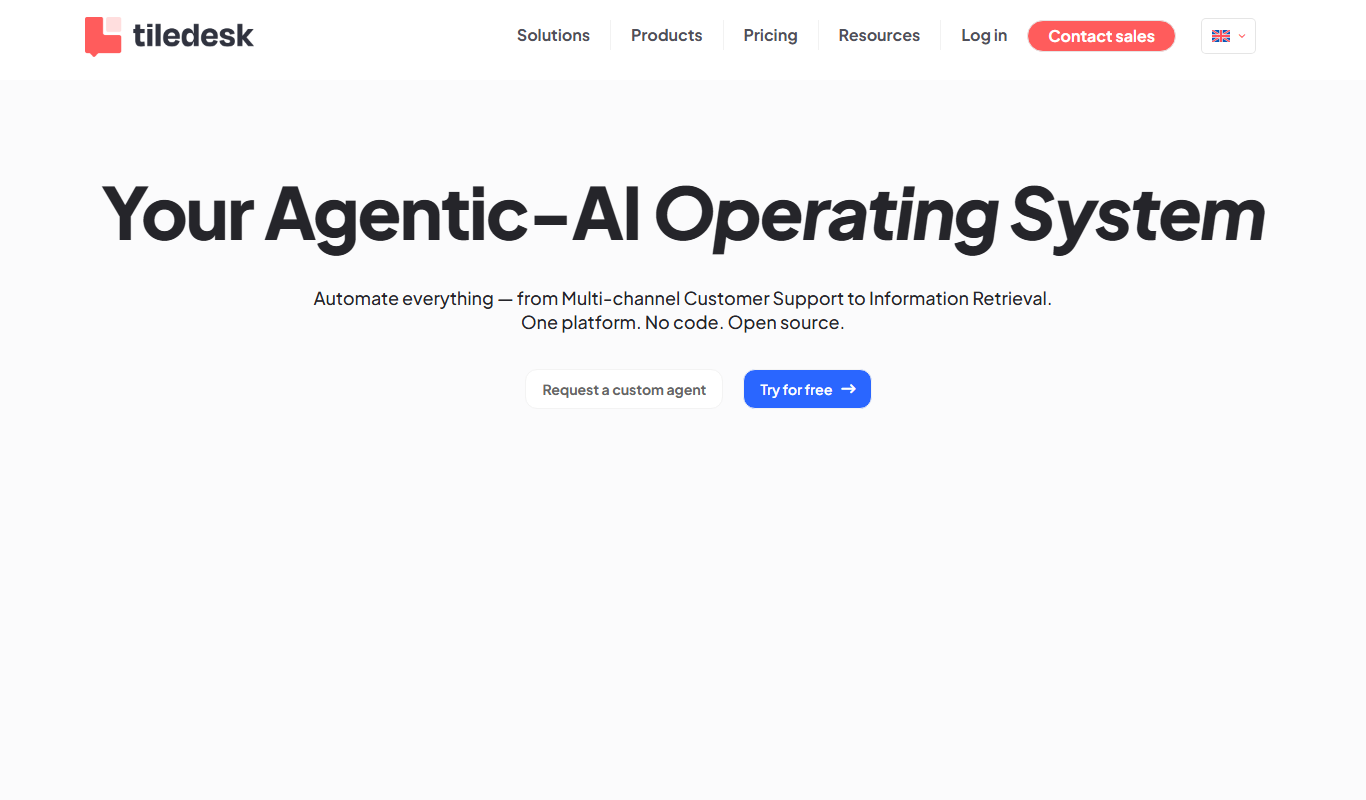
Tiledesk
Tiledesk is an open-source AI chatbot and live chat platform that helps businesses automate customer support, engage visitors across multiple messaging channels, and integrate with helpdesk systems.

Free Trial
instabot.io
Instabot.io is an AI chatbot platform that helps businesses automate customer support, engage website visitors, and generate leads through conversational AI without coding.
Free Trial
BotStacks
BotStacks is a no-code AI chatbot builder that creates a chatbot trained on every page of your website to answer customers 24/7.

Free Trial
Hi Chat Assistant
Hi Chat Assistant is an AI commercial management system that answers customers on WhatsApp, Instagram and the web and connects each conversation with a CRM, a product catalog and an appointment agenda.

Free Trial
WhatsBotPro
WhatsBotPro is a WhatsApp automation platform that enables businesses to create chatbots, send bulk messages, and integrate WhatsApp conversations with CRM systems to improve customer communication and operational efficiency.