

Typedesk AI Text Expander for Faster Customer Support and Messaging
Typedesk is an AI-powered text expander that helps users save time by creating and inserting reusable text snippets across multiple platforms, improving communication efficiency in customer support, sales, and team collaboration.
- Best for
- Customer Support Efficiency
- Key capability
- Snippet Management
Save typedesk, follow its updates and vote on it — everything stays in your account.
Sign in or create a free account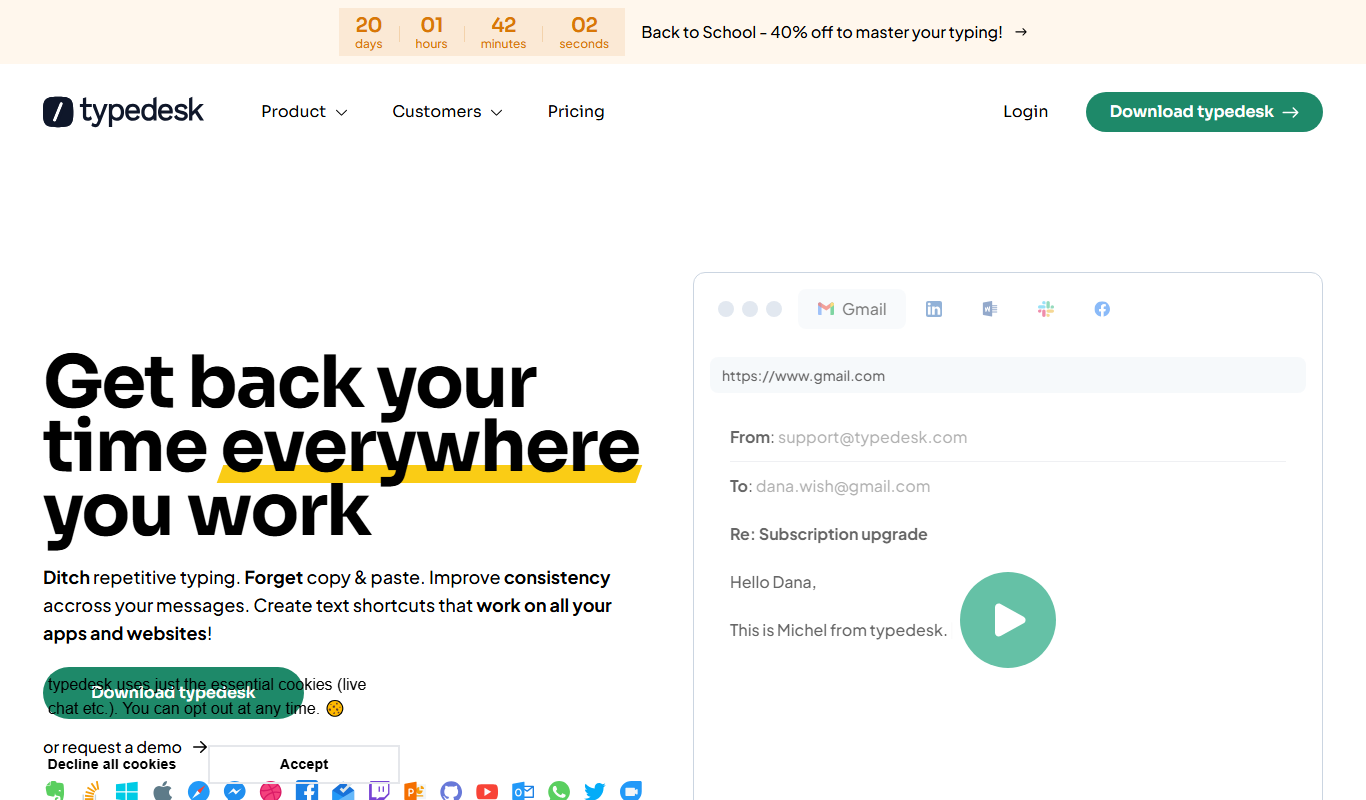

What is typedesk?
Typedesk is an AI-powered text expander designed to help individuals and teams save time by creating, managing, and quickly inserting reusable text snippets. It integrates seamlessly with various platforms via browser extensions and desktop apps, enabling faster and more consistent communication across customer support, sales, and internal messaging.
Key features of typedesk
Typedesk offers a user-friendly interface to create and organize text snippets, supports dynamic variables for personalization, and provides multi-platform integration including web and desktop apps. It also enables team collaboration by sharing snippet libraries and offers analytics to track snippet usage.
Snippet Management
Organize snippets with folders, tags, and search functionality for easy access.
Dynamic Variables
Personalize snippets with placeholders that prompt for input when inserted.
Multi-Platform Support
Use Typedesk on web, desktop (Windows/Mac), and popular browsers via extensions.
Team Collaboration
Share snippet libraries with team members to ensure consistent messaging.
Usage Analytics
Track which snippets are used most to optimize your communication templates.
Pros and cons of typedesk
Pros
- Easy to use interface for creating and managing snippets
- Supports dynamic variables for personalized messages
- Cross-platform availability including desktop and browser extensions
- Collaboration features for teams
- Affordable pricing plans
Cons
- Limited integrations with third-party apps beyond browsers
- Free plan has restricted features and snippet limits
- No mobile app currently available
Key use cases for typedesk
Customer Support Efficiency
Use Typedesk to quickly insert pre-written answers and reduce response time in support tickets and live chats.
Sales and Outreach
Automate repetitive messaging and personalize outreach emails with saved snippets to improve sales communication.
Internal Team Communication
Standardize internal messages and reduce typing effort by sharing common phrases and templates across teams.
Content Creation
Speed up writing repetitive content blocks such as disclaimers, greetings, or product descriptions.
How typedesk works
- 1
Create an Account
Sign up on Typedesk’s website to start creating your snippet library.
- 2
Add Snippets
Write reusable text blocks and organize them into categories or folders.
- 3
Install Extensions or Apps
Install the browser extension or desktop app to access snippets wherever you type.
- 4
Insert Snippets
Use keyboard shortcuts or search to quickly insert snippets into emails, chats, or documents.
Who is using typedesk
typedesk pricing
Free
Free forever
Unlimited templates, 50 uses per week, desktop application, browser extensions, limited to a single user.
Premium
$60/year per user, billed yearly
Unlimited templates and usage, teams support, share templates with your team, desktop application, browser extensions, AI integration, image uploads, webhooks.
Premium +AI
$168/year, billed yearly
Everything in Premium plus advanced AI integrations, AI Quick Reply, custom AI templates, AI variables autofill, all available AI models, custom AI workflows, training and onboarding.
Enterprise
Contact Us
Everything in Premium +AI plus SSO and auto-join, dedicated account manager, custom integrations, SLA guarantees, volume discounts, custom onboarding and team metrics.
Plans and prices are as published by the vendor and can change. Check the official site before you buy. Open the pricing page (opens in a new tab)
Frequently asked questions about typedesk
Yes, Typedesk supports syncing snippets across devices via its web and desktop apps.
Yes, you can add placeholders that prompt for input when inserting snippets.
Yes, Typedesk offers a free plan with basic snippet management for individual users.
Yes, the Premium plan includes teams support and sharing templates with your team.
This tool is designed to help users accomplish its core tasks more efficiently. It is typically used by individuals or teams looking to improve productivity and workflow.
Yes, it can help with that use case depending on how you configure it and what features are available. You’ll get the best results with clear inputs and a defined goal.
Some tools offer a free plan or trial with limited features. Availability can vary, so confirm on the official website.
It depends on your specific needs and how you plan to use the tool. The official website and documentation are the best sources for the latest details.
Conclusion
Text shortcuts work on all apps and websites with no integration needed, through native apps for Mac and Windows and extensions for the major browsers. Templates can include variables such as free text input, multi-select options and calculations, and a single template can have several variations with a different tone or translation. Users can also connect their own OpenAI API key for reusable AI prompts, rewriting, translation, summaries and reply drafts.
Customer support teams, sales professionals and marketing agencies can share folders so everyone replies from the same templates, with per-folder permissions and an activity feed for changes. The free plan is limited to a single user and 50 uses per week, while Premium adds unlimited usage and team sharing and Premium +AI adds advanced AI integrations. A mobile application is listed as coming soon.
Sources
Sign in to review this tool.
Sign In to ReviewNo reviews yet
Be the first to share how this tool worked for you.
Ask about pricing, limits, or how it compares — or answer someone else.
Sign In to AskNo questions yet
Have a question about using or paying for this tool? Be the first to ask.
Featured on TiorAI



Alternative Tools
Explore similar AI tools that might fit your needs
TextExpander
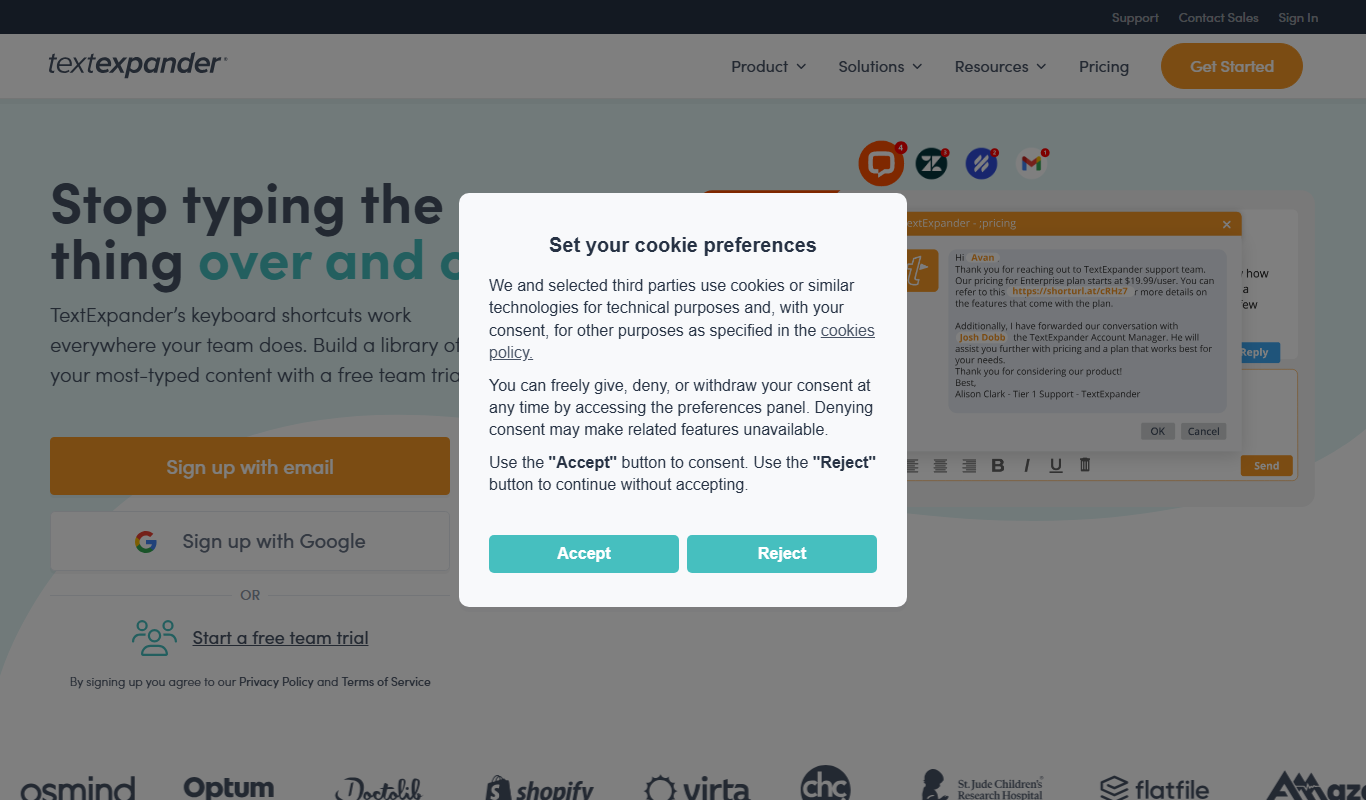
TextExpander is a cross-platform productivity tool that lets users create and use customizable text snippets to automate repetitive typing and improve communication efficiency.

PhraseExpress
PhraseExpress is a text expander tool that automates repetitive typing by expanding shortcuts into full text snippets, supporting macros and cloud sync across devices.
aText
aText is a text expansion software that allows users to create custom keyboard shortcuts to automatically insert frequently used text snippets, improving typing speed and reducing repetitive typing on macOS and Windows.
More AI Customer Support Tools tools
Other tools in the same category, for when this one is not quite the fit.
enterprisebot.ai
EnterpriseBot.ai is an AI chatbot platform designed for enterprises to automate customer support and internal workflows through customizable conversational AI deployed across multiple channels.

Quiksbot
Quiksbot is an AI-powered no-code chatbot platform designed to automate customer support and lead generation on websites.
samespace.com
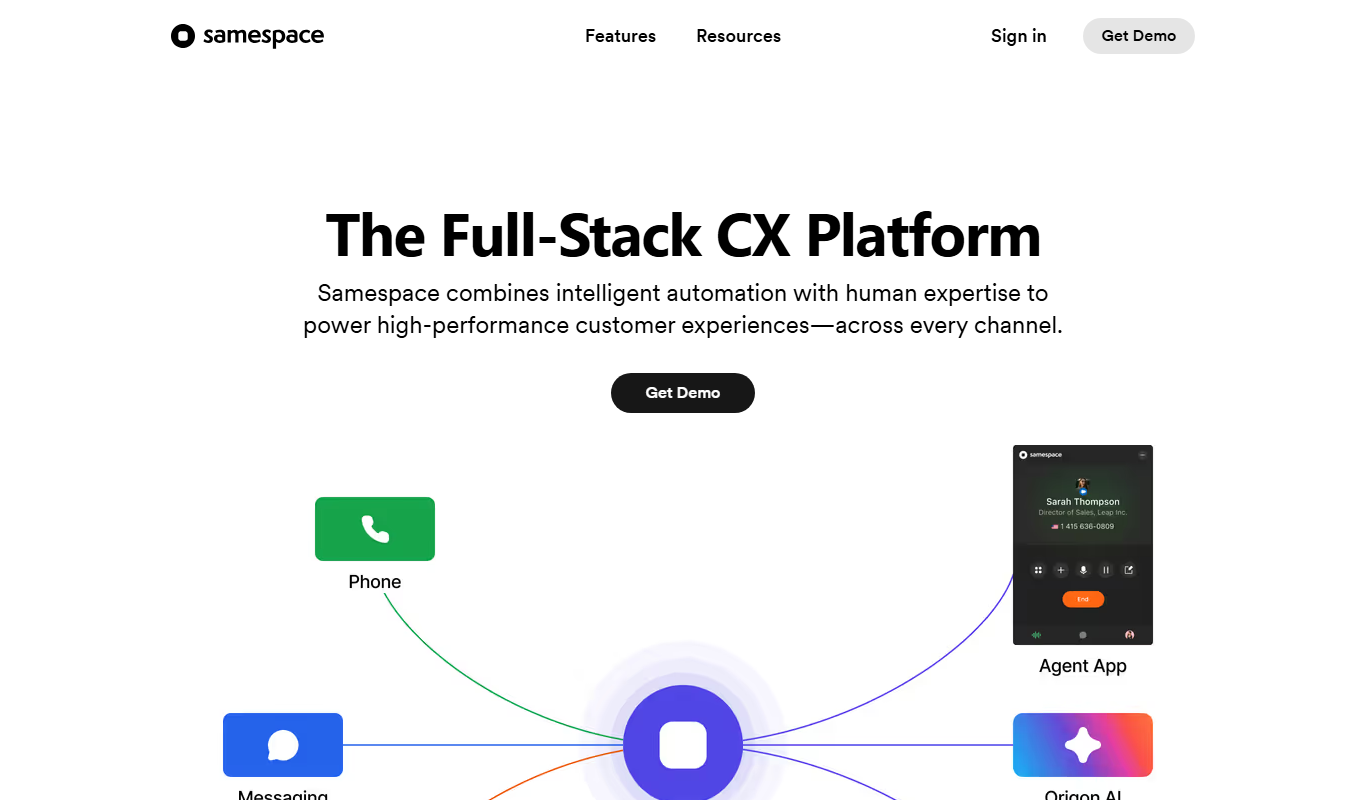
Samespace is a cloud-based contact center software that enables businesses to manage customer interactions across voice, SMS, chat, and email channels from a unified platform with features like IVR, call routing, and real-time analytics.
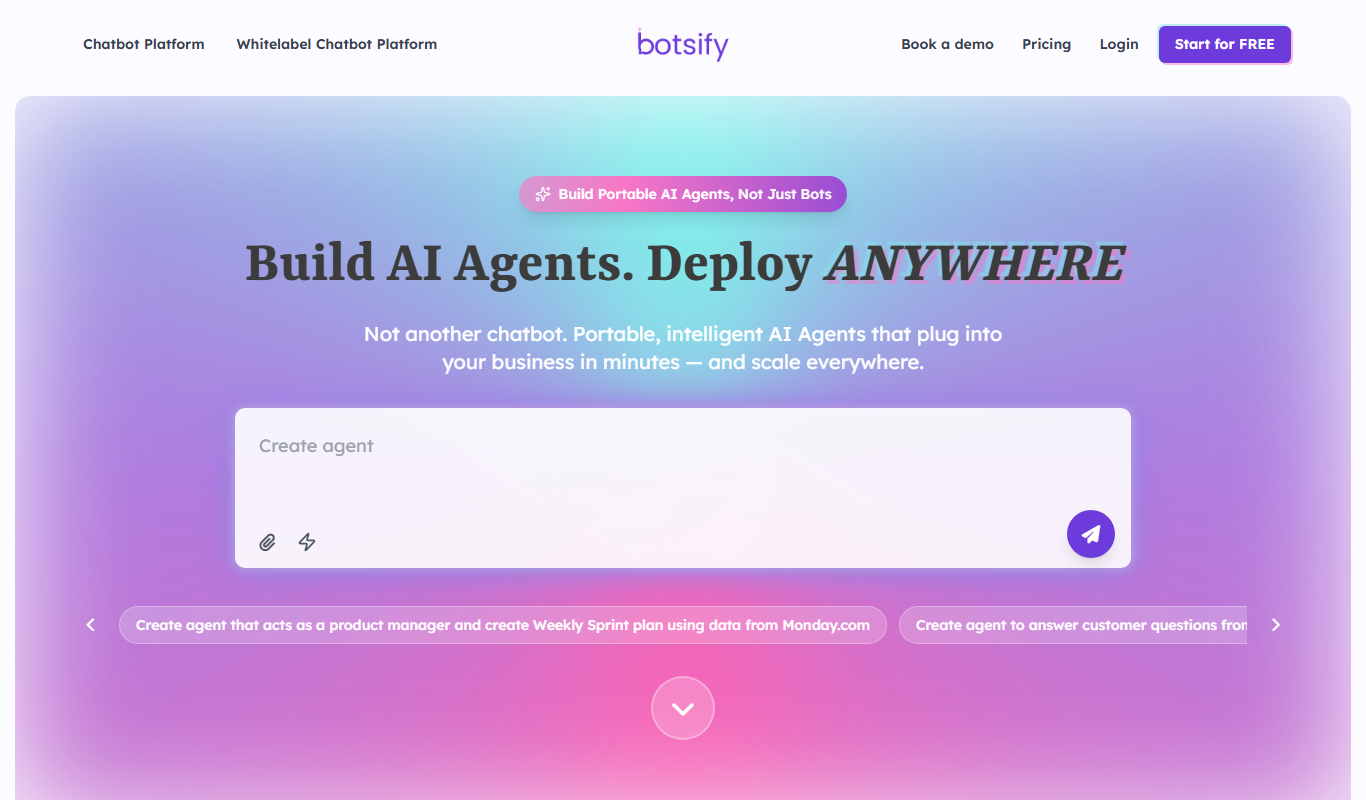
Botsify
Botsify is a white-label platform for building and reselling AI chatbots and AI agents under your own brand, with client management and platform customization for agencies.
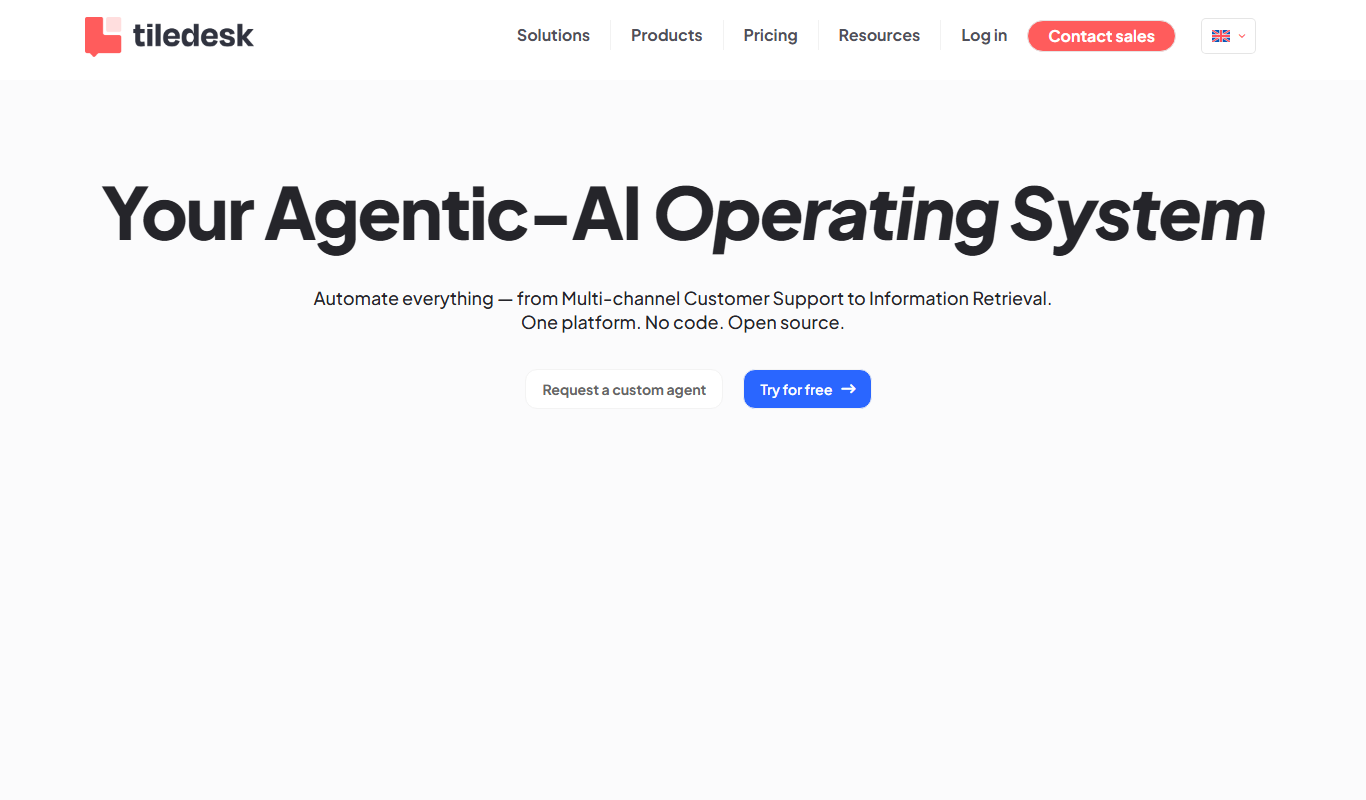
Tiledesk
Tiledesk is an open-source AI chatbot and live chat platform that helps businesses automate customer support, engage visitors across multiple messaging channels, and integrate with helpdesk systems.

instabot.io
Instabot.io is an AI chatbot platform that helps businesses automate customer support, engage website visitors, and generate leads through conversational AI without coding.
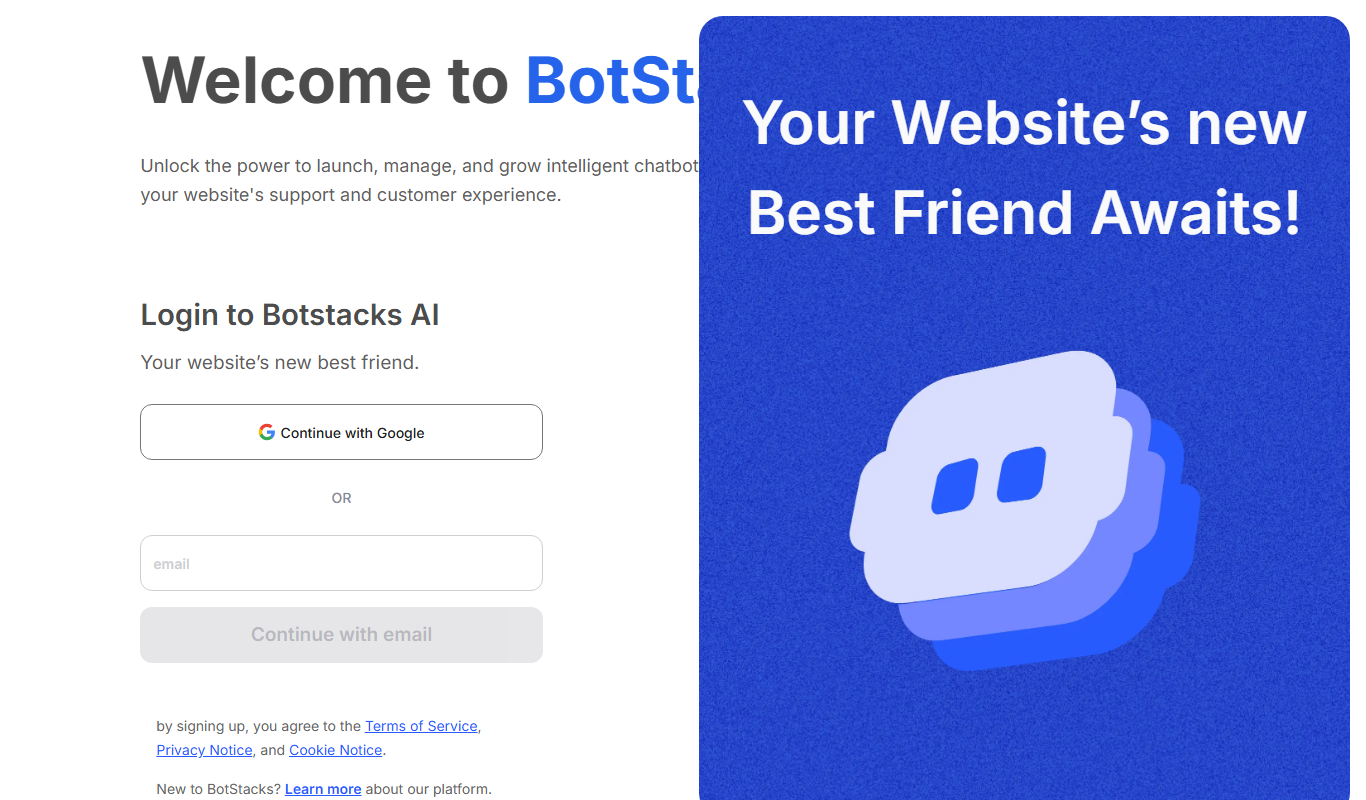
BotStacks
BotStacks is a no-code AI chatbot builder that creates a chatbot trained on every page of your website to answer customers 24/7.

Hi Chat Assistant
Hi Chat Assistant is an AI commercial management system that answers customers on WhatsApp, Instagram and the web and connects each conversation with a CRM, a product catalog and an appointment agenda.