
From my experience with Gleap.io, I found it excels at simplifying the bug reporting process by automatically capturing technical details and allowing users to submit annotated screenshots. This reduces the typical back-and-forth between users and developers, making issue resolution more efficient. After spending time with the platform, I can say it’s particularly well-suited for product managers and development teams looking to improve feedback quality and speed up debugging. However, the tool’s advanced features require a paid plan, and language support is currently limited mostly to English. Overall, if you need a streamlined way to collect actionable user feedback and bug reports, Gleap.io delivers solid results.
Gleap.io User Feedback and Bug Reporting Tool for Web and Mobile Apps
Gleap.io is a user feedback and bug reporting tool that helps developers capture detailed bug reports and user feedback directly from their web or mobile apps, including annotated screenshots and automatic technical data collection.
What is gleap.io?
Gleap.io is a user feedback and bug reporting tool designed to help web and mobile app developers capture detailed feedback and bug reports directly from end users. It allows users to submit annotated screenshots, detailed descriptions, and automatically collects technical data to streamline issue resolution.
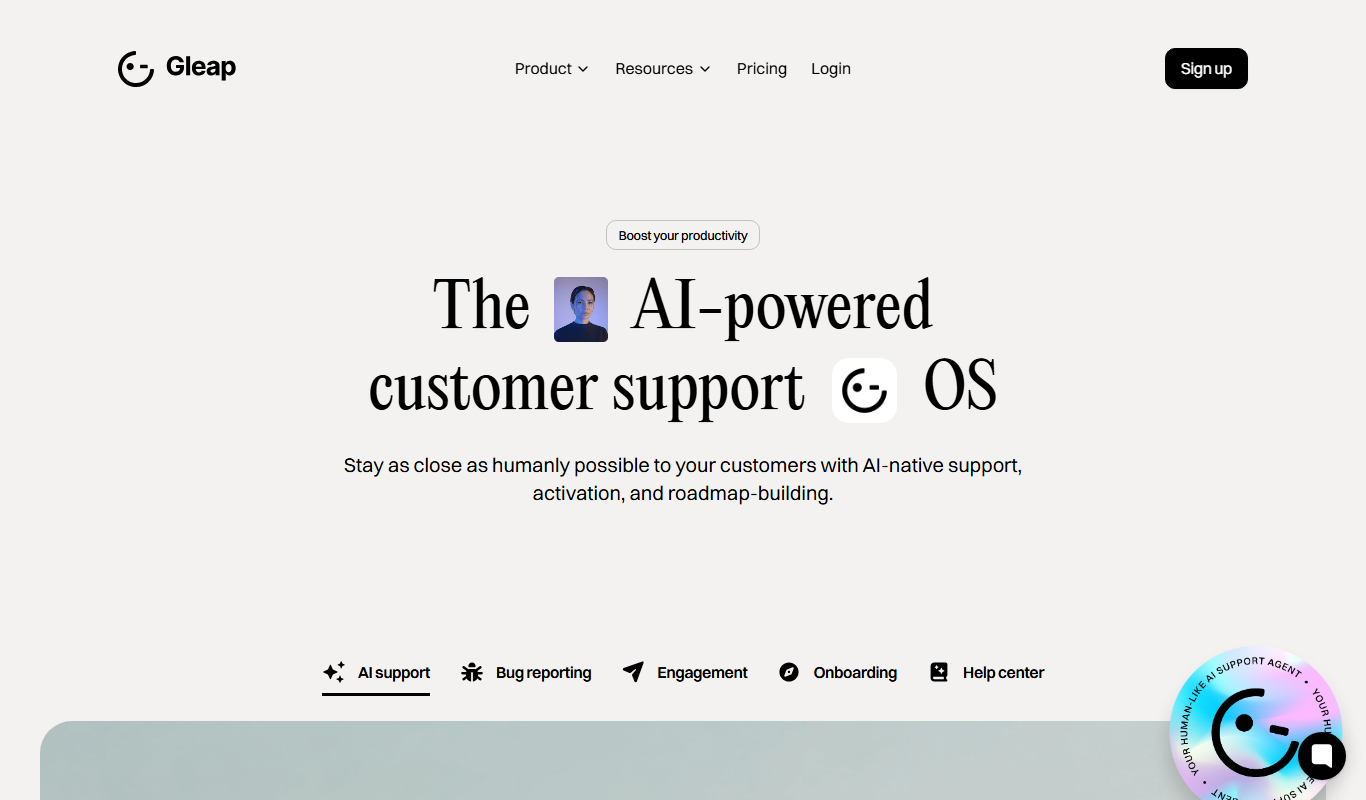
Key Features of gleap.io
In-App Feedback Widget
Customizable widget embedded in your app or website for easy user feedback submission.
Screenshot Annotation
Users can highlight and annotate screenshots to clearly communicate issues.
Automatic Bug Report Data
Captures device info, console logs, network requests, and user actions automatically.
Session Replay
Replay user sessions to understand the context of reported issues.
Integrations
Connect with Jira, Slack, GitHub, and other tools to streamline issue tracking.
Pros and Cons of gleap.io
Pros
- Easy to integrate SDK for web and mobile
- Automatic capture of technical data reduces back-and-forth
- Supports screenshot annotation for clearer feedback
- Integrates with popular project management and communication tools
Cons
- Limited language support (primarily English)
- Advanced features require paid plans
Key Use Cases for gleap.io
Bug Reporting
Enable users to report bugs directly from your app or website with detailed screenshots and logs.
User Feedback Collection
Collect qualitative feedback from users in real-time to improve product experience.
Customer Support Enhancement
Integrate feedback and bug reports into your support workflow to resolve issues faster.
Product Improvement
Use aggregated user insights to prioritize feature development and fix critical issues.
How gleap.io Works
-
1
Integrate Gleap SDK
Add Gleap’s SDK to your web or mobile application to enable feedback collection.
-
2
User Submits Feedback
Users report bugs or provide feedback using the in-app widget, including screenshots and annotations.
-
3
Automatic Data Capture
Gleap collects technical data such as console logs, device info, and network requests automatically.
-
4
Review and Manage Reports
Teams review feedback in the Gleap dashboard and integrate with tools like Jira or Slack.
Who's Using gleap.io
Product managers
Mobile and web developers
Customer support teams
QA engineers
Startups and SMBs
gleap.io Pricing
Free
$0/month
Basic feedback collection with limited reports and features.
Pro
$49/month
Advanced features including unlimited reports, integrations, and session replay.
Enterprise
Custom pricing
Tailored solutions with dedicated support and custom integrations.
Frequently Asked Questions About gleap.io
Yes, Gleap supports integrations with tools like Jira, Slack, GitHub, and others.
Yes, Gleap provides SDKs for both iOS and Android platforms.
Yes, Gleap offers a free plan with basic features and limited reports.
It depends on your specific needs and how you plan to use the tool. The official website and documentation are the best sources for the latest details.
This tool is designed to help users accomplish its core tasks more efficiently. It is typically used by individuals or teams looking to improve productivity and workflow.
Integration support depends on the tool and its available connectors or API. Check the official documentation or integrations page to confirm what is supported.
Share your review
Reviews are limited to one per logged-in user and are published after moderation.
You need an account to review this tool.
0.0
★
★
★
★
★
0 reviews
5 star
0
4 star
0
3 star
0
2 star
0
1 star
0
No reviews yet
Be the first to share how this tool worked for you.
Questions from the community
Read questions and answers about this tool, or ask your own.
No questions yet
Start the conversation by asking the first question about this tool.
Is this tool helpful?
Alternative Tools
Explore similar AI tools that might fit your needs

Free Trial
Userback
Userback is a visual feedback and bug tracking platform that enables teams to collect annotated feedback directly on websites or apps, improving communication and issue resolution through integrations with popular project management tools.

Free Trial
BugHerd
BugHerd is a visual bug tracking tool that allows teams to report, manage, and resolve website bugs by pinning issues directly on the webpage, streamlining communication and project management.

Enterprise
Instabug
Instabug is a mobile app bug reporting and user feedback platform that helps developers capture detailed bug reports, crash data, and user feedback directly within their apps to improve app quality and user experience.
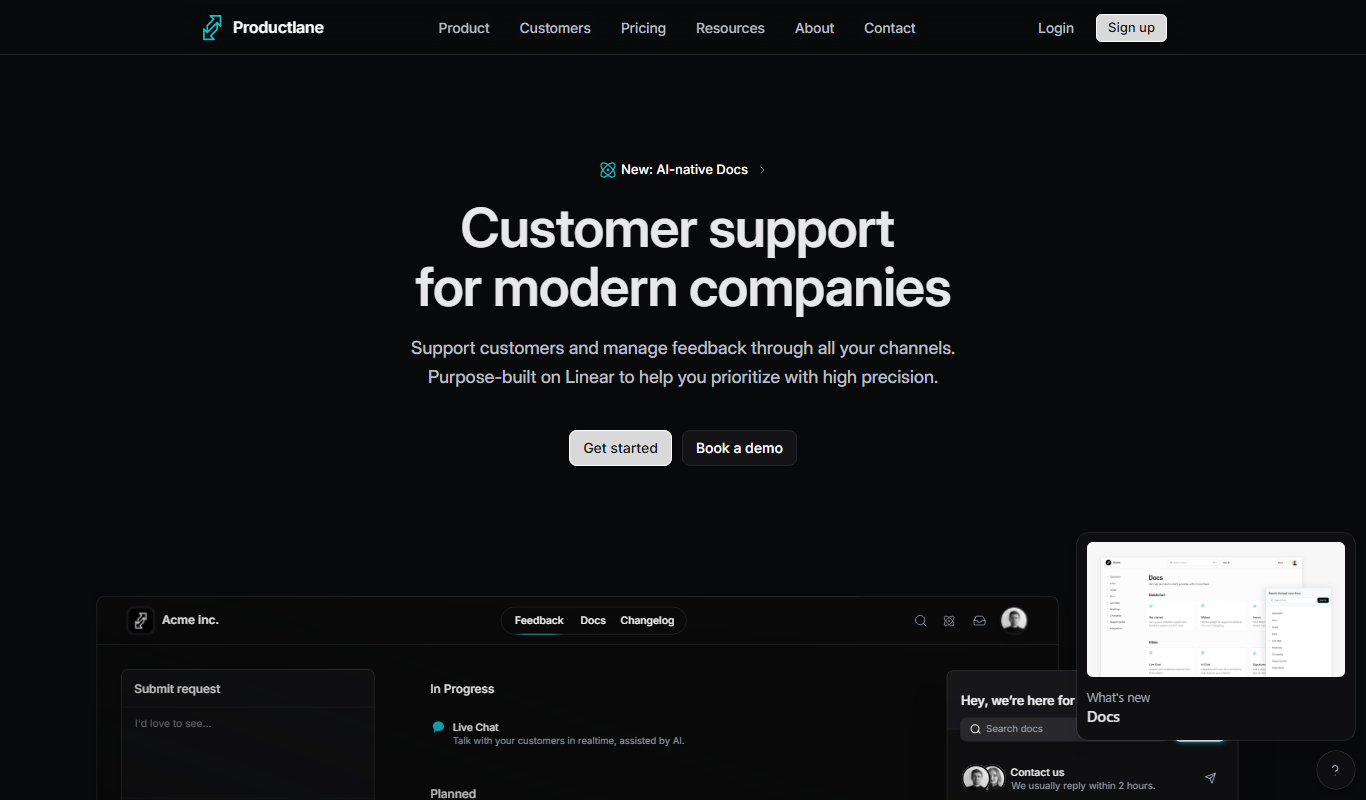
Free Trial
Productlane
Productlane is a web-based product management platform that helps teams create visual roadmaps, manage agile backlogs, collect customer feedback, and collaborate effectively to deliver better products.

Freemium
VoxNote
VoxNote is an AI meeting assistant that transcribes and summarizes meetings in real time, helping teams save time and improve collaboration.

Free Trial
HolaBob
HolaBob is an AI-powered video creation tool that helps marketers and content creators produce professional videos quickly using customizable templates and automated editing.

Freemium
Sushidata
Sushidata is a blockchain analytics platform by Chainfuse that provides real-time DeFi data insights, portfolio tracking, and customizable dashboards to monitor multiple blockchain networks.

Free Trial
Dokko
Dokko AI is a document automation platform that uses AI and OCR to extract and validate data from invoices, contracts, and other documents, helping businesses automate manual data entry and improve workflow efficiency.

Subscription
Aftercare
Aftercare is a client management software tailored for wellness and service businesses, offering appointment scheduling, automated reminders, payment processing, and marketing automation to enhance client engagement and streamline operations.
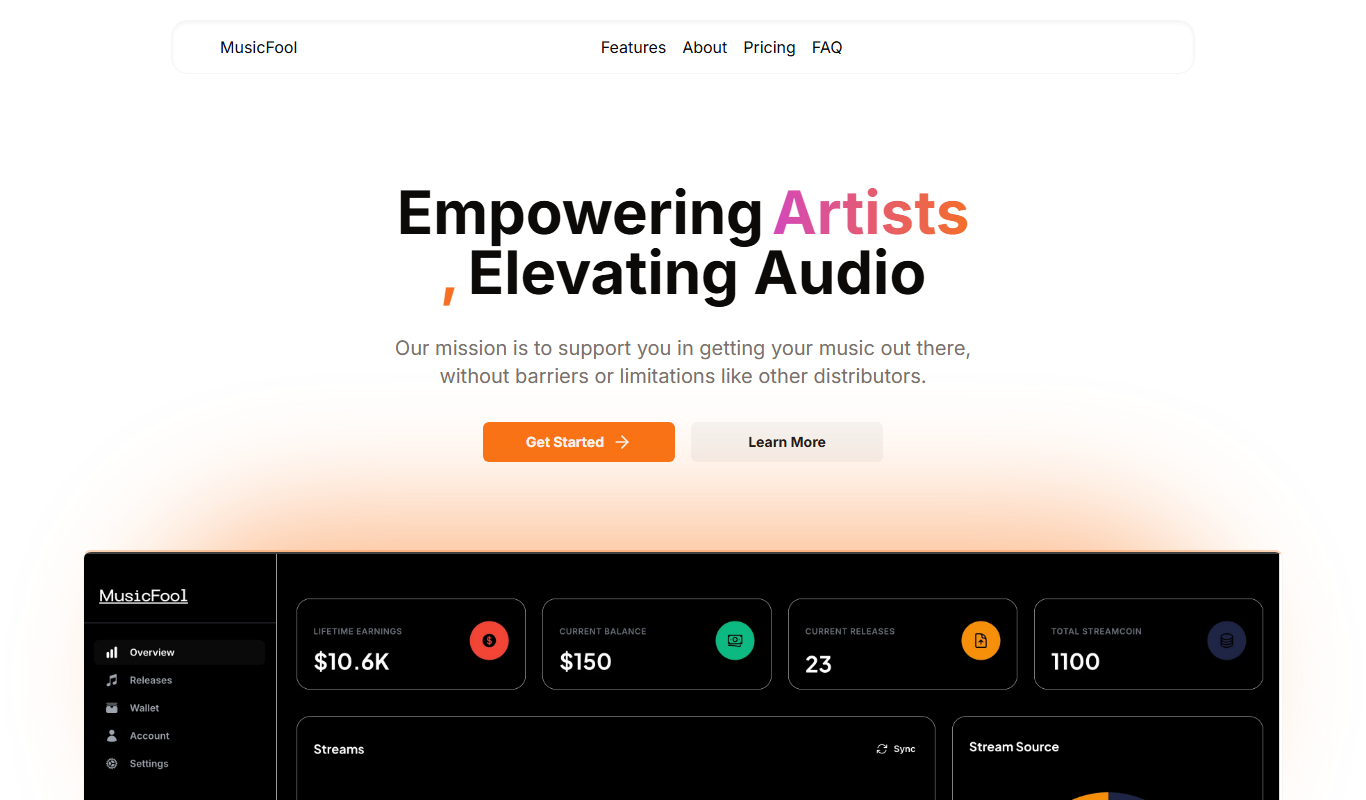
Free
MusicFool
MusicFool is an AI music generation platform that creates custom, royalty-free music tracks based on user-selected genres, moods, and instruments, ideal for content creators and marketers.

Free Trial
SELPHO
SELPHO is an AI writing assistant designed to help marketers and content creators generate high-quality, SEO-optimized content quickly through an easy-to-use web platform.