

From my experience with Aftercare, I found it excels at simplifying client management for wellness and service businesses by combining scheduling, communication, and payment features into one platform. The automated reminders and marketing automation notably help reduce no-shows and improve client retention. Aftercare is particularly well-suited for small to medium wellness professionals who want an all-in-one solution without the complexity of larger CRMs. However, the lack of a dedicated mobile app and somewhat higher pricing for smaller businesses are trade-offs to consider. Overall, if you need streamlined client management tailored to wellness services, Aftercare delivers solid, user-friendly results.
Aftercare Client Management Software for Wellness & Service Businesses
Aftercare is a client management software tailored for wellness and service businesses, offering appointment scheduling, automated reminders, payment processing, and marketing automation to enhance client engagement and streamline operations.
- Best for
- Client Appointment Scheduling
- Key capability
- Appointment Scheduling

Do you recommend this tool?
What is Aftercare?
Aftercare is a client management software designed specifically for wellness and service-based businesses. It streamlines appointment scheduling, client communication, payment processing, and marketing automation to help businesses build stronger client relationships and improve operational efficiency.
Key features of Aftercare
Aftercare offers a comprehensive suite of features including appointment booking, automated reminders, client notes, payment processing, and marketing tools tailored to the needs of wellness professionals and service providers.
Appointment Scheduling
User-friendly calendar to book, reschedule, and manage client appointments.
Automated Client Reminders
Reduce no-shows with SMS and email reminders sent automatically before appointments.
Client Profiles and Notes
Maintain detailed client records including history, preferences, and session notes.
Payment Processing
Integrated payment options to accept deposits, full payments, and send invoices.
Marketing Automation
Create targeted campaigns and automate client retention workflows.
Pros and cons of Aftercare
Pros
- Tailored specifically for wellness and service businesses
- Comprehensive client management and scheduling features
- Automated reminders reduce appointment no-shows
- Integrated payment processing simplifies transactions
- Marketing automation helps improve client retention
Cons
- No dedicated mobile app, only mobile web access
- Pricing may be high for very small businesses
- Limited integrations compared to larger CRM platforms
Key use cases for Aftercare
Client Appointment Scheduling
Allows wellness and service businesses to schedule and manage client appointments efficiently.
Client Communication
Facilitates automated reminders, follow-ups, and personalized messaging to improve client engagement.
Customer Relationship Management
Helps businesses track client history, preferences, and notes to enhance personalized service.
Payment and Invoicing
Enables businesses to manage payments, send invoices, and track transactions seamlessly.
Marketing Automation
Supports targeted marketing campaigns and client retention strategies through automated workflows.
How Aftercare works
- 1
Sign Up
Create an account on Aftercare’s website to get started.
- 2
Set Up Your Business Profile
Enter your business details, services offered, and customize client communication settings.
- 3
Add Clients and Schedule Appointments
Import or add client information and manage appointments through the intuitive calendar.
- 4
Automate Communication
Set up automated reminders, follow-ups, and marketing messages to engage clients.
- 5
Manage Payments
Process payments, send invoices, and track financial transactions within the platform.
Who is using Aftercare
Wellness professionals (massage therapists, chiropractors)
Beauty and spa businesses
Fitness trainers and studios
Small service-based businesses
Health practitioners
Aftercare pricing
Starter
$29/month
Basic client management features suitable for small businesses.
Professional
$59/month
Includes advanced features like marketing automation and priority support.
Enterprise
Custom pricing
Tailored solutions for larger businesses with dedicated account management.
Plans and prices are as published by the vendor and can change. Check the official site before you buy. Open the pricing page (opens in a new tab)
Frequently asked questions about Aftercare
Yes, Aftercare sends automated SMS and email reminders to clients to reduce no-shows.
Yes, Aftercare integrates payment processing to accept deposits, full payments, and send invoices.
Aftercare is accessible via mobile web but does not currently offer a dedicated mobile app.
Yes, you can personalize automated reminders, follow-ups, and marketing messages.
It depends on your specific needs and how you plan to use the tool. The official website and documentation are the best sources for the latest details.
Yes, it can help with that use case depending on how you configure it and what features are available. You’ll get the best results with clear inputs and a defined goal.
It depends on your specific needs and how you plan to use the tool. The official website and documentation are the best sources for the latest details.
Sign in to review this tool.
Sign In to ReviewNo reviews yet
Be the first to share how this tool worked for you.
Ask about pricing, limits, or how it compares — or answer someone else.
Sign In to AskNo questions yet
Have a question about using or paying for this tool? Be the first to ask.
Featured on TiorAI



Alternative Tools
Explore similar AI tools that might fit your needs

Subscription
Vagaro
Vagaro is a cloud-based salon and spa management software that provides appointment scheduling, client management, POS, and marketing automation to help businesses streamline operations and grow.

Free
Fresha
Fresha is a free-to-use salon and spa booking software that provides online appointment scheduling, client management, payment processing, and marketing automation to streamline beauty and wellness business operations.

Subscription
Mindbody
Mindbody is a comprehensive software platform designed for wellness businesses to manage scheduling, client relationships, payments, and marketing in one place.
More AI Customer Relationship Management Tools tools
Other tools in the same category, for when this one is not quite the fit.

Custom Pricing
Numa | AI for Dealerships
Numa is an AI-driven platform that helps automotive dealerships automate lead generation, customer engagement, and sales processes using conversational AI chatbots and marketing automation tools.

Free Trial
reliocrm.com
Relio CRM is a cloud-based CRM platform designed to help businesses manage sales pipelines, automate marketing, and provide customer support through an easy-to-use interface.
Freemium
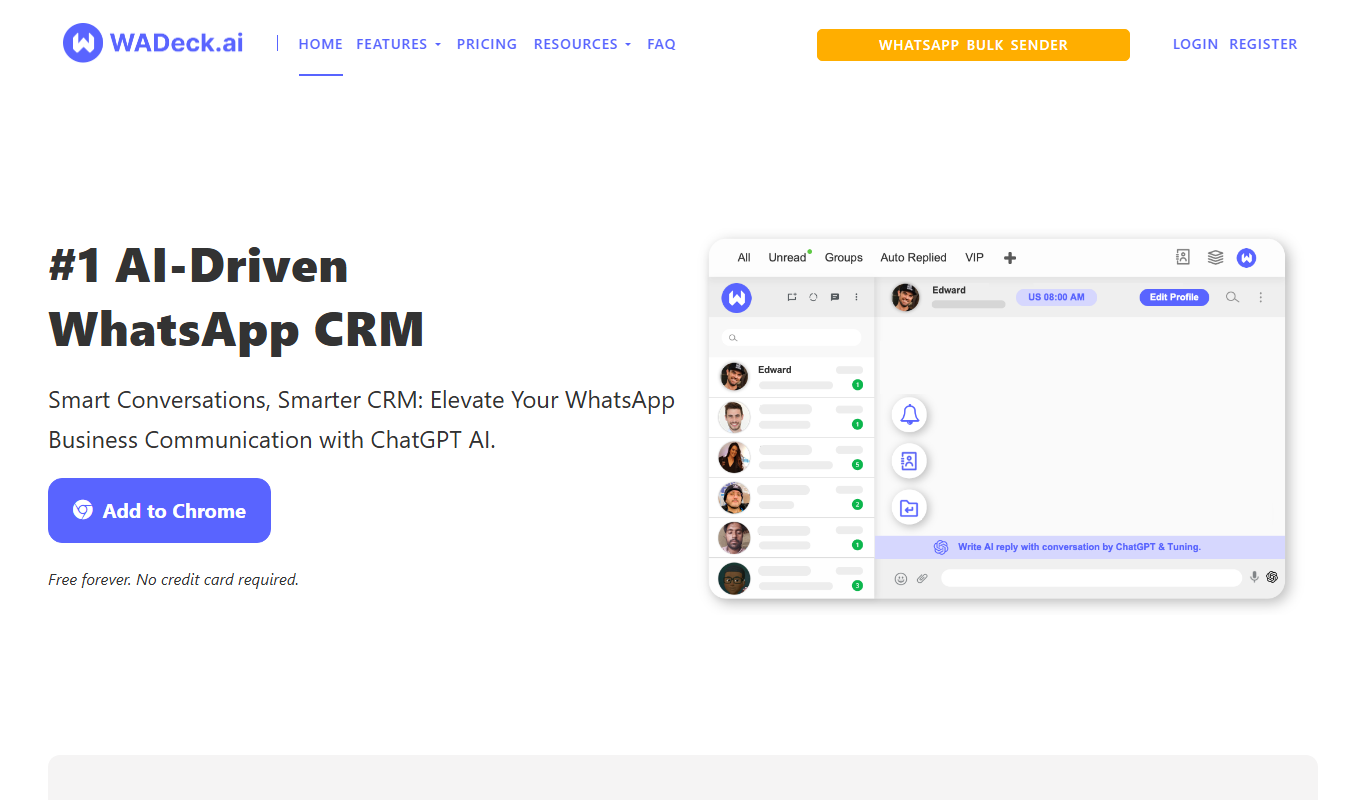
WADeck – AI Driven WhatsApp CRM
WADeck is an AI-driven CRM platform designed for WhatsApp that automates customer communication, sales management, and marketing campaigns through AI chatbots and shared inboxes.

Free Trial
MAPLE
MAPLE is a web-based lead management tool that helps sales teams organize leads, visualize pipelines, automate follow-ups, and gain customer insights to improve sales performance.

Free Trial
BestDealer
BestDealer is a cloud-based CRM designed for automotive dealerships to manage sales, marketing, and customer relationships with features like inventory management, lead capture, and marketing automation.
Subscription
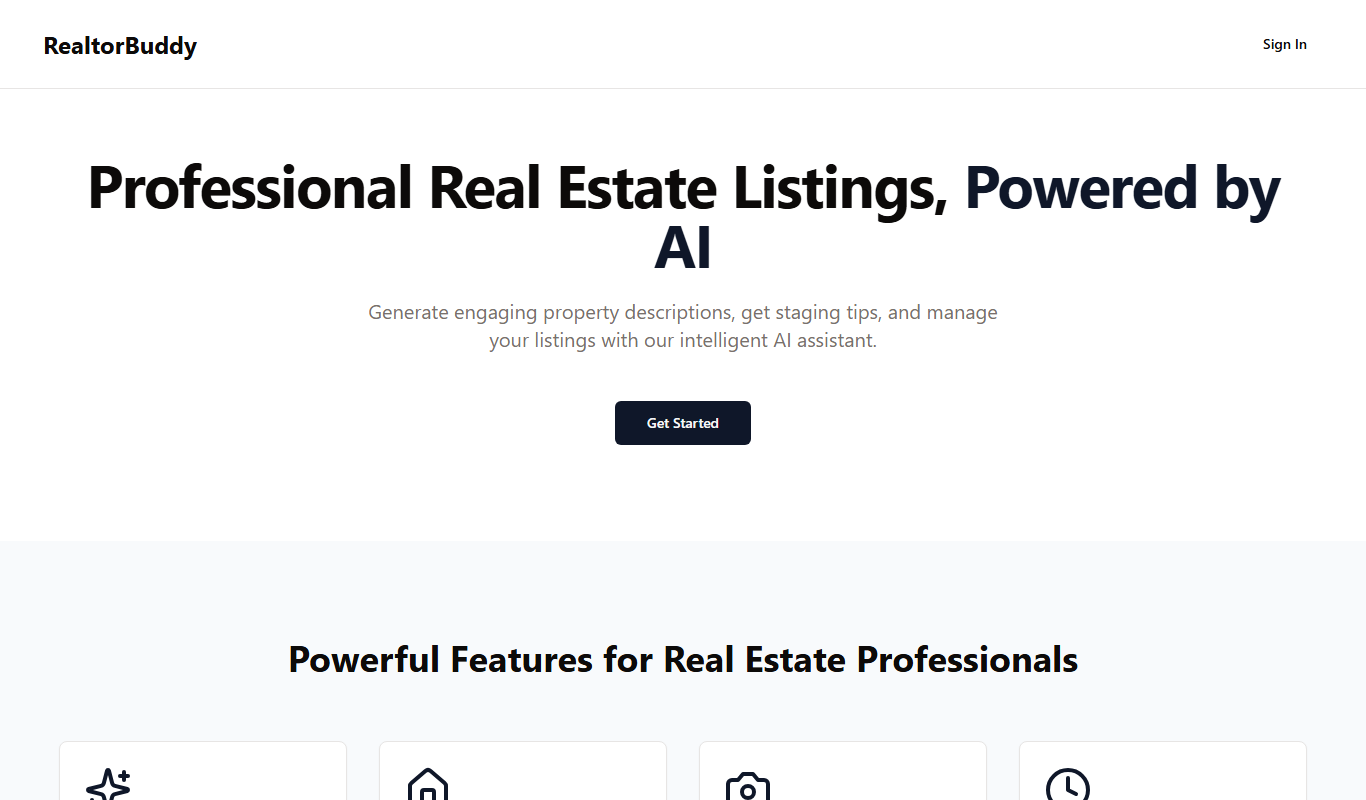
Realtorbuddy
Realtorbuddy is a cloud-based CRM platform tailored for real estate professionals to manage leads, clients, and property listings in one place.

Free Trial
Lily CRM
Lily CRM is a cloud-based customer relationship management tool designed to help small businesses manage leads, automate sales and marketing tasks, and improve customer support.

Subscription
NutshellPro
NutshellPro is a CRM software that helps businesses automate sales processes, manage pipelines, and organize contacts to improve sales efficiency.