

BotStacks AI Chatbot Platform for Customer Support and Automation
BotStacks is a no-code AI chatbot builder that creates a chatbot trained on every page of your website to answer customers 24/7.
- Best for
- Customer Support Automation
- Key capability
- No-Code Chatbot Builder
Save BotStacks, follow its updates and vote on it — everything stays in your account.
Sign in or create a free account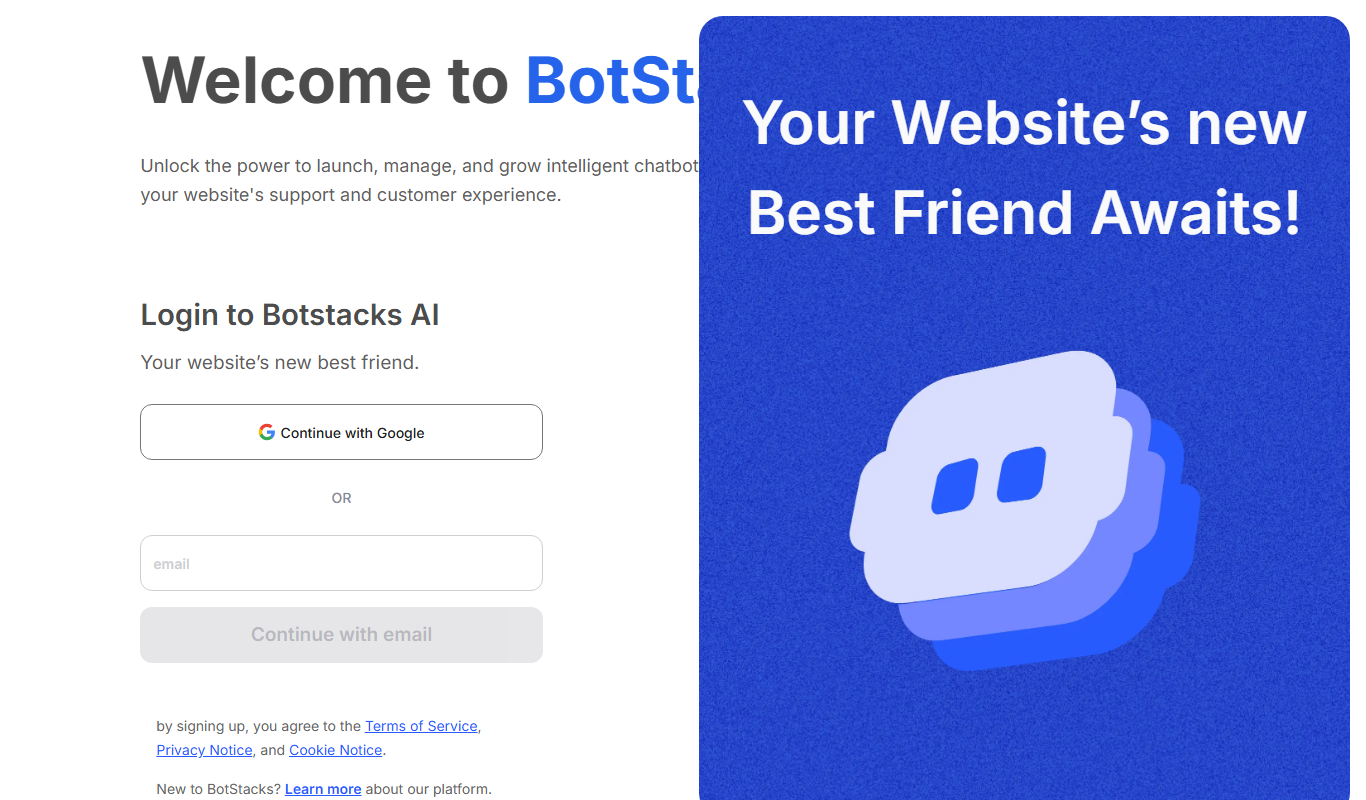
What is BotStacks?
BotStacks is a no-code AI chatbot builder for websites: point it at a site and it creates an AI chatbot trained on every page that answers customers 24/7 in the business’s own voice.
Key features of BotStacks
BotStacks provides features such as drag-and-drop chatbot builder, AI natural language understanding, multi-channel deployment, analytics dashboard, and integration capabilities to streamline customer engagement and automate repetitive tasks.
No-Code Chatbot Builder
Design chatbots easily without programming knowledge using visual flow editors.
AI Natural Language Processing
Understand and respond to user queries with AI-powered language understanding.
Multi-Channel Deployment
Drops into websites built with Wix, Squarespace, Framer and Webflow.
Analytics Dashboard
Track chatbot performance, user engagement, and conversation metrics.
Integration Support
Connect with CRM, email marketing, and other business tools for seamless workflows.
Pros and cons of BotStacks
Pros
- User-friendly no-code chatbot builder
- Supports multi-channel deployment
- AI-powered natural language understanding
- Comprehensive analytics dashboard
- Flexible integration options
Cons
- Limited language support (English only)
Key use cases for BotStacks
Customer Support Automation
Automate responses to common customer inquiries to reduce support workload and improve response times.
Lead Generation
Engage website visitors with interactive chatbots to capture leads and qualify prospects.
E-commerce Assistance
Provide product recommendations, order tracking, and FAQs to enhance the online shopping experience.
Appointment Scheduling
Allow users to book appointments or meetings directly through chatbot interactions.
Feedback Collection
Gather customer feedback and satisfaction ratings through conversational surveys.
How BotStacks works
- 1
Sign Up
Create an account on the BotStacks platform to access chatbot building tools.
- 2
Build Chatbot
Use the drag-and-drop interface to design conversation flows and configure AI responses.
- 3
Integrate Channels
Add the chatbot to your website; paste it once and it is live.
- 4
Deploy and Monitor
Launch the chatbot live and monitor performance through analytics and user interactions.
Who is using BotStacks
BotStacks pricing
Starter
Free
For individuals and evaluating BotStacks: 1 workspace, build and launch an AI Assistant, crawl up to 50 pages, 3 AutoBuilder runs, 25 DIRTbox tests and $5 AI credits included.
Pro
$29 per month
For businesses and production deployments: unlimited assistants (+$10 each), crawl up to 500 pages, 25 AutoBuilder runs, 250 DIRTbox tests, AI credits with top up anytime, API access, advanced analytics and priority support.
Plans and prices are as published by the vendor and can change. Check the official site before you buy. Open the pricing page (opens in a new tab)
Frequently asked questions about BotStacks
No, BotStacks offers a no-code drag-and-drop builder suitable for users without programming experience.
The chatbot works on websites built with Wix, Squarespace, Framer and Webflow; paste it once and it is live.
The Starter plan is free, and the Pro plan can be started as a trial.
Yes, it supports integrations with CRM systems, email marketing tools, and more.
This tool is designed to help users accomplish its core tasks more efficiently. It is typically used by individuals or teams looking to improve productivity and workflow.
Yes, it can help with that use case depending on how you configure it and what features are available. You’ll get the best results with clear inputs and a defined goal.
It depends on your specific needs and how you plan to use the tool. The official website and documentation are the best sources for the latest details.
Conclusion
Setup is a matter of pasting a website link: BotStacks crawls the site and puts live a chatbot trained on every page that answers customers 24/7. Replies are grounded in the site’s pages, PDFs and FAQs. In the DIRTbox, the service generates the questions customers will ask, and each answer can be approved or improved. Chat History shows every conversation and flags gaps that feed back into training, next to live analytics on conversations and resolution rate.
The chat widget works on sites built with Wix, Squarespace, Framer and Webflow. Small and medium businesses, e-commerce stores and customer support teams are the kinds of users it is designed for. The free Starter plan is meant for individuals evaluating BotStacks and caps how many pages are crawled, while Pro is meant for production deployments and adds API access.
Sources
Sign in to review this tool.
Sign In to ReviewNo reviews yet
Be the first to share how this tool worked for you.
Ask about pricing, limits, or how it compares — or answer someone else.
Sign In to AskNo questions yet
Have a question about using or paying for this tool? Be the first to ask.
Featured on TiorAI



More AI Automation & Workflow Tools tools
Other tools in the same category, for when this one is not quite the fit.

Quiksbot
Quiksbot is an AI-powered no-code chatbot platform designed to automate customer support and lead generation on websites.

CryptoMatic Bot
CryptoMatic Bot is a web-based automated cryptocurrency trading platform that allows users to create, customize, and deploy trading bots with backtesting and multi-exchange support.
Pega Systems
Pega Systems is an enterprise software platform specializing in business process management, customer relationship management, and intelligent automation with AI-powered decisioning and low-code development.

Seismic
Seismic is a sales enablement platform that centralizes sales content, personalizes buyer experiences, integrates with CRM systems like Salesforce, and provides analytics to improve sales effectiveness.
Open Interpreter
Open Interpreter is an open-source AI tool that translates natural language instructions into executable code, enabling users to automate tasks and write code without programming expertise.

Quartile
Quartile is an AI retail media optimization platform covering Amazon, Walmart, Instacart, Criteo, Google and Meta.

Low-Code Development and AI
Amoga's Low-Code Development and AI platform enables rapid application building with drag-and-drop tools and AI automation, suitable for users with minimal coding skills.

Legal Assist AI 2.5
Legal Assist AI 2.5 is an AI legal tool that helps legal professionals draft documents and review contracts.