

WhatsBotPro WhatsApp Automation Tool for Business Messaging and CRM
WhatsBotPro is a WhatsApp automation platform that enables businesses to create chatbots, send bulk messages, and integrate WhatsApp conversations with CRM systems to improve customer communication and operational efficiency.
- Best for
- Automated Customer Support
- Key capability
- Chatbot Builder
Save WhatsBotPro, follow its updates and vote on it — everything stays in your account.
Sign in or create a free account
What is WhatsBotPro?
WhatsBotPro is a WhatsApp automation platform designed to help businesses streamline communication by automating messaging workflows. It enables companies to create chatbots, send bulk messages, and integrate WhatsApp conversations with CRM systems to enhance customer engagement and operational efficiency.
Key features of WhatsBotPro
WhatsBotPro offers chatbot creation, bulk messaging, CRM integration, API access, and analytics to optimize WhatsApp-based customer interactions.
Chatbot Builder
Create customizable chatbots to handle FAQs, lead qualification, and customer support.
Bulk Messaging
Send personalized bulk messages to customers while adhering to WhatsApp policies.
CRM Integration
Seamlessly connect WhatsApp conversations with popular CRM platforms for better data management.
API Access
Use WhatsBotPro’s API to integrate WhatsApp automation into your existing business systems.
Analytics Dashboard
Monitor message delivery, response rates, and engagement metrics to optimize campaigns.
Pros and cons of WhatsBotPro
Pros
- User-friendly chatbot builder with drag-and-drop interface
- Supports CRM integration for streamlined workflows
- Comprehensive analytics for campaign optimization
- API access enables flexible automation
- Complies with WhatsApp Business policies
Cons
- Limited language support (English only)
- Pricing may be high for small businesses
- No dedicated mobile app, web-based only
Key use cases for WhatsBotPro
Automated Customer Support
Use WhatsBotPro to automate responses to common customer inquiries on WhatsApp, reducing manual workload and improving response time.
Sales and Lead Generation
Engage potential customers through automated WhatsApp messages to nurture leads and increase conversion rates.
CRM Integration
Sync WhatsApp conversations with CRM systems to maintain organized customer data and streamline communication workflows.
Broadcast Messaging
Send bulk personalized messages to customers for promotions, updates, or announcements while complying with WhatsApp policies.
Appointment Scheduling
Automate appointment reminders and confirmations via WhatsApp to reduce no-shows and improve scheduling efficiency.
How WhatsBotPro works
- 1
Sign Up and Connect WhatsApp
Create an account on WhatsBotPro and link your WhatsApp Business number to the platform.
- 2
Build Chatbots or Upload Contacts
Design automated chat flows or import contact lists for messaging campaigns.
- 3
Configure Messaging Campaigns
Set up automated replies, broadcast messages, or CRM sync rules based on your business needs.
- 4
Launch and Monitor
Activate your automation workflows and track performance through the dashboard analytics.
Who is using WhatsBotPro
WhatsBotPro pricing
Basic
INR 199/month (sale price, regular INR 499/month)
1 WhatsApp account, bulk service and basic support; AI chatbot and buttons template not available.
Standard
INR 399/month (sale price, regular INR 799/month)
3 WhatsApp accounts, bulk service, AI chatbot and live chat support; buttons template not available.
Exclusive
INR 699/month
5 WhatsApp accounts, bulk service, AI chatbot, buttons template and call support.
Plans and prices are as published by the vendor and can change. Check the official site before you buy. Open the pricing page (opens in a new tab)
Frequently asked questions about WhatsBotPro
Yes, WhatsBotPro ensures all messaging complies with WhatsApp Business API guidelines to prevent account restrictions.
WhatsBotPro supports integration with popular CRM platforms to synchronize customer data and conversations.
Yes, you can send images, videos, and documents through automated WhatsApp messages.
Message limits depend on your subscription plan and WhatsApp Business API restrictions.
It depends on your specific needs and how you plan to use the tool. The official website and documentation are the best sources for the latest details.
Integration support depends on the tool and its available connectors or API. Check the official documentation or integrations page to confirm what is supported.
Pricing depends on the plan and included features. For the most accurate and up-to-date details, check the official pricing page.
Conclusion
Any WhatsApp number can be automated without coding knowledge, using a no-code chatbot builder and, on the higher plans, an AI chatbot. Bulk and broadcast messages carry notifications and offers, while scheduled campaigns send personalized messages about discounts. Messages can also include call buttons and URL buttons through a button template feature. Developers who want access only to WhatsApp’s APIs have a separate API gateway plan.
The bot is pitched at businesses in India that run sales, support and marketing conversations on WhatsApp. The paid plans differ by the number of WhatsApp accounts, AI chatbot access and support type, and a free trial of two days comes first.
Sources
Sign in to review this tool.
Sign In to ReviewNo reviews yet
Be the first to share how this tool worked for you.
Ask about pricing, limits, or how it compares — or answer someone else.
Sign In to AskNo questions yet
Have a question about using or paying for this tool? Be the first to ask.
Featured on TiorAI



Alternative Tools
Explore similar AI tools that might fit your needs
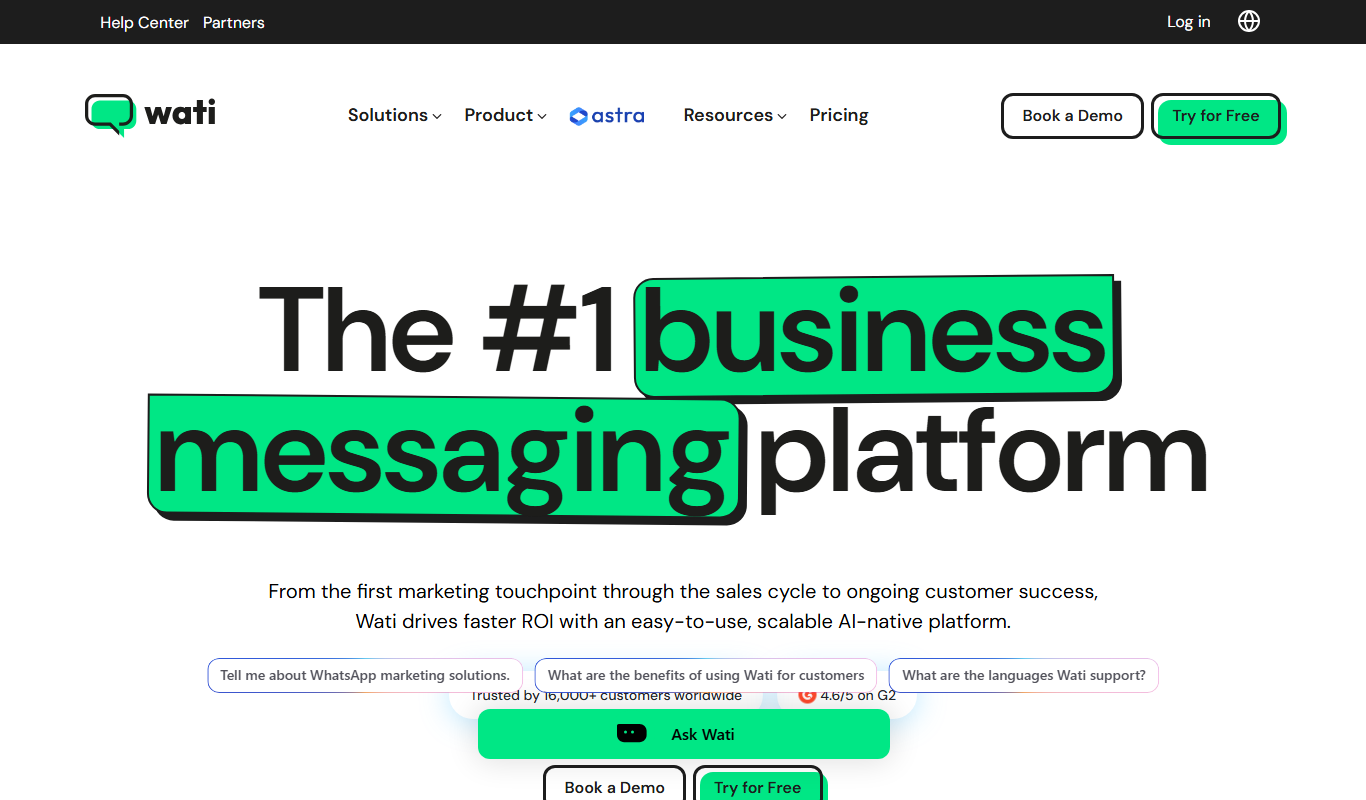
WATI
WATI is a WhatsApp Business API platform that enables businesses to automate customer support, run marketing campaigns, and collaborate with teams through chatbots and a shared inbox.

Zoko
Zoko is a WhatsApp-based CRM platform that centralizes customer messaging, enables multi-agent collaboration, automates sales workflows, and supports marketing campaigns and payment collection through WhatsApp.
More AI Customer Support Tools tools
Other tools in the same category, for when this one is not quite the fit.

Quiksbot
Quiksbot is an AI-powered no-code chatbot platform designed to automate customer support and lead generation on websites.
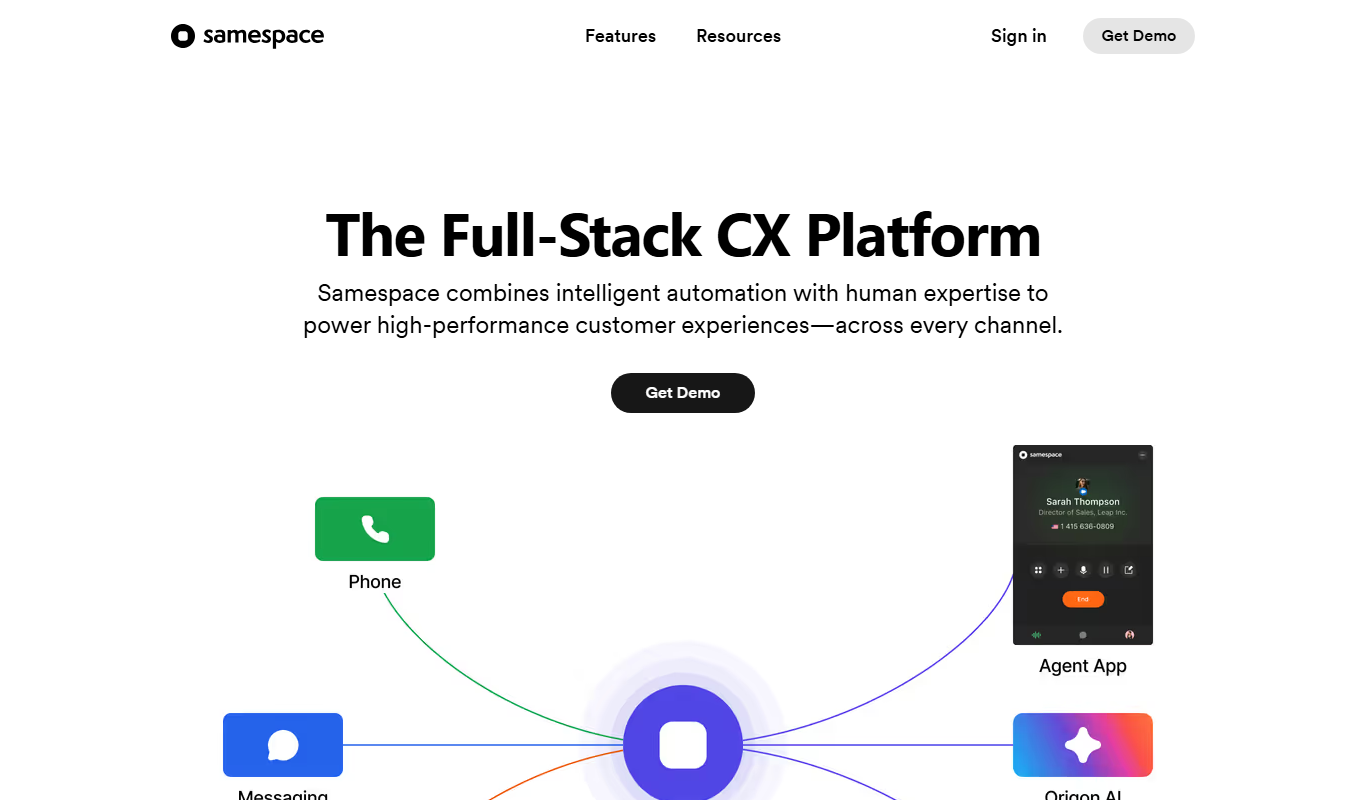
samespace.com
Samespace is a cloud-based contact center software that enables businesses to manage customer interactions across voice, SMS, chat, and email channels from a unified platform with features like IVR, call routing, and real-time analytics.
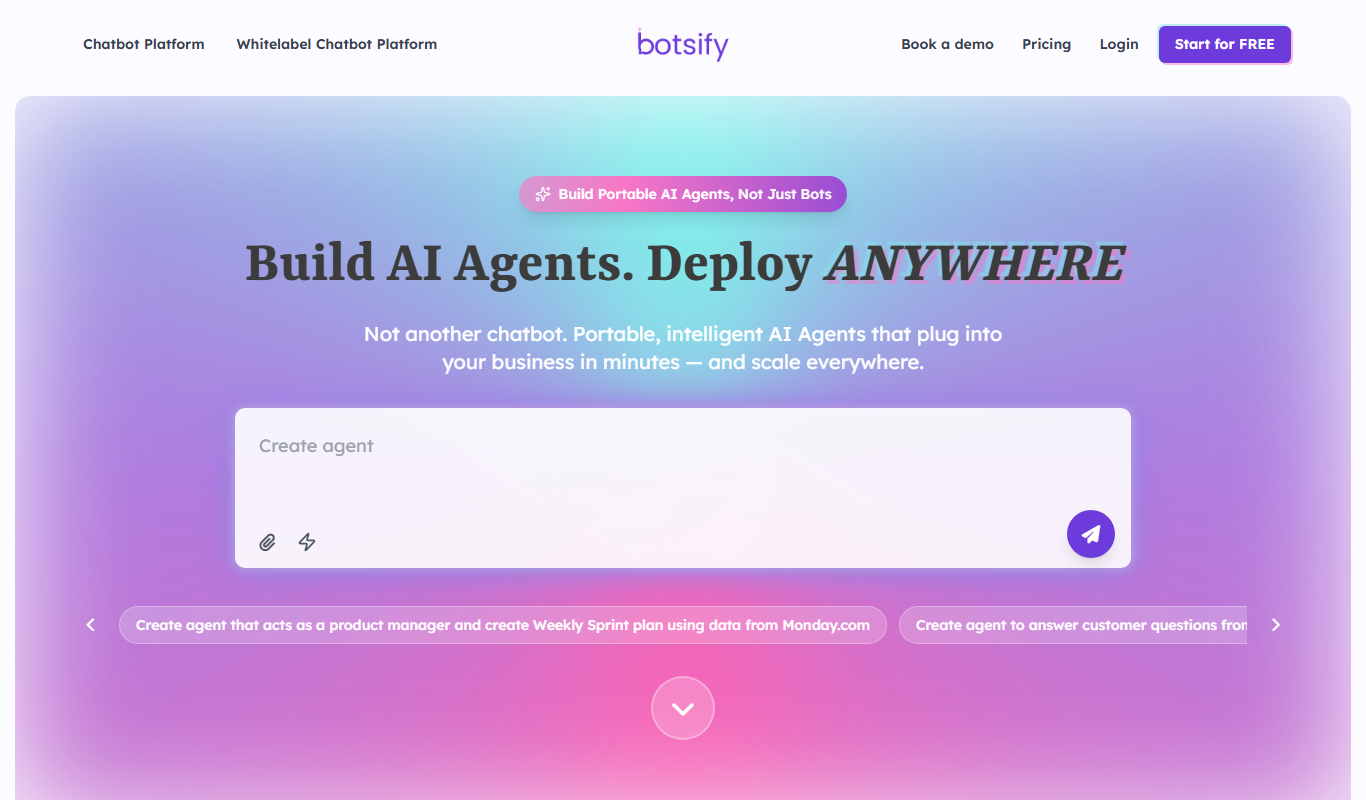
Botsify
Botsify is a white-label platform for building and reselling AI chatbots and AI agents under your own brand, with client management and platform customization for agencies.
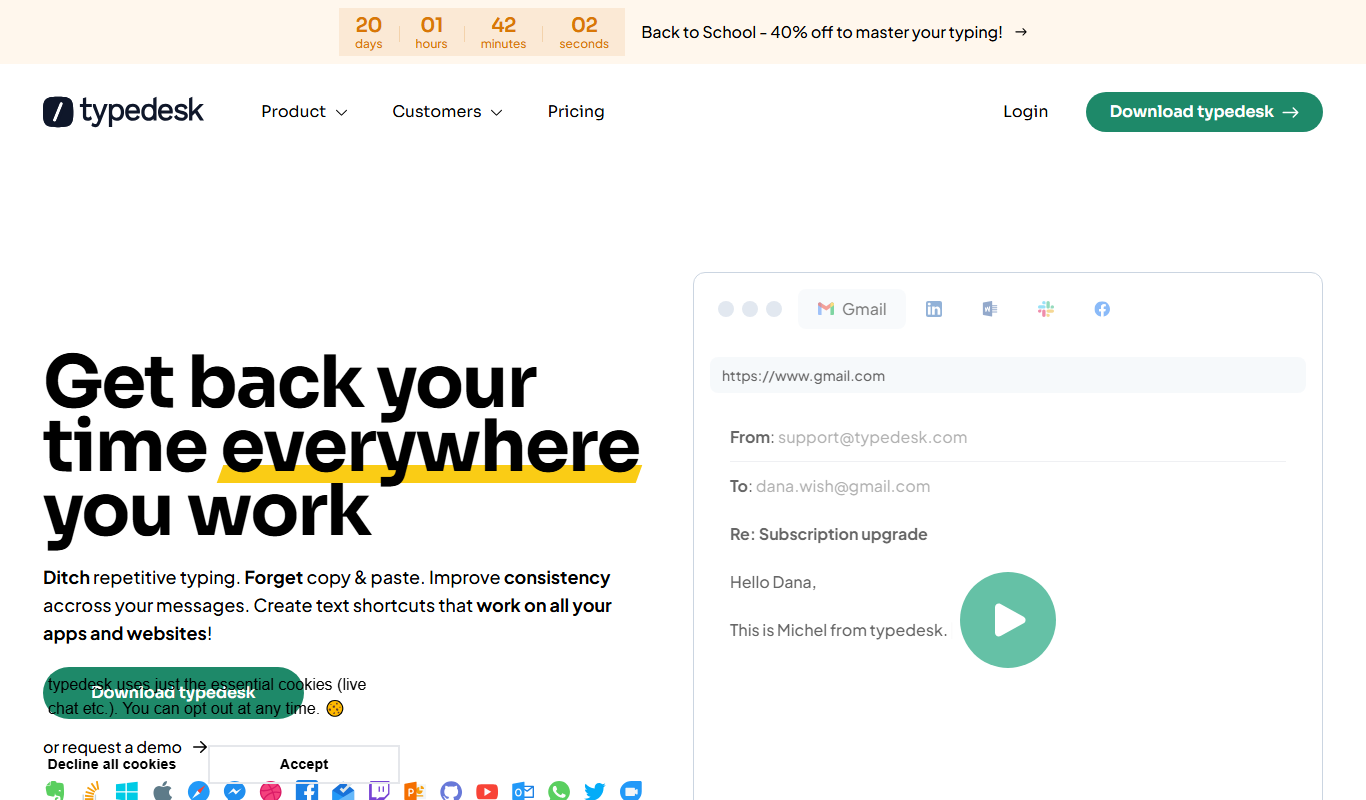
typedesk
Typedesk is an AI-powered text expander that helps users save time by creating and inserting reusable text snippets across multiple platforms, improving communication efficiency in customer support, sales, and team collaboration.
Tiledesk
Tiledesk is an open-source AI chatbot and live chat platform that helps businesses automate customer support, engage visitors across multiple messaging channels, and integrate with helpdesk systems.

instabot.io
Instabot.io is an AI chatbot platform that helps businesses automate customer support, engage website visitors, and generate leads through conversational AI without coding.
BotStacks
BotStacks is a no-code AI chatbot builder that creates a chatbot trained on every page of your website to answer customers 24/7.

Hi Chat Assistant
Hi Chat Assistant is an AI commercial management system that answers customers on WhatsApp, Instagram and the web and connects each conversation with a CRM, a product catalog and an appointment agenda.