

From my experience with VoiceDub, I found it excels at producing highly authentic voice clones that retain the original speaker’s tone and emotion, which is crucial for believable video dubbing. The platform’s straightforward web interface makes it accessible even for users without technical expertise, and its multilingual support opens doors for global content reach. However, the lack of detailed company information and absence of desktop or mobile apps might limit some users. Overall, if you need efficient, natural-sounding AI dubbing for video localization or content creation, VoiceDub offers a solid, user-friendly solution.
VoiceDub AI Voice Cloning and Dubbing Software for Video Creators
VoiceDub is an AI-based voice cloning and dubbing tool that helps creators localize videos by generating natural-sounding dubbed audio in multiple languages while preserving the original speaker’s voice characteristics.
- Best for
- Video Localization
- Key capability
- AI Voice Cloning
Your actions
Save VoiceDub, follow its updates and vote on it — everything stays in your account.
Sign in or create a free account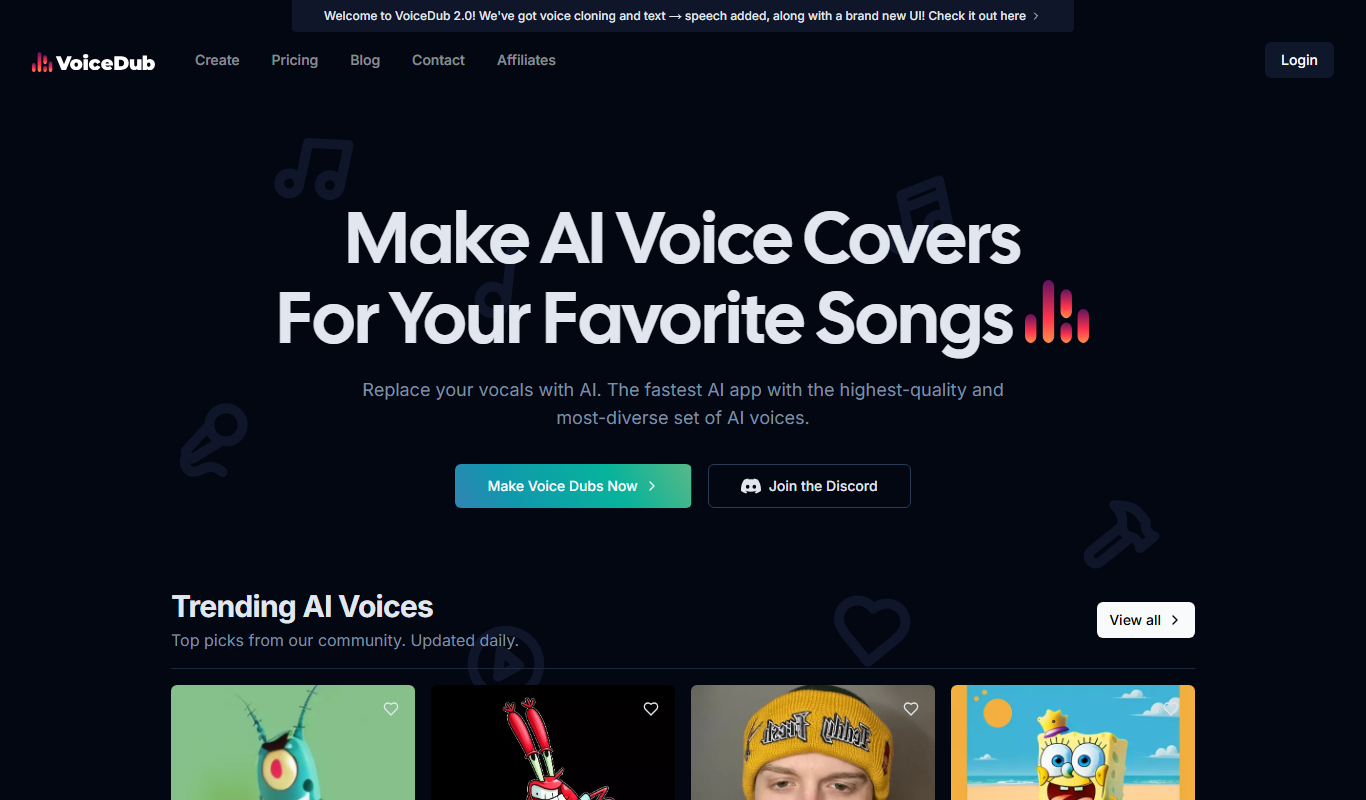
What is VoiceDub?
VoiceDub is an AI-powered voice cloning and dubbing platform designed to help video creators and businesses localize their content effortlessly. It uses advanced speech synthesis technology to clone voices and generate natural-sounding dubs in multiple languages, preserving the original speaker’s voice identity and intonation. This enables seamless multilingual video production without the need for professional voice actors or extensive recording sessions.
Key features of VoiceDub
VoiceDub offers voice cloning, multilingual dubbing, emotion and intonation preservation, easy video upload and processing, and support for various languages. Its web-based platform allows users to quickly generate dubbed videos that maintain the authenticity of the original speaker’s voice.
AI Voice Cloning
Creates a digital replica of the original speaker’s voice for authentic dubbing.
Multilingual Dubbing
Supports dubbing videos into multiple languages with natural-sounding AI voices.
Emotion and Intonation Preservation
Maintains the original speaker’s emotional tone and speech patterns in dubbed audio.
Easy Video Upload and Processing
User-friendly interface for uploading videos and generating dubbed versions quickly.
Cloud-Based Platform
Accessible via web browser without the need for software installation.
Pros and cons of VoiceDub
Pros
- Authentic voice cloning preserves speaker identity
- Supports multiple languages for global reach
- Easy-to-use web interface with fast processing
- Emotion and intonation retention enhances realism
- Flexible pricing plans including free tier
Cons
- Limited information on company origin and tech stack
- No desktop or mobile app versions available
- Free plan has restricted dubbing minutes
Key use cases for VoiceDub
Video Localization
Automatically dub videos into multiple languages while preserving the original speaker's voice characteristics.
Content Creation
Create multilingual video content with AI-generated voiceovers that sound natural and consistent.
Marketing and Advertising
Produce localized ads with authentic voice dubbing to reach global audiences effectively.
E-learning and Training
Generate voiceovers for educational videos in various languages to enhance learner engagement.
Entertainment and Media
Dub movies, series, and animations with AI voices that match original actors’ tones and emotions.
How VoiceDub works
- 1
Upload Video
Users upload their video files directly to the VoiceDub platform.
- 2
Clone Voice
The AI clones the original speaker’s voice using a short audio sample.
- 3
Select Target Language
Choose the language(s) for dubbing from the supported options.
- 4
Generate Dubbed Video
VoiceDub synthesizes the dubbed audio preserving voice characteristics and syncs it with the video.
- 5
Download and Share
Users download the localized video ready for distribution.
Who is using VoiceDub
Video content creators
Marketing agencies
E-learning developers
Film and animation studios
Localization professionals
VoiceDub pricing
Free
$0/month
Basic access with limited dubbing minutes and standard voice quality.
Pro
$29/month
Increased dubbing minutes, higher voice quality, and priority processing.
Enterprise
Custom pricing
Tailored solutions with dedicated support, unlimited usage, and advanced features.
Plans and prices are as published by the vendor and can change. Check the official site before you buy. Open the pricing page (opens in a new tab)
Frequently asked questions about VoiceDub
VoiceDub’s AI produces highly accurate voice clones that preserve the original speaker’s tone and intonation.
It supports major languages including English, Spanish, French, German, Chinese, and Japanese.
Yes, VoiceDub offers commercial licenses suitable for marketing, entertainment, and educational content.
Video length limits depend on the pricing plan, with higher tiers allowing longer videos.
It depends on your specific needs and how you plan to use the tool. The official website and documentation are the best sources for the latest details.
Yes, it can help with that use case depending on how you configure it and what features are available. You’ll get the best results with clear inputs and a defined goal.
It depends on your specific needs and how you plan to use the tool. The official website and documentation are the best sources for the latest details.
It depends on your specific needs and how you plan to use the tool. The official website and documentation are the best sources for the latest details.
Sign in to review this tool.
Sign In to ReviewNo reviews yet
Be the first to share how this tool worked for you.
Ask about pricing, limits, or how it compares — or answer someone else.
Sign In to AskNo questions yet
Have a question about using or paying for this tool? Be the first to ask.
Featured on TiorAI



More AI Video Creation Tools tools
Other tools in the same category, for when this one is not quite the fit.

Freemium
Artflow ai
Artflow is an AI identity platform where Artflow Actors generate photos and videos that actually look like the user.
Free
AI Kissing Video Generator Free
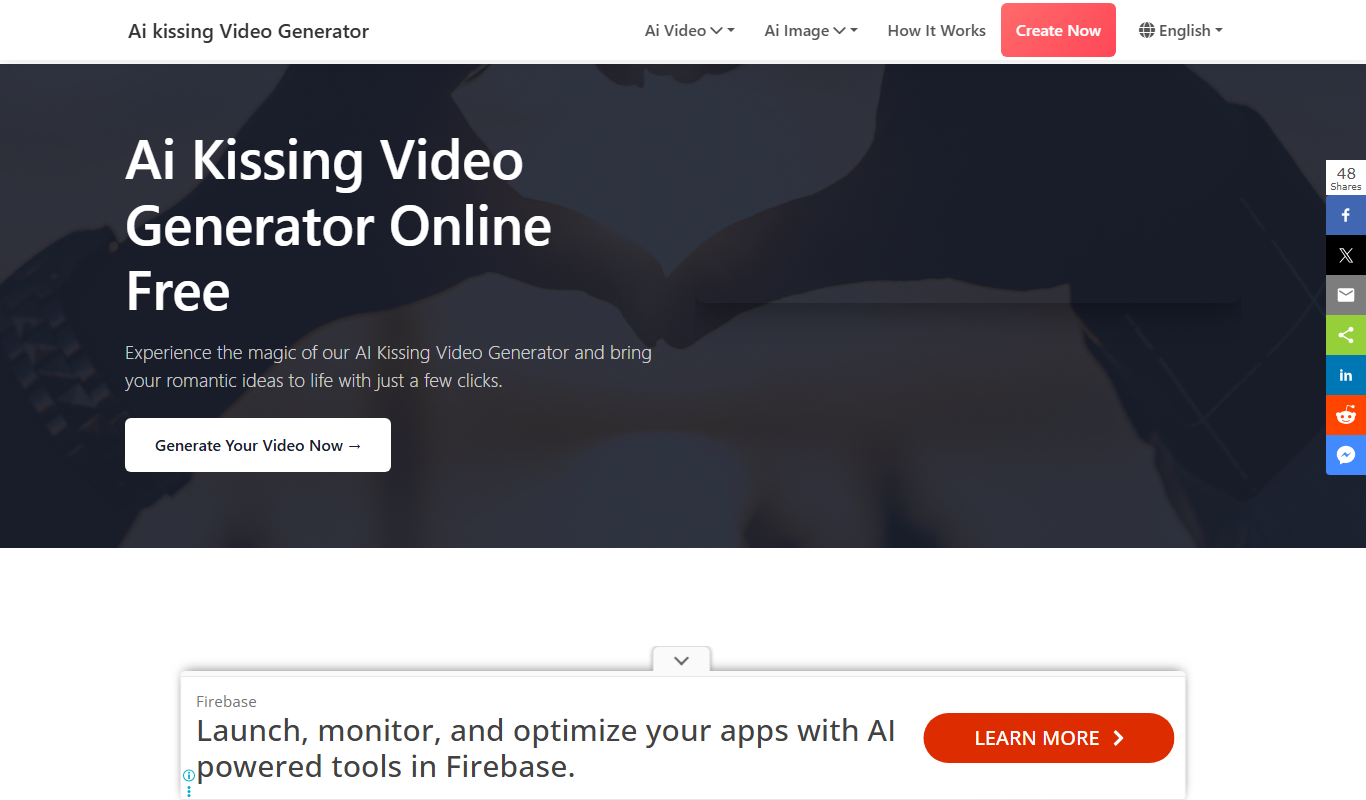
AI Kissing Video Generator is a website that makes a kissing video from two photos of real faces.

Free Trial
vidBoard
vidBoard is an AI-powered video creation platform that helps marketing and sales teams produce personalized videos quickly using customizable templates and automated video generation.

Freemium
Visla
Visla is a web-based AI video editor that automates editing tasks and supports real-time collaboration to help users create professional videos quickly and easily.

Free
Zubtitle
Zubtitle is an online tool that automatically generates captions for videos, allowing users to customize and export videos optimized for social media platforms.

Freemium
AIVideo
AIVideo is an aggregator of third-party AI generative models, with a Model Playground, MCP and automations.

Free
FlexClip
FlexClip is an online video editing platform that enables users to create professional videos using templates, stock media, and simple drag-and-drop tools without software installation.

Freemium
Vidnoz AI
Vidnoz AI is a web-based platform that uses artificial intelligence to help users create marketing and social media videos quickly by automating video generation from text and media inputs.