

vidBoard AI Video Creation Platform for Marketing and Sales Teams
vidBoard is an AI-powered video creation platform that helps marketing and sales teams produce personalized videos quickly using customizable templates and automated video generation.
- Best for
- Marketing Video Production
- Key capability
- AI-Powered Video Generation
Save vidBoard, follow its updates and vote on it — everything stays in your account.
Sign in or create a free account
What is vidBoard?
vidBoard is an AI-powered video creation platform designed to help marketing and sales teams produce personalized, engaging videos quickly and efficiently. It leverages artificial intelligence to automate video generation, enabling users to create professional-quality videos without extensive editing skills.
Key features of vidBoard
vidBoard offers AI-driven video generation, customizable templates, personalized video messaging, and seamless integration with marketing and sales workflows to streamline video content creation.
AI-Powered Video Generation
Automates video creation by transforming text and data into engaging video content.
Customizable Templates
Offers a library of templates designed for various business needs and branding.
Personalized Video Messaging
Enables creation of videos tailored to individual recipients for improved engagement.
Easy Sharing and Integration
Supports direct sharing options and integrates with common marketing and sales platforms.
Pros and cons of vidBoard
Pros
- User-friendly AI automation simplifies video creation
- Wide variety of customizable templates
- Supports personalized video messaging
- Good for marketing and sales teams
- Web-based platform accessible anywhere
Cons
- Limited language support (English only)
- No mobile app available
- Pricing may be high for small businesses
Key use cases for vidBoard
Marketing Video Production
Create engaging AI-generated videos for marketing campaigns to boost brand awareness and customer engagement.
Sales Outreach
Produce personalized video messages to enhance sales outreach and improve conversion rates.
Customer Support
Generate video tutorials and responses to provide clear and effective customer support.
Internal Communications
Create internal update videos to improve team communication and engagement.
How vidBoard works
- 1
Sign Up
Create an account on vidBoard’s web platform to access video creation tools.
- 2
Select Template
Choose from a variety of customizable video templates tailored for marketing, sales, or support.
- 3
Customize Content
Input your text, images, or data to personalize the video content using AI assistance.
- 4
Generate Video
Let the AI create the video automatically based on your inputs and template selection.
- 5
Download or Share
Download the finished video or share it directly through integrated channels.
Who is using vidBoard
vidBoard pricing
Free Trial
$0 for limited period
Access to basic features with limited video exports to test the platform.
Pro
$49/month
Full access to all features, unlimited video creation, and premium templates.
Plans and prices are as published by the vendor and can change. Check the official site before you buy. Open the pricing page (opens in a new tab)
Frequently asked questions about vidBoard
Yes, vidBoard offers a free trial period to test its features before subscribing.
No, vidBoard’s AI automates video creation, making it easy for users without editing experience.
You can create marketing videos, sales outreach videos, customer support tutorials, and internal communications.
Yes, vidBoard supports integrations and easy sharing to fit into existing marketing and sales workflows.
This tool is designed to help users accomplish its core tasks more efficiently. It is typically used by individuals or teams looking to improve productivity and workflow.
It depends on your specific needs and how you plan to use the tool. The official website and documentation are the best sources for the latest details.
It depends on your specific needs and how you plan to use the tool. The official website and documentation are the best sources for the latest details.
Some tools offer a free plan or trial with limited features. Availability can vary, so confirm on the official website.
Conclusion
Video production here is template driven: a template for marketing, sales or support is selected, text, images or data are added, and the AI generates the video from those inputs. No video editing experience is required, and finished videos can be downloaded or shared through integrated channels.
What sets the platform apart for sales teams is personalized video messaging, with videos tailored to individual recipients for outreach. Customer support tutorials and internal update videos for team communication are further use cases. A free trial with limited video exports is available before subscribing.
Sources
Sign in to review this tool.
Sign In to ReviewNo reviews yet
Be the first to share how this tool worked for you.
Ask about pricing, limits, or how it compares — or answer someone else.
Sign In to AskNo questions yet
Have a question about using or paying for this tool? Be the first to ask.
Featured on TiorAI



More AI Avatar Video Generator tools
Other tools in the same category, for when this one is not quite the fit.

Plotagon
Plotagon is a user-friendly animated video creation tool that allows users to produce 3D animated stories by scripting dialogues and customizing characters without needing animation skills.

Krikey.ai
Krikey.ai is an AI Animation App that turns text or video into 3D animation with voices and templates.

Artflow ai
Artflow is an AI identity platform where Artflow Actors generate photos and videos that actually look like the user.
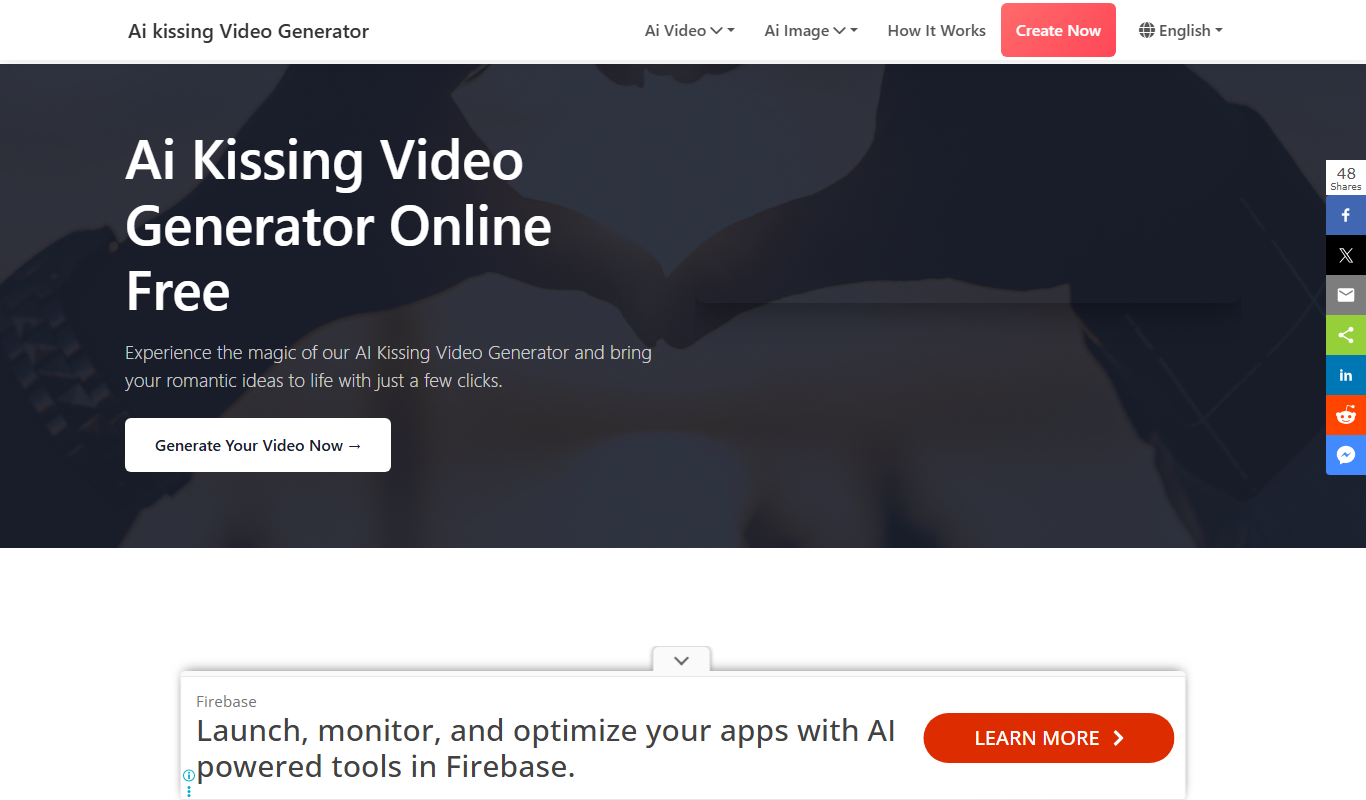
AI Kissing Video Generator Free
AI Kissing Video Generator is a website that makes a kissing video from two photos of real faces.
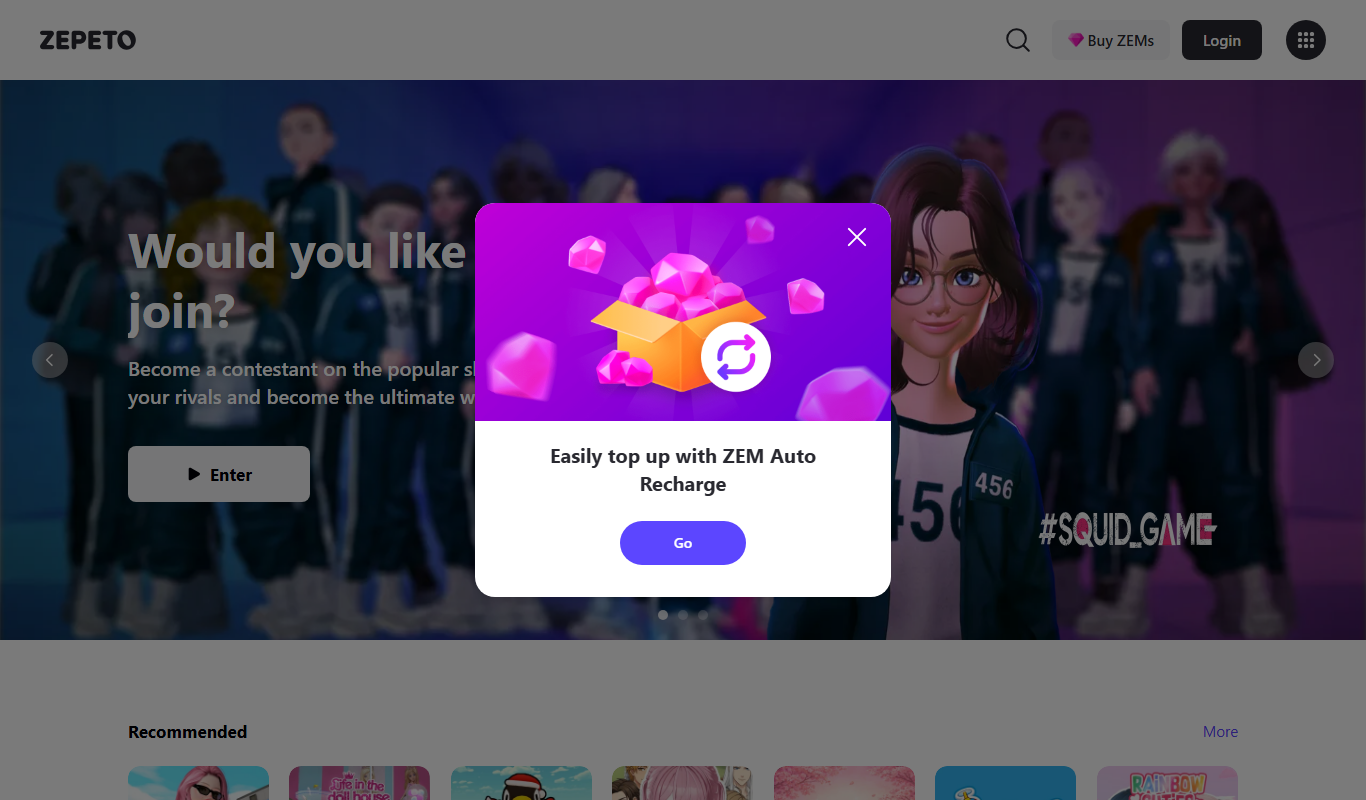
Zepeto
Zepeto is a social app that lets users create customizable 3D avatars and interact in virtual worlds through chat, games, and avatar-based videos.
VRChat
VRChat is a free virtual reality social platform that lets users interact through customizable avatars in immersive 3D worlds, supporting VR headsets and desktop modes.

Animaze
Animaze is an AI-powered avatar creation software that allows users to design and animate 2D and 3D avatars in real-time for live streaming, video calls, and content creation using motion capture technology.

Perception Neuron
Perception Neuron is a wireless inertial motion capture system by Noitom that captures full-body movements in real time for animation, VR, and gaming applications.