

Voice.ai AI Voice Cloning and Real-Time Voice Changer Software
Voice.ai is an AI voice platform with a real-time voice changer and voice cloning, plus voice agents, TTS and APIs.
- Best for
- Real-Time Voice Changing
- Key capability
- AI Voice Cloning
Save Voice.ai, follow its updates and vote on it — everything stays in your account.
Sign in or create a free account
What is Voice.ai?
Voice.ai is an AI voice platform that offers a real-time voice changer and voice cloning, and it now also provides voice agents, TTS and APIs.
Key features of Voice.ai
The tool offers real-time voice modulation, AI voice cloning from samples, a user-friendly interface, and integration capabilities for streaming and communication platforms.
AI Voice Cloning
Create realistic voice replicas from short audio samples.
Real-Time Voice Modulation
Transform your voice live with minimal latency.
Multiple Voice Presets
Access a library of voice effects and characters.
User-Friendly Interface
Intuitive controls for easy voice customization.
Integration Support
Works with popular streaming and communication platforms.
Pros and cons of Voice.ai
Pros
- High-quality, realistic voice cloning
- Low-latency real-time voice modulation
- Easy to use with intuitive interface
- Supports multiple voice presets
- Affordable subscription pricing
Cons
- Limited language support (English only)
- Requires decent hardware for optimal performance
Key use cases for Voice.ai
Real-Time Voice Changing
Modify your voice live during calls, streams, or recordings with AI-powered voice transformation.
Voice Cloning
Create high-quality AI clones of voices for content creation, entertainment, or accessibility purposes.
Content Creation
Enhance podcasts, videos, and games by adding diverse voice effects and characters.
Gaming and Streaming
Use voice modulation to entertain audiences or maintain privacy during live streams and multiplayer games.
Accessibility
Assist users with speech impairments by generating natural-sounding synthetic voices.
How Voice.ai works
- 1
Download and Install
Install the Voice.ai application on your Windows PC.
- 2
Create or Import Voice Profile
Generate a voice clone by recording your voice or importing samples.
- 3
Select Voice Effect
Choose from a variety of voice presets or custom voice clones.
- 4
Activate Real-Time Voice Changer
Use the software to modify your voice live during calls, streams, or recordings.
Who is using Voice.ai
Voice.ai pricing
Free
$0/month
Basic voice changing features with limited voice profiles and usage.
Starter
$5/month
Monthly plan based on credits.
Launch
$24/month
200k credits/month, 10 instant voice clones, usage based billing and 5 concurrent TTS generations. Aimed at creators.
Core
$99/month
1M credits/month, 50 instant voice clones and priority support. Aimed at professionals producing at scale.
Scale
$330/month
4M credits/month, 200 instant voice clones and higher priority generations. Aimed at startups and publishers.
Business
$880/month
22M credits/month, 2,200 voice clones and technical success manager support. Aimed at rapidly scaling startups and publishers.
Plans and prices are as published by the vendor and can change. Check the official site before you buy. Open the pricing page (opens in a new tab)
Frequently asked questions about Voice.ai
Voice.ai is available on Windows, Mac (Apple Silicon and Intel), iPhone and Android.
Typically, a few minutes of clear voice recording is sufficient to generate a high-quality clone.
Yes, Voice.ai processes voice data locally and respects user privacy.
Yes. The Starter plan ($5/month) and higher plans include a commercial license.
It depends on your specific needs and how you plan to use the tool. The official website and documentation are the best sources for the latest details.
Some tools offer a free plan or trial with limited features. Availability can vary, so confirm on the official website.
This tool is designed to help users accomplish its core tasks more efficiently. It is typically used by individuals or teams looking to improve productivity and workflow.
Yes, it can help with that use case depending on how you configure it and what features are available. You’ll get the best results with clear inputs and a defined goal.
Conclusion
Voice changing happens live: after a voice clone is generated from a recording or imported samples, or a preset is chosen, the software modifies the voice during calls, streams or recordings. Voice replicas are created from short audio samples, and a library of voice effects and characters adds more options. The product has also grown past the voice changer to include voice agents, TTS and APIs.
Content creators and streamers, gamers, podcasters and accessibility technology users are among the groups it serves. It runs on Windows, Mac with Apple Silicon or Intel, iPhone and Android. A free plan sits below monthly plans based on credits, starting with Starter at $5 and rising through Launch, Core and Scale to Business at $880.
Sources
Sign in to review this tool.
Sign In to ReviewNo reviews yet
Be the first to share how this tool worked for you.
Ask about pricing, limits, or how it compares — or answer someone else.
Sign In to AskNo questions yet
Have a question about using or paying for this tool? Be the first to ask.
Featured on TiorAI



More AI Voice Cloning tools
Other tools in the same category, for when this one is not quite the fit.

Dubformer
Dubformer is an AI dubbing studio with phrase-level control in 140+ languages.
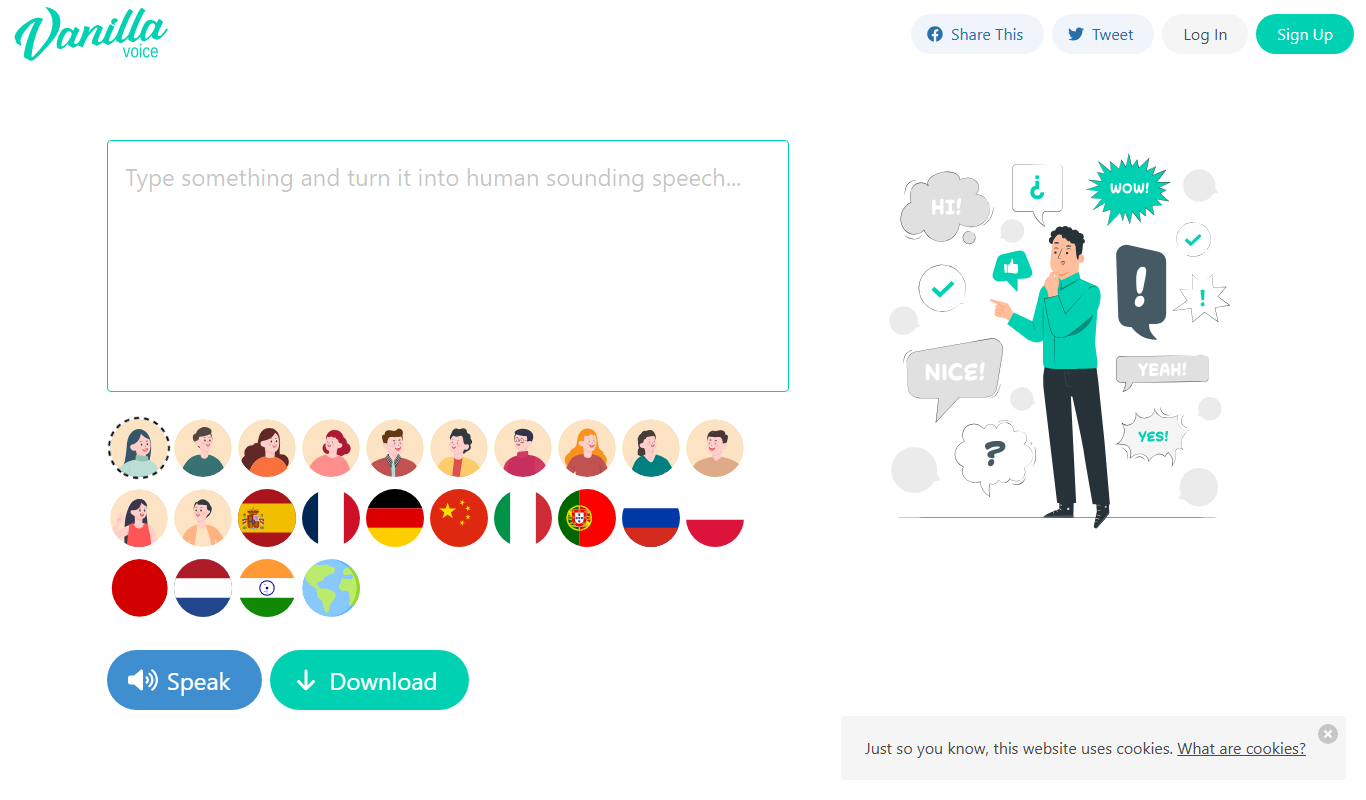
VanillaVoice
VanillaVoice is a free text to speech tool that reads any text out loud with a natural human-sounding male, female or child voice.

revocalize.ai
Revocalize.ai is an AI voice cloning platform that creates realistic synthetic voices from small audio samples, enabling text-to-speech synthesis and custom voice creation for various applications.
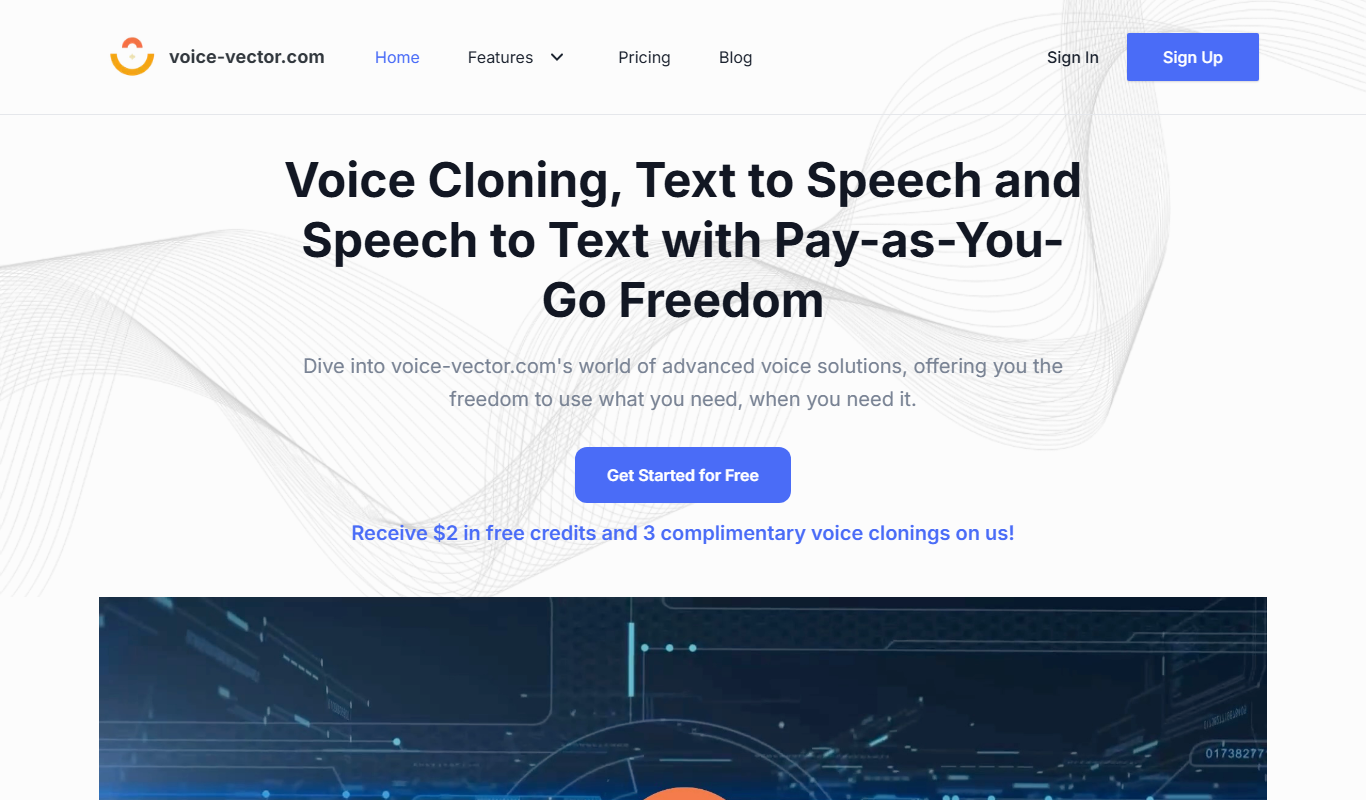
VoiceVector
VoiceVector is an AI voice cloning platform that creates realistic synthetic voices from minimal audio samples, enabling natural text-to-speech conversion for various applications.

TransDub
TransDub is an AI platform that clones voices and automatically dubs videos into multiple languages, preserving the original speaker’s voice for seamless localization.

CloneDub
CloneDub is an AI powered, automated dubbing platform that helps podcasts and YouTube channels grow their audience with fast, high quality video dubbing.

Resemble
Resemble AI offers real-time deepfake detection and watermarking for enterprise, alongside voice APIs for text-to-speech and voice cloning.

sorisori.ai
sorisori.ai combines AI song covers, text to speech (TTS), image generation and video generation, not only voice cloning.