

From my experience with Visily, I found it excels at accelerating the early stages of UI/UX design through its AI-powered wireframe generation. The tool’s intuitive interface and real-time collaboration features make it accessible for both designers and non-designers, which is a significant advantage for cross-functional teams. However, the platform is web-only and lacks deep integrations with other popular design tools, which may limit workflows for some advanced users. Overall, if you need a fast, collaborative way to create and prototype wireframes with AI assistance, Visily delivers solid results.
Visily AI Wireframe Tool for Rapid UI/UX Design and Prototyping
Visily is an AI-driven wireframe and UI design tool that helps teams quickly create, prototype, and collaborate on user interfaces through AI-assisted generation and real-time feedback.
- Best for
- Rapid Wireframing
- Key capability
- AI-Powered Wireframe Generation

Do you recommend this tool?
What is Visily?
Visily is an AI-powered wireframe and UI design tool that helps product teams rapidly create, prototype, and collaborate on user interfaces. It leverages artificial intelligence to automate parts of the design process, enabling users to generate wireframes from sketches or text descriptions and refine them with intuitive editing features. Visily aims to bridge the gap between designers, product managers, and developers by simplifying early-stage design workflows and improving communication.
Key features of Visily
Visily offers AI-assisted wireframe generation, drag-and-drop UI components, interactive prototyping, real-time collaboration, and seamless developer handoff. Its AI capabilities accelerate the creation of wireframes from rough inputs, while its collaborative environment supports team feedback and iteration.
AI-Powered Wireframe Generation
Automatically create wireframes from sketches or text inputs to speed up the design process.
Drag-and-Drop UI Components
Easily customize wireframes using a library of pre-built UI elements.
Interactive Prototyping
Build clickable prototypes to simulate user flows and test usability.
Real-Time Collaboration
Work simultaneously with team members and stakeholders with live commenting and editing.
Developer Handoff Tools
Export specs and assets to streamline communication between design and development teams.
Pros and cons of Visily
Pros
- Speeds up wireframe creation with AI assistance
- User-friendly interface suitable for beginners
- Supports real-time team collaboration
- Includes interactive prototyping features
- Affordable pricing with a free tier
Cons
- Limited integrations with other design tools
- Web-only platform without desktop or mobile apps
- Some advanced features require paid subscription
Key use cases for Visily
Rapid Wireframing
Create quick wireframes for web and mobile apps using AI-assisted design tools to speed up the initial UI layout process.
UI/UX Prototyping
Build interactive prototypes that simulate user flows and interface interactions to validate design concepts before development.
Design Collaboration
Collaborate with team members and stakeholders in real-time to gather feedback and iterate on wireframes and prototypes efficiently.
Design System Generation
Automatically generate design systems and reusable components from wireframes to maintain consistency across projects.
Developer Handoff
Export design specs and assets to streamline communication between designers and developers for faster implementation.
How Visily works
- 1
Sign Up and Create a Project
Register on Visily’s web platform and start a new wireframe project tailored to your app or website.
- 2
Generate Wireframes Using AI
Use AI features to convert sketches or textual descriptions into wireframe layouts automatically.
- 3
Customize and Prototype
Edit wireframes with drag-and-drop components, add interactions, and build clickable prototypes.
- 4
Collaborate and Gather Feedback
Invite team members to review designs, leave comments, and iterate in real-time.
- 5
Export and Handoff
Export design specs and assets for developers to implement the UI accurately.
Who is using Visily
Product managers
UI/UX designers
Startup founders
Software developers
Design agencies
Visily pricing
Free
$0/month
Access to basic wireframing and prototyping features with limited projects and collaborators.
Pro
$15/month
Unlimited projects, advanced AI features, enhanced collaboration tools, and priority support.
Plans and prices are as published by the vendor and can change. Check the official site before you buy. Open the pricing page (opens in a new tab)
Frequently asked questions about Visily
Yes, Visily’s AI-assisted tools and intuitive interface make it accessible for beginners and non-designers.
Visily allows exporting design specs and assets that can be used by developers, but direct integration with tools like Figma or Sketch is limited.
Yes, especially with the Pro plan, Visily supports collaboration among multiple team members and stakeholders.
Visily is a web-based application accessible via modern browsers on desktop and laptop computers.
This tool is designed to help users accomplish its core tasks more efficiently. It is typically used by individuals or teams looking to improve productivity and workflow.
Some tools offer a free plan or trial with limited features. Availability can vary, so confirm on the official website.
Yes, it can help with that use case depending on how you configure it and what features are available. You’ll get the best results with clear inputs and a defined goal.
It depends on your specific needs and how you plan to use the tool. The official website and documentation are the best sources for the latest details.
Sign in to review this tool.
Sign In to ReviewNo reviews yet
Be the first to share how this tool worked for you.
Ask about pricing, limits, or how it compares — or answer someone else.
Sign In to AskNo questions yet
Have a question about using or paying for this tool? Be the first to ask.
Featured on TiorAI



Alternative Tools
Explore similar AI tools that might fit your needs
Free
Figma
Figma is a cloud-based design tool for creating user interfaces and prototypes collaboratively in real time, accessible via web and desktop apps.

Free Trial
Balsamiq
Balsamiq is a wireframing tool that enables rapid creation of low-fidelity UI mockups and clickable prototypes, supporting collaboration and easy sharing.
More Design Collaboration tools
Other tools in the same category, for when this one is not quite the fit.

Free
Plot
Plot is a web-based platform that allows teams to collaboratively design, prototype, and share interactive user interfaces in real-time without installing software.

Free
Seamless Studio (Beta)
Seamless Studio Beta is a cloud-based collaborative design tool that enables teams to co-create UI designs and interactive prototypes in real time, enhancing remote teamwork and client feedback.

Free
Raster
Raster is a web app that enables creative teams to collaborate on design projects in real time by sharing feedback, annotating visuals, and communicating seamlessly.
Free
Visily
Visily is a web-based AI design tool that accelerates UI prototyping and wireframing by providing AI-generated design suggestions and real-time collaboration features.
Free
Raster
Raster is a collaborative design tool that enables teams to co-create, brainstorm, and provide feedback on visual projects in real-time via web and desktop apps.
Free
Raster
Raster is a collaborative design and prototyping tool that enables teams to work together in real-time, create interactive prototypes, and manage feedback efficiently.
Free
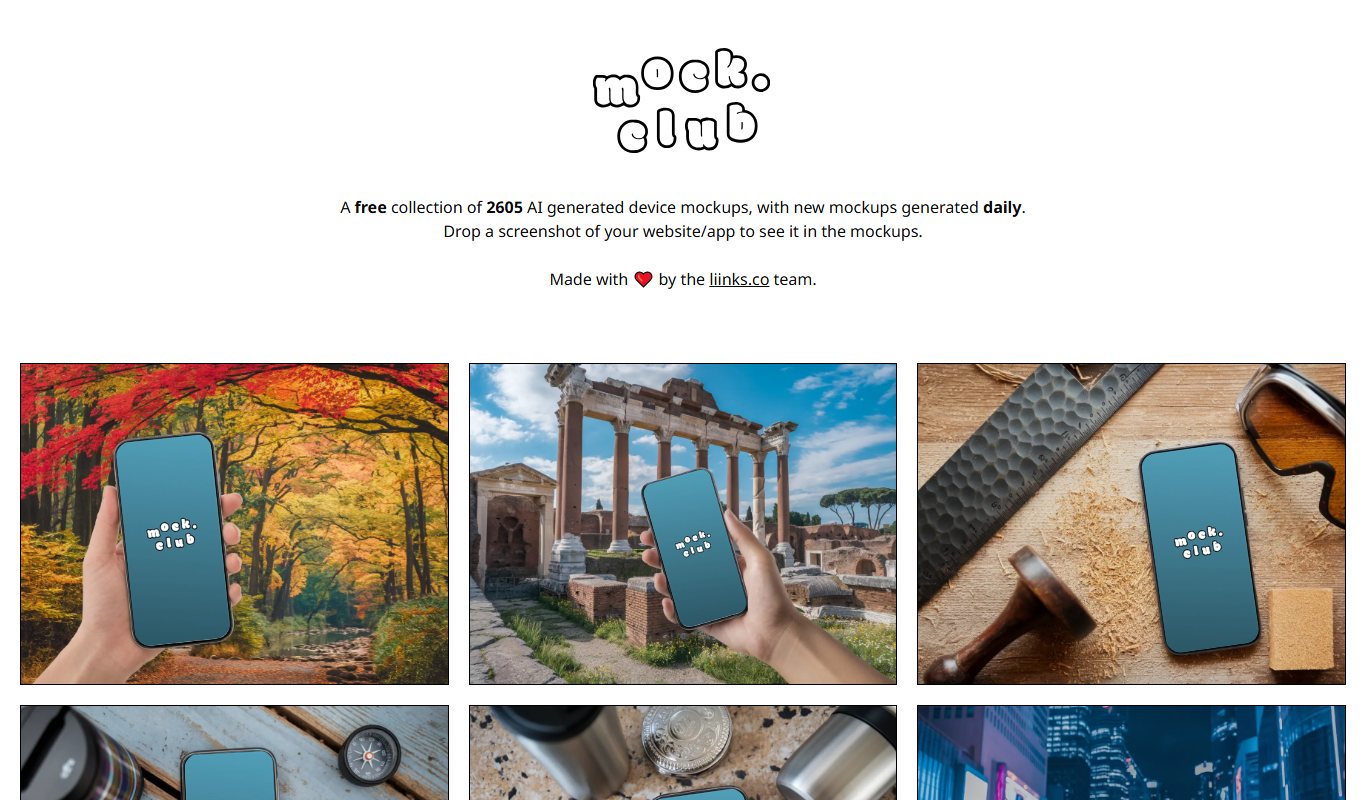
Mock.Club
Mock.Club is a web platform that enables designers and teams to upload design mockups and collaborate through contextual comments and version tracking, streamlining feedback and revisions.

Free
Shape
Shape XYZ is a web-based platform that enables product and creative teams to collaborate on design projects in real-time, offering prototyping, feedback, and version control features.