

From my experience with Raster, I found it excels at simplifying real-time collaboration for creative teams. The platform’s intuitive interface and integrated chat make it easy to share precise feedback and keep everyone aligned, especially for remote teams. However, Raster currently lacks deep integrations with other popular design tools and is limited to web use, which might be a drawback for some workflows. Overall, if you need a straightforward, centralized space to collaborate on designs and manage feedback efficiently, Raster delivers solid results.
Raster App for Collaborative Design and Real-Time Feedback in Teams
Raster is a web app that enables creative teams to collaborate on design projects in real time by sharing feedback, annotating visuals, and communicating seamlessly.
- Best for
- Real-Time Design Collaboration
- Key capability
- Real-Time Collaboration

Do you recommend this tool?
What is Raster?
Raster is a web-based collaborative design platform that enables creative teams to work together in real time. It focuses on simplifying the feedback process by allowing users to annotate designs, chat, and manage revisions all within a single interface. Raster helps teams reduce the friction of remote collaboration and accelerates the creative workflow.
Key features of Raster
Key features include real-time collaboration on design files, visual annotations, integrated chat for team communication, version control, and centralized feedback management. Raster’s intuitive interface supports seamless interaction among designers, project managers, and stakeholders.
Real-Time Collaboration
Multiple users can simultaneously view and edit design files with instant updates.
Visual Annotations
Add precise comments and markup directly on design elements for clear feedback.
Integrated Team Chat
Communicate instantly with team members without leaving the platform.
Version Control
Keep track of design iterations and easily revert to previous versions if needed.
Centralized Feedback
All comments and suggestions are stored in one place, reducing miscommunication.
Pros and cons of Raster
Pros
- Intuitive real-time collaboration interface
- Centralizes feedback to reduce email chains
- Supports visual annotations for clarity
- Facilitates remote team communication
- Affordable pricing with a free tier
Cons
- Limited integrations with other design tools
- Web-only platform without mobile apps
- Some advanced features require paid subscription
Key use cases for Raster
Real-Time Design Collaboration
Teams can work together on visual projects simultaneously, sharing feedback instantly.
Creative Feedback Management
Centralize comments and suggestions on design files to streamline revision cycles.
Remote Team Communication
Facilitates seamless communication among distributed creative teams through integrated chat and annotations.
Project Organization
Organize design assets and feedback in one place to improve workflow efficiency.
How Raster works
- 1
Create an Account
Sign up on Raster’s website to start a new workspace for your team.
- 2
Upload Design Files
Import your design assets such as images, mockups, or prototypes into the platform.
- 3
Invite Team Members
Add collaborators to your workspace to enable joint editing and feedback.
- 4
Collaborate and Annotate
Work together in real time by adding comments, annotations, and chat messages directly on designs.
- 5
Manage Feedback and Versions
Track revisions and consolidate feedback to streamline the approval process.
Who is using Raster
Creative agencies
Freelance designers
Marketing teams
Product design teams
Remote creative teams
Raster pricing
Free
$0/month
Basic collaboration features with limited projects and users.
Pro
$15/month
Advanced features including unlimited projects, more collaborators, and priority support.
Plans and prices are as published by the vendor and can change. Check the official site before you buy. Open the pricing page (opens in a new tab)
Frequently asked questions about Raster
Yes, Raster offers a free plan with basic features suitable for small teams or individual users.
Absolutely, Raster is designed to facilitate real-time collaboration and communication for distributed teams.
Raster supports common image and design file formats such as PNG, JPG, and PDF.
Currently, Raster focuses on direct uploads but plans to add integrations with popular design software.
This tool is designed to help users accomplish its core tasks more efficiently. It is typically used by individuals or teams looking to improve productivity and workflow.
Some tools offer a free plan or trial with limited features. Availability can vary, so confirm on the official website.
Yes, it can help with that use case depending on how you configure it and what features are available. You’ll get the best results with clear inputs and a defined goal.
Yes, it can help with that use case depending on how you configure it and what features are available. You’ll get the best results with clear inputs and a defined goal.
Sign in to review this tool.
Sign In to ReviewNo reviews yet
Be the first to share how this tool worked for you.
Ask about pricing, limits, or how it compares — or answer someone else.
Sign In to AskNo questions yet
Have a question about using or paying for this tool? Be the first to ask.
Featured on TiorAI



Alternative Tools
Explore similar AI tools that might fit your needs
Free
Figma
Figma is a cloud-based design tool for creating user interfaces and prototypes collaboratively in real time, accessible via web and desktop apps.

Free
InVision
InVision is a digital product design platform that enables teams to create interactive prototypes, collaborate on designs, manage workflows, and hand off projects to developers efficiently.
More AI Realistic Image Generator tools
Other tools in the same category, for when this one is not quite the fit.
Free
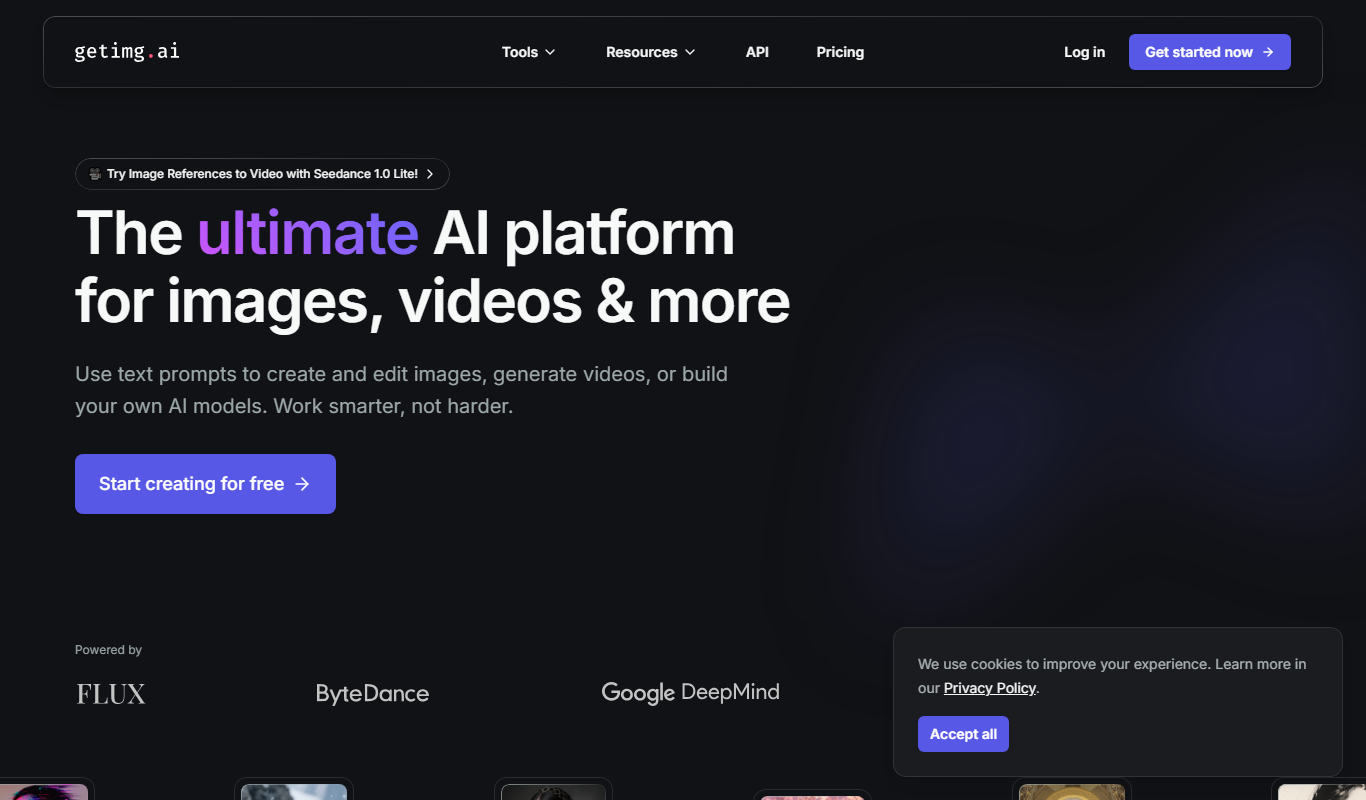
Getimg.ai
Getimg.ai is an AI image generation platform that creates and edits images from text prompts and existing images, offering multiple AI models, editing tools, upscaling, and API integration.

Freemium
Gepetto
Gepetto is an AI-powered video creation platform that enables businesses to generate personalized marketing, sales, and support videos efficiently using customizable templates and AI-driven personalization.

Freemium
Sink In
Sink In AI is an AI-driven personalized study platform that helps learners retain knowledge using spaced repetition, content summarization, and practice quizzes.

Freemium
Implai
Implai is an AI video generation platform that creates realistic synthetic videos using customizable avatars and text-to-video technology, ideal for marketing and content creation.
Free
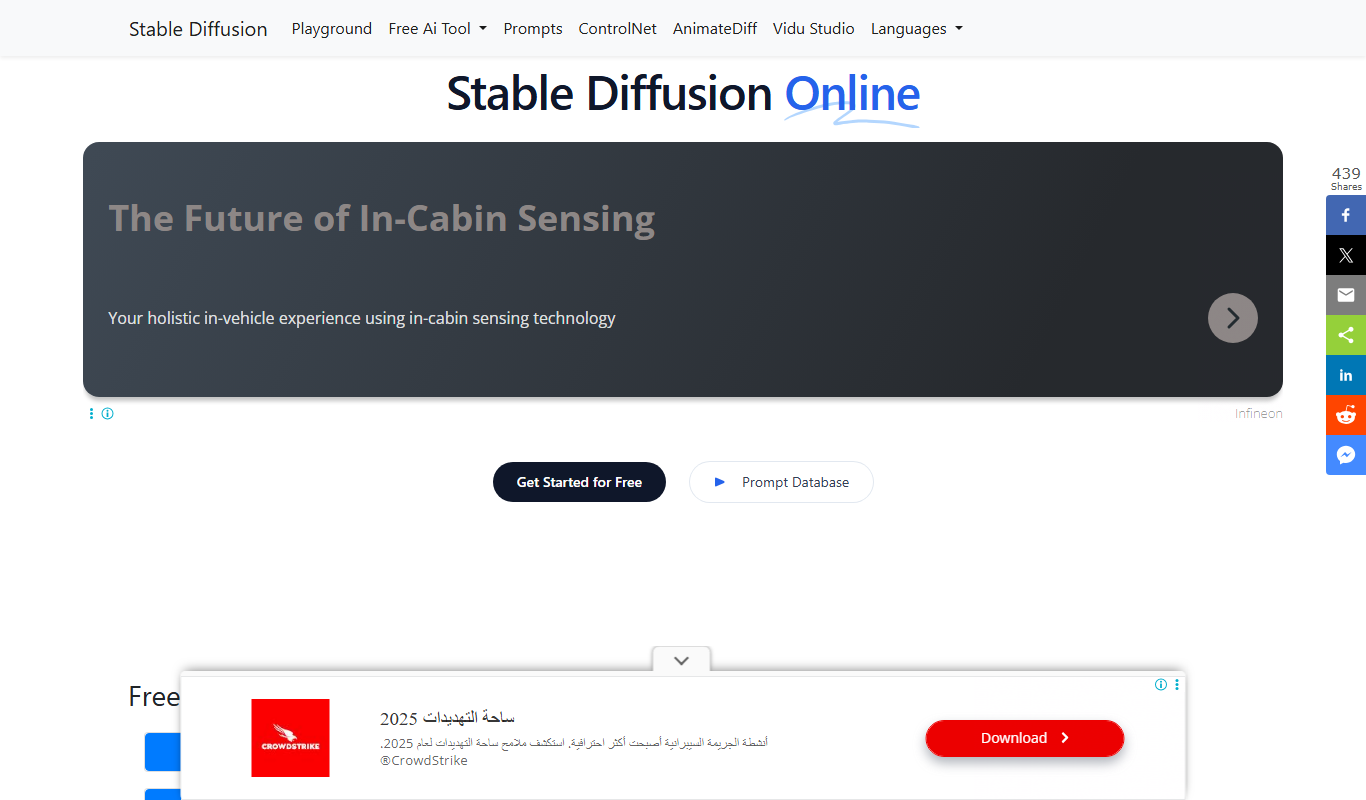
Stable Diffusion Online
Stable Diffusion Online is a web platform that uses the Stable Diffusion AI model to generate images from text prompts, enabling users to create digital art easily without software installation.

Freemium
Idyllic
Idyllic is an AI writing assistant that helps users generate creative stories and content through an intuitive web platform, offering features like story generation, content expansion, and idea brainstorming.

Free
Draph Art
Draph Art is an AI-based web platform that generates digital art from text prompts, offering customizable styles and high-resolution downloads for creative projects.

Pay Per Image
VirtualStaging.art
VirtualStaging.art is an online service that digitally furnishes and decorates empty property photos to help real estate professionals showcase homes more attractively without physical staging.