

From my experience with Implai, I found it excels at producing highly realistic AI-generated videos with minimal technical effort. The platform’s intuitive web interface and customizable avatars make it accessible for marketers and content creators who want to quickly generate synthetic media without filming. However, the current limitation to English language support and watermark presence on the free plan are trade-offs to consider. Overall, if you need efficient, high-quality AI video generation for marketing or entertainment, Implai offers a solid, user-friendly solution.
Implai AI Video Generation Tool for Realistic Synthetic Media Creation
Implai is an AI video generation platform that creates realistic synthetic videos using customizable avatars and text-to-video technology, ideal for marketing and content creation.
- Best for
- Content Creation
- Key capability
- AI Face Synthesis
Your actions
Save Implai, follow its updates and vote on it — everything stays in your account.
Sign in or create a free account
What is Implai?
Implai is an AI-powered video generation platform that enables users to create realistic synthetic videos by leveraging advanced deepfake and face synthesis technologies. It allows for the creation of high-quality AI-generated videos from text or audio inputs, facilitating content creation without the need for traditional filming.
Key features of Implai
Implai offers features such as AI-driven face synthesis, lip-syncing to audio, customizable avatars, and easy-to-use web-based video generation tools designed for marketers, content creators, and businesses seeking efficient synthetic media solutions.
AI Face Synthesis
Creates realistic facial animations synchronized with speech for lifelike videos.
Customizable Avatars
Allows users to select or upload avatars to personalize video content.
Text-to-Video Conversion
Transforms written scripts into spoken video content with natural lip movements.
Web-Based Platform
Accessible via browser without the need for complex software installations.
High-Quality Output
Generates HD videos suitable for professional marketing and entertainment use.
Pros and cons of Implai
Pros
- Easy-to-use web interface with no software installation
- High-quality, realistic AI-generated videos
- Supports custom avatar uploads for personalization
- Flexible pricing plans including a free tier
Cons
- Limited language support focused on English
- Free plan videos include watermarks
- No mobile app available currently
Key use cases for Implai
Content Creation
Generate realistic AI videos for marketing, entertainment, or educational content.
Advertising
Create synthetic spokesperson videos without the need for physical actors.
Entertainment
Produce deepfake videos for movies, games, or social media engagement.
Training and Simulation
Develop realistic video scenarios for corporate training or simulations.
Personalized Video Messages
Generate customized video messages with AI avatars for personal or business use.
How Implai works
- 1
Sign Up
Create an account on Implai’s web platform to access video generation tools.
- 2
Select or Create Avatar
Choose from pre-built AI avatars or upload your own to serve as the video subject.
- 3
Input Script or Audio
Provide the text script or audio file that the avatar will speak in the video.
- 4
Generate Video
Use Implai’s AI engine to synthesize the video with realistic lip-sync and facial expressions.
- 5
Download and Share
Review the generated video, make edits if needed, then download or share it directly.
Who is using Implai
Content creators and marketers
Advertising agencies
Entertainment producers
Corporate trainers
Social media influencers
Implai pricing
Free
$0/month
Limited video generation with watermark and basic avatar options.
Pro
$49/month
Access to premium avatars, higher resolution videos, and watermark removal.
Enterprise
Custom pricing
Tailored solutions with API access, dedicated support, and volume discounts.
Plans and prices are as published by the vendor and can change. Check the official site before you buy. Open the pricing page (opens in a new tab)
Frequently asked questions about Implai
Yes, Implai allows users to upload custom avatars to personalize their videos.
Yes, videos generated on the free plan include a watermark.
Videos can be downloaded in common formats such as MP4 suitable for most platforms.
Currently, Implai primarily supports English language input.
It depends on your specific needs and how you plan to use the tool. The official website and documentation are the best sources for the latest details.
Yes, it can help with that use case depending on how you configure it and what features are available. You’ll get the best results with clear inputs and a defined goal.
Pricing depends on the plan and included features. For the most accurate and up-to-date details, check the official pricing page.
It depends on your specific needs and how you plan to use the tool. The official website and documentation are the best sources for the latest details.
Sign in to review this tool.
Sign In to ReviewNo reviews yet
Be the first to share how this tool worked for you.
Ask about pricing, limits, or how it compares — or answer someone else.
Sign In to AskNo questions yet
Have a question about using or paying for this tool? Be the first to ask.
Featured on TiorAI



More AI Realistic Image Generator tools
Other tools in the same category, for when this one is not quite the fit.
Free
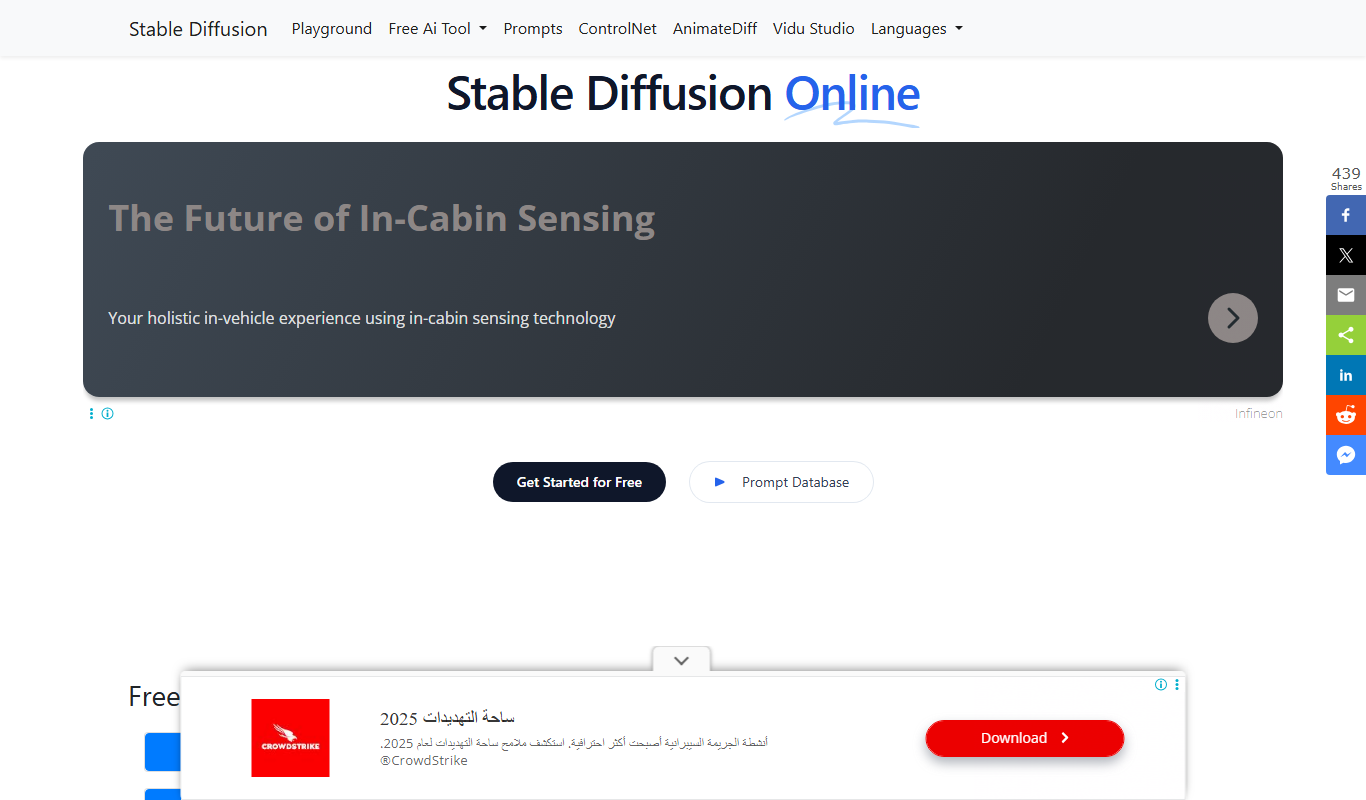
Stable Diffusion Online
Stable Diffusion Online is a web platform that uses the Stable Diffusion AI model to generate images from text prompts, enabling users to create digital art easily without software installation.

Subscription
VirtualStaging.art
VirtualStaging.art provides AI virtual staging for homes and apartments, turning empty or occupied interiors into clean, furnished listing photos.

Free
AI Image Generator/Search
AI Image Generator/Search is a web platform that allows users to generate images from text prompts and search a database of AI-created images for creative and commercial use.

Free
Illusion Diffusion AI Online
Illusion Diffusion AI Online is an AI optical illusion image generator that turns any design, text or photo into illusion art, using credits bought as one-time packs.
Free
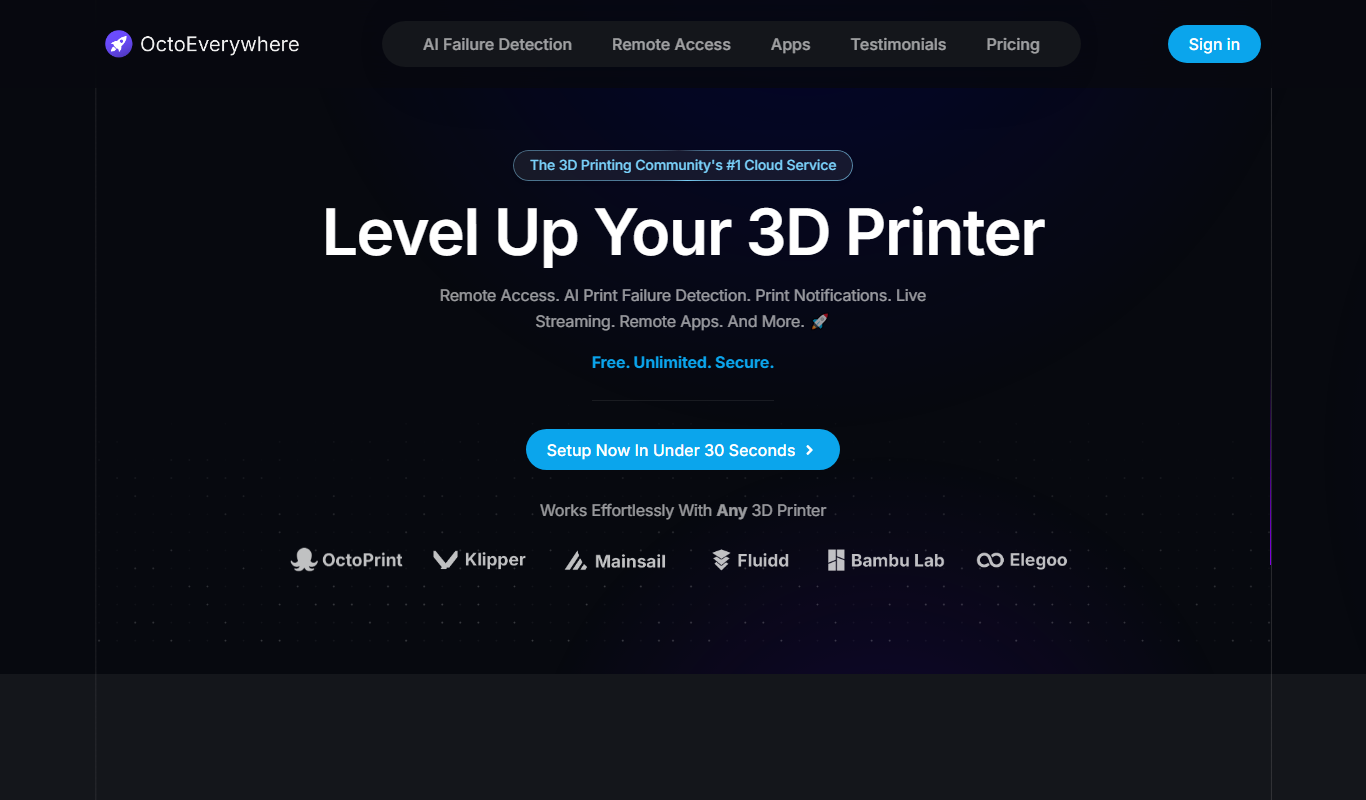
OctoEverywhere
OctoEverywhere is a 3D printer cloud service with secure remote access, AI failure detection and notifications for printers running OctoPrint, Klipper, Bambu Lab OS and Elegoo OS.
Free
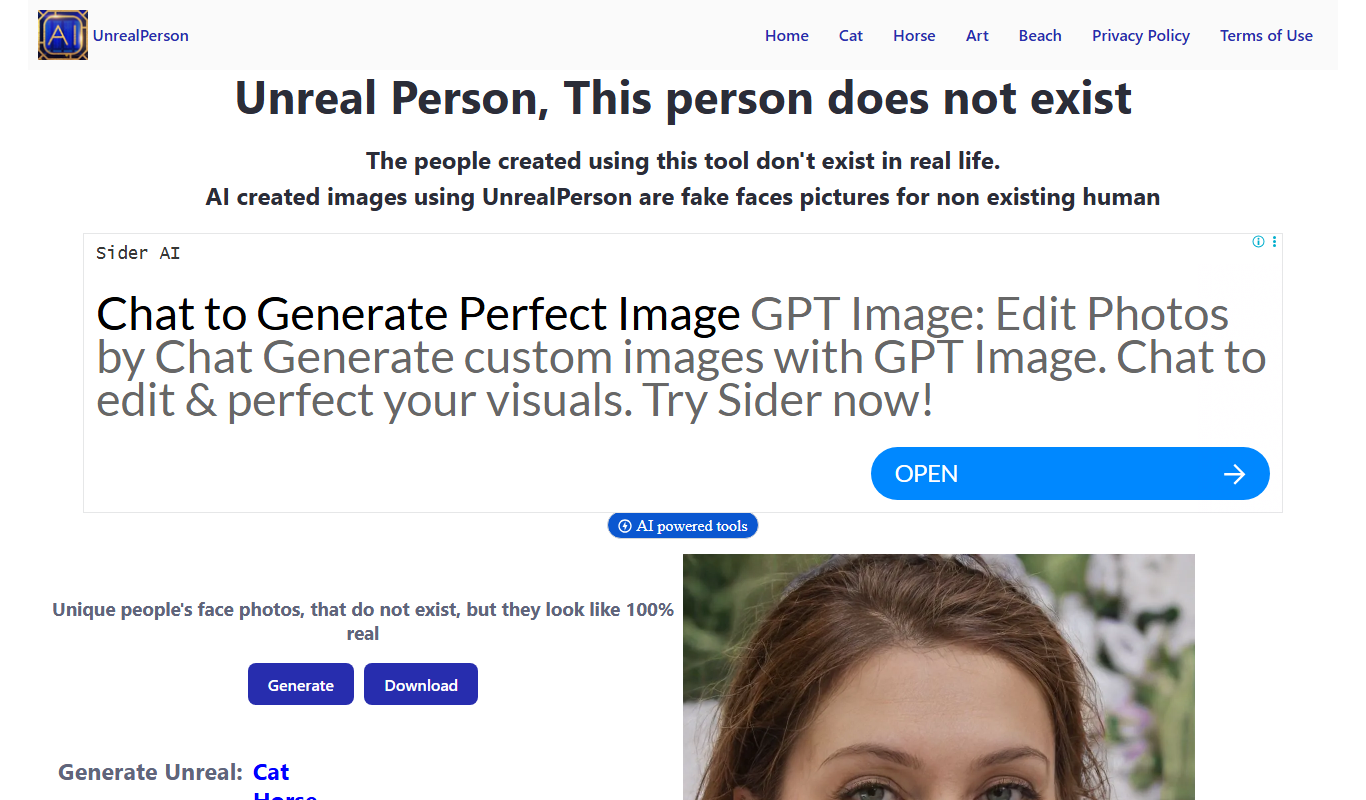
UnrealPerson
UnrealPerson is a free AI-powered web tool that generates unique, realistic synthetic human faces instantly without requiring registration.

Freemium
REimagine Home
REimagine Home is an AI-driven platform that transforms your room photos into virtual interior design makeovers, helping you visualize new furniture and decor styles quickly and easily.
Free
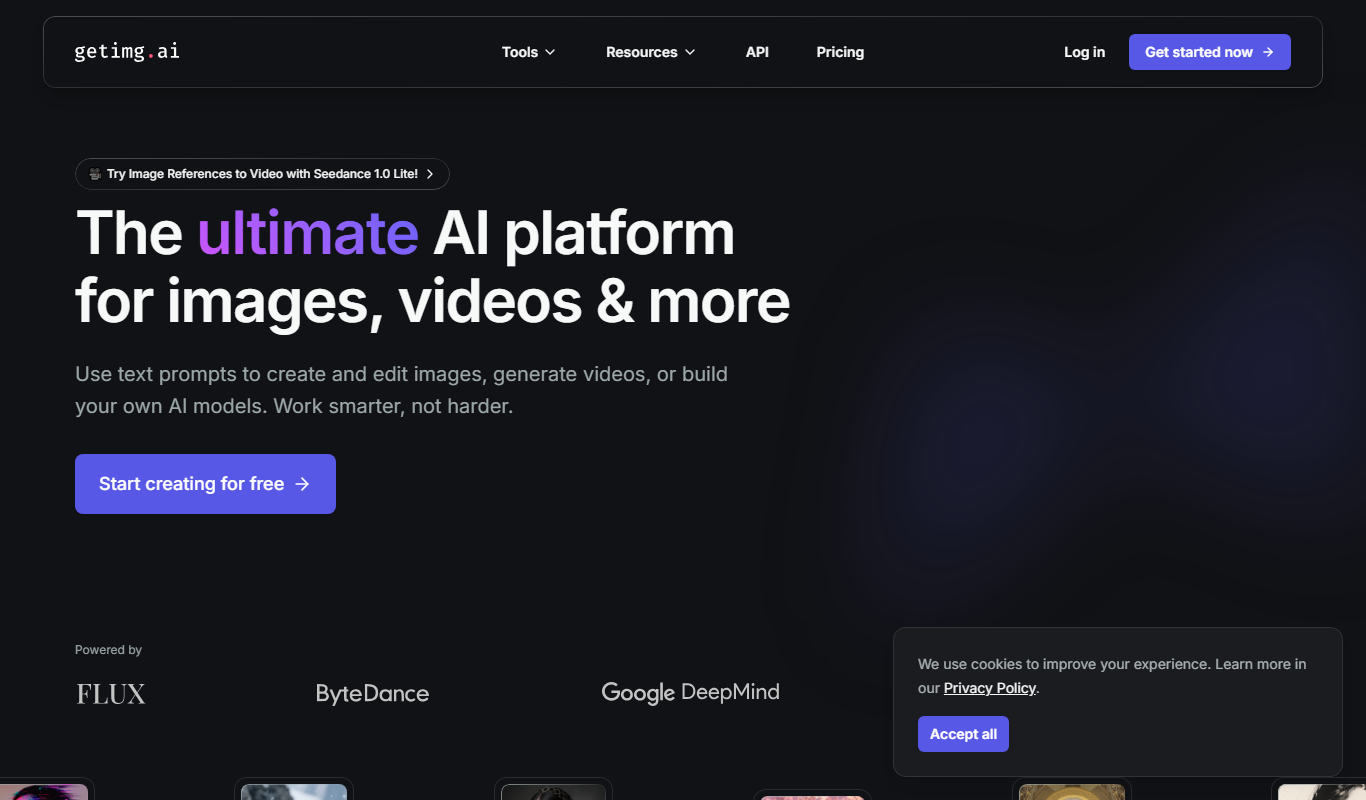
Getimg.ai
Getimg.ai is an AI image generation platform that creates and edits images from text prompts and existing images, offering multiple AI models, editing tools, upscaling, and API integration.