

From my experience with VampAI, I found it excels at producing highly realistic AI-generated voices with minimal effort. The platform’s intuitive web interface makes voice cloning accessible even for beginners, and the multi-style voice options add versatility for different content types. However, the tool currently supports only English, which limits its use for multilingual projects. Also, achieving the best results depends on the quality of the voice sample provided. Overall, if you need fast, natural-sounding voice cloning for content creation or voiceover work, VampAI delivers solid performance with commercial-ready output.
VampAI Voice Cloning Software for Realistic AI Voice Generation
VampAI is an AI-powered voice cloning platform that generates realistic synthetic voices from text or voice samples, ideal for content creators and businesses needing custom voiceovers.
- Best for
- Content Creation
- Key capability
- High-Quality Voice Cloning
Your actions
Save VampAI, follow its updates and vote on it — everything stays in your account.
Sign in or create a free account
What is VampAI?
VampAI is a web-based AI voice cloning platform that enables users to create realistic synthetic voices from text input or by cloning existing voices. It leverages advanced machine learning models to generate natural-sounding speech, allowing creators and businesses to produce high-quality voice content without traditional recording sessions.
Key features of VampAI
VampAI offers features such as high-fidelity voice cloning, multi-style voice generation, easy text-to-speech conversion, and a user-friendly web interface designed for quick voice creation and customization.
High-Quality Voice Cloning
Creates natural and expressive AI voices closely matching the original speaker.
Multi-Style Voice Generation
Supports different speaking styles and emotions to suit various content needs.
Easy-to-Use Web Interface
No technical expertise required; intuitive controls for voice creation.
Fast Processing
Quick turnaround time from text input to voice output.
Downloadable Audio Files
Export generated voices in common audio formats for versatile use.
Pros and cons of VampAI
Pros
- Produces highly realistic AI voices
- User-friendly web platform
- Supports multiple voice styles
- Fast voice generation
- Commercial usage allowed
Cons
- Limited language support (English only)
- Requires quality voice samples for best cloning results
- Subscription pricing may be high for casual users
Key use cases for VampAI
Content Creation
Generate realistic AI voices for podcasts, videos, and audiobooks to enhance content quality.
Voiceover Production
Create custom voiceovers for marketing, advertisements, and presentations without hiring voice actors.
Accessibility
Provide natural-sounding speech for accessibility tools such as screen readers and assistive technologies.
Entertainment
Use AI-generated voices for games, animations, and virtual characters.
Personalization
Clone individual voices for personalized messages, greetings, or voice assistants.
How VampAI works
- 1
Upload or Select Voice Sample
Users provide a voice sample to clone or choose from pre-built AI voices.
- 2
Input Text Script
Enter the text that needs to be converted into speech.
- 3
Generate AI Voice
The platform processes the input and produces a realistic AI-generated voice output.
- 4
Download or Share
Users can download the audio file or share it directly for their projects.
Who is using VampAI
Content creators
Marketing agencies
Game developers
Accessibility service providers
Small to medium businesses
VampAI pricing
Free Trial
$0
Limited voice cloning minutes to test the platform.
Subscription
Starts at $29/month
Access to full features with higher usage limits and priority support.
Plans and prices are as published by the vendor and can change. Check the official site before you buy. Open the pricing page (opens in a new tab)
Frequently asked questions about VampAI
VampAI requires a clear voice sample to clone; quality depends on the sample provided.
Yes, subscription plans include commercial usage rights.
Voice generation typically completes within a few minutes depending on text length.
Currently, VampAI primarily supports English voices.
It depends on your specific needs and how you plan to use the tool. The official website and documentation are the best sources for the latest details.
Some tools offer a free plan or trial with limited features. Availability can vary, so confirm on the official website.
Yes, it can help with that use case depending on how you configure it and what features are available. You’ll get the best results with clear inputs and a defined goal.
Yes, it can help with that use case depending on how you configure it and what features are available. You’ll get the best results with clear inputs and a defined goal.
Sign in to review this tool.
Sign In to ReviewNo reviews yet
Be the first to share how this tool worked for you.
Ask about pricing, limits, or how it compares — or answer someone else.
Sign In to AskNo questions yet
Have a question about using or paying for this tool? Be the first to ask.
Featured on TiorAI



More AI Music & Audio Tools tools
Other tools in the same category, for when this one is not quite the fit.

Freemium
SongGenerator.io: Create Music for Free
SongGenerator.io is an AI song generator that turns text descriptions or lyrics into songs, with a free plan and paid Pro and Ultra subscriptions.
Free
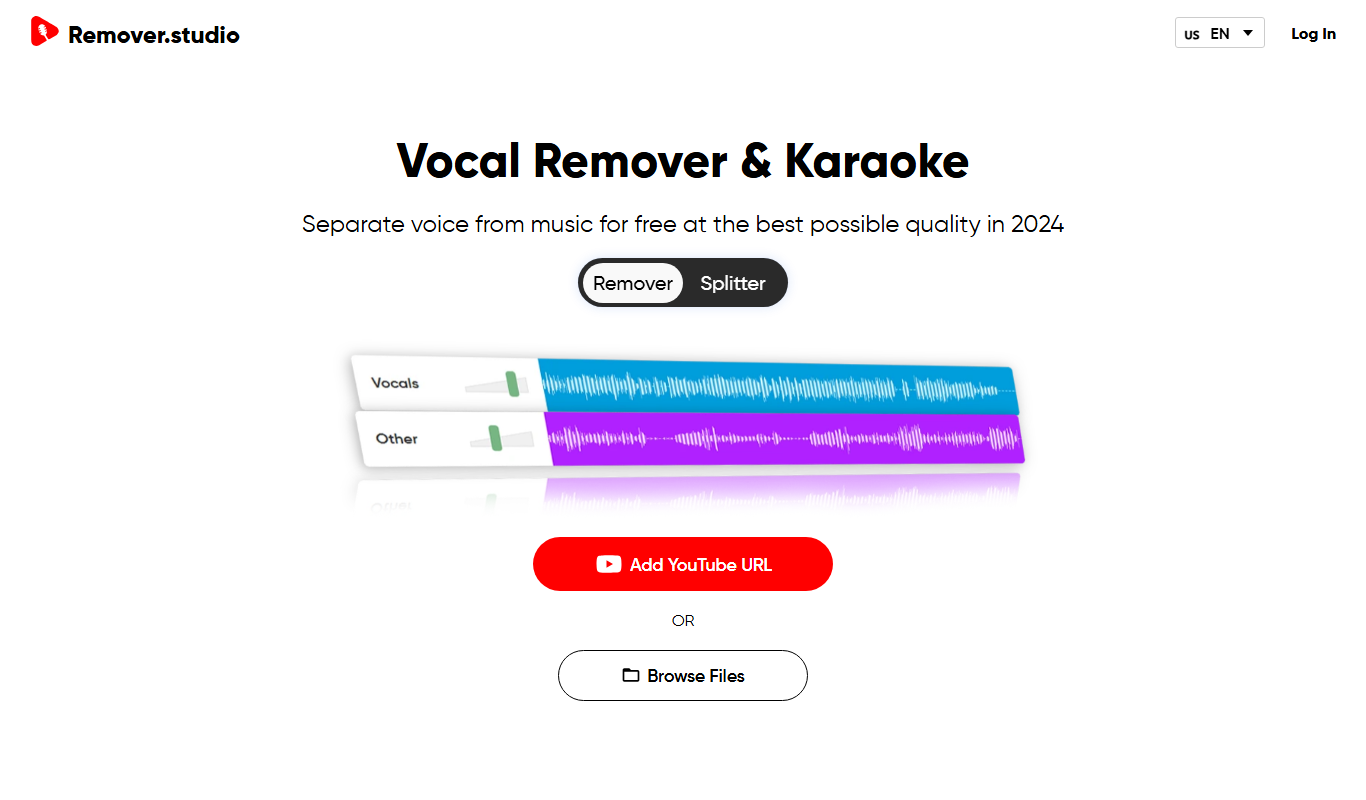
VocalRemover.co
VocalRemover.co is an online AI-powered tool that removes vocals from audio tracks to create karaoke versions or isolated stems for remixing and editing.
One-time purchase
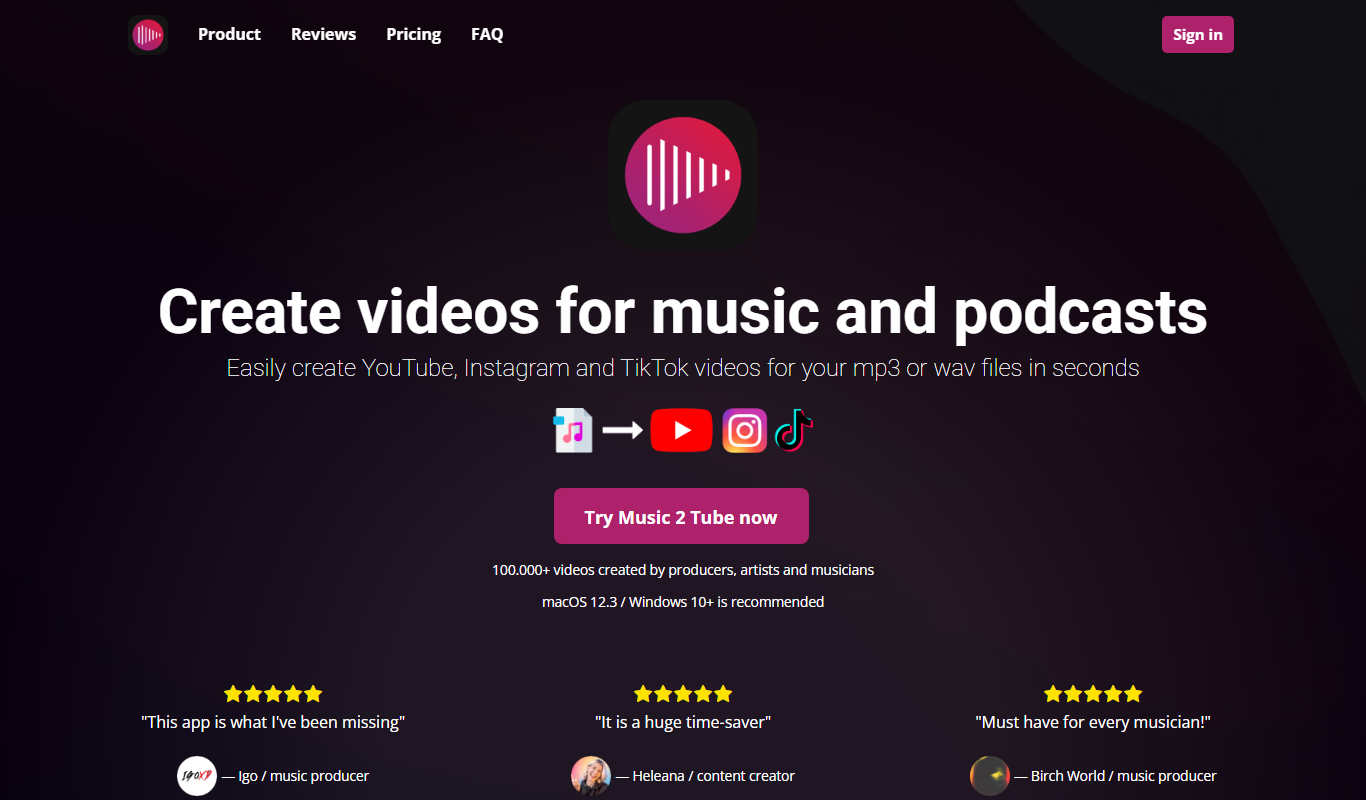
Music 2 Tube
Music 2 Tube is a desktop app that creates videos for music and podcasts and uploads your mp3 to YouTube.

Free
aimusic.one
aimusic.one is an AI-driven online platform that generates original, royalty-free music tracks customized by style, mood, and tempo, suitable for content creators and hobbyists.

Free
DiffRhythm
DiffRhythm is an AI music generation platform that creates custom soundtracks and beats tailored to your project’s style and mood.

Free
Song GPT
Song GPT is an AI music generation platform that creates original song lyrics and melodies based on user input, helping musicians and creators produce custom songs easily.
Free
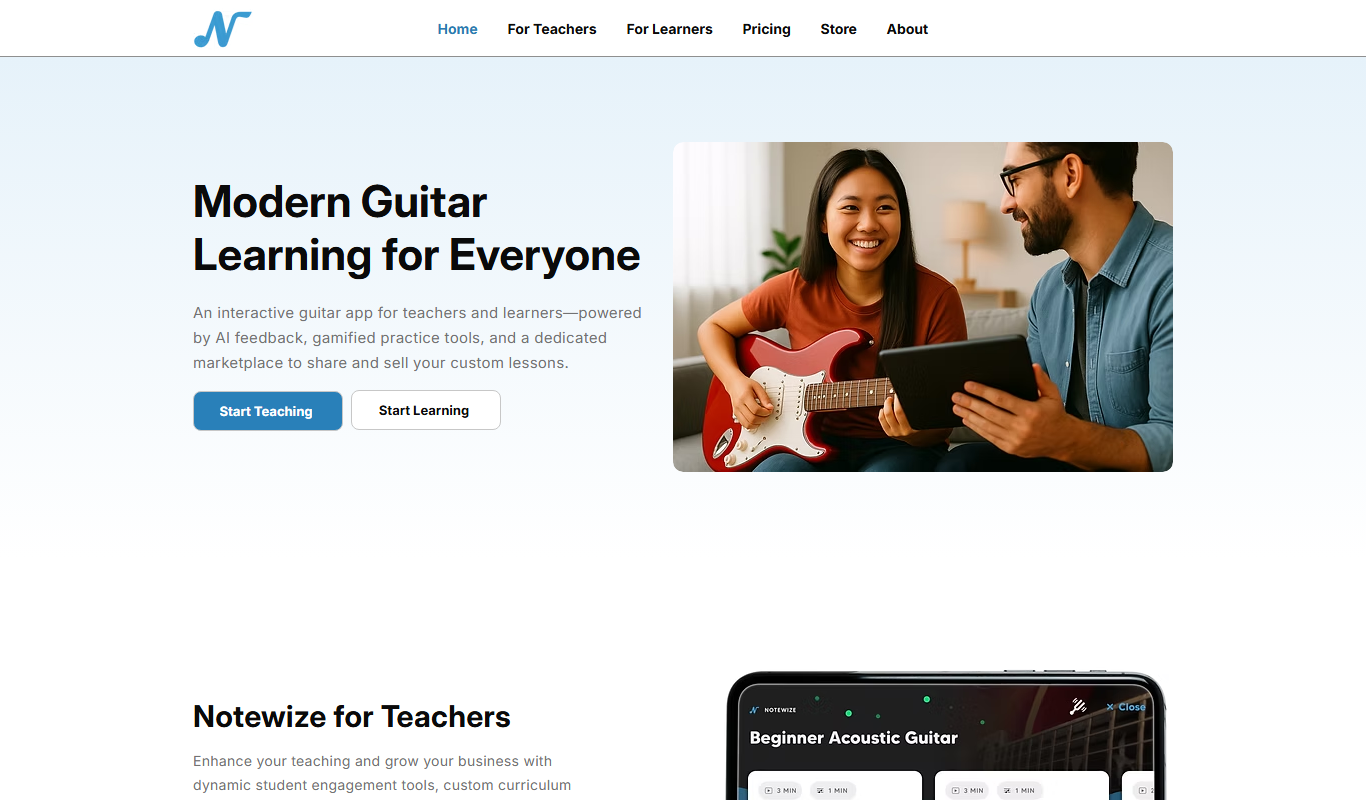
Notewize: Guitar Lessons
Notewize is an interactive guitar lessons app that combines music theory, real-time playing feedback, and a song library to help beginners and intermediate players learn guitar effectively on web and mobile platforms.

Free
audio2text
Audio2Text is an online speech-to-text converter that automatically transcribes audio files into text in multiple languages, accessible via a web browser with free and pay-as-you-go pricing.