

TryHijab AI hijab photo generator from a selfie
TryHijab is an AI photo generator: upload a selfie and see how you look with a hijab in a downloadable HD photo.
- Best for
- Seeing yourself in a hijab
- Key capability
- One-selfie generation
Save TryHijab, follow its updates and vote on it — everything stays in your account.
Sign in or create a free account
What is TryHijab?
TryHijab is an AI photo generator that shows how a person looks wearing a hijab. The user provides an email address and uploads one selfie, and the AI generates an HD hijab photo, usually in under 3 minutes, which can be downloaded and shared. Uploaded and generated images are deleted automatically after an hour. The service is paid and does not offer refunds.
Key features of TryHijab
TryHijab generates an HD AI photo of the user wearing a hijab from one uploaded selfie, usually in under 3 minutes, for download and sharing, and deletes all images after an hour.
One-selfie generation
Only one selfie photo is needed to generate one AI hijab photo.
HD hijab photo
Download your hijab HD photo and share it with family.
Fast generation
It usually takes less than 3 minutes to generate one AI photo.
Automatic deletion
Uploaded images, generated photos and all data are deleted automatically after an hour.
Pros and cons of TryHijab
Pros
- No physical hijab needed to try it on
- One selfie is enough, with results in under 3 minutes
- Images and data are deleted after an hour
Cons
- The service is not free and refunds are not offered
- Group photos, sunglasses, hats or partly hidden faces should not be uploaded
Key use cases for TryHijab
Seeing yourself in a hijab
See how you look with a hijab without needing a physical hijab to try on.
Sharing with family
Download the AI hijab photo and share it with family.
Spiritual inspiration
Get inspired and spiritually boosted by seeing yourself in a hijab.
How TryHijab works
- 1
Provide your email
Provide an email address to start.
- 2
Upload a selfie
Upload one high quality close-up selfie.
- 3
AI generates the photo
The AI goes to work, usually in less than 3 minutes.
- 4
Download your hijab photo
Download your hijab HD photo.
Who is using TryHijab
TryHijab pricing
Free
$0
Full access to virtual hijab try-on features without any cost.
Plans and prices are as published by the vendor and can change. Check the official site before you buy. Open the pricing page (opens in a new tab)
Frequently asked questions about TryHijab
The uploaded image, the generated photo and all data are automatically deleted after an hour.
Only one selfie photo is needed to generate one AI photo.
A high quality close-up photo; avoid group photos, other people, sunglasses, hats or photos where your face is cut off.
It usually takes less than 3 minutes to generate 1 AI photo.
No. Because of the GPU processing costs of generating AI photos, the service is not free and refunds are not offered.
Yes, it can help with that use case depending on how you configure it and what features are available. You’ll get the best results with clear inputs and a defined goal.
It depends on your specific needs and how you plan to use the tool. The official website and documentation are the best sources for the latest details.
Conclusion
One selfie is all the input: after the user gives an email address and uploads a close-up photo, the AI generates an HD picture of them wearing a hijab, usually in less than 3 minutes. No physical hijab is needed, and the finished photo can be downloaded and shared with family. Photo quality matters: the site advises against group shots, sunglasses, hats or a face that is cut off.
Uploaded and generated images, along with all data, are deleted automatically after an hour. The service is not free and offers no refunds, which the site attributes to the GPU processing costs of generating AI photos.
Sources
Sign in to review this tool.
Sign In to ReviewNo reviews yet
Be the first to share how this tool worked for you.
Ask about pricing, limits, or how it compares — or answer someone else.
Sign In to AskNo questions yet
Have a question about using or paying for this tool? Be the first to ask.
Featured on TiorAI



Alternative Tools
Explore similar AI tools that might fit your needs

YouCam Makeup
YouCam Makeup is an AI-powered beauty app by Perfect Corp. that enables virtual makeup try-on, skin analysis, hair color simulation, and photo enhancements using augmented reality technology.
More AI Image & Visual Tools tools
Other tools in the same category, for when this one is not quite the fit.

TwoShot
TwoShot is an AI creative suite for music, audio, video and images: generate music and sounds from text, split stems, make voiceovers and produce in an online studio.

Midjourney API
Midjourney API is available through TTAPI, which gives access to Midjourney and 100+ AI models through one unified REST API with one API key, one balance and pay as you go billing.

Sticker.Show
Sticker.Show is an online AI sticker generator that creates custom stickers from a text description, with transparent-background downloads and a searchable sticker gallery.
Gensbot
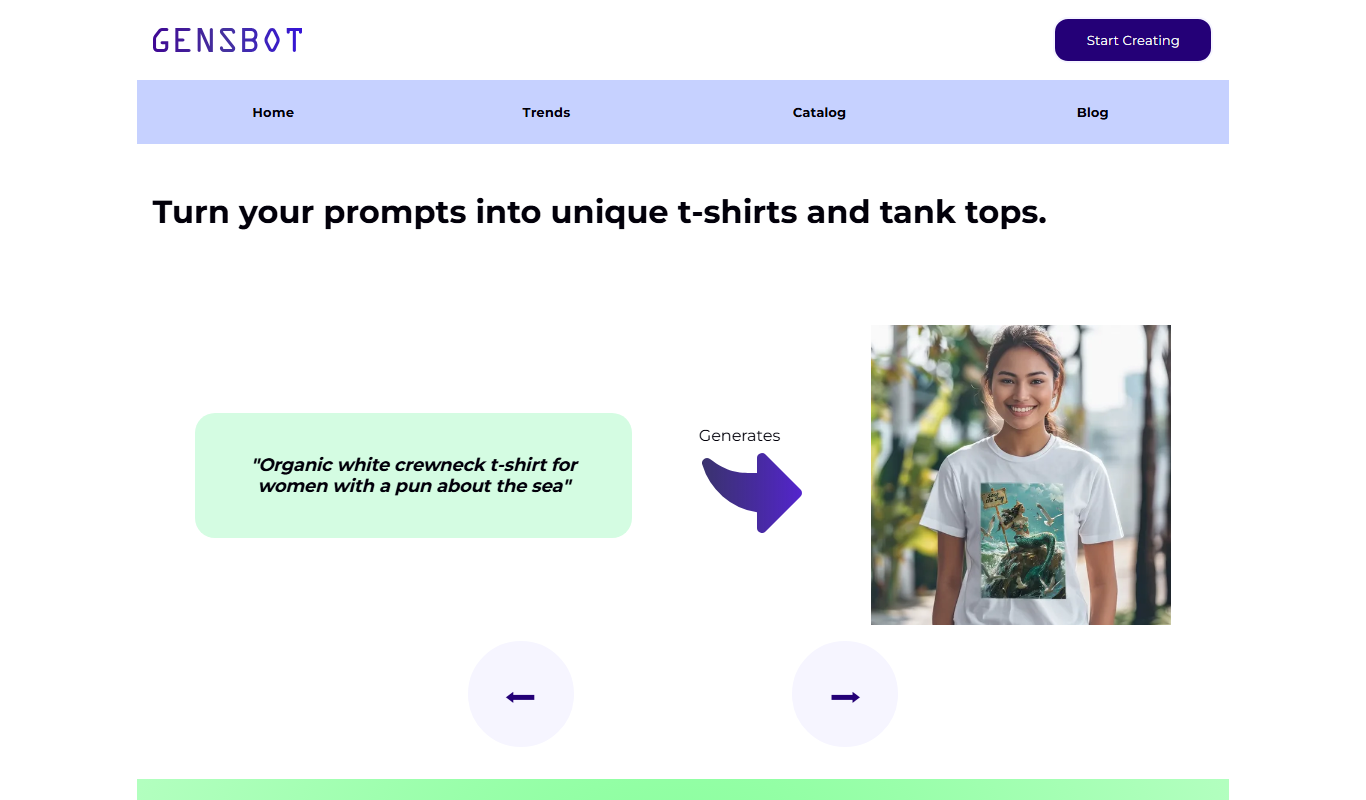
Gensbot turns your prompts into personalized printed merchandise, from t-shirts and mugs to canvas art, designed by AI in less than a minute and produced on demand.
PlatePose
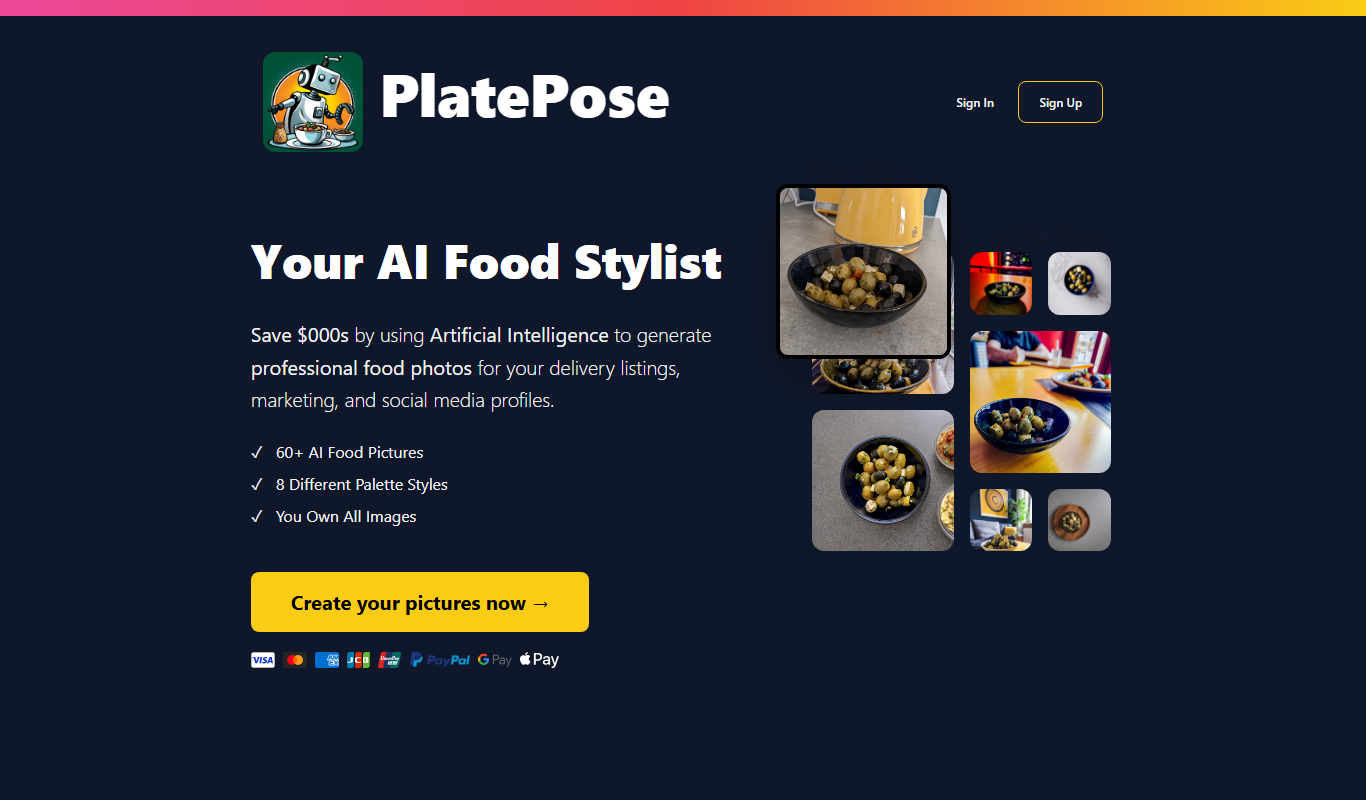
PlatePose trains an AI model on 10-20 photos of your dish and generates professional, stylised food photos for menus and social profiles, with full ownership of the images.

RealFake
Real Fake Photos turns 10-20 selfies into photoshoot quality AI headshots for LinkedIn and more, sold as one-time style packages.
Nyx
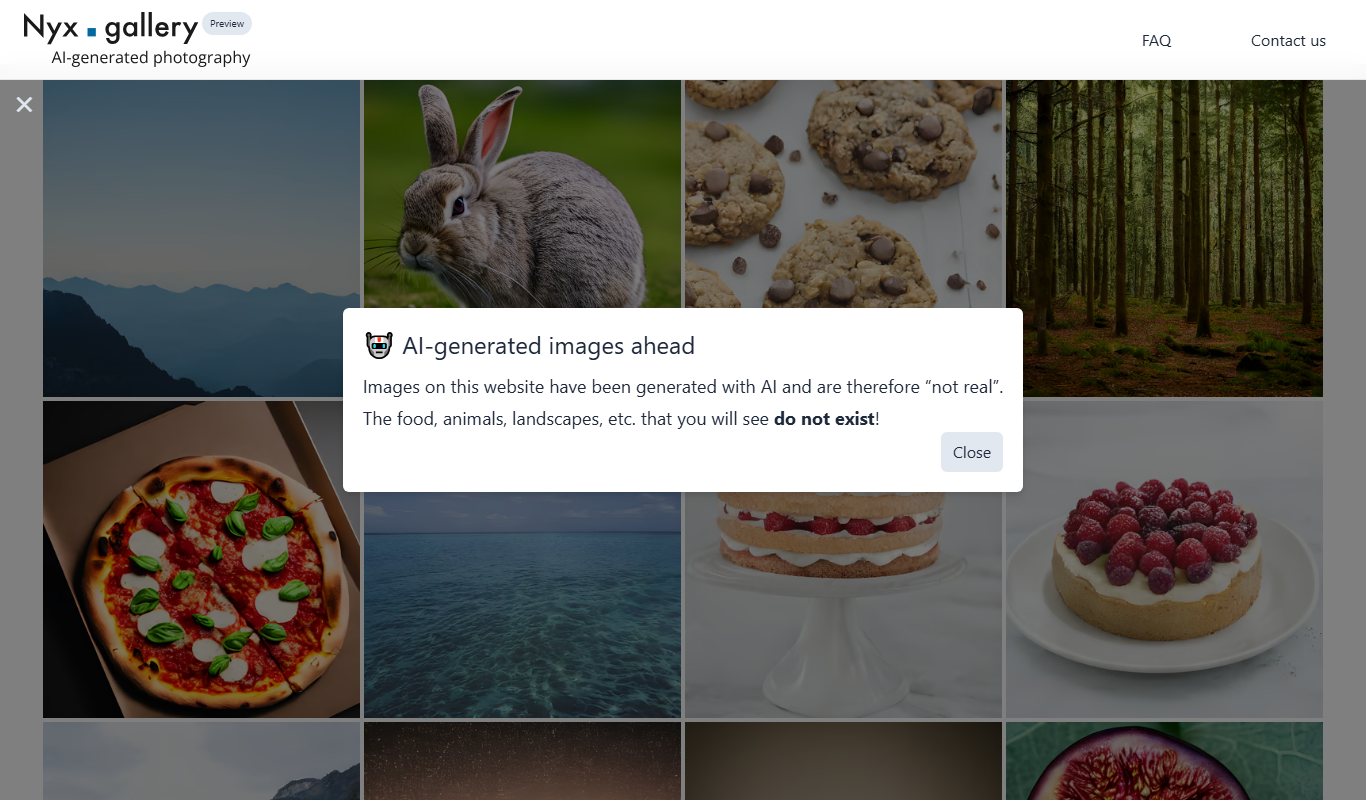
Nyx.gallery is a preview gallery of photorealistic AI-generated images that can be downloaded and used for commercial or non-commercial purposes.

Pawfect Snapshots
Pawfect Snapshots trains an AI model on 5-10 photos of your pet and generates personalized pet portraits in styles such as Professional Photo, Water Color and Digital Art, paid with FurTokens.