

Trupeer.ai: AI product videos and step-by-step documentation from screen recordings
Trupeer.ai turns screen recordings into polished product videos and step-by-step documentation, with AI voiceover, automatic zooms and translation into 120+ languages.
- Best for
- Product marketing
- Key capability
- Screen recording to video
Save Trupeer.ai, follow its updates and vote on it — everything stays in your account.
Sign in or create a free account
What is Trupeer.ai?
Trupeer.ai is AI video editing and documentation software for businesses. Users hit record on any screen and talk through it, using the Chrome extension, or upload an existing recording, and the AI turns it into a polished doc, video or tutorial.
Key features of Trupeer.ai
One screen recording becomes a studio-quality video, a guide and documentation, translated into 120+ languages, with smart zooms, AI voiceover, avatars and a brand kit.
Screen recording to video
Trupeer turns a screen recording into a polished video, doc or tutorial in a single click.
Smart zooms and AI voiceover
Every key action gets a zoom, and a chosen AI voice provides broadcast-ready narration.
Auto-generated documentation
Vision led action detection documents each click, with smart screenshots and annotations in your own template.
Translation in 120+ languages
Videos and docs are translated automatically into 120+ languages.
Pros and cons of Trupeer.ai
Pros
- One screen recording produces a video, a guide and documentation
- Automatic translation of videos and docs into 120+ languages
- No camera needed thanks to AI avatars
Cons
- A video cannot be generated purely from a script without a recording
- The original voice is not kept after AI content generation unless a custom voice is set up
Key use cases for Trupeer.ai
Product marketing
Ship product update videos right after shipping the product.
Pre-sales demos
Let prospects explore a product before a sales call.
Learning and development
Train people across the globe in their own language.
Customer success
Answer a recurring customer question once with a video.
How Trupeer.ai works
- 1
Record your screen
Hit record on any screen and talk through it, using the Chrome extension, or upload an existing recording.
- 2
Generate in one click
Trupeer turns the recording into a polished doc, video or tutorial.
- 3
Edit with AI
Tweak the script, swap steps and trim the fluff with AI.
- 4
Share in any format
Export as a video, doc or embeddable link.
- 5
Translate
Translate videos and docs into 120+ languages automatically.
Who is using Trupeer.ai
Trupeer.ai pricing
Free
$0
1000 AI credits per month, recordings up to 5 minutes, AI video and document generation, standard AI voices, browser extension and video upload.
Pro
$49/month
For solo professionals: 2,000 AI credits per month, recordings up to 10 minutes, single creator seat, watermark-free exports, DOC, PDF and Markdown export, MP4 with captions.
Scale
$249/month
For specialised teams: 10,000 AI credits per month, recordings up to 15 minutes, 3 creator seats, AI translation in videos and docs, premium AI voices.
Enterprise
Custom
Custom annual contract with custom AI credits and recordings up to 3 hours.
Plans and prices are as published by the vendor and can change. Check the official site before you buy. Open the pricing page (opens in a new tab)
Frequently asked questions about Trupeer.ai
Click Create New, select Start Recording in app.trupeer.ai, and record your screen with the Trupeer screen recorder Chrome extension.
No. Generating a video purely from a script is not currently possible; you record your screen or upload a pre-recorded video.
It is supported on Chrome, Edge and Safari, and Chrome is recommended for the best experience.
No. Generate AI Content replaces it with a polished AI voiceover, though a custom voice can be created in the brand kit.
Yes. The Free plan includes 1000 AI credits per month and recordings up to 5 minutes, with AI video and document generation.
No. Edits or trims made before clicking Generate AI Content or Refresh Voiceover are deleted permanently.
Conclusion
A screen recording is the only input: the user hits record in the Chrome extension and talks through the task, or uploads a recording that already exists. From that single capture the software produces a polished video, a step-by-step guide or a document, adding zooms on key actions and an AI voiceover in place of the original narration. Each click is documented automatically, every step is captured and annotated, and every doc follows a template brought in once.
Product marketing, pre-sales and customer success teams appear among the use cases, alongside training people across the globe in their own language. That training angle rests on automatic translation of videos and docs into 120+ languages. A free plan includes AI credits and recordings up to 5 minutes, while paid plans add credits, longer recordings, creator seats and watermark-free exports. One documented limit matters for planning: a video cannot be generated purely from a script, so a recording is always the input.
Sources
Sign in to review this tool.
Sign In to ReviewNo reviews yet
Be the first to share how this tool worked for you.
Ask about pricing, limits, or how it compares — or answer someone else.
Sign In to AskNo questions yet
Have a question about using or paying for this tool? Be the first to ask.
Featured on TiorAI



More AI Knowledge Base Tools tools
Other tools in the same category, for when this one is not quite the fit.
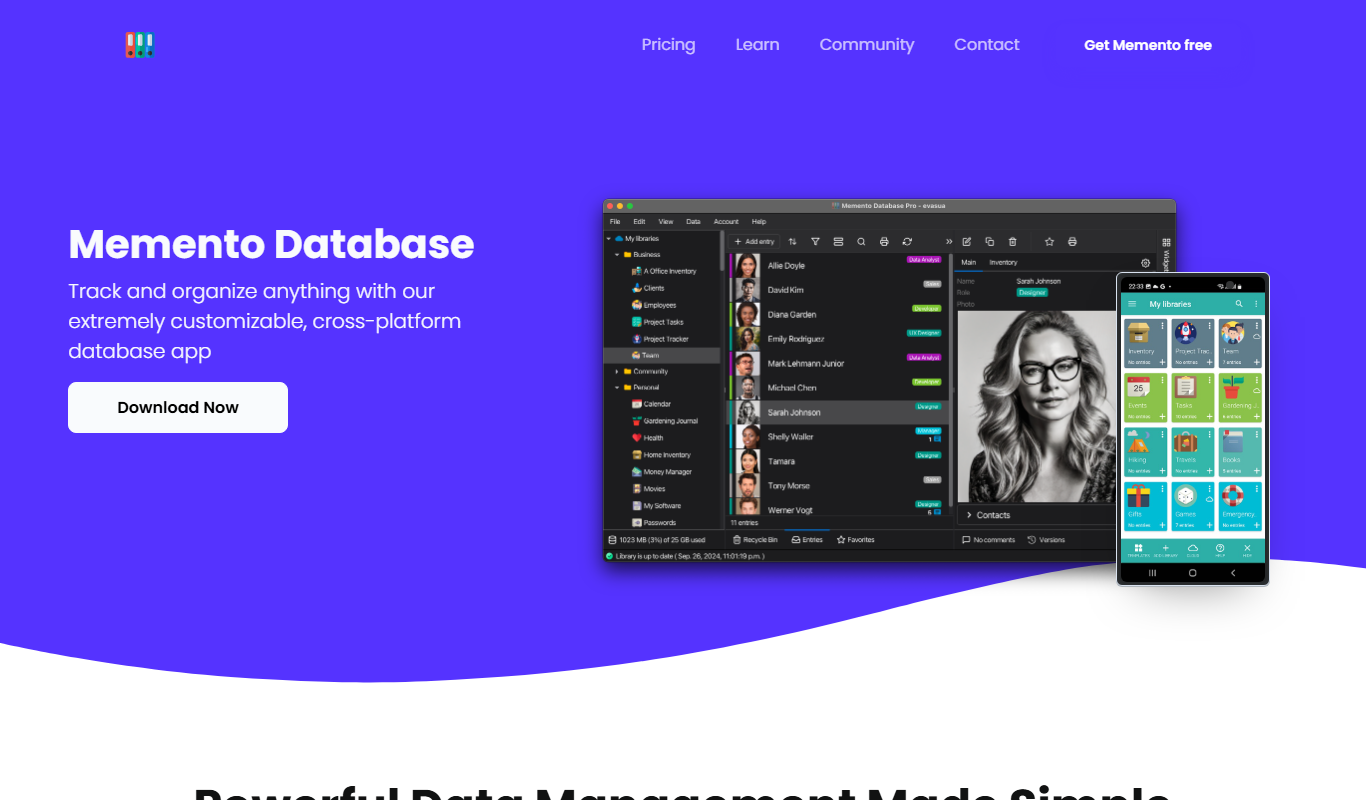
Memento Database
Memento Database is a customizable database app that lets users create, manage, and share databases across Android, Windows, and web platforms with offline access and cloud synchronization.

Tettra
Tettra is an AI knowledge base whose AI powered bot Kai answers teammates' questions in Tettra or Slack from the team's own content.

Dokko
Dokko is a document AI platform that reads contracts, manuals and policies in full, answers with citations and acts on what it finds, for teams and their customers.
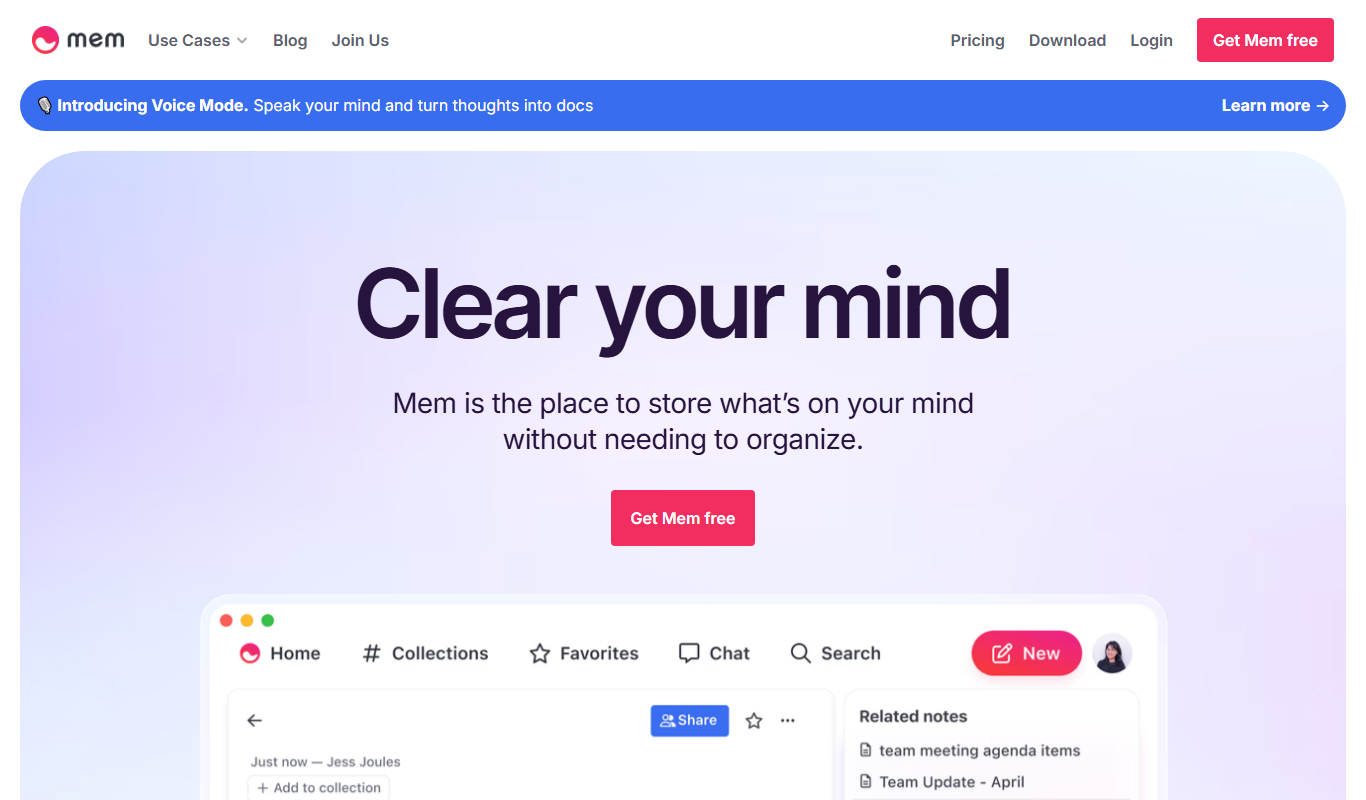
Mem.ai
Mem is an AI note-taking workspace and agent that keeps notes, meetings and ideas organized and connected, and checks in when something needs attention.

assess.com
Assess.com offers FastTest, a digital assessment platform with item banking, online assessment, proctoring, a candidate portal and test development services.
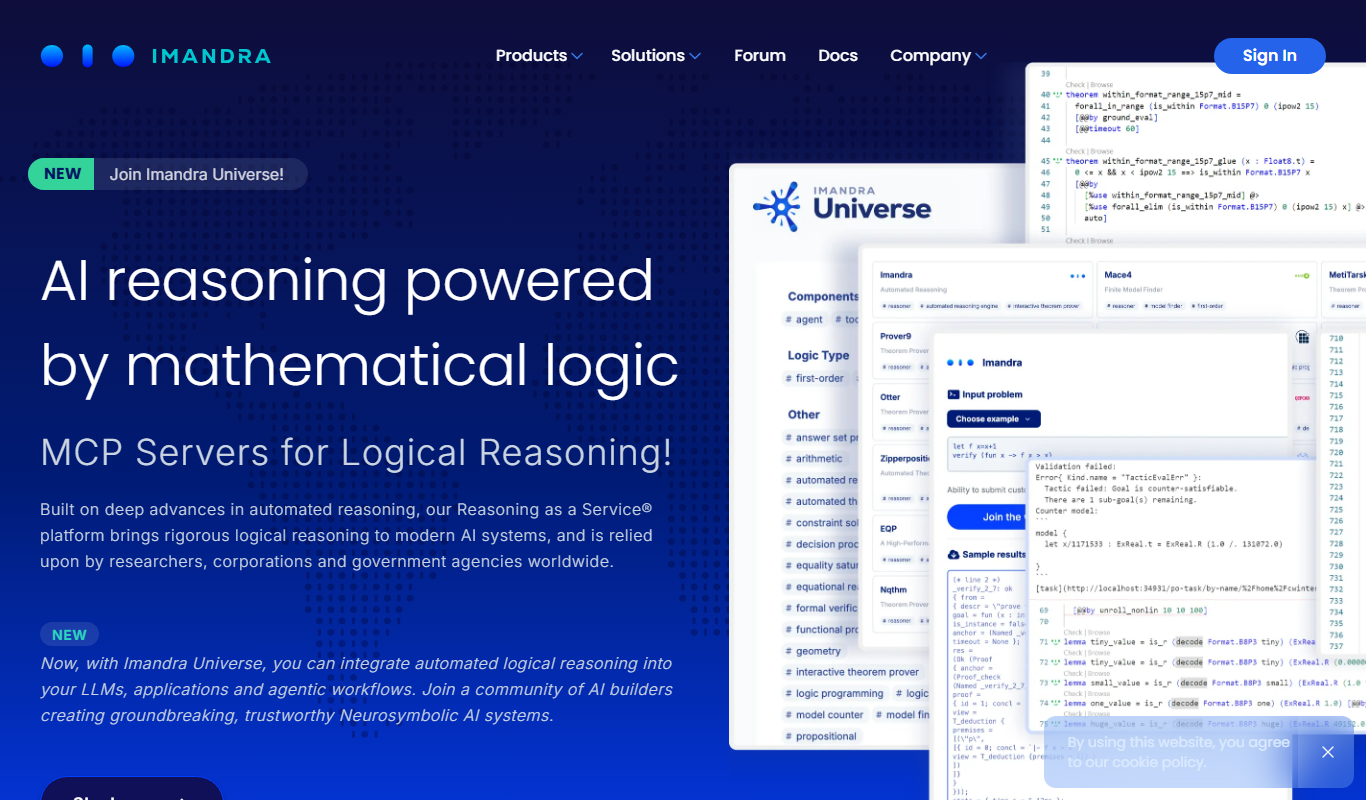
imandra.ai
Imandra AI is a platform that automates formal verification of software and algorithms using theorem proving and model checking to ensure correctness and detect bugs.

AutoFlow
AutoFlow is an open source Graph RAG knowledge base tool from PingCAP, built on TiDB Vector, LlamaIndex and DSPy.

myscale.com
MyScale is an SQL vector database for building GenAI applications, with vector search, text search, filtered search and SQL-vector join queries.