

From my experience with Tooning AI, I found it excels at simplifying cartoon character creation and animation for users without any design background. The AI-driven process makes generating unique avatars quick and accessible, and the lip-sync animation adds a professional touch to videos. It’s particularly well-suited for social media creators and small businesses looking to produce engaging animated content without investing in complex software. However, the free plan’s watermark and limited customization options mean serious users will likely need the paid plan. Overall, Tooning AI offers a practical balance of ease and functionality for casual to semi-professional animation needs.
Tooning AI Cartoon Maker for Custom Animated Characters and Videos
Tooning AI is a web-based tool that uses artificial intelligence to create custom cartoon characters and animated videos from photos or text prompts, enabling users to produce engaging animated content without prior animation skills.
- Best for
- Create Custom Cartoon Characters
- Key capability
- AI Cartoon Character Generation
Your actions
Save Tooning, follow its updates and vote on it — everything stays in your account.
Sign in or create a free account
What is Tooning?
Tooning AI is a web-based platform that leverages artificial intelligence to transform photos or text prompts into custom cartoon characters and animated videos. It simplifies the process of creating unique, expressive cartoons without requiring advanced design or animation skills. Users can generate avatars, animate them with lip-sync and facial expressions, and produce short videos suitable for social media, marketing, or entertainment purposes.
Key features of Tooning
Tooning AI offers features such as AI-powered cartoon character generation from images or text, animation tools for lip-sync and expressions, video creation capabilities, and easy export options for sharing across platforms. The interface is user-friendly, designed for creators of all skill levels.
AI Cartoon Character Generation
Automatically create unique cartoon avatars from photos or text inputs.
Animation with Lip-Sync
Animate characters with realistic lip movements synced to audio.
Customizable Expressions and Styles
Modify facial expressions and artistic styles to match desired moods or themes.
Video Creation and Export
Produce and export animated videos in various formats for easy sharing.
User-Friendly Web Interface
Accessible platform requiring no prior animation or design experience.
Pros and cons of Tooning
Pros
- Easy-to-use interface for beginners
- AI-powered automatic cartoon generation
- Supports both image and text inputs
- Includes animation and lip-sync features
- Affordable subscription pricing
Cons
- Limited customization compared to professional animation software
- Free plan outputs include watermarks
- No mobile app available
Key use cases for Tooning
Create Custom Cartoon Characters
Generate unique cartoon avatars and characters from photos or text prompts for branding, social media, or personal use.
Produce Animated Videos
Turn static cartoon characters into short animated videos with lip-sync and expressions for marketing or storytelling.
Social Media Content Creation
Easily create engaging cartoon-style content optimized for social media platforms to increase audience engagement.
Marketing and Advertising
Use animated cartoons to create eye-catching ads and promotional videos that stand out and communicate messages effectively.
Entertainment and Education
Develop fun and educational animated content for children or general audiences using AI-generated cartoons.
How Tooning works
- 1
Upload Photo or Enter Text
Start by uploading a photo or providing a text prompt to generate a cartoon character.
- 2
Customize Character
Adjust features, expressions, and styles to personalize the cartoon avatar.
- 3
Animate Character
Use built-in tools to add lip-sync, facial expressions, and movements to bring the character to life.
- 4
Create Video
Compile animations into short videos with background music or voiceover.
- 5
Export and Share
Download or share the final cartoon videos directly to social media or other platforms.
Who is using Tooning
Social media content creators
Small business marketers
Educators and entertainers
Digital artists and hobbyists
Advertising agencies
Tooning pricing
Free
$0/month
Limited access with basic features and watermark on outputs.
Pro
$19/month
Full access to all features, higher resolution exports, and no watermarks.
Plans and prices are as published by the vendor and can change. Check the official site before you buy. Open the pricing page (opens in a new tab)
Frequently asked questions about Tooning
Yes, Tooning AI supports most photo types, but clear, front-facing images yield the best results.
No, the platform is designed to be intuitive and easy for beginners.
Videos can be exported in common formats such as MP4 suitable for social media and presentations.
Yes, videos created on the free plan include a watermark.
It depends on your specific needs and how you plan to use the tool. The official website and documentation are the best sources for the latest details.
Yes, it can help with that use case depending on how you configure it and what features are available. You’ll get the best results with clear inputs and a defined goal.
Some tools offer a free plan or trial with limited features. Availability can vary, so confirm on the official website.
Yes, it can help with that use case depending on how you configure it and what features are available. You’ll get the best results with clear inputs and a defined goal.
Sign in to review this tool.
Sign In to ReviewNo reviews yet
Be the first to share how this tool worked for you.
Ask about pricing, limits, or how it compares — or answer someone else.
Sign In to AskNo questions yet
Have a question about using or paying for this tool? Be the first to ask.
Featured on TiorAI



Alternative Tools
Explore similar AI tools that might fit your needs
Free
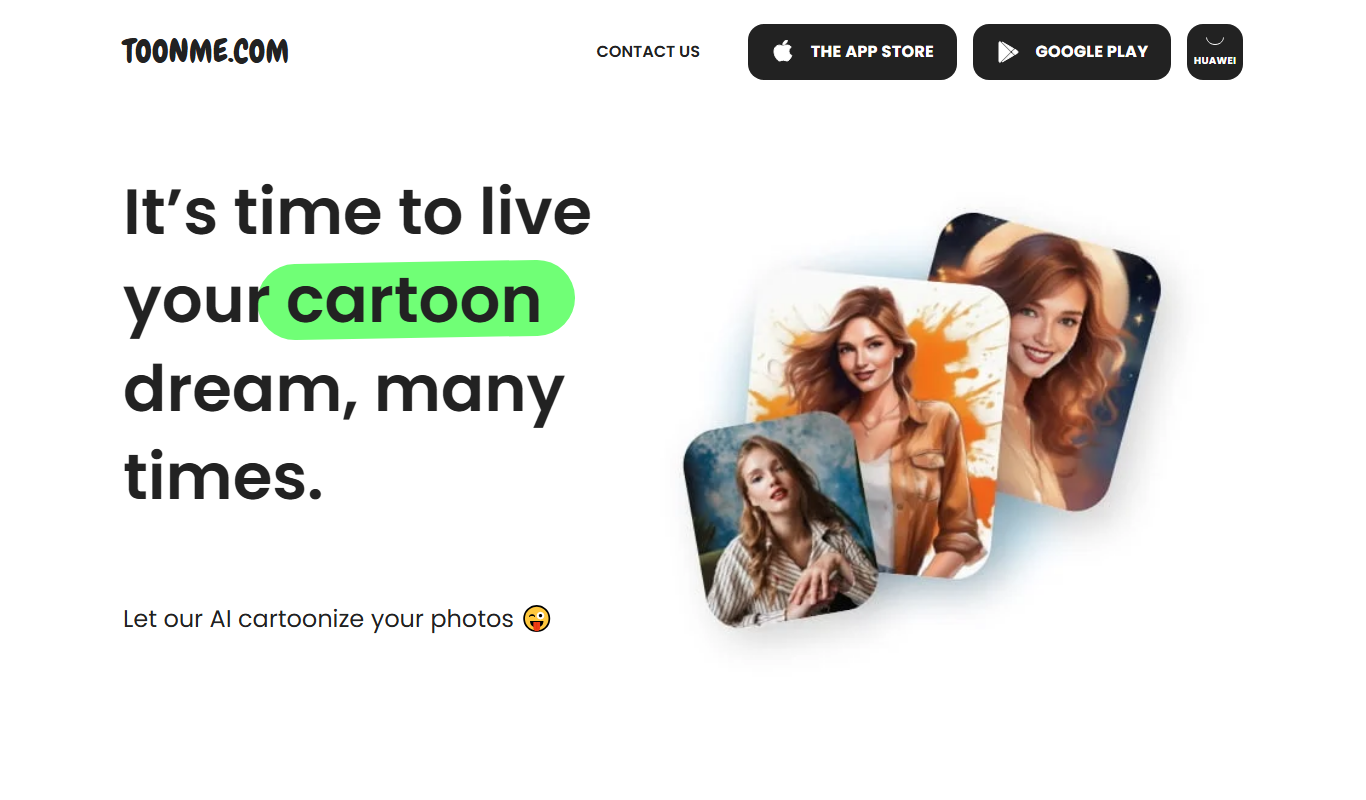
ToonMe
ToonMe is an AI-powered avatar generator that converts photos into cartoon-style images using neural networks, available on web and mobile platforms.
More AI Animation & Motion Tools tools
Other tools in the same category, for when this one is not quite the fit.

Subscription
Virbo AI Talking Photo
Virbo AI Talking Photo is an app that uses AI to animate static photos by syncing facial movements with voice recordings or text-to-speech audio, enabling users to create talking pictures and videos easily on web and mobile platforms.
Free Trial
Boords
Boords is an online storyboarding software that helps video and animation teams create, collaborate on, and export detailed storyboards to streamline pre-production workflows.

Free
Plask
Plask is a web-based AI motion capture platform that turns any video into 3D animation, with no suits or sensors required, and exports it to 3D tools and game engines.

Freemium
Artflow ai
Artflow is an AI identity platform where Artflow Actors generate photos and videos that actually look like the user.
Custom Pricing
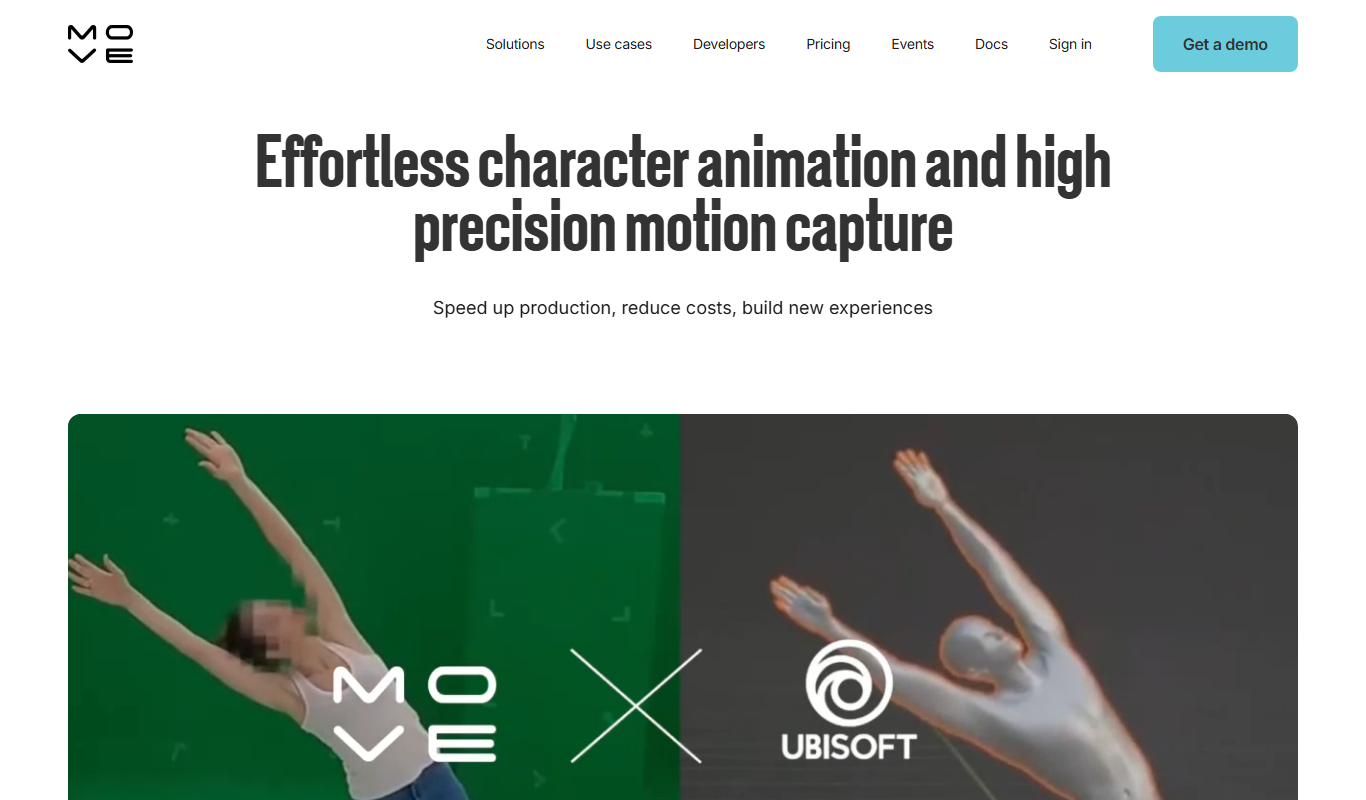
move.ai
Move.ai is an AI-driven markerless motion capture software that converts standard video footage into 3D animation data, streamlining animation and visual effects production without specialized hardware.

Free
AI CSS Animations
AI CSS Animations is a free online tool that helps web designers and developers generate customizable CSS animation code quickly without manual coding.

Free Trial
Drawings Alive
Drawings Alive is an interactive animation software that allows users to animate drawings and images with interactive hotspots and synchronized audio, ideal for educational and marketing content creation.

Free
LivePortrait
LivePortrait is an AI-driven web tool that animates static portrait photos into realistic videos by applying facial movements and expressions using deep learning.