

From my experience with TinkerTell, I found it excels at engaging young children through interactive stories that blend reading with playful animations and sounds. The app’s design makes it easy for kids to explore independently while providing a safe environment for families. It’s particularly well-suited for parents and educators aiming to foster early literacy and a love for stories in children aged 3 to 8. However, the free version offers limited content, so a subscription is necessary to unlock the full library. Overall, TinkerTell is a solid choice for interactive educational entertainment on mobile devices.
TinkerTell Interactive Storytelling App for Kids and Families
TinkerTell is an interactive storytelling app for children aged 3-8 that combines animated stories with touch interactions to promote literacy and family engagement.
- Best for
- Interactive Storytelling
- Key capability
- Interactive Story Elements
Your actions
Save TinkerTell, follow its updates and vote on it — everything stays in your account.
Sign in or create a free account
What is TinkerTell?
TinkerTell is an interactive storytelling app designed for children and families. It offers a collection of engaging stories that combine reading with interactive elements, encouraging kids to explore narratives in a playful and educational way. The app aims to foster a love of reading and enhance literacy skills through immersive story experiences.
Key features of TinkerTell
TinkerTell features a library of interactive stories with animations, sound effects, and touch-responsive elements. It supports family-friendly content, easy navigation for kids, and a safe environment for children to explore stories independently or with parents.
Interactive Story Elements
Stories include animations, sounds, and touch interactions to engage children.
Curated Story Library
A selection of age-appropriate stories designed to promote literacy.
Family-Friendly Content
All stories are safe and suitable for young children and family use.
User-Friendly Interface
Simple navigation designed for kids to use independently or with parents.
Pros and cons of TinkerTell
Pros
- Engaging interactive stories that promote literacy
- Safe and family-friendly content
- Easy for children to navigate independently
Cons
- Limited free content without subscription
- Currently only available in English
Key use cases for TinkerTell
Interactive Storytelling
Engage children with interactive stories that combine reading and play.
Family Engagement
Encourage family bonding through shared story experiences.
Early Childhood Education
Support literacy and language development in young children.
Entertainment for Kids
Provide safe, educational entertainment for children on mobile devices.
How TinkerTell works
- 1
Download and Install
Get the TinkerTell app from the iOS App Store or Google Play Store.
- 2
Browse Stories
Explore the curated library of interactive stories suitable for children.
- 3
Select and Play
Choose a story and enjoy interactive reading with animations and sounds.
- 4
Subscribe for Full Access
Unlock the full story library and additional features through a subscription.
Who is using TinkerTell
Parents of young children
Early childhood educators
Families seeking educational entertainment
Children aged 3-8
TinkerTell pricing
Free
$0/month
Access to a limited selection of stories with basic interactive features.
Subscription
$4.99/month
Full access to the entire story library and premium interactive content.
Plans and prices are as published by the vendor and can change. Check the official site before you buy. Open the pricing page (opens in a new tab)
Frequently asked questions about TinkerTell
Yes, TinkerTell offers family-friendly content with no ads or inappropriate material.
Some downloaded stories can be accessed offline, but a subscription is required for full offline access.
TinkerTell is designed primarily for children aged 3 to 8 years old.
This tool is designed to help users accomplish its core tasks more efficiently. It is typically used by individuals or teams looking to improve productivity and workflow.
Some tools offer a free plan or trial with limited features. Availability can vary, so confirm on the official website.
Sign in to review this tool.
Sign In to ReviewNo reviews yet
Be the first to share how this tool worked for you.
Ask about pricing, limits, or how it compares — or answer someone else.
Sign In to AskNo questions yet
Have a question about using or paying for this tool? Be the first to ask.
Featured on TiorAI



More AI Creative Writing tools
Other tools in the same category, for when this one is not quite the fit.

Free
Poem Generator AI
Poem Generator AI is a free web-based tool that generates poems in multiple styles based on user input keywords and themes, requiring no registration.

One-time purchase
Scapple
Scapple is a flexible mind mapping software designed for writers and creatives to visually organize ideas on a freeform canvas, supporting note connections and export options.

Free
BabyNames.com
BabyNames.com is a free online platform that helps users find baby names with detailed meanings, origins, and popularity data to assist in choosing the perfect name.

One-time purchase
FrameForge
FrameForge is a professional 3D storyboarding software used by filmmakers and video producers to visualize scenes, plan camera shots, and streamline pre-production workflows.

Free
XMind
XMind is a cross-platform mind mapping software designed to help users visually organize ideas, plan projects, and collaborate effectively with features like multiple diagram types, presentation mode, and export options.
Free
Crossword Solver
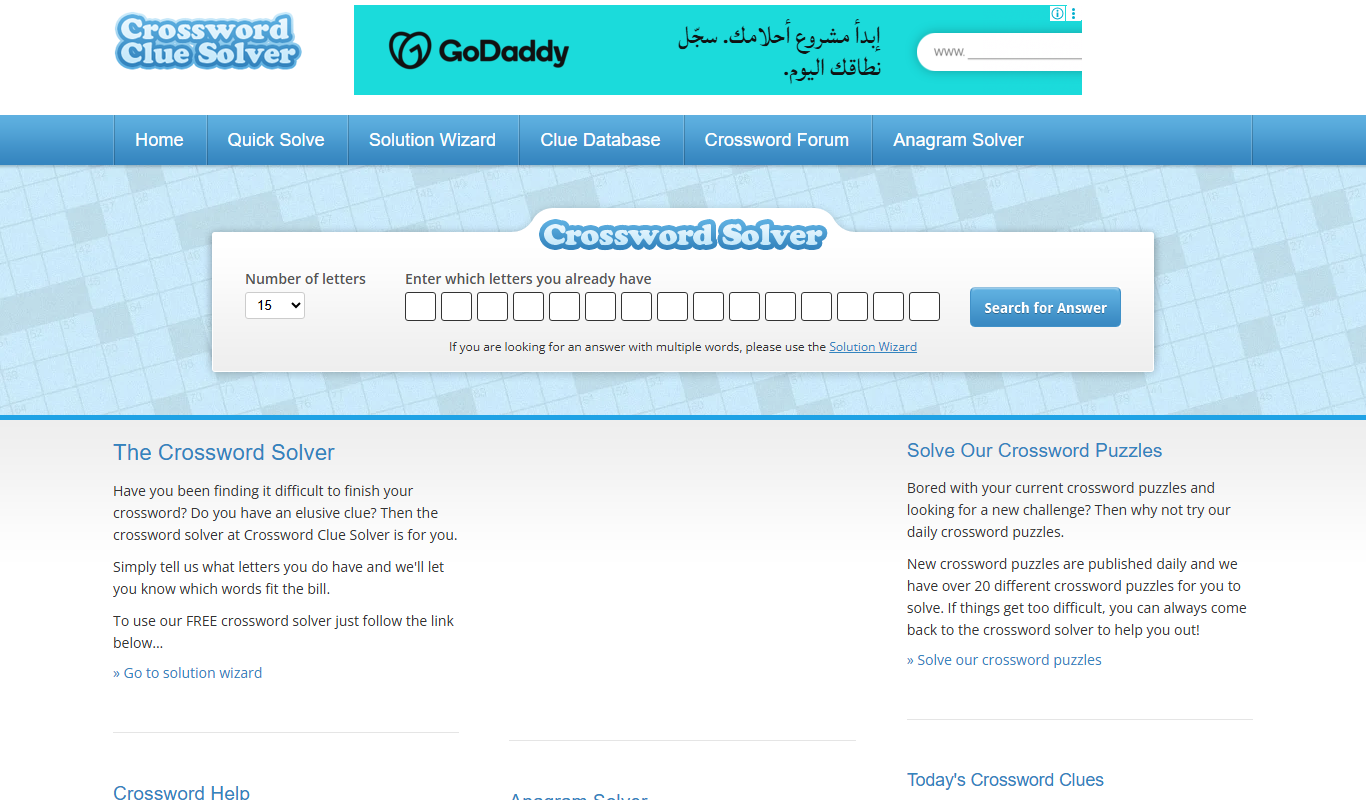
Crossword Solver is a free web-based tool that helps users find possible word answers for crossword puzzles and word games by entering known letters and patterns.

Free
Seventh Sanctum Name Generator
Seventh Sanctum Name Generator is a free online tool offering a variety of random name generators for characters, places, and items to aid writers and creatives in generating unique names quickly.

Free
Whichbook
Whichbook is a free online platform that recommends books based on user-selected mood and thematic sliders, helping readers find personalized book suggestions beyond traditional genres.