

Scapple Mind Mapping Software for Writers and Creative Brainstorming
Scapple is a flexible mind mapping software designed for writers and creatives to visually organize ideas on a freeform canvas, supporting note connections and export options.
- Best for
- Brainstorming Ideas
- Key capability
- Freeform Canvas
Save Scapple, follow its updates and vote on it — everything stays in your account.
Sign in or create a free account
What is Scapple?
Scapple is a simple, flexible mind mapping and brainstorming software developed by Literature & Latte. It allows users to make notes anywhere on a virtual canvas and connect them freely to visualize ideas and relationships. Unlike traditional outliners, Scapple offers a freeform approach to note-taking and idea organization, making it ideal for writers, students, and creative professionals who want to capture thoughts without rigid structure.
Key features of Scapple
Scapple’s main features include a freeform note-taking canvas, easy drag-and-drop note connections, customizable note appearance, and export options to popular formats. It supports linking notes with lines or arrows, grouping related ideas, and integrating with other writing tools like Scrivener.
Freeform Canvas
No fixed structure—notes can be placed anywhere and connected as you see fit.
Flexible Connections
Draw lines or arrows between notes to represent relationships or hierarchies.
Customizable Notes
Adjust note size, color, and font to organize and emphasize ideas.
Export Options
Save your work as PDF, PNG, TXT, or import into Scrivener for writing projects.
Cross-Platform Desktop Support
Available for both Windows and macOS with a consistent user experience.
Pros and cons of Scapple
Pros
- Intuitive and easy to use for quick idea capture
- Flexible freeform layout without rigid structure
- Affordable one-time purchase without subscription
- Good integration with Scrivener for writers
- Cross-platform desktop availability
Cons
- No mobile or web version available
- Lacks real-time collaboration features
- Limited advanced mind mapping functionalities
Key use cases for Scapple
Brainstorming Ideas
Use Scapple to quickly jot down and visually organize ideas without constraints.
Plot and Story Development
Writers can map out storylines, character relationships, and plot points visually.
Note Taking and Organization
Capture notes freely and connect them in a flexible, non-linear way.
Project Planning
Plan projects by linking tasks and concepts to see relationships clearly.
Creative Problem Solving
Visualize problems and potential solutions by connecting ideas on a virtual canvas.
How Scapple works
- 1
Create Notes
Double-click anywhere on the canvas to create a new note and type your idea.
- 2
Connect Notes
Drag from one note to another to create a visual connection or relationship.
- 3
Organize Visually
Move notes freely to arrange ideas spatially and group related concepts.
- 4
Customize Appearance
Change note colors, fonts, and styles to highlight or categorize information.
- 5
Export and Share
Export your mind map as PDF, image, or text for sharing or further editing.
Who is using Scapple
Scapple pricing
Standard License
$20.99
License for one platform (Mac or Windows).
Plans and prices are as published by the vendor and can change. Check the official site before you buy. Open the pricing page (opens in a new tab)
Frequently asked questions about Scapple
Yes, Scapple integrates well with Scrivener, allowing you to export mind maps for use in writing projects.
No, Scapple is currently only available as a desktop application for Windows and macOS.
Scapple does not have built-in real-time collaboration features; files can be shared manually.
Yes, Literature & Latte offers a free trial version of Scapple to test its features before purchase.
This tool is designed to help users accomplish its core tasks more efficiently. It is typically used by individuals or teams looking to improve productivity and workflow.
Some tools offer a free plan or trial with limited features. Availability can vary, so confirm on the official website.
Yes, it can help with that use case depending on how you configure it and what features are available. You’ll get the best results with clear inputs and a defined goal.
It depends on your specific needs and how you plan to use the tool. The official website and documentation are the best sources for the latest details.
Conclusion
Notes go anywhere on the canvas with a double-click, and dragging from one note to another draws a connection between them. Notes can be moved freely to group related concepts, and their size, color and font can be adjusted to emphasize ideas. Finished maps save as PDF, PNG or TXT, or go into Scrivener for writing projects.
Developed by Literature & Latte, the software is made for writers, students and creative professionals, and mapping storylines and character relationships is one of its uses. It runs only as a desktop application for macOS and Windows. The Standard License is a one-time purchase at $20.99 for a single platform, Mac or Windows, and an Educational license costs $16.79.
Sources
Sign in to review this tool.
Sign In to ReviewNo reviews yet
Be the first to share how this tool worked for you.
Ask about pricing, limits, or how it compares — or answer someone else.
Sign In to AskNo questions yet
Have a question about using or paying for this tool? Be the first to ask.
Featured on TiorAI



Alternative Tools
Explore similar AI tools that might fit your needs

MindMeister
MindMeister is an online tool that enables users to create, collaborate on, and present mind maps for brainstorming, project planning, and knowledge management.

XMind
XMind is a cross-platform mind mapping software designed to help users visually organize ideas, plan projects, and collaborate effectively with features like multiple diagram types, presentation mode, and export options.
More AI Creative Writing tools
Other tools in the same category, for when this one is not quite the fit.

StoryStream
StoryStream is an AI shoppable content platform that turns UGC, imagery and video into shoppable experiences for eCommerce brands and retailers.

My Storybook
My Storybook is an online picture book making tool where writers of all ages create and share storybooks with writing, illustrations and characters, with optional printed copies.

Journey
Journey is a free online journal and diary app for Android, iOS, Mac, Windows, Web and Chrome OS, with a paid membership for extra features.

写作猫AI
写作猫AI is a Chinese-language AI writing assistant that supports content generation, creative writing, and text refinement through a web platform.

Calmly Writer
Calmly Writer is a minimalist writing app designed to help users focus by providing a distraction-free interface, Markdown support, autosave, and export options. It is available as a free web app and a paid desktop app for offline use.

Episode Interactive
Episode Interactive is a platform for creating, publishing, and sharing interactive visual stories with branching choices and character customization, accessible via web and mobile apps.
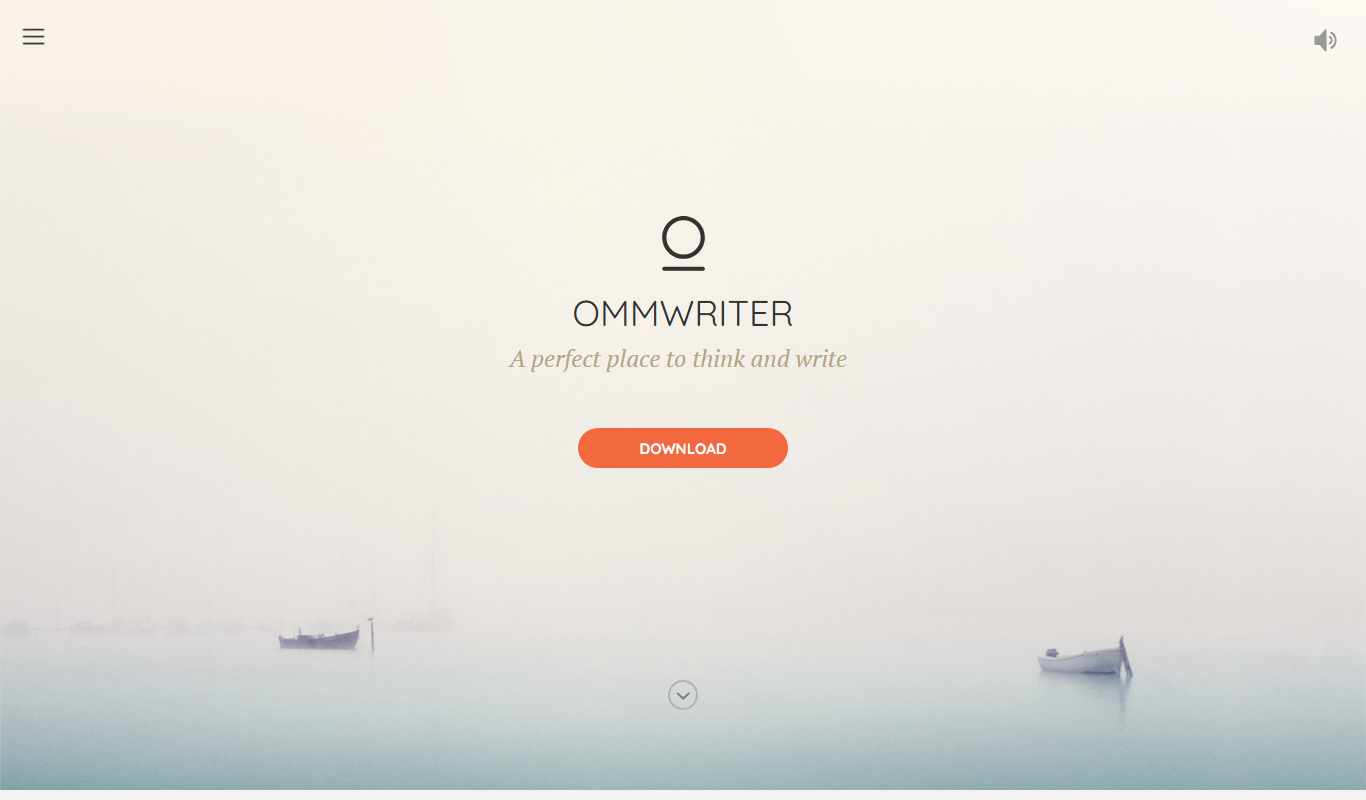
OmmWriter
OmmWriter is a minimalist writing application that provides a distraction-free environment with ambient soundscapes and calming backgrounds to help writers focus and enhance creativity.

750 Words
750 Words is a web-based platform that encourages users to write 750 words daily to build a consistent writing habit, offering a distraction-free interface and progress tracking.