

Teramind Employee Monitoring Software for Productivity and Insider Threat Prevention
Teramind is an employee monitoring software that helps organizations track user activity, detect insider threats, prevent data loss, and improve productivity through real-time analytics and alerts.
- Best for
- Employee Productivity Monitoring
- Key capability
- User Behavior Analytics
Save Teramind, follow its updates and vote on it — everything stays in your account.
Sign in or create a free account
What is Teramind?
Teramind is an employee monitoring and insider threat prevention software designed to help organizations track user activity, enhance productivity, and secure sensitive data. It provides detailed analytics, real-time alerts, and comprehensive reporting to identify risky behavior and ensure compliance.
Key features of Teramind
Teramind offers features such as user activity monitoring, behavior analytics, data loss prevention, real-time alerts, session recording, and compliance reporting to help businesses safeguard their operations and improve workforce efficiency.
User Behavior Analytics
Analyze patterns to detect insider threats and unusual activities.
Real-Time Alerts
Receive instant notifications on suspicious or policy-violating behavior.
Session Recording and Playback
Record user sessions for detailed review and audit purposes.
Data Loss Prevention
Monitor and block unauthorized data transfers to protect sensitive information.
Compliance Reporting
Generate reports to meet regulatory and internal compliance requirements.
Pros and cons of Teramind
Pros
- Comprehensive user activity monitoring with detailed analytics
- Effective insider threat detection and data loss prevention
- Customizable policies and real-time alerts
- Supports remote workforce monitoring
- Robust compliance and audit reporting
Cons
- Pricing can be high for small businesses
- Learning curve for configuring advanced policies
- Primarily English language support
Key use cases for Teramind
Employee Productivity Monitoring
Track and analyze employee activities to optimize productivity and identify inefficiencies.
Insider Threat Detection
Detect and prevent malicious or accidental insider threats through user behavior analytics.
Data Loss Prevention
Monitor data transfers and block unauthorized data exfiltration to protect sensitive information.
Compliance and Audit
Ensure regulatory compliance by recording and auditing user activities and access.
Remote Workforce Management
Manage and monitor remote employees effectively with real-time activity tracking.
How Teramind works
- 1
Deploy Agents
Install Teramind agents on employee devices or use cloud-based monitoring to start tracking activities.
- 2
Configure Policies
Set up monitoring rules, alerts, and restrictions based on organizational security and productivity goals.
- 3
Monitor Activities
Collect data on user behavior, application usage, web activity, and file transfers in real time.
- 4
Analyze and Respond
Use dashboards and reports to analyze trends, detect anomalies, and respond to potential threats.
Who is using Teramind
Teramind pricing
Free Trial
$0 for 14 days
Full feature access for 14 days to evaluate the platform.
Starter
$14/seat/month, billed annually, minimum 5 seats
Basic monitoring features suitable for small teams.
UAM
$28
UEBA, audit, forensics, policies and rules for comprehensive productivity optimization and security detection and investigation.
DLP
$32
Security detection, automated response, data loss prevention and forensic-grade activity monitoring in one platform.
Plans and prices are as published by the vendor and can change. Check the official site before you buy. Open the pricing page (opens in a new tab)
Frequently asked questions about Teramind
Teramind provides tools to help organizations comply with privacy regulations, but compliance depends on how the software is configured and used.
Yes, Teramind supports monitoring of remote and hybrid workforce through cloud and agent-based deployments.
Teramind can record keystrokes as part of session recording, configurable based on company policies.
Teramind supports Windows, macOS, and cloud environments accessible via web browsers.
This tool is designed to help users accomplish its core tasks more efficiently. It is typically used by individuals or teams looking to improve productivity and workflow.
It depends on your specific needs and how you plan to use the tool. The official website and documentation are the best sources for the latest details.
Conclusion
Agents installed on employee devices, or cloud-based monitoring, collect data on user behavior, application usage, web activity and file transfers in real time. Monitoring rules, alerts and restrictions are then configured around the organization’s security and productivity goals. Behavior analytics look for insider threats and unusual activity, and unauthorized data transfers can be blocked to protect sensitive information. Keystrokes can be captured as part of session recording, configurable based on company policies.
It is built for IT security teams, compliance officers and HR and operations managers. The Starter plan costs about $14 per seat per month, billed annually with a minimum of 5 seats, while the UAM and DLP tiers are listed at $28 and $32. Compliance with privacy laws, the page notes, depends on how the software is configured and used.
Sources
Sign in to review this tool.
Sign In to ReviewNo reviews yet
Be the first to share how this tool worked for you.
Ask about pricing, limits, or how it compares — or answer someone else.
Sign In to AskNo questions yet
Have a question about using or paying for this tool? Be the first to ask.
Featured on TiorAI



Alternative Tools
Explore similar AI tools that might fit your needs

Hubstaff
Hubstaff is a time tracking and employee monitoring software that helps businesses manage remote and field teams by automating work hour tracking, activity monitoring, GPS location tracking, and payroll integration.
More AI Analytics Assistant tools
Other tools in the same category, for when this one is not quite the fit.
Metabase
Metabase is an open source business intelligence tool that helps users create interactive dashboards and reports by connecting to various databases, enabling data exploration without requiring SQL skills.

Sievo
Sievo is a spend analytics platform that helps organizations analyze procurement data, optimize supplier management, and reduce costs through AI-driven insights and integrations with ERP systems.

Waydev
Waydev is an engineering analytics platform that analyzes git data to provide software development teams with insights on productivity, code quality, and agile process efficiency.

Qventus
Qventus is an AI-driven healthcare operations platform that optimizes hospital workflows by analyzing real-time data to improve patient flow, resource allocation, and staff coordination.
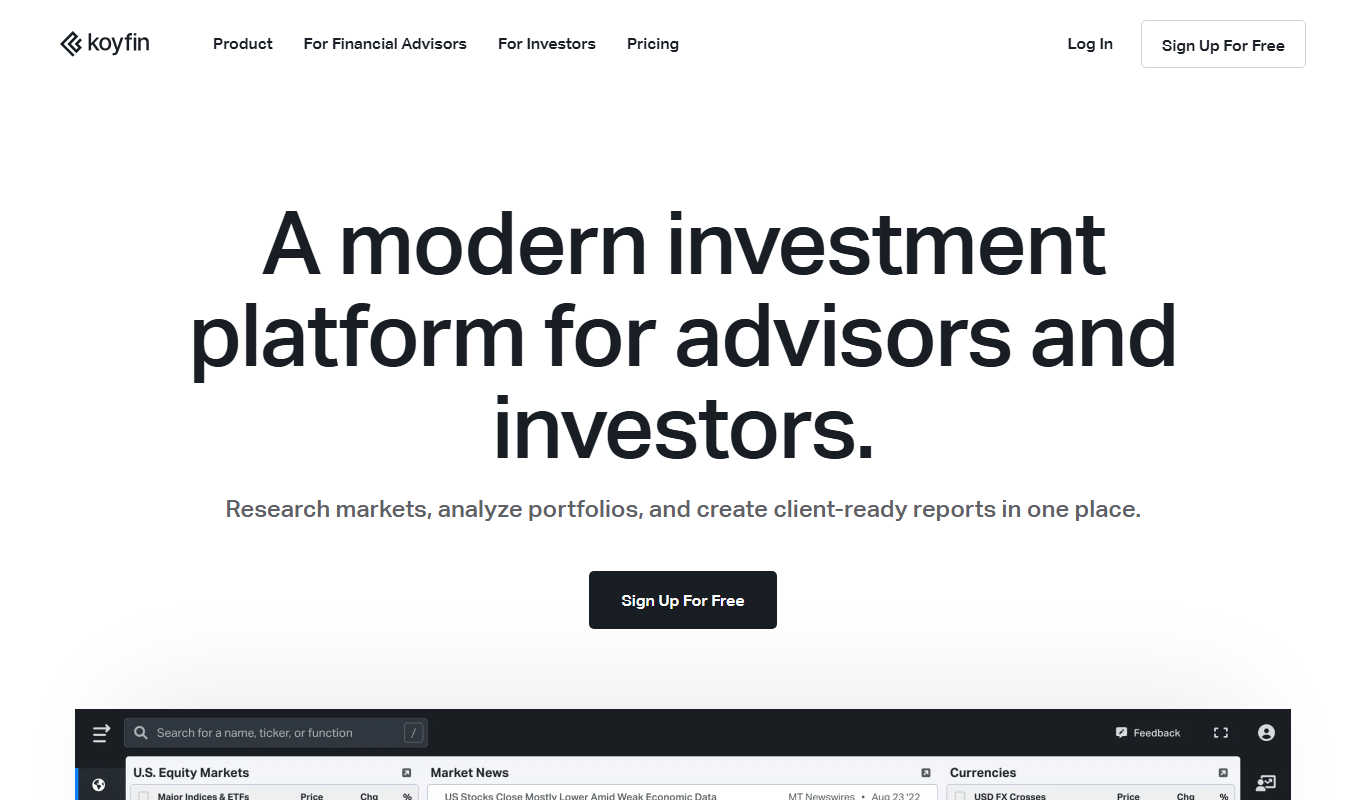
Koyfin
Koyfin is a web-based financial analytics platform that provides investors and financial professionals with real-time market data, customizable charts, portfolio tracking, and economic analysis tools.
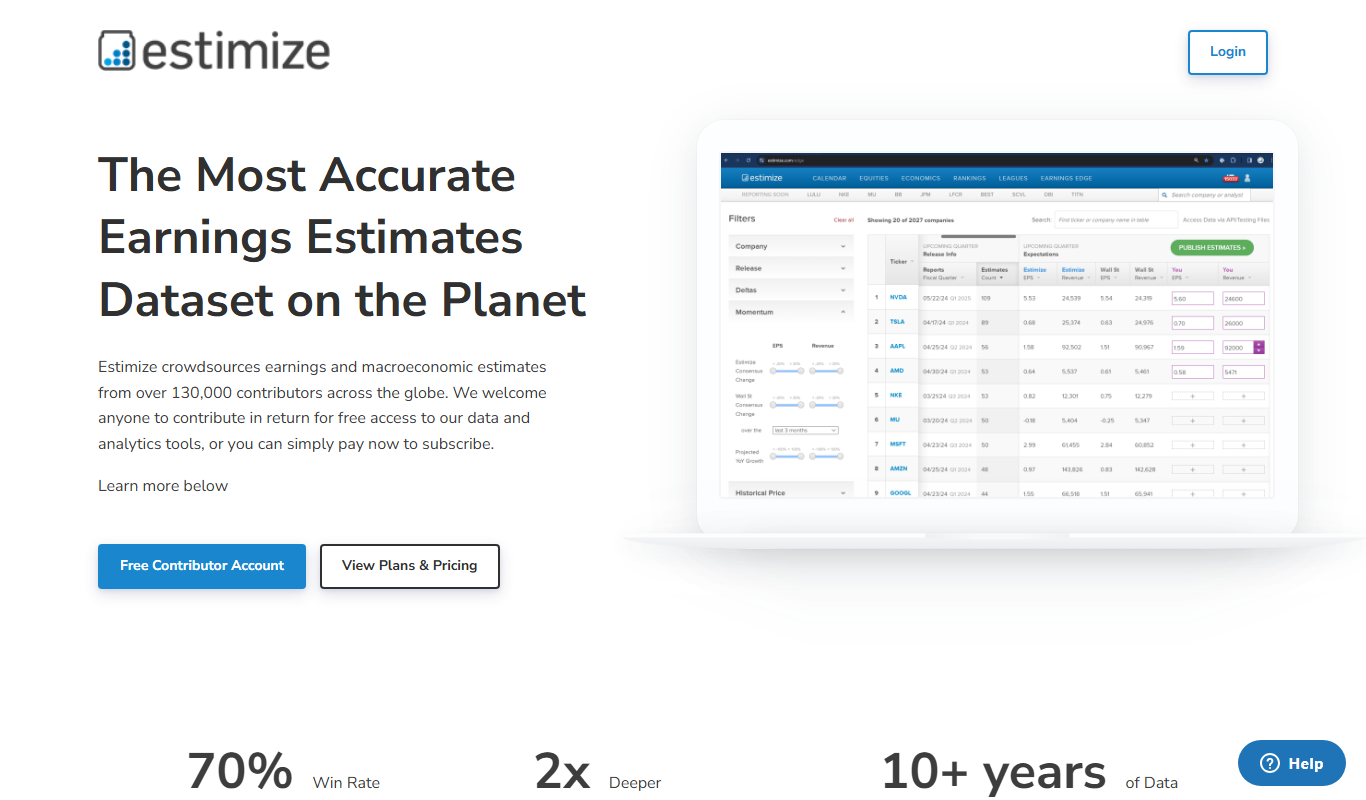
Estimize
Estimize is a financial platform that aggregates crowdsourced earnings estimates from a community of investors and analysts, offering an alternative to traditional Wall Street forecasts.

Geotab
Geotab is a fleet management platform providing GPS tracking, driver safety monitoring, vehicle diagnostics, and analytics to optimize fleet operations.
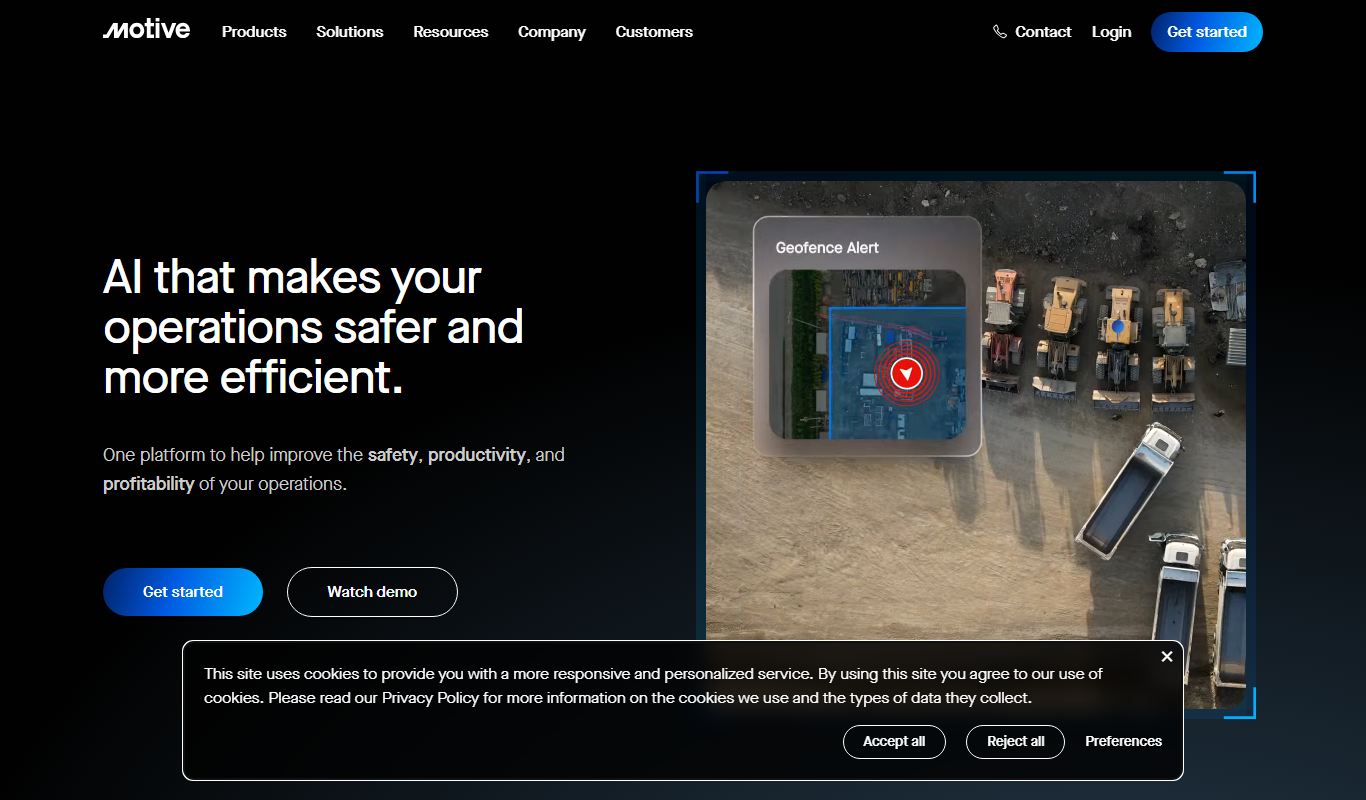
Motive Fleet Management
Motive Fleet Management is a telematics platform offering GPS tracking, driver safety monitoring, ELD compliance, and fleet analytics to optimize commercial vehicle operations.