

Metabase Open Source Business Intelligence Tool for Data Visualization
Metabase is an open source business intelligence tool that helps users create interactive dashboards and reports by connecting to various databases, enabling data exploration without requiring SQL skills.
- Best for
- Data Visualization
- Key capability
- No-Code Query Builder
Save Metabase, follow its updates and vote on it — everything stays in your account.
Sign in or create a free accountWhat is Metabase?
Metabase is an open source business intelligence (BI) tool designed to simplify data analytics and visualization for organizations of all sizes. It enables users to connect to multiple data sources, create interactive dashboards, and generate reports without requiring advanced technical skills. Metabase’s intuitive interface allows business users to explore data, ask questions, and uncover insights through a no-code query builder or SQL editor.
Key features of Metabase
Metabase offers a range of features including a user-friendly query builder, customizable dashboards, scheduled email reports, data alerts, and support for embedding analytics. It supports a wide variety of databases and provides tools for collaboration and sharing insights across teams.
No-Code Query Builder
Enables users without SQL knowledge to explore data through an intuitive interface.
SQL Editor
Advanced users can write custom SQL queries for precise data analysis.
Interactive Dashboards
Create and customize dashboards with various chart types and filters.
Scheduled Reporting
Automate sending reports via email on a regular schedule.
Data Alerts
Receive notifications when data meets specific conditions.
Open Source and Self-Hosting
Option to self-host Metabase for full control over data and infrastructure.
Pros and cons of Metabase
Pros
- Open source with no licensing fees for self-hosting
- User-friendly interface suitable for non-technical users
- Supports a wide range of databases and data sources
- Flexible deployment options including cloud and on-premises
- Strong community and active development
Cons
- Limited advanced analytics compared to some enterprise BI tools
- Cloud hosting can be costly for larger teams
- Customization options may require technical expertise
Key use cases for Metabase
Data Visualization
Create interactive charts and dashboards to visualize complex datasets for better decision-making.
Business Intelligence Reporting
Generate reports and insights from various data sources to monitor business performance.
Data Exploration
Allow non-technical users to query databases and explore data without needing SQL expertise.
Collaboration
Share dashboards and reports across teams to foster data-driven collaboration.
Embedded Analytics
Integrate Metabase dashboards and visualizations into internal tools or customer-facing applications.
How Metabase works
- 1
Connect Data Sources
Link Metabase to your databases such as MySQL, PostgreSQL, MongoDB, or cloud data warehouses.
- 2
Create Questions
Use the visual query builder or SQL editor to ask questions and generate data visualizations.
- 3
Build Dashboards
Combine multiple visualizations into interactive dashboards tailored to your needs.
- 4
Share and Collaborate
Share dashboards with your team or embed them into other applications.
- 5
Schedule Reports and Alerts
Set up automated email reports and data-driven alerts to stay informed.
Who is using Metabase
Metabase pricing
Open Source
$0
Free self-hosted version with full features and community support.
Starter
$100/month
Includes 5 users.
Pro
$575/month
Includes 10 users.
Enterprise
From $20,000/year
Enterprise plan from $20,000/year.
Plans and prices are as published by the vendor and can change. Check the official site before you buy. Open the pricing page (opens in a new tab)
Frequently asked questions about Metabase
Yes, Metabase offers a free open source version that you can self-host with no cost.
Metabase supports many databases including MySQL, PostgreSQL, MongoDB, SQL Server, Google BigQuery, and more.
Yes, Metabase’s no-code query builder is designed for users without SQL knowledge to explore data easily.
Yes, Metabase provides a managed cloud service with additional features and support.
This tool is designed to help users accomplish its core tasks more efficiently. It is typically used by individuals or teams looking to improve productivity and workflow.
Some tools offer a free plan or trial with limited features. Availability can vary, so confirm on the official website.
Data handling and security practices vary by provider. Review the official privacy policy to understand how your data is stored and used.
Yes, it can help with that use case depending on how you configure it and what features are available. You’ll get the best results with clear inputs and a defined goal.
Conclusion
Connecting Metabase to databases such as MySQL, PostgreSQL or MongoDB comes first, and questions are then asked through a visual query builder or a SQL editor. The no-code query builder is designed for users without SQL knowledge to explore data. Visualizations are combined into interactive dashboards that can be shared with a team or embedded into other applications.
Organizations can self-host it for full control over data and infrastructure or use the managed cloud service. Hosted pricing is published: Starter costs $100/month for 5 users, Pro costs $575/month for 10 users, and Enterprise starts at $20,000/year. The available data lists limited advanced analytics compared to some enterprise BI tools as a drawback.
Sources
Sign in to review this tool.
Sign In to ReviewNo reviews yet
Be the first to share how this tool worked for you.
Ask about pricing, limits, or how it compares — or answer someone else.
Sign In to AskNo questions yet
Have a question about using or paying for this tool? Be the first to ask.
Featured on TiorAI



More AI Analytics Assistant tools
Other tools in the same category, for when this one is not quite the fit.

Sievo
Sievo is a spend analytics platform that helps organizations analyze procurement data, optimize supplier management, and reduce costs through AI-driven insights and integrations with ERP systems.

Waydev
Waydev is an engineering analytics platform that analyzes git data to provide software development teams with insights on productivity, code quality, and agile process efficiency.

Qventus
Qventus is an AI-driven healthcare operations platform that optimizes hospital workflows by analyzing real-time data to improve patient flow, resource allocation, and staff coordination.

Koyfin
Koyfin is a web-based financial analytics platform that provides investors and financial professionals with real-time market data, customizable charts, portfolio tracking, and economic analysis tools.
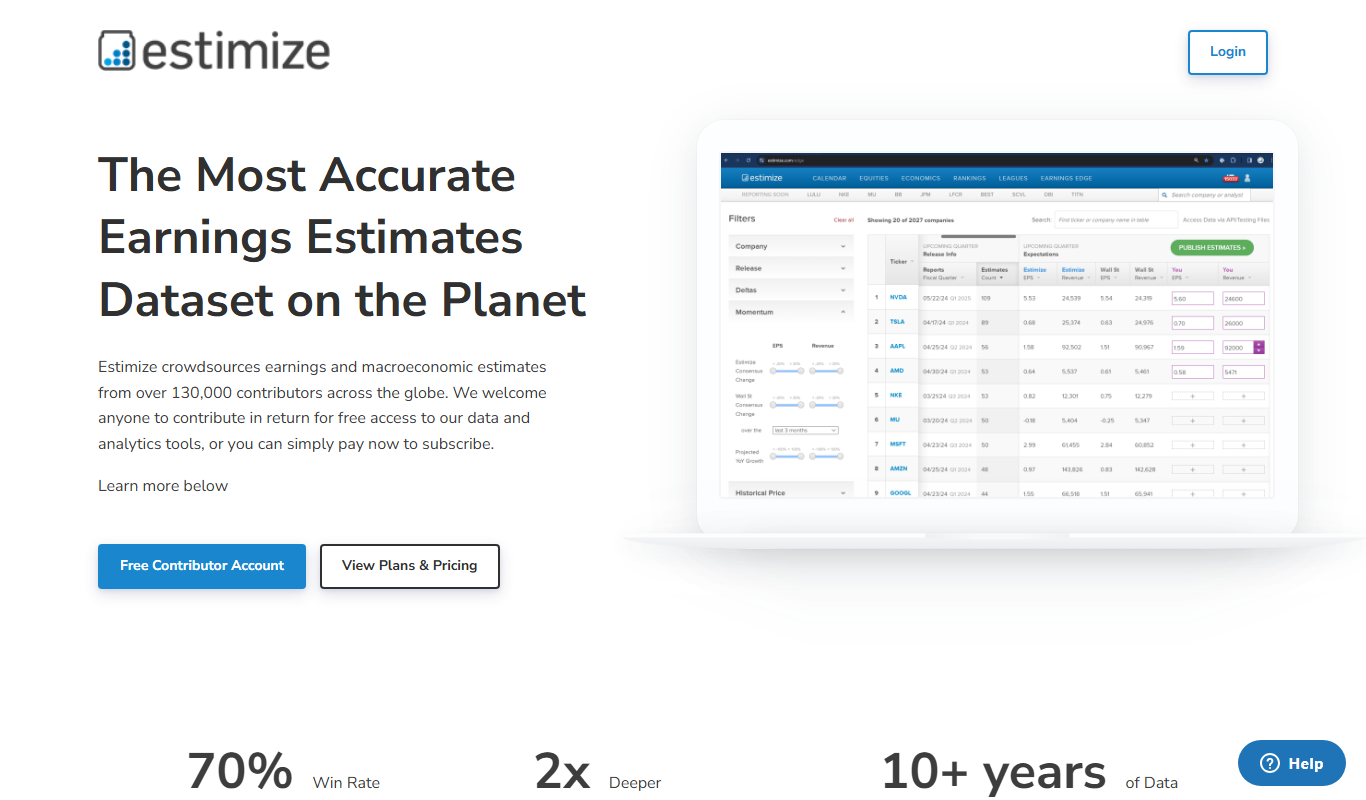
Estimize
Estimize is a financial platform that aggregates crowdsourced earnings estimates from a community of investors and analysts, offering an alternative to traditional Wall Street forecasts.

Geotab
Geotab is a fleet management platform providing GPS tracking, driver safety monitoring, vehicle diagnostics, and analytics to optimize fleet operations.
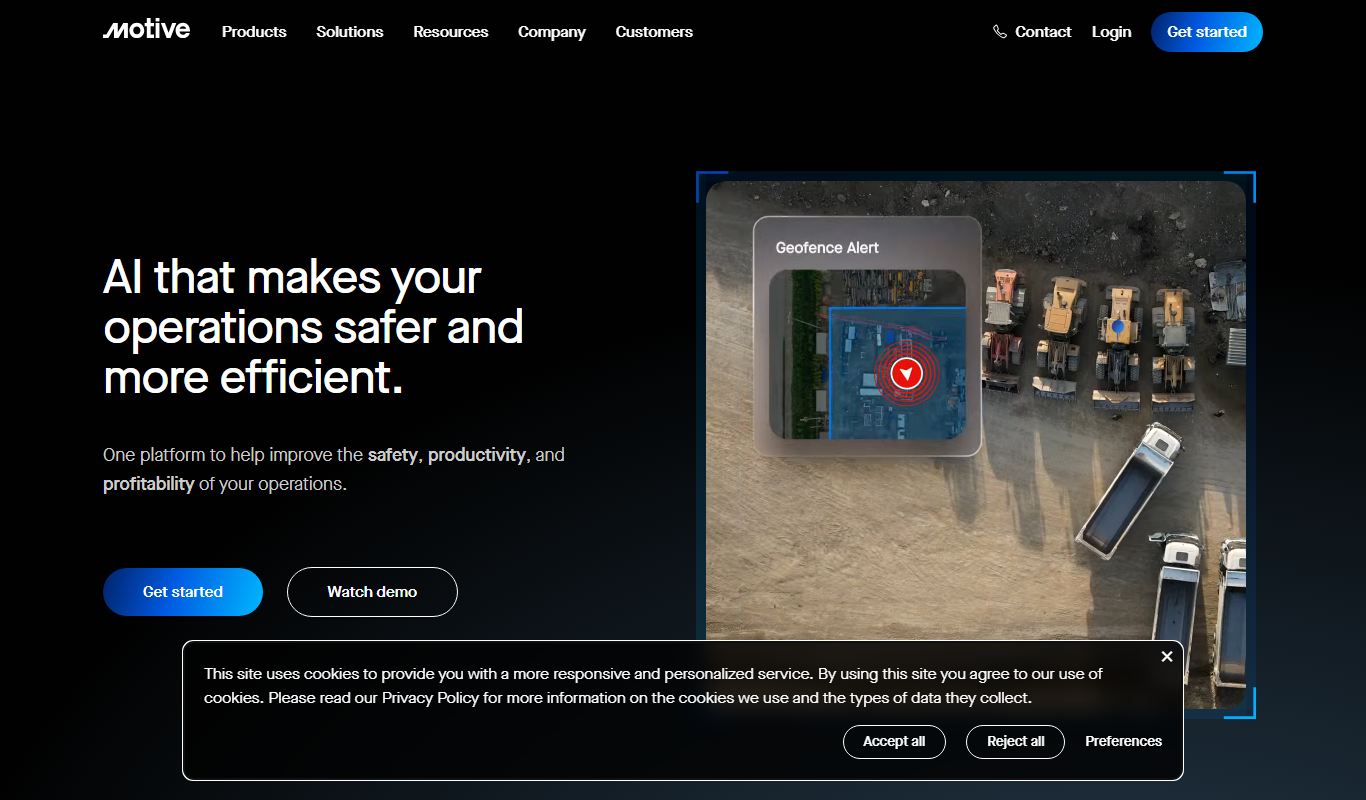
Motive Fleet Management
Motive Fleet Management is a telematics platform offering GPS tracking, driver safety monitoring, ELD compliance, and fleet analytics to optimize commercial vehicle operations.

Teletrac Navman
Teletrac Navman is a fleet management platform providing GPS tracking, driver safety tools, vehicle maintenance scheduling, and analytics to optimize fleet operations.