

Hubstaff Time Tracking and Employee Monitoring Software for Teams
Hubstaff is a time tracking and employee monitoring software that helps businesses manage remote and field teams by automating work hour tracking, activity monitoring, GPS location tracking, and payroll integration.
- Best for
- Remote Team Time Tracking
- Key capability
- Automated Time Tracking
Save Hubstaff, follow its updates and vote on it — everything stays in your account.
Sign in or create a free account
What is Hubstaff?
Hubstaff is a comprehensive time tracking and employee monitoring software designed to help businesses manage remote and in-office teams efficiently. It automates the process of tracking work hours, monitoring productivity, and managing payroll, all while providing detailed insights through reports and analytics.
Key features of Hubstaff
Hubstaff offers automated time tracking, activity monitoring with screenshots, GPS location tracking, project budgeting, payroll integration, and detailed reporting to optimize workforce management.
Automated Time Tracking
Start and stop timers easily with automatic idle detection to ensure accurate work hours.
Activity Monitoring
Track keyboard and mouse activity, take random screenshots, and monitor app/URL usage.
GPS Location Tracking
Monitor field employees’ locations and routes in real-time via mobile GPS tracking.
Detailed Reporting
Generate customizable reports on time, activity, projects, and budgets.
Payroll and Invoicing
Automate payments and invoicing based on tracked hours with integrations to popular platforms.
Pros and cons of Hubstaff
Pros
- Comprehensive time tracking with automated features
- Robust employee monitoring with activity and screenshot capture
- Supports remote and field workforce with GPS tracking
- Integrates well with payroll and project management tools
- User-friendly interface across multiple platforms
Cons
- Some users find the screenshot feature intrusive
- Pricing can be high for large teams
- Limited offline functionality on mobile devices
Key use cases for Hubstaff
Remote Team Time Tracking
Track work hours and productivity of remote employees with automated time tracking and activity monitoring.
Employee Monitoring
Monitor employee activity levels, app and URL usage, and screenshots to ensure accountability and optimize workflows.
Project Management and Budgeting
Allocate time to specific projects or clients, generate detailed reports, and manage budgets effectively.
Payroll Automation
Automate payroll calculations based on tracked hours and integrate with popular payment platforms.
GPS and Location Tracking
Track field employees’ locations and routes in real-time using GPS tracking features.
How Hubstaff works
- 1
Sign Up and Set Up
Create an account on Hubstaff and set up your organization, teams, and projects.
- 2
Install Apps
Download and install Hubstaff apps on desktop or mobile devices for employees.
- 3
Track Time
Employees start the timer when working; Hubstaff automatically tracks activity and location.
- 4
Monitor and Analyze
Managers review activity levels, screenshots, and reports to assess productivity.
- 5
Manage Payroll
Use tracked data to automate payroll and invoice clients accurately.
Who is using Hubstaff
Hubstaff pricing
Starter
$4.99/seat/month
Price per seat per month, billed annually.
Grow
$7.50/seat/month
Price per seat per month, billed annually.
Team
$10/seat/month
Price per seat per month, billed annually.
Enterprise
$25/seat/month
Price per seat per month, billed annually.
Plans and prices are as published by the vendor and can change. Check the official site before you buy. Open the pricing page (opens in a new tab)
Frequently asked questions about Hubstaff
Yes, Hubstaff apps can track time offline and sync data once the device reconnects to the internet.
Hubstaff notifies users when screenshots are taken and allows customization of monitoring settings.
Yes, Hubstaff integrates with popular payroll and accounting platforms like QuickBooks and Gusto.
Yes, Hubstaff’s mobile apps support GPS tracking for field workforce management.
It depends on your specific needs and how you plan to use the tool. The official website and documentation are the best sources for the latest details.
Yes, it can help with that use case depending on how you configure it and what features are available. You’ll get the best results with clear inputs and a defined goal.
Yes, it can help with that use case depending on how you configure it and what features are available. You’ll get the best results with clear inputs and a defined goal.
Integration support depends on the tool and its available connectors or API. Check the official documentation or integrations page to confirm what is supported.
Conclusion
Once an employee starts the timer, activity and location are tracked automatically. Managers then review activity levels, screenshots and reports to assess productivity. For field teams, mobile GPS tracking shows locations and routes in real time. Tracked hours feed payroll and client invoicing, with integrations for platforms like QuickBooks and Gusto.
The software targets remote teams and freelancers, field service companies and payroll departments. Users are notified when screenshots are taken, although some find the screenshot feature intrusive. Current plans are Starter at $4.99, Grow at $7.50, Team at $10 and Enterprise at $25 per seat per month, billed annually.
Sources
Sign in to review this tool.
Sign In to ReviewNo reviews yet
Be the first to share how this tool worked for you.
Ask about pricing, limits, or how it compares — or answer someone else.
Sign In to AskNo questions yet
Have a question about using or paying for this tool? Be the first to ask.
Featured on TiorAI



Alternative Tools
Explore similar AI tools that might fit your needs
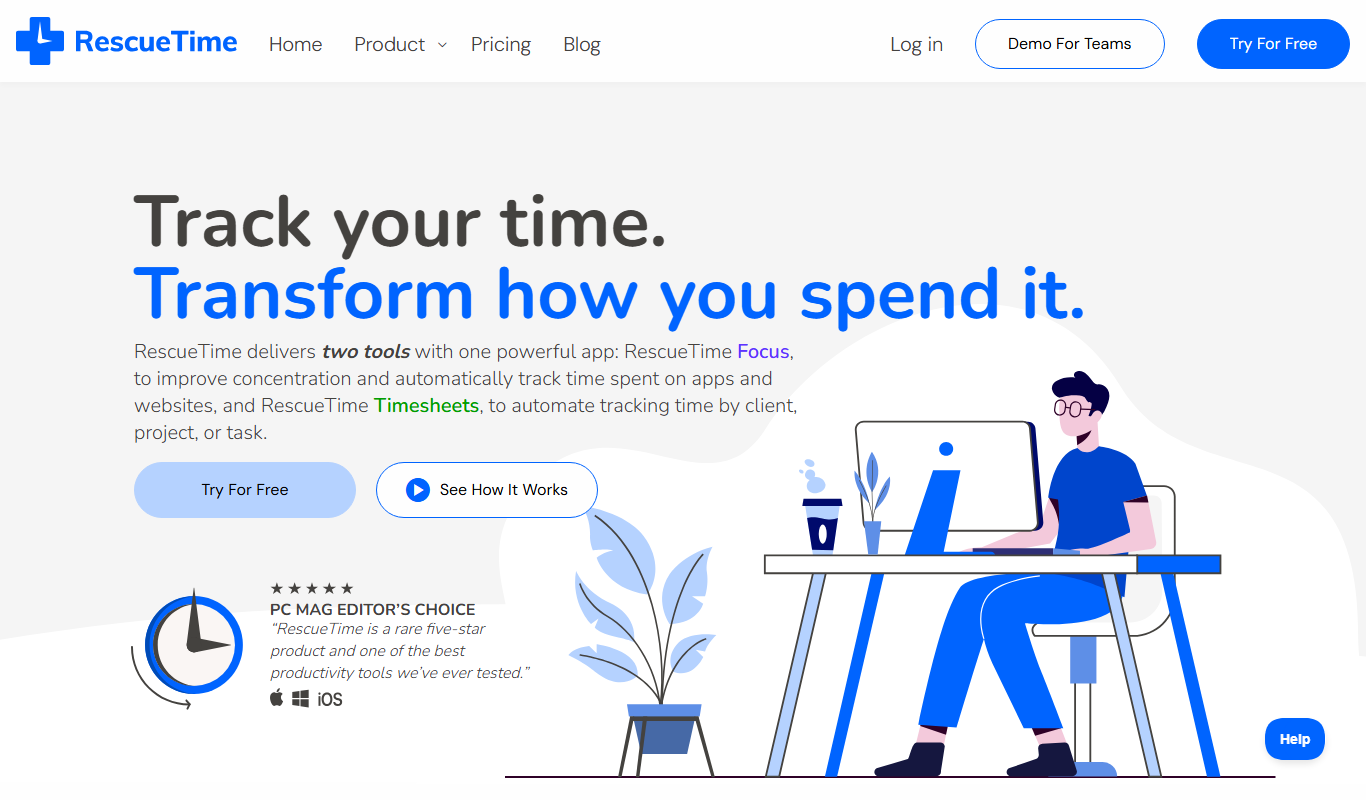
RescueTime
RescueTime is a productivity and time management tool that automatically tracks your digital activities, provides detailed reports, and helps you block distractions to improve focus.
More AI CRM tools
Other tools in the same category, for when this one is not quite the fit.
CropIn
CropIn is an AI-driven farm management platform that digitizes farms, monitors crop health using satellite imagery, predicts yields, and ensures supply chain traceability to optimize agricultural productivity.

RealScout
RealScout is a lead nurture platform for real estate agents that also connects home buyers and agents through collaborative search tools.
AMCS Waste Management Software
AMCS Waste Management Software is a comprehensive platform for waste and recycling companies offering fleet management, route optimization, customer service, and compliance reporting to streamline operations.

Mindbody
Mindbody is a comprehensive software platform designed for wellness businesses to manage scheduling, client relationships, payments, and marketing in one place.

PhoneBurner
PhoneBurner is a cloud-based power dialer designed to automate outbound calling, integrate with CRMs, and improve sales productivity by increasing talk time and streamlining lead management.

Hostaway
Hostaway is a vacation rental software platform that helps property managers automate bookings, synchronize listings across channels, and manage guest communication efficiently.

Avature
Avature is a customizable talent management platform that streamlines recruiting, onboarding, and workforce planning with CRM and ATS features.

Jobvite
Jobvite is a recruiting software platform that streamlines talent acquisition through AI-powered applicant tracking, candidate sourcing, recruitment marketing, and onboarding automation.