

RescueTime Productivity Tracker and Time Management Software for Professionals
RescueTime is a productivity and time management tool that automatically tracks your digital activities, provides detailed reports, and helps you block distractions to improve focus.
- Best for
- Personal Productivity Tracking
- Key capability
- Automatic Time Tracking
Save RescueTime, follow its updates and vote on it — everything stays in your account.
Sign in or create a free account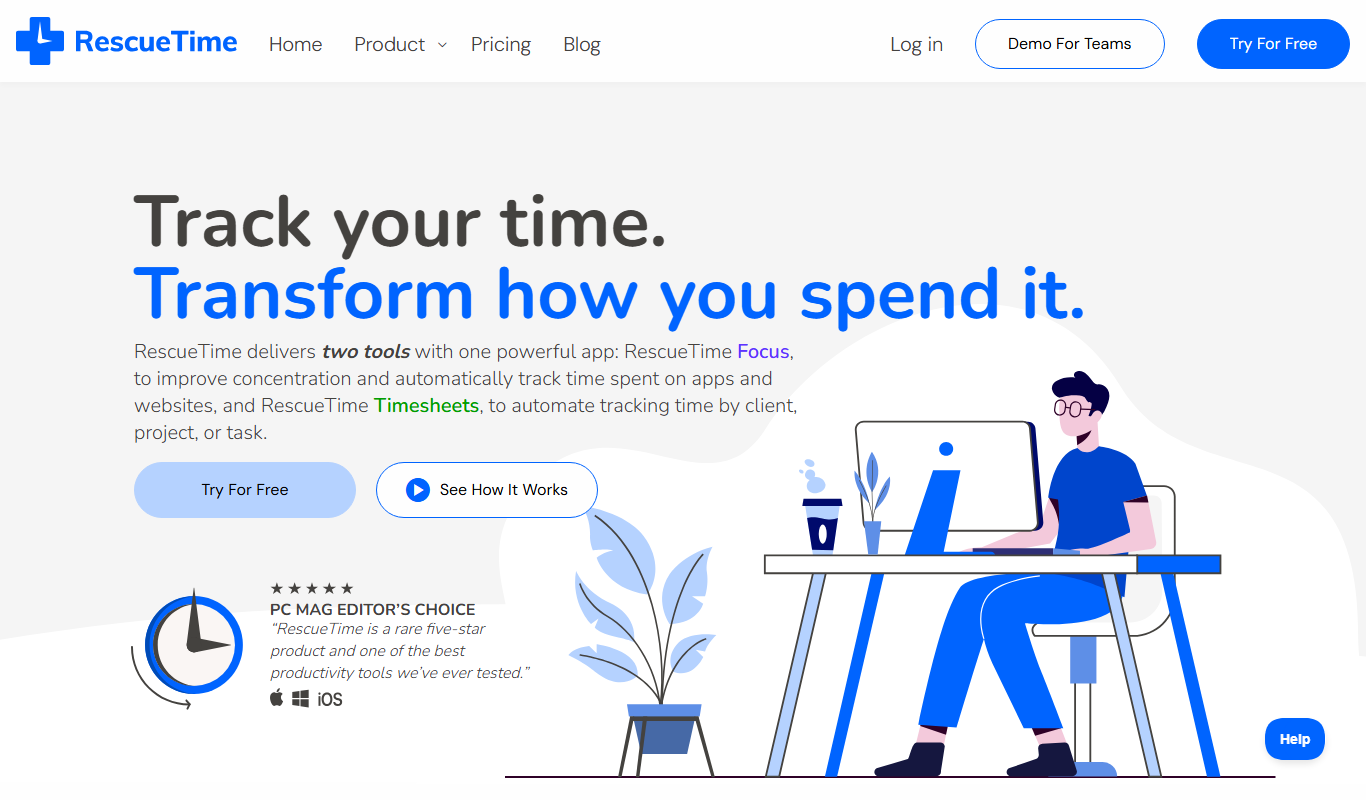
What is RescueTime?
RescueTime is a time management and productivity tracking software designed to help individuals and teams understand how they spend their time on computers and mobile devices. It runs in the background, automatically categorizing activities and providing detailed reports and insights to improve focus, reduce distractions, and optimize work habits.
Key features of RescueTime
Key features include automatic time tracking, detailed productivity reports, goal setting, distraction blocking with FocusTime, and cross-platform support for seamless monitoring across devices.
Automatic Time Tracking
Tracks time spent on applications and websites without manual input.
Detailed Productivity Reports
Visualize time usage with charts and summaries to identify productivity patterns.
FocusTime Distraction Blocking
Block distracting websites and apps during scheduled focus sessions.
Goal Setting and Alerts
Set daily goals for productive time and receive alerts to stay on track.
Cross-Platform Support
Available on Windows, macOS, Linux, iOS, Android, and web for comprehensive tracking.
Pros and cons of RescueTime
Pros
- Automatic and accurate time tracking without manual input
- Comprehensive productivity reports with actionable insights
- FocusTime feature effectively blocks distractions
- Cross-platform support covers most devices
- Simple and intuitive user interface
Cons
- Premium features require subscription
- Limited language support (English only)
- Mobile app tracking less detailed than desktop
- Some users may have privacy concerns with activity monitoring
Key use cases for RescueTime
Personal Productivity Tracking
Monitor and analyze how you spend your time on digital devices to improve focus and efficiency.
Workplace Time Management
Helps employees and teams understand time allocation to optimize workflows and reduce distractions.
Goal Setting and Habit Building
Set daily goals for focused work and track progress to build productive habits over time.
Distraction Blocking
Use FocusTime feature to block distracting websites and applications during work sessions.
Reporting and Insights
Generate detailed reports on time usage patterns to identify productivity trends and areas for improvement.
How RescueTime works
- 1
Install and Set Up
Download and install RescueTime on your devices, then create an account to start tracking.
- 2
Automatic Tracking
RescueTime runs in the background, automatically logging time spent on applications and websites.
- 3
Review Reports
Access detailed dashboards and reports to see how your time is distributed across activities.
- 4
Set Goals and Block Distractions
Define productivity goals and use FocusTime to block distracting sites during focused work periods.
- 5
Adjust Habits
Use insights from reports to adjust your work habits and improve time management.
Who is using RescueTime
RescueTime pricing
Lite
$0
Free plan that only returns after a subscription is canceled; new accounts start with a 14-day trial.
Solo Focus
$9/month, or $7 billed annually
Focus features for individuals.
Solo+
$15/month, or $12 billed annually
Timesheets plus Focus features for individuals.
Team Focus
$12/user
Focus features for teams.
Plans and prices are as published by the vendor and can change. Check the official site before you buy. Open the pricing page (opens in a new tab)
Frequently asked questions about RescueTime
Yes, RescueTime runs in the background and automatically tracks the time you spend on applications and websites.
Yes, the FocusTime feature allows you to block distracting websites and apps during focus sessions.
Yes, RescueTime offers mobile apps for both iOS and Android devices.
Yes, RescueTime offers team plans with aggregated reporting to help managers understand team productivity.
It depends on your specific needs and how you plan to use the tool. The official website and documentation are the best sources for the latest details.
Yes, it can help with that use case depending on how you configure it and what features are available. You’ll get the best results with clear inputs and a defined goal.
Some tools offer a free plan or trial with limited features. Availability can vary, so confirm on the official website.
It depends on your specific needs and how you plan to use the tool. The official website and documentation are the best sources for the latest details.
Conclusion
Once installed on a device, the software runs in the background, automatically logging time spent on applications and websites. Charts and summaries then show how that time is distributed and which productivity patterns emerge. Daily goals come with alerts, and FocusTime blocks distracting websites and apps during scheduled focus sessions.
It is used by freelancers and remote workers as well as managers and team leaders. Apps for iOS and Android sit alongside versions for Windows, macOS and Linux. New accounts start with a 14-day trial, after which Solo Focus costs $9 per month, Solo+ $15 per month and Team Focus $12 per user, with lower annual rates for the solo plans. The free Lite plan only returns after a subscription is canceled.
Sources
Sign in to review this tool.
Sign In to ReviewNo reviews yet
Be the first to share how this tool worked for you.
Ask about pricing, limits, or how it compares — or answer someone else.
Sign In to AskNo questions yet
Have a question about using or paying for this tool? Be the first to ask.
Featured on TiorAI



Alternative Tools
Explore similar AI tools that might fit your needs

Clockify
Clockify is a free and easy-to-use time tracking software that helps teams and freelancers track work hours, manage projects, and generate reports across multiple platforms.
More AI Analytics Assistant tools
Other tools in the same category, for when this one is not quite the fit.
DuckDB
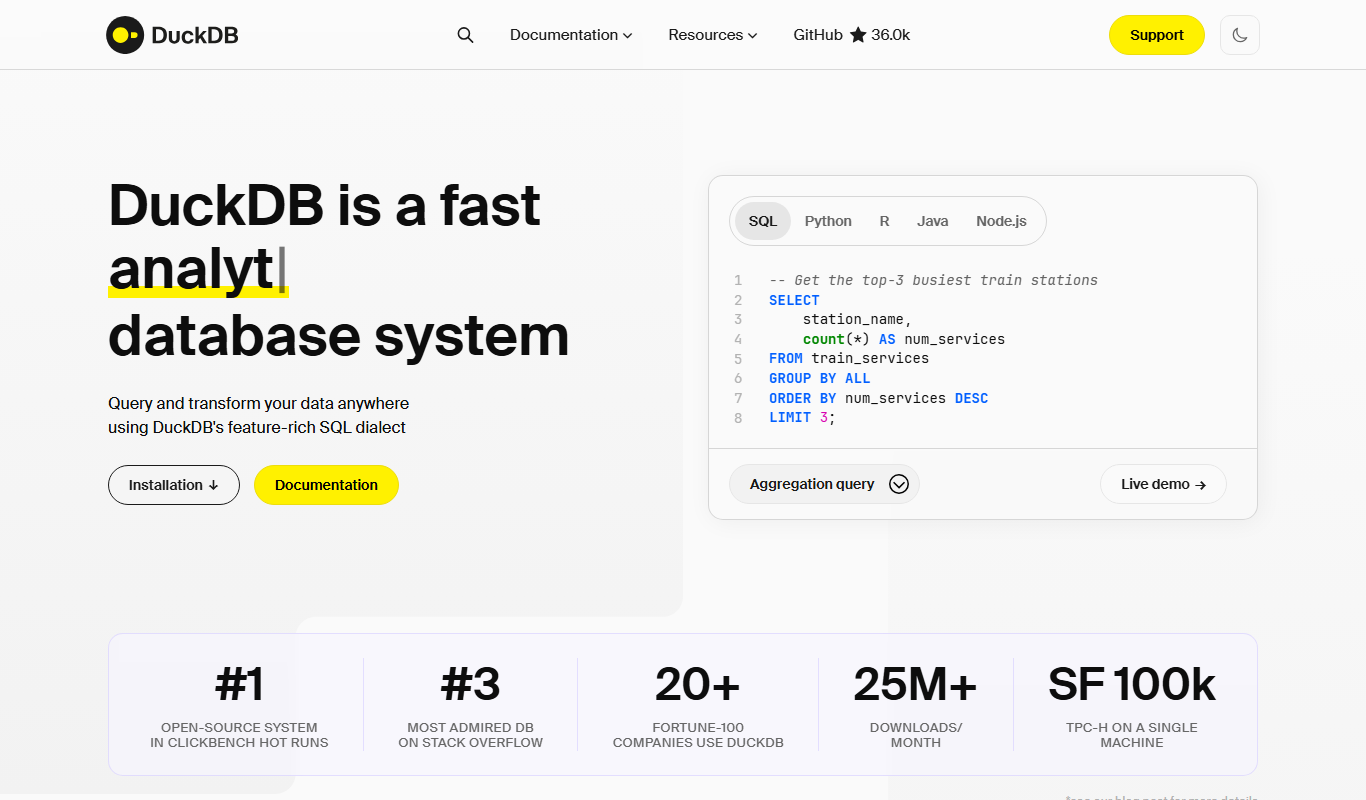
DuckDB is an open-source, embedded SQL OLAP database optimized for fast analytical queries within applications and data science environments.
CropIn
CropIn is an AI-driven farm management platform that digitizes farms, monitors crop health using satellite imagery, predicts yields, and ensures supply chain traceability to optimize agricultural productivity.

EnergyPlus
EnergyPlus is a free, open-source building energy simulation software developed by the U.S. Department of Energy that models HVAC, lighting, and renewable energy systems to optimize building energy performance.
Qualys
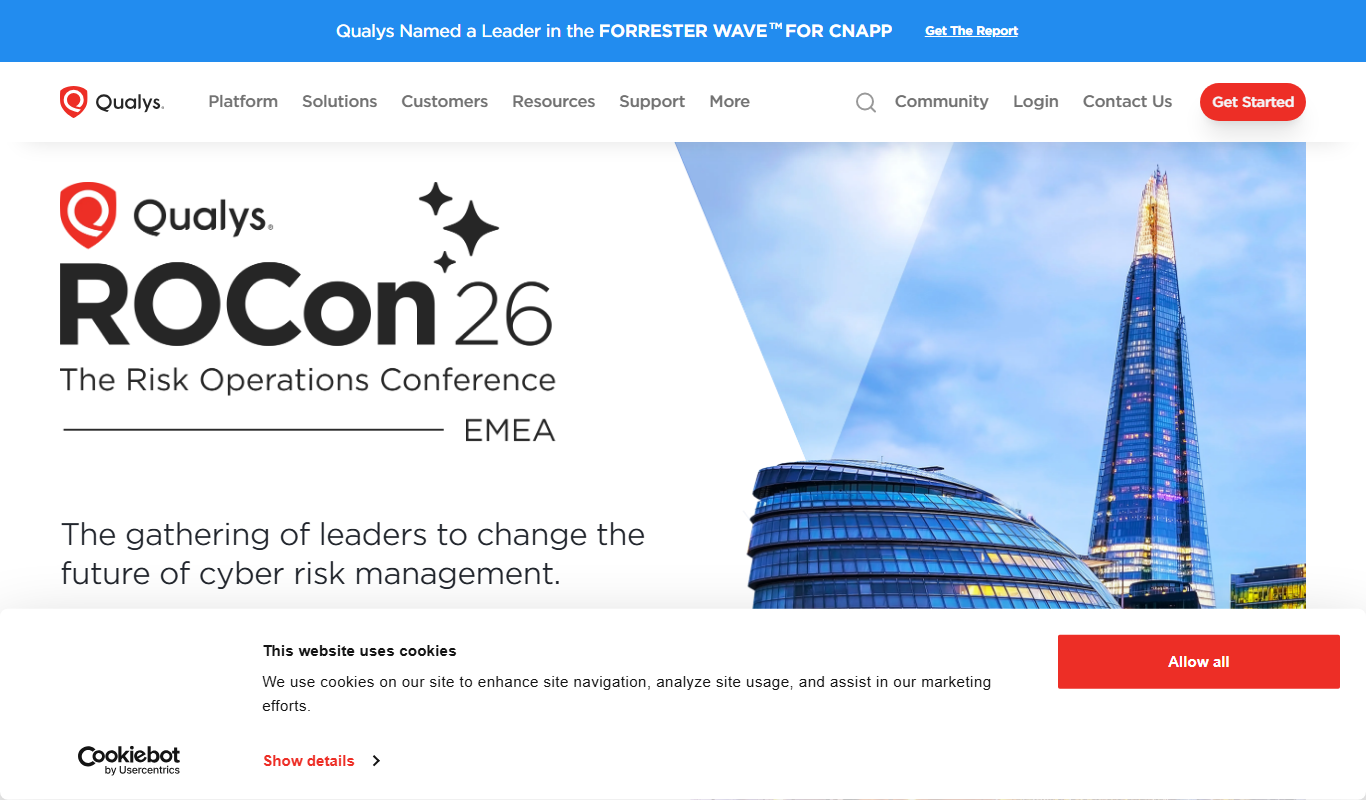
Qualys is a cloud-based platform that provides continuous vulnerability management, compliance monitoring, and threat detection to help organizations secure their IT environments.

MetricStream
MetricStream is an enterprise-grade Governance, Risk, and Compliance platform that helps organizations manage risks, ensure regulatory compliance, and streamline audits with real-time analytics and automated workflows.

Datamyne
Datamyne is a subscription-based platform providing detailed global import and export customs data to support market research, competitive intelligence, and supply chain management.

Graph Commons
Graph Commons is a web-based platform that enables users to collaboratively create, visualize, and analyze network maps to understand complex relationships and data patterns.
Soundcharts
Soundcharts is a music analytics platform providing real-time data on radio airplay, streaming, and social media to help music professionals track performance and trends.