

Clockify Time Tracking Software for Teams and Freelancers with Reporting
Clockify is a free and easy-to-use time tracking software that helps teams and freelancers track work hours, manage projects, and generate reports across multiple platforms.
- Best for
- Employee Time Tracking
- Key capability
- Real-Time Timer
Save Clockify, follow its updates and vote on it — everything stays in your account.
Sign in or create a free account
What is Clockify?
Clockify is a comprehensive time tracking software designed for individuals and teams to log work hours, manage projects, and generate detailed reports. It helps businesses and freelancers monitor productivity, streamline billing, and optimize resource allocation through an intuitive interface accessible via web, desktop, and mobile apps.
Key features of Clockify
Clockify offers real-time time tracking, manual time entry, project and task management, detailed reporting, team management features, integrations with popular tools, and multi-platform support to ensure seamless tracking across devices.
Real-Time Timer
Start and stop a timer to track work hours precisely as you work.
Manual Time Entry
Add or edit time entries manually for flexibility and accuracy.
Detailed Reporting
Generate customizable reports for projects, clients, and team members.
Team Management
Manage user roles, permissions, and monitor team activity.
Integrations
Connect with tools like Asana, Trello, Jira, and Slack for streamlined workflows.
Multi-Platform Support
Access Clockify on web browsers, desktop apps, mobile devices, and browser extensions.
Pros and cons of Clockify
Pros
- User-friendly interface with easy time tracking
- Free plan for up to 5 users with unlimited tracking
- Cross-platform availability including mobile and desktop
- Robust reporting and analytics features
- Integrates with many popular productivity tools
Cons
- Some advanced features only available on higher-tier plans
- Customization options can be complex for new users
Key use cases for Clockify
Employee Time Tracking
Monitor and record employee work hours accurately for payroll and productivity analysis.
Project Management
Track time spent on projects to improve budgeting, resource allocation, and deadline management.
Freelancer Billing
Generate detailed timesheets and invoices based on tracked hours for client billing.
Team Collaboration
Coordinate team efforts by sharing time reports and tracking progress on shared tasks.
Productivity Analysis
Analyze time usage patterns to identify inefficiencies and optimize workflows.
How Clockify works
- 1
Create an Account
Sign up on Clockify’s website or app to start tracking time.
- 2
Set Up Projects and Tasks
Define projects and tasks to organize your work and track time accordingly.
- 3
Track Time
Use the timer or enter time manually to log work hours against tasks.
- 4
Generate Reports
Access detailed reports to analyze time spent by project, client, or team member.
- 5
Manage Team
Invite team members, assign roles, and monitor collective productivity.
Who is using Clockify
Clockify pricing
Free
$0/month
Free for up to 5 users, with unlimited tracking, time tracker, timesheet, auto tracker, calendar, mobile and desktop apps, integrations and reports.
Basic
$3.99 per seat per month billed annually, or $4.99 billed monthly
All Free features plus adding time for others, kiosk, time audit, time estimates, project templates, import of time and users, and billable rates.
Standard
$6.99 per seat per month billed monthly, lower when billed annually
All Basic features plus time off, invoicing, recurring invoices, approval, lock time, attendance and overtime, reminders, rounding and QuickBooks integration.
Pro
$9.99 per seat per month billed monthly, lower when billed annually
All Standard features plus activity monitoring, scheduling, forecasting, expenses, labor cost and profit, budgets and estimates, and GPS tracking.
Enterprise
$11.99 per seat per month billed annually, or $14.99 billed monthly
All Pro features plus single sign-on (SSO), custom subdomain, SCIM provisioning, control accounts and audit log.
Plans and prices are as published by the vendor and can change. Check the official site before you buy. Open the pricing page (opens in a new tab)
Frequently asked questions about Clockify
Yes, Clockify offers a free plan for up to 5 users with unlimited tracking.
Yes, Clockify’s desktop and mobile apps allow offline time tracking which syncs once you’re back online.
Clockify integrates with popular project management and communication tools like Asana, Trello, Jira, and Slack.
Yes, the Standard plan includes invoicing: it creates invoices for clients from tracked time and expenses, which can be downloaded as PDF.
It depends on your specific needs and how you plan to use the tool. The official website and documentation are the best sources for the latest details.
Some tools offer a free plan or trial with limited features. Availability can vary, so confirm on the official website.
Yes, it can help with that use case depending on how you configure it and what features are available. You’ll get the best results with clear inputs and a defined goal.
Integration support depends on the tool and its available connectors or API. Check the official documentation or integrations page to confirm what is supported.
Conclusion
Hours are logged by starting and stopping a timer as work happens or by adding entries manually, and reports then break the time down by project, client or team member. Tracking also runs in a mobile app, a desktop app and a browser extension, with the mobile and desktop apps working even when offline. Integrations let people track time inside other web apps such as Asana, Trello and Jira.
The software is designed for individuals and teams, from freelancers and consultants to remote teams and project managers. A free plan covers unlimited tracking for up to 5 users, while paid plans are priced per seat, and every active or invited user occupies one paid seat. Billing sits inside the product from the Standard plan, which creates invoices from tracked time and expenses and downloads them as PDF. Pro adds scheduling, expenses and GPS tracking, and the listed cons note that customization options can be complex for new users.
Sources
Sign in to review this tool.
Sign In to ReviewNo reviews yet
Be the first to share how this tool worked for you.
Ask about pricing, limits, or how it compares — or answer someone else.
Sign In to AskNo questions yet
Have a question about using or paying for this tool? Be the first to ask.
Featured on TiorAI



Alternative Tools
Explore similar AI tools that might fit your needs

Harvest
Harvest is a cloud-based software that enables businesses to track time, manage expenses, and generate invoices to improve project management and billing accuracy.
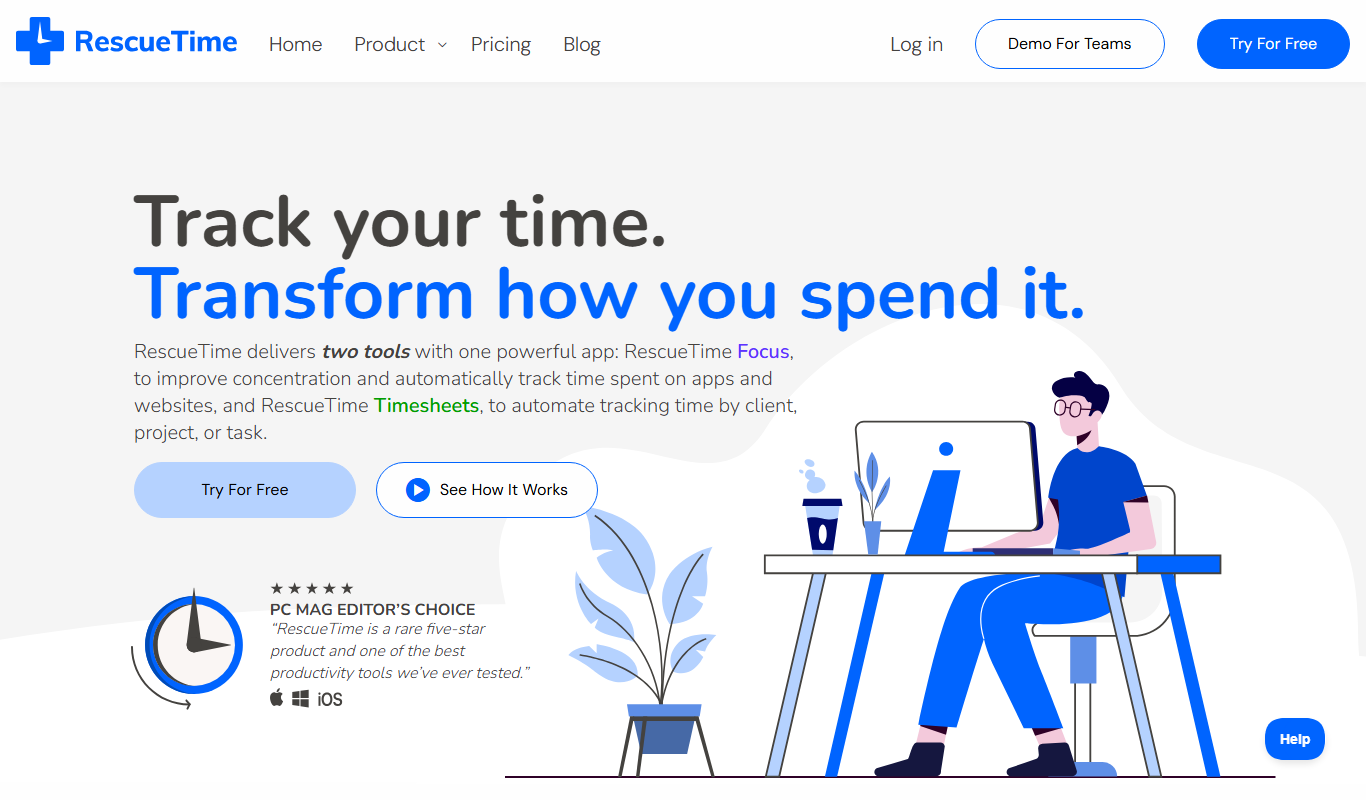
RescueTime
RescueTime is a productivity and time management tool that automatically tracks your digital activities, provides detailed reports, and helps you block distractions to improve focus.
More AI Workflow tools
Other tools in the same category, for when this one is not quite the fit.

Gmelius
Gmelius is a Gmail-integrated platform that enables teams to collaborate on emails, automate workflows, track email engagement, and manage customer relationships directly within their inbox.
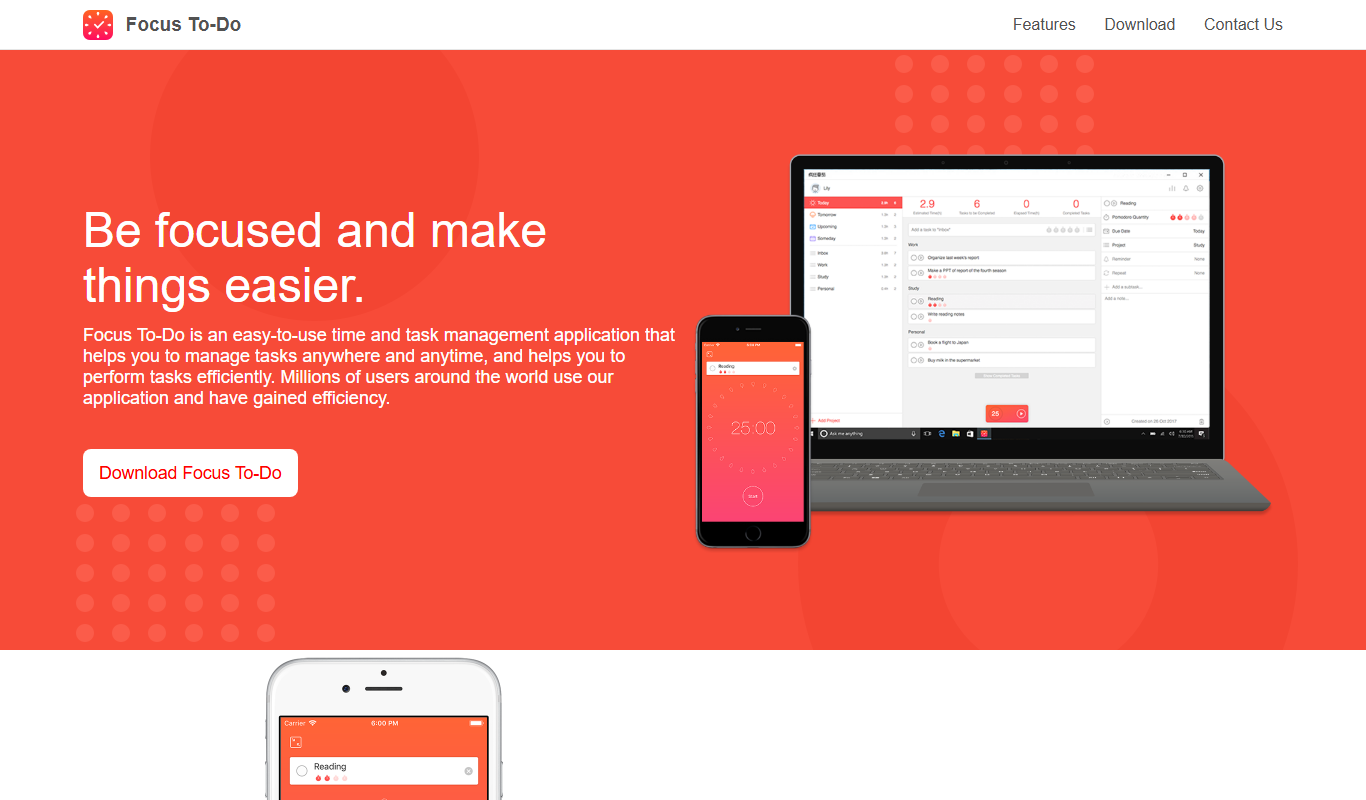
Focus To-Do
Focus To-Do is a productivity app that combines Pomodoro Technique timers with task and time management features to help users improve focus and track productivity across devices.
NAVEX
NAVEX (formerly NAVEX Global) is a compliance management platform for GRC and whistleblowing, with pricing on request.

MetricStream
MetricStream is an enterprise-grade Governance, Risk, and Compliance platform that helps organizations manage risks, ensure regulatory compliance, and streamline audits with real-time analytics and automated workflows.
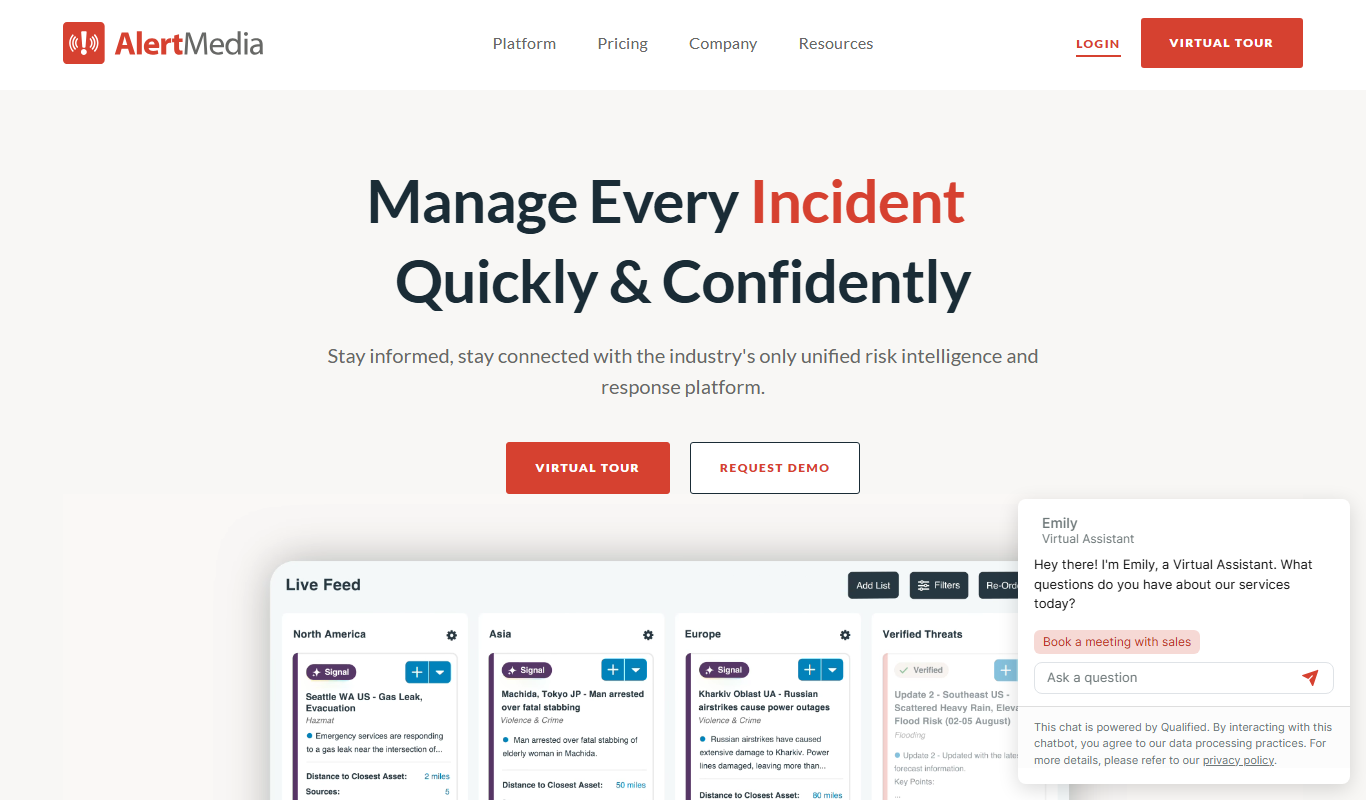
AlertMedia
AlertMedia is an emergency communication platform that enables organizations to send mass notifications via multiple channels, track employee safety, and manage crisis communications effectively.

Everbridge
Everbridge is a critical event management platform that enables organizations to send mass notifications, coordinate incident response, and manage public safety alerts through multi-channel communication.

LabArchives
LabArchives is a cloud-based electronic lab notebook designed to help researchers securely manage, document, and collaborate on scientific data with compliance features.

Zycus
Zycus is an AI-driven procurement software suite that automates strategic sourcing, spend analysis, supplier management, contract lifecycle, and procure-to-pay processes to help enterprises optimize procurement efficiency and reduce costs.