

Harvest Time Tracking and Invoicing Software for Efficient Project Management
Harvest is a cloud-based software that enables businesses to track time, manage expenses, and generate invoices to improve project management and billing accuracy.
- Best for
- Time Tracking
- Key capability
- Real-Time Time Tracking
Save Harvest, follow its updates and vote on it — everything stays in your account.
Sign in or create a free account
What is Harvest?
Harvest is a cloud-based time tracking and invoicing software designed to help businesses and teams efficiently manage projects, track time, and streamline billing processes. It provides tools to monitor work hours, expenses, and budgets, enabling better project oversight and financial management.
Key features of Harvest
Harvest offers intuitive time tracking with timers and manual entries, expense tracking, project budgeting, and automated invoicing. It integrates with popular project management and accounting tools to enhance workflow and reporting.
Real-Time Time Tracking
Start and stop timers to capture accurate work hours effortlessly.
Automated Invoicing
Generate invoices automatically from tracked time and expenses.
Expense Tracking
Log and categorize expenses to maintain clear financial records.
Project Budget Monitoring
Set budgets and receive alerts to prevent overspending.
Integrations
Connect with tools like Asana, Trello, QuickBooks, and Slack for seamless workflow.
Pros and cons of Harvest
Pros
- User-friendly interface with quick setup
- Comprehensive time and expense tracking
- Strong integration ecosystem
- Accurate invoicing and billing features
Cons
- Limited free plan with only 2 projects
- No offline time tracking capability
- Primarily English language support
Key use cases for Harvest
Time Tracking
Track billable hours and monitor time spent on projects with easy-to-use timers and manual entry.
Invoicing
Generate and send professional invoices based on tracked time and expenses to clients.
Expense Management
Record and categorize project-related expenses to keep budgets on track.
Project Budgeting
Set budgets for projects and monitor progress to avoid overspending.
Team Collaboration
Enable teams to log time, share project status, and collaborate efficiently.
How Harvest works
- 1
Create an Account
Sign up on Harvest’s website to start tracking time and managing projects.
- 2
Set Up Projects and Tasks
Define projects and tasks to organize work and assign team members.
- 3
Track Time and Expenses
Use timers or manual entry to log hours and record expenses related to projects.
- 4
Generate Invoices
Create invoices based on tracked time and expenses, then send them directly to clients.
- 5
Analyze Reports
Review detailed reports on time, expenses, and budgets to optimize project management.
Who is using Harvest
Harvest pricing
Free
$0/month
Built for individual freelancers: 1 seat, 2 projects, time tracking, invoicing, expense tracking and Mac and iOS apps.
Teams
$9 per seat per month billed annually, or $11 per seat per month billed monthly
Unlimited seats, time tracking, team reporting, team capacity tracking, invoicing, and accounting and payment integrations with Stripe, QuickBooks Online, Xero and Deel.
Enterprise
$14 per seat per month billed annually
All Teams features plus unlimited custom reports, profitability reporting, timesheet approvals, activity log and SAML-based SSO.
Enterprise Plus
Custom pricing
All Enterprise features plus custom integrations, product customization, a dedicated Customer Success Manager and custom onboarding support and training.
Plans and prices are as published by the vendor and can change. Check the official site before you buy. Open the pricing page (opens in a new tab)
Frequently asked questions about Harvest
Yes, Harvest offers iOS and Android apps for tracking time and expenses on the go.
Yes, it integrates with QuickBooks, Xero, and other popular accounting platforms.
Yes, any plan can be started with a 30-day free trial, and no credit card is required.
Yes, you can customize invoice templates with your branding and payment terms.
It depends on your specific needs and how you plan to use the tool. The official website and documentation are the best sources for the latest details.
Integration support depends on the tool and its available connectors or API. Check the official documentation or integrations page to confirm what is supported.
Pricing depends on the plan and included features. For the most accurate and up-to-date details, check the official pricing page.
Conclusion
Time is captured with live timers or by adding entries to a day or week view, from browser, desktop and mobile apps. Those hours and the expenses logged against projects become invoices sent straight to clients, and PayPal and Stripe integrations let clients pay invoices online. Budgets update as the team tracks time, so project spending stays visible next to billing.
The free plan is built for individual freelancers, with 1 seat and 2 projects, while the software as a whole targets businesses and teams managing projects and billing. Paid seats come in Teams and Enterprise tiers: Teams adds team reporting and capacity tracking, and Enterprise adds profitability reporting and timesheet approvals. Any plan can be started with a 30-day free trial that needs no credit card. On the accounting side, it connects with QuickBooks and Xero.
Sources
Sign in to review this tool.
Sign In to ReviewNo reviews yet
Be the first to share how this tool worked for you.
Ask about pricing, limits, or how it compares — or answer someone else.
Sign In to AskNo questions yet
Have a question about using or paying for this tool? Be the first to ask.
Featured on TiorAI



Alternative Tools
Explore similar AI tools that might fit your needs

Clockify
Clockify is a free and easy-to-use time tracking software that helps teams and freelancers track work hours, manage projects, and generate reports across multiple platforms.
More AI Workflow tools
Other tools in the same category, for when this one is not quite the fit.
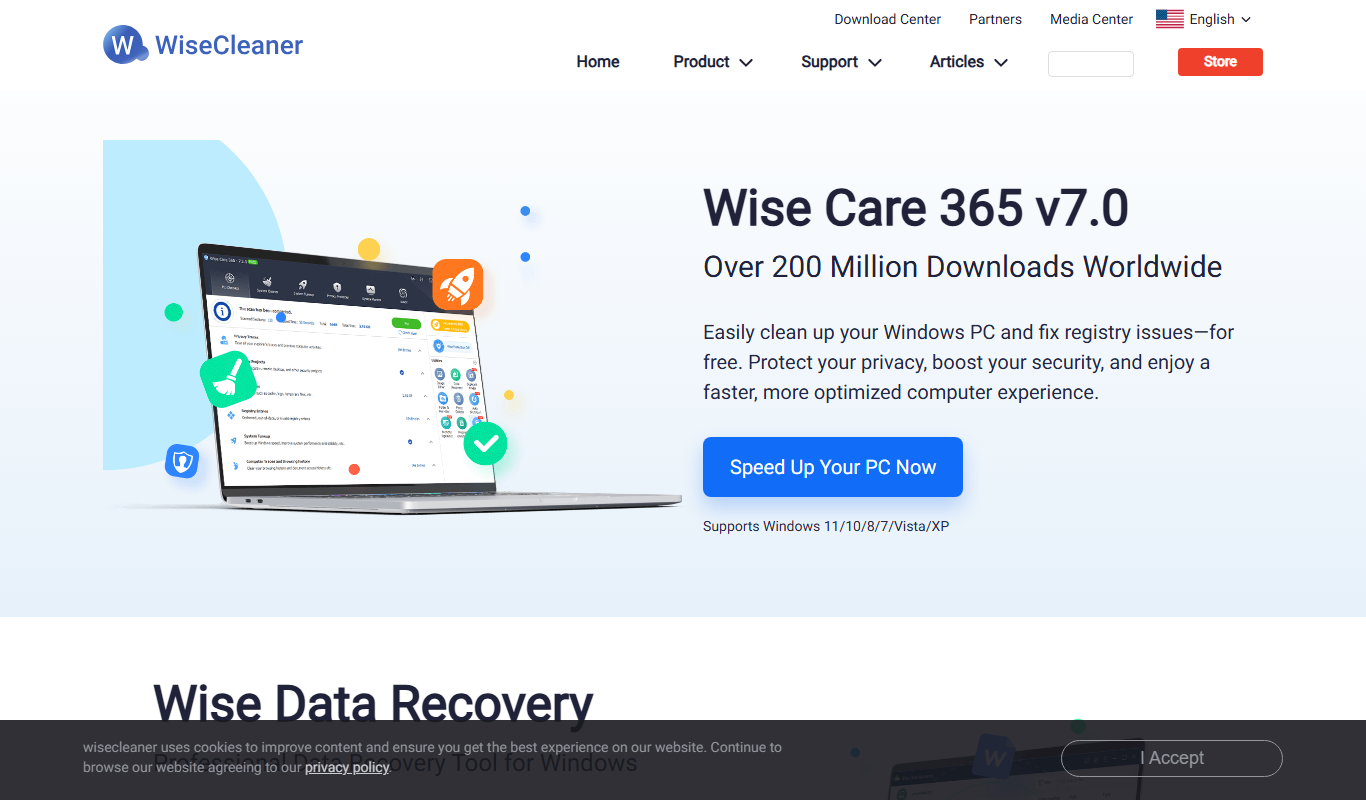
Wise Memory Optimizer
Wise Memory Optimizer is a Windows utility that frees up and optimizes RAM to improve PC performance by reducing memory load and preventing slowdowns.

Mailparser
Mailparser is a cloud-based software that automatically extracts structured data from emails and attachments, enabling businesses to automate workflows and integrate parsed data with other applications.

OneDrive
OneDrive is Microsoft's cloud storage service that allows users to store, sync, and share files securely across devices with integration to Microsoft 365 apps.

Gmelius
Gmelius is a Gmail-integrated platform that enables teams to collaborate on emails, automate workflows, track email engagement, and manage customer relationships directly within their inbox.
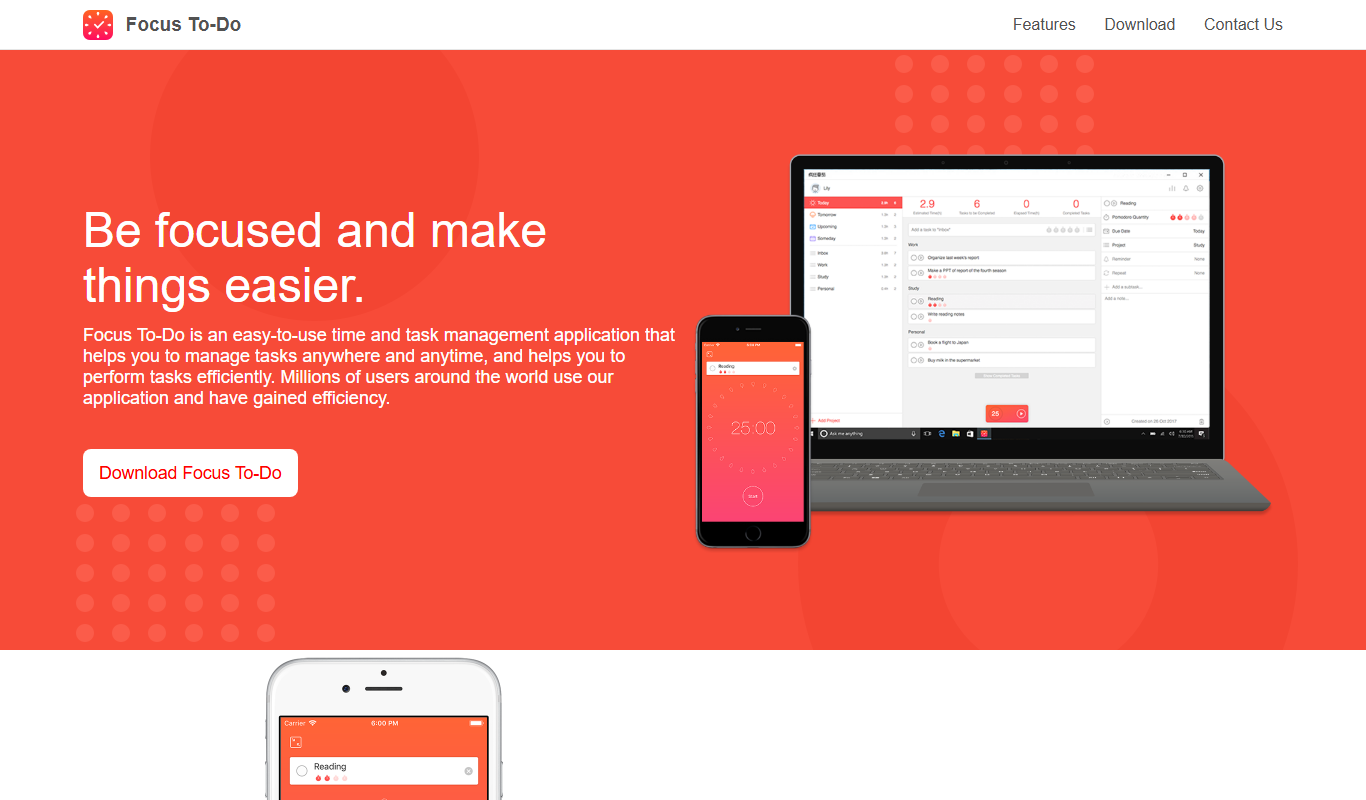
Focus To-Do
Focus To-Do is a productivity app that combines Pomodoro Technique timers with task and time management features to help users improve focus and track productivity across devices.
NAVEX
NAVEX (formerly NAVEX Global) is a compliance management platform for GRC and whistleblowing, with pricing on request.

MetricStream
MetricStream is an enterprise-grade Governance, Risk, and Compliance platform that helps organizations manage risks, ensure regulatory compliance, and streamline audits with real-time analytics and automated workflows.

AlertMedia
AlertMedia is an emergency communication platform that enables organizations to send mass notifications via multiple channels, track employee safety, and manage crisis communications effectively.