

From my experience with Tattoos.AI, I found it excels at quickly generating unique tattoo designs that spark creativity without requiring any design skills. The platform is particularly well-suited for tattoo enthusiasts and artists looking for fresh ideas or a starting point for custom ink. However, the AI-generated designs often need some refinement by a professional tattoo artist before inking, which is a natural trade-off for automated creativity. Overall, if you want fast, diverse tattoo inspiration with easy customization, Tattoos.AI delivers solid and practical results.
Tattoos.AI Tattoo Design Generator with AI Art and Custom Ink Ideas
Tattoos.AI is an AI-driven platform that generates custom tattoo designs based on user input, providing unique and personalized tattoo art quickly and easily.
- Best for
- Tattoo Design Inspiration
- Key capability
- AI-Powered Design Generation
Your actions
Save Tattoos.AI, follow its updates and vote on it — everything stays in your account.
Sign in or create a free account

What is Tattoos.AI?
Tattoos.AI is an AI-powered tattoo design generator that helps users create unique and personalized tattoo ideas. By leveraging artificial intelligence, it produces custom tattoo art based on user input, enabling both enthusiasts and professional tattoo artists to explore creative designs quickly and easily.
Key features of Tattoos.AI
The platform offers AI-generated tattoo designs, customization options, style variations, and easy-to-use web interface for instant tattoo art creation. It serves as a creative assistant for tattoo inspiration and design development.
AI-Powered Design Generation
Creates unique tattoo designs based on user input using advanced AI algorithms.
Style Variety
Supports multiple tattoo styles and artistic variations to suit different tastes.
User-Friendly Interface
Simple web platform that requires no design skills to generate professional-quality tattoo art.
Instant Preview
Provides immediate visual results to help users quickly evaluate design options.
Pros and cons of Tattoos.AI
Pros
- Generates unique tattoo ideas quickly
- Easy to use with no design skills required
- Offers style variety for diverse tastes
- Affordable subscription with free tier
Cons
- Limited customization compared to professional design software
- AI-generated designs may require artist refinement before tattooing
Key use cases for Tattoos.AI
Tattoo Design Inspiration
Generate unique tattoo ideas and designs using AI to inspire your next ink.
Custom Tattoo Creation
Create personalized tattoo designs tailored to your preferences and style.
Tattoo Artist Portfolio Enhancement
Tattoo artists can use AI-generated designs to expand their portfolio and offer clients fresh concepts.
Creative Exploration
Explore diverse artistic styles and concepts for tattoos through AI-generated art.
How Tattoos.AI works
- 1
Enter Tattoo Preferences
Users input keywords, themes, or ideas for their desired tattoo design.
- 2
AI Generates Designs
The AI processes the input and creates multiple unique tattoo design options.
- 3
Customize and Refine
Users can select preferred designs and customize details to better fit their vision.
- 4
Download or Share
Finalized tattoo designs can be downloaded or shared with tattoo artists for inking.
Who is using Tattoos.AI
Tattoo enthusiasts seeking inspiration
Professional tattoo artists
Graphic designers exploring tattoo art
Creative individuals wanting custom tattoos
Tattoos.AI pricing
Free
$0/month
Access to basic tattoo design generation with limited downloads.
Pro
$9.99/month
Unlimited design generations, high-resolution downloads, and priority support.
Plans and prices are as published by the vendor and can change. Check the official site before you buy. Open the pricing page (opens in a new tab)
Frequently asked questions about Tattoos.AI
Usage rights depend on the subscription plan; Pro users typically have broader rights. Check the terms of service for details.
No, the platform is designed for users without any design experience to create professional tattoo art easily.
Yes, you can refine and adjust designs to better match your preferences before downloading.
It depends on your specific needs and how you plan to use the tool. The official website and documentation are the best sources for the latest details.
Some tools offer a free plan or trial with limited features. Availability can vary, so confirm on the official website.
Yes, it can help with that use case depending on how you configure it and what features are available. You’ll get the best results with clear inputs and a defined goal.
Sign in to review this tool.
Sign In to ReviewNo reviews yet
Be the first to share how this tool worked for you.
Ask about pricing, limits, or how it compares — or answer someone else.
Sign In to AskNo questions yet
Have a question about using or paying for this tool? Be the first to ask.
Featured on TiorAI



More AI Avatar Generator tools
Other tools in the same category, for when this one is not quite the fit.
Freemium
trulience.com
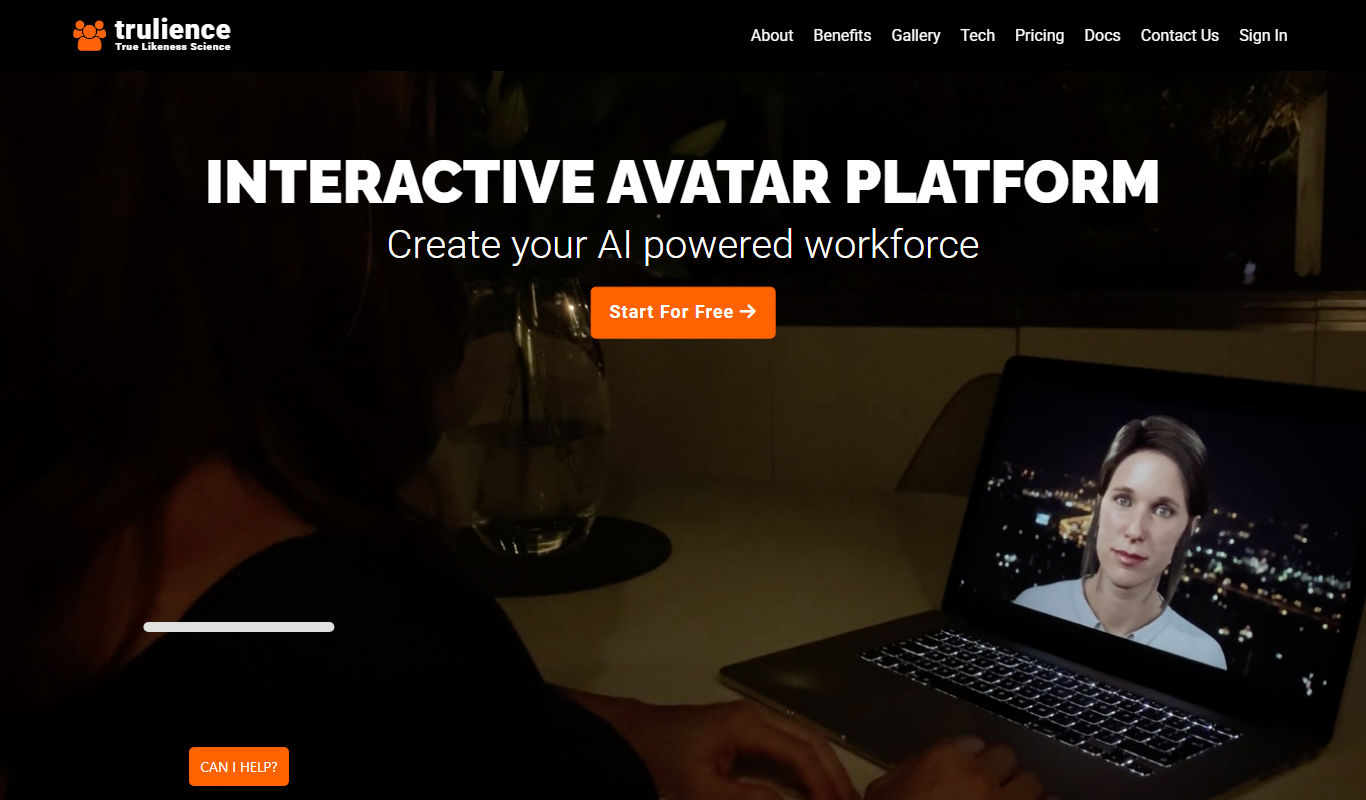
Trulience is an interactive avatar platform that gives any LLM a lifelike, multilingual face, so you can build and embed scalable AI avatars in minutes.

Freemium
MukuAI
MukuAI turns product URLs, scripts, ideas or PPT files into UGC video ads with AI avatars, subtitles and music.
Free Trial
Luppet
Luppet (LuppetX) is a tracking system for 3D Virtual YouTubers that only requires a web camera and LeapMotion.
Freemium
Emoji Maker
Emoji Maker is an AI emoji generator: type an idea or upload a photo, pick from 48 art styles, and get a transparent PNG emoji.
Free
Viveport
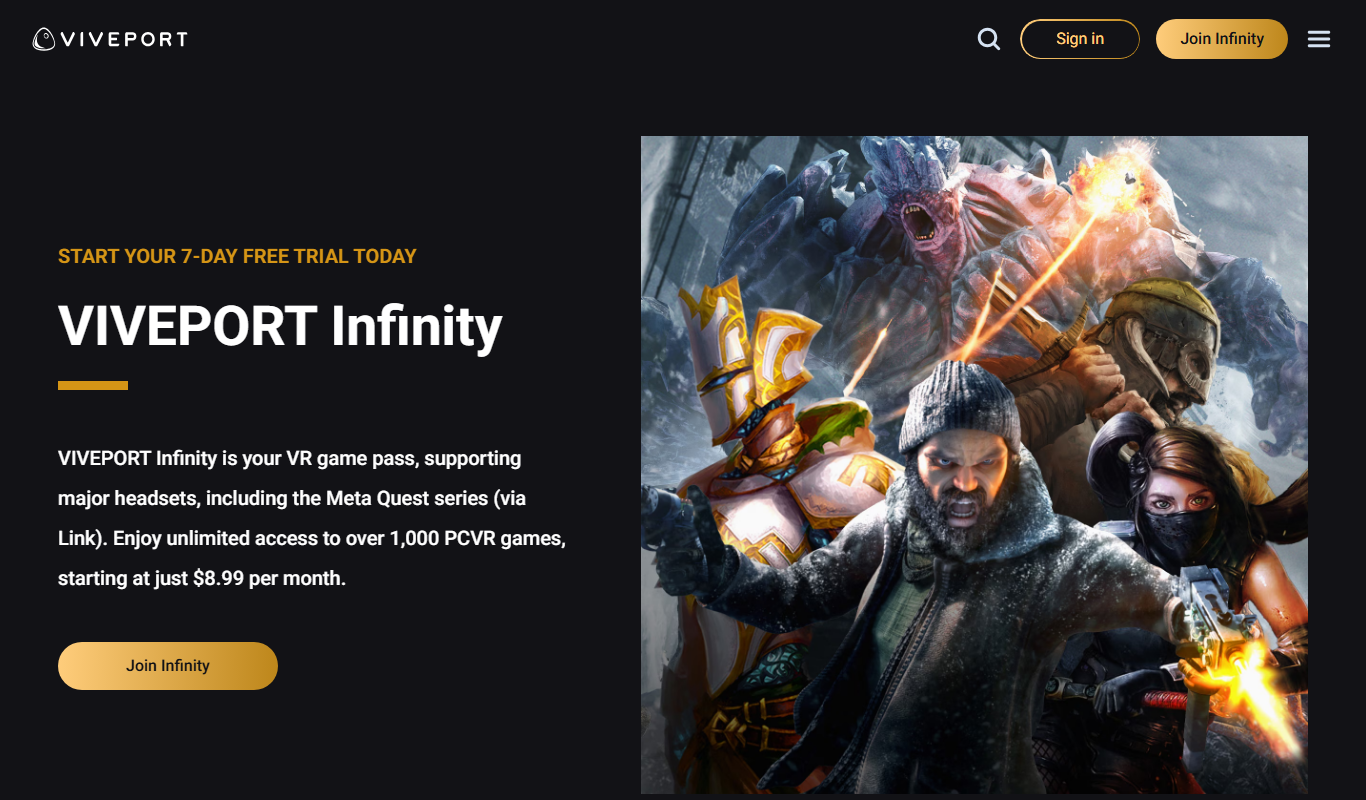
Viveport is HTC's virtual reality content platform providing access to VR games and experiences, including a subscription service called Viveport Infinity for unlimited VR content.

Free
Second Life
Second Life is a 3D virtual world platform where users create avatars, socialize, build environments, and participate in a virtual economy.

Custom Pricing
Looking Glass Factory
Looking Glass Factory offers advanced glasses-free 3D holographic displays that enable users to view and interact with volumetric 3D content without headsets, suitable for design, education, and entertainment.

Freemium
DeepAR SDK
DeepAR SDK is a cross-platform augmented reality development kit that enables real-time face tracking, AI avatar creation, and 3D AR effects for mobile apps, games, and live streaming.