

Supervisely AI Platform for Image Analysis and Computer Vision Solutions
Supervisely is an AI platform specializing in image and video annotation, dataset management, and deep learning model training for computer vision applications.
- Best for
- Image Annotation and Labeling
- Key capability
- Advanced Annotation Tools
Save Supervisely, follow its updates and vote on it — everything stays in your account.
Sign in or create a free account
What is Supervisely?
Supervisely is an AI-powered platform designed for computer vision development. It provides tools for data annotation, model training, evaluation, and deployment, enabling teams to build and manage AI projects efficiently. The platform supports 2D and 3D data, offering collaborative features and integrations with popular deep learning frameworks.
Key features of Supervisely
Supervisely offers comprehensive features including advanced image and video annotation, dataset management, AI model training pipelines, performance evaluation, and deployment options. It supports collaboration among teams and integrates with frameworks like TensorFlow and PyTorch.
Advanced Annotation Tools
Supports polygon, bounding box, keypoint, semantic segmentation, and 3D annotations.
Collaborative Workspace
Allows multiple users to work simultaneously with role-based access control.
Integrated Model Training
Built-in pipelines for training and fine-tuning deep learning models.
Dataset Versioning
Track changes and manage dataset versions for reproducibility.
API Access
Programmatic access to platform features for automation and integration.
Pros and cons of Supervisely
Pros
- Comprehensive annotation tools for 2D and 3D data
- Supports collaborative AI project workflows
- Integrates with popular deep learning frameworks
- Dataset versioning ensures reproducibility
- API available for automation and integration
Cons
- Steeper learning curve for beginners without AI background
- Limited language support beyond English and Russian
Key use cases for Supervisely
Image Annotation and Labeling
Create and manage high-quality labeled datasets for training computer vision models.
Deep Learning Model Training
Train custom AI models for object detection, segmentation, classification, and other vision tasks.
Model Evaluation and Deployment
Evaluate model performance and deploy trained models into production environments.
Collaborative AI Project Management
Coordinate teams working on AI projects with shared datasets, annotation tools, and version control.
3D Data Processing
Process and annotate 3D data such as point clouds and meshes for advanced AI applications.
How Supervisely works
- 1
Create an Account
Sign up on the Supervisely platform to access the workspace.
- 2
Upload and Annotate Data
Import images, videos, or 3D data and use annotation tools to label datasets.
- 3
Train AI Models
Configure and run training jobs using built-in pipelines or custom scripts.
- 4
Evaluate and Improve
Analyze model results, refine annotations, and retrain to improve accuracy.
- 5
Deploy Models
Export or deploy trained models for integration into applications.
Who is using Supervisely
Supervisely pricing
Community
Free
For open source projects, individuals, ML researchers and small teams; no credit card required.
Pro
From EUR 199 / month
For startups, labeling teams and smaller businesses; 30-days free trial, cancel anytime.
Enterprise
Custom
Self-hosted or cloud solution for companies with custom requirements of any size.
Plans and prices are as published by the vendor and can change. Check the official site before you buy. Open the pricing page (opens in a new tab)
Frequently asked questions about Supervisely
Yes, Supervisely supports annotation and processing of 3D data such as point clouds and meshes.
Yes, the platform supports training and deployment workflows compatible with TensorFlow and PyTorch.
Yes, Supervisely offers a free tier with basic features and limited storage.
Absolutely, Supervisely provides collaborative workspaces with role-based access control.
This tool is designed to help users accomplish its core tasks more efficiently. It is typically used by individuals or teams looking to improve productivity and workflow.
Data handling and security practices vary by provider. Review the official privacy policy to understand how your data is stored and used.
Some tools offer a free plan or trial with limited features. Availability can vary, so confirm on the official website.
Yes, it can help with that use case depending on how you configure it and what features are available. You’ll get the best results with clear inputs and a defined goal.
Conclusion
Work runs from labeling to deployment: images, videos or 3D data are imported and annotated, training jobs run on built-in pipelines or custom scripts, and trained models are exported or deployed. Annotation covers images, videos, LiDAR and DICOM datasets, with AI assistance and Smart Tools for auto labeling. Teams connect their own computer with a GPU for neural network training and inference, and checkpoints can be downloaded and used outside the platform.
Computer vision engineers, data scientists and machine learning teams are the main users, collaborating through role-based access control. The free Community edition is meant for open source projects, individuals and ML researchers, Pro targets startups and labeling teams, and Enterprise can be self-hosted or run in the cloud. Pro comes with a 30-day free trial, while projects in free teams are archived after 30 days of inactivity.
Sources
Sign in to review this tool.
Sign In to ReviewNo reviews yet
Be the first to share how this tool worked for you.
Ask about pricing, limits, or how it compares — or answer someone else.
Sign In to AskNo questions yet
Have a question about using or paying for this tool? Be the first to ask.
Featured on TiorAI



More AI Developer Tools tools
Other tools in the same category, for when this one is not quite the fit.

Opstra
Opstra is a web-based options trading analytics platform that helps traders build, analyze, and backtest options strategies using real-time Indian market data.

SoftwareMill
SoftwareMill is a software development company specializing in custom IT solutions, cloud-native applications, and real-time data streaming using Scala, Java, and related technologies.

HeidiSQL
HeidiSQL is a free database client for Windows, with a native Linux build in beta, that supports MySQL, MariaDB, PostgreSQL, Microsoft SQL Server, SQLite and Firebird.
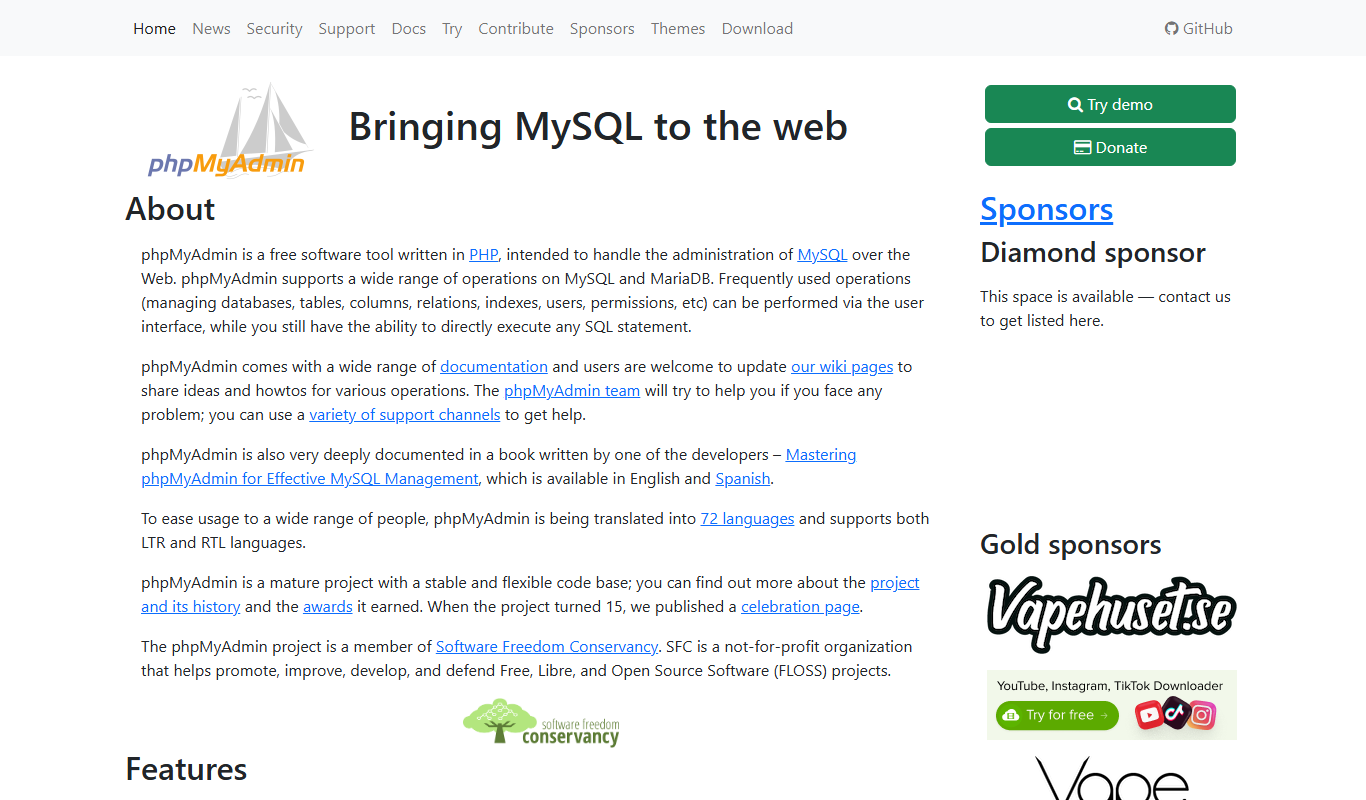
phpMyAdmin
phpMyAdmin is a free, open-source web application that provides a graphical interface to manage MySQL and MariaDB databases, allowing users to perform database administration tasks without command-line knowledge.

DBeaver
DBeaver is a cross-platform database management tool that supports numerous database types, offering features like SQL editing, data visualization, and team collaboration.
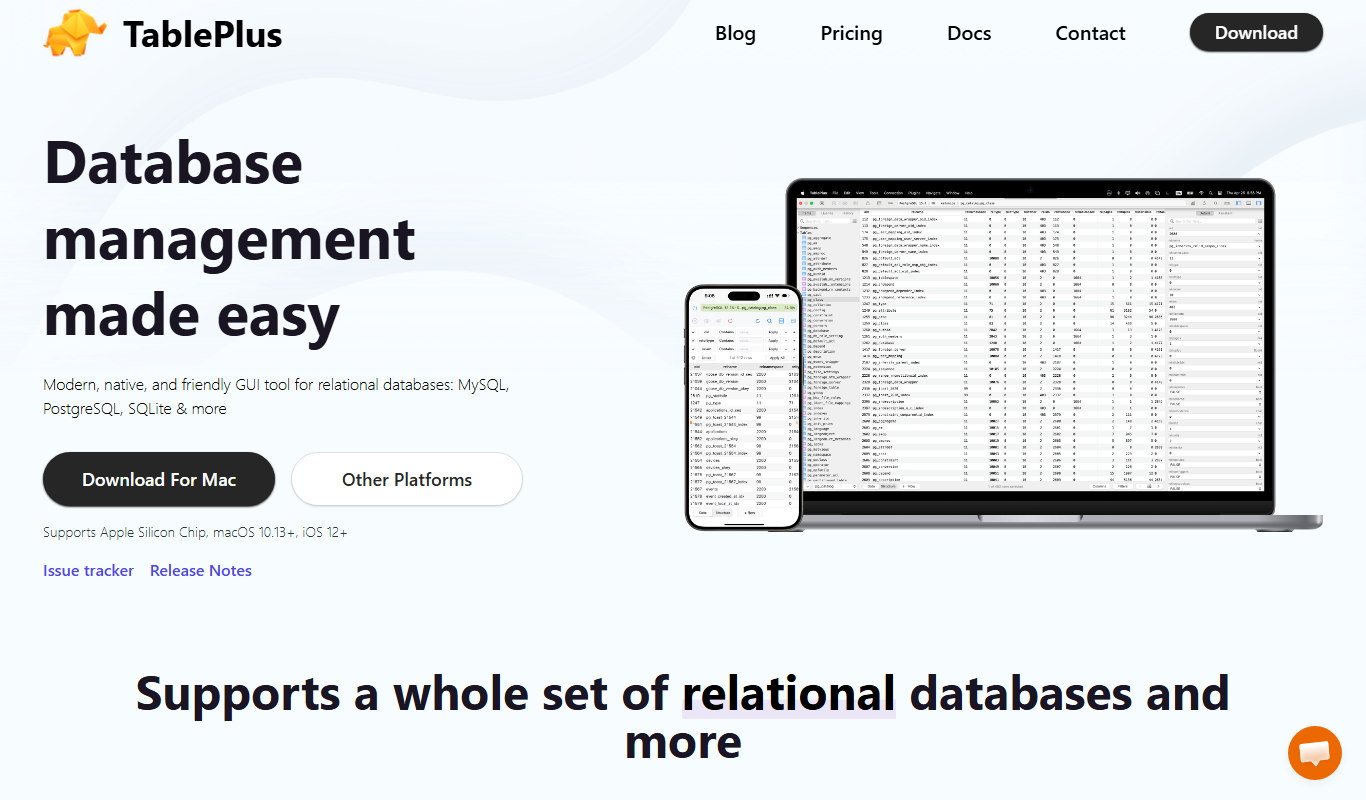
TablePlus
TablePlus is a native database management tool supporting multiple databases with features like advanced SQL editor, inline data editing, and secure connections.

Burp Suite
Burp Suite is a comprehensive web security testing platform by PortSwigger that enables penetration testers and security researchers to identify and exploit vulnerabilities in web applications through both automated scanning and manual testing tools.

Gerrit
Gerrit is an open-source web-based code review tool that integrates with Git to enable collaborative software development by managing code reviews, approvals, and merges.