

From my experience with SunoCC AI, I found it excels at producing natural and expressive speech outputs with minimal effort. The platform’s straightforward web interface makes it accessible even for beginners, which is a big plus for content creators and educators alike. However, its focus on English limits multilingual applications, and some advanced voice customization features are only available on paid plans. Overall, if you need a reliable and fast text-to-speech solution primarily for English content, SunoCC AI delivers solid results with a good balance of quality and ease of use.
SunoCC AI Text-to-Speech Platform for Realistic Voice Generation
SunoCC AI is a web-based text-to-speech tool that converts text into natural, human-like speech using AI technology, ideal for content creation and accessibility.
- Best for
- Content Creation
- Key capability
- High-Quality Voice Synthesis
Your actions
Save SunoCC AI, follow its updates and vote on it — everything stays in your account.
Sign in or create a free account

What is SunoCC AI?
SunoCC AI is an advanced text-to-speech platform that converts written text into natural, human-like speech. It leverages AI-driven voice synthesis technology to produce high-quality audio outputs suitable for various applications including content creation, accessibility, and customer engagement.
Key features of SunoCC AI
The platform offers realistic voice generation with customizable voice styles, easy-to-use web interface, and support for multiple voice options. It enables users to create lifelike audio quickly without requiring technical expertise.
High-Quality Voice Synthesis
Produces clear, natural, and expressive speech outputs.
Multiple Voice Options
Offers a selection of voices with different accents and tones.
User-Friendly Interface
Simple web-based platform requiring no technical skills.
Fast Processing
Generates audio quickly to streamline content workflows.
Freemium Access
Allows users to try basic features for free before upgrading.
Pros and cons of SunoCC AI
Pros
- Produces highly natural and expressive speech
- Easy to use with no technical knowledge required
- Offers a free tier for testing
- Fast audio generation speeds
- Multiple voice choices for variety
Cons
- Limited language support focused on English
- Advanced features require paid subscription
- Customization options are somewhat basic
Key use cases for SunoCC AI
Content Creation
Generate realistic voiceovers for videos, podcasts, and audiobooks to enhance multimedia content.
Accessibility
Provide natural-sounding speech for visually impaired users or those with reading difficulties.
Customer Support
Create automated voice responses for customer service bots and IVR systems.
Language Learning
Assist learners by providing clear and natural pronunciations in English.
Entertainment
Produce character voices for games, animations, and interactive experiences.
How SunoCC AI works
- 1
Input Text
Users enter or upload the text they want to convert into speech.
- 2
Select Voice
Choose from a variety of AI-generated voices and customize tone or style if available.
- 3
Generate Audio
The AI processes the input and produces a natural-sounding audio file.
- 4
Download or Share
Users can download the audio or share it directly from the platform.
Who is using SunoCC AI
Content creators and marketers
Educators and accessibility advocates
Customer service teams
Game and animation developers
Language learners
SunoCC AI pricing
Free
$0/month
Limited usage with access to basic voices and features.
Pro
$19/month
Expanded voice options, higher usage limits, and priority support.
Enterprise
Custom pricing
Tailored solutions with advanced features and dedicated support.
Plans and prices are as published by the vendor and can change. Check the official site before you buy. Open the pricing page (opens in a new tab)
Frequently asked questions about SunoCC AI
Yes, commercial use is allowed under the Pro and Enterprise plans.
Currently, SunoCC AI primarily supports English voice synthesis.
Free plan users have usage limits; higher limits are available with paid plans.
Some voice customization options are available depending on the selected voice.
It depends on your specific needs and how you plan to use the tool. The official website and documentation are the best sources for the latest details.
Yes, it can help with that use case depending on how you configure it and what features are available. You’ll get the best results with clear inputs and a defined goal.
Some tools offer a free plan or trial with limited features. Availability can vary, so confirm on the official website.
Sign in to review this tool.
Sign In to ReviewNo reviews yet
Be the first to share how this tool worked for you.
Ask about pricing, limits, or how it compares — or answer someone else.
Sign In to AskNo questions yet
Have a question about using or paying for this tool? Be the first to ask.
Featured on TiorAI



More AI Melody Generator tools
Other tools in the same category, for when this one is not quite the fit.
Free
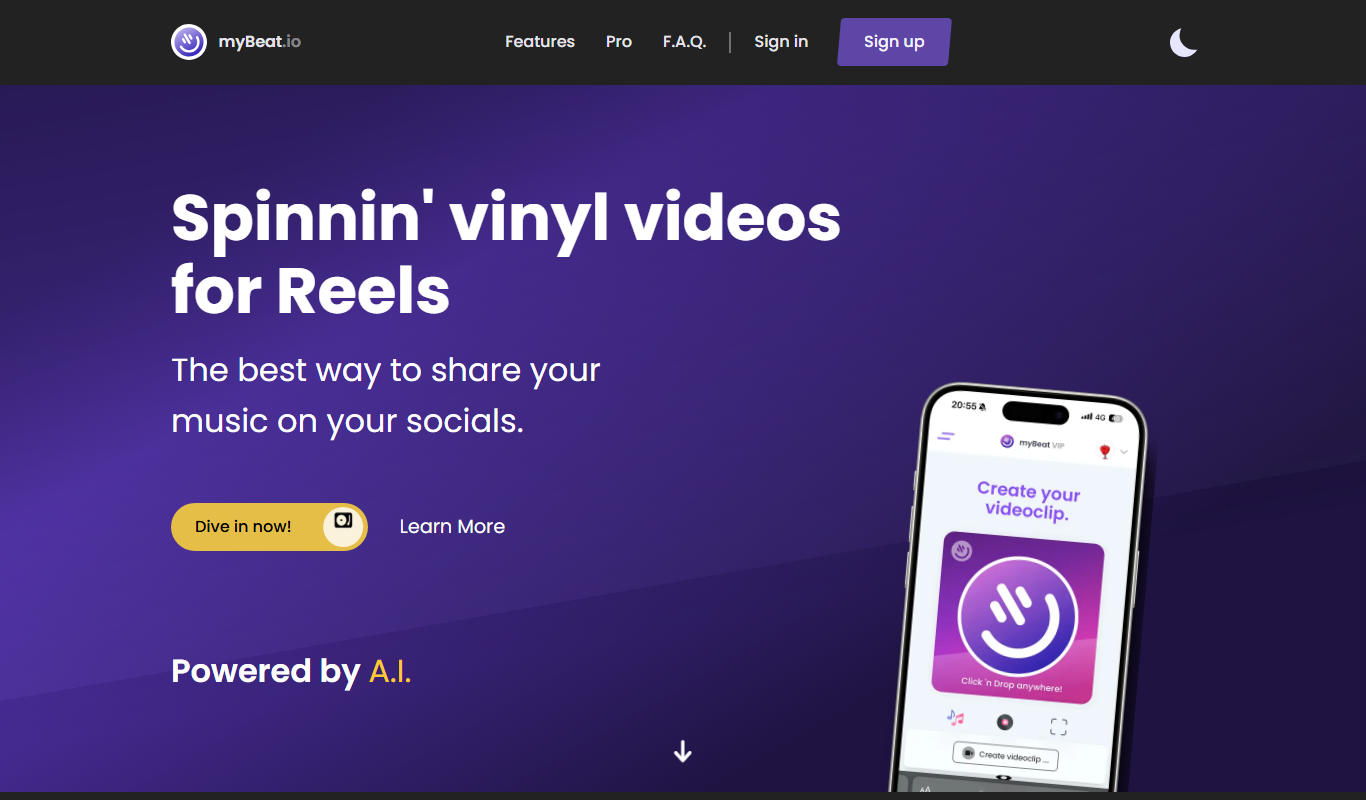
myBeat
myBeat is an AI-powered online tool that generates custom beats and soundtracks in various styles and moods, offering royalty-free music for commercial use.

Free
Boomy
Boomy is an AI-powered platform that allows users to create, customize, and publish original music tracks quickly without needing music production skills.

Freemium
SONOTELLER
SONOTELLER is an AI-driven tool that transcribes voice conversations and generates meeting summaries to help professionals save time and improve communication.

Free
AI Song Generator-Make Song
AI Song Generator-Make Song is an online tool that uses artificial intelligence to create original songs by generating melodies and lyrics based on user inputs such as themes or moods.

Free
Suno Music Downloader
Suno Music Downloader is a free web-based tool that lets you search and download MP3 music files quickly without registration or installation.

Freemium
Emocional
Emocional is an AI chatbot designed to provide empathetic emotional support, mood tracking, and personalized mental wellness advice, primarily for Spanish-speaking users.
Custom Pricing
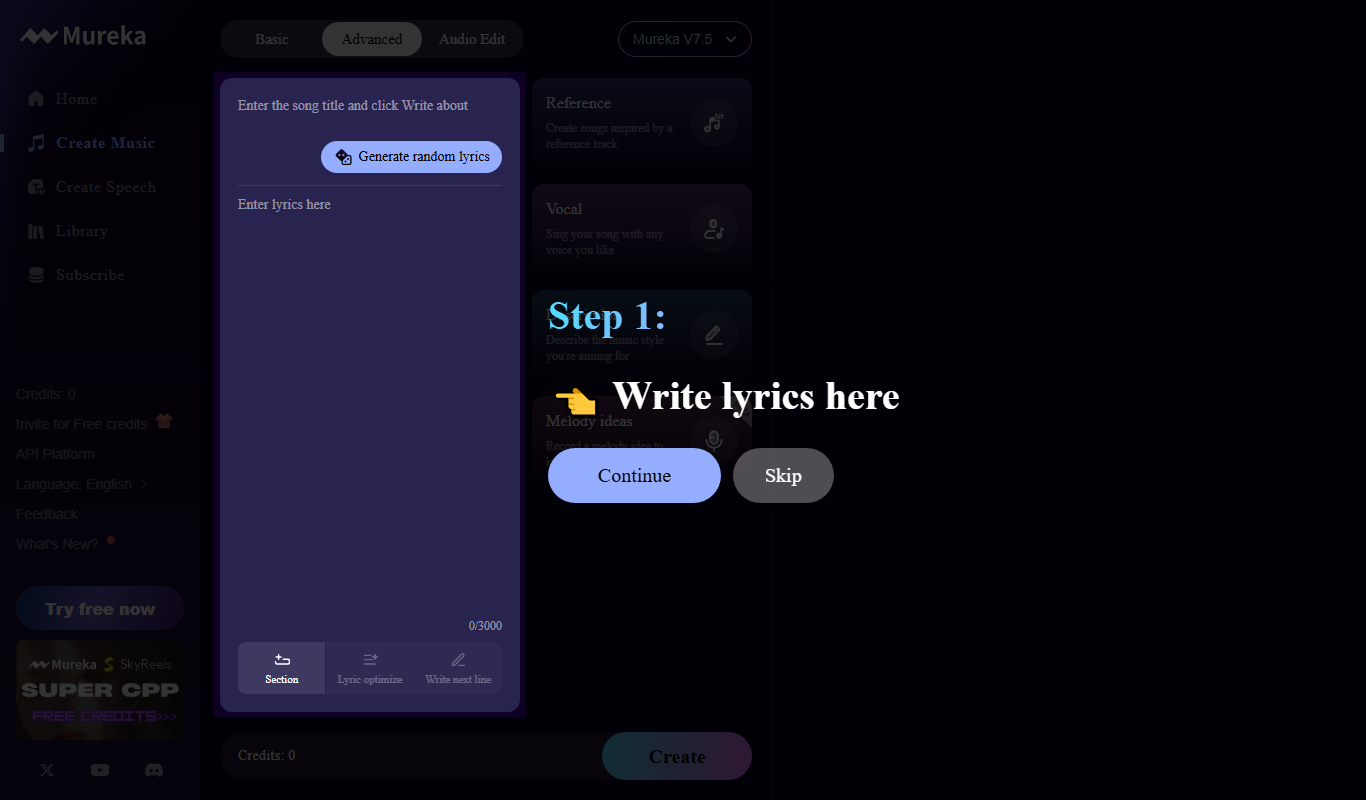
Mureka
Mureka is an AI-driven data annotation platform that automates labeling tasks for machine learning datasets, offering customizable workflows, quality assurance, and team collaboration features.
Freemium
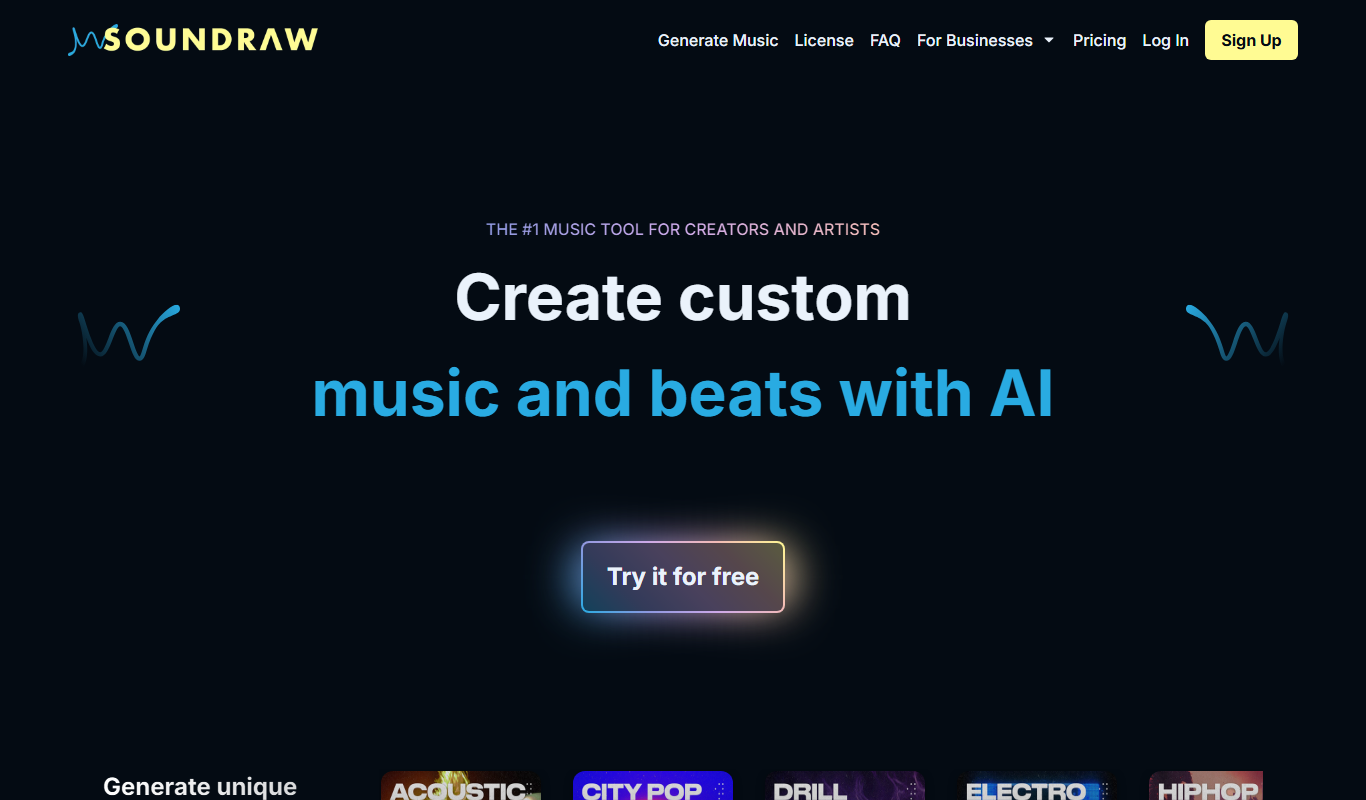
Soundraw
Soundraw is an AI-powered music generator that creates original, royalty-free music tracks customizable by mood, genre, and length, ideal for content creators and marketers.