

Sprello AI product development and merchandising for consumer brands
Sprello connects AI product creation, product data, line sheets and buyer assortments for fashion, beauty and lifestyle brands, from product concept to buyer-ready collection.
- Best for
- Fashion and apparel
- Key capability
- AI canvas for product visuals
Save Sprello, follow its updates and vote on it — everything stays in your account.
Sign in or create a free account

What is Sprello?
Sprello is AI product development and merchandising software for consumer brands. Teams bring sketches, CADs, materials and references into a visual canvas to generate product visuals and colorways, keep every style in one shared product catalog, and build line sheets and buyer assortments from it, from product concept to buyer-ready collection.
Key features of Sprello
Sprello combines a visual canvas that turns sketches, CADs, materials and references into product visuals and colorways, a shared product catalog, collection reviews with feedback, and line sheets and buyer assortments built from the same product information. Enterprise features include role-based access controls and single sign-on.
AI canvas for product visuals
Bring sketches, CADs, materials and references into the canvas and generate product visuals.
Exploring colorways and materials
Use AI to refine product visuals and explore colorways and material directions before the next physical sample.
Shared product catalog
Every style lives in one place, with its details and the visuals created for it.
Line sheets and buyer assortments
Build line sheets and separate assortments for buyers, accounts and channels without recreating product information.
Reusable workflows
Save a canvas workflow and run it again on the next style.
Pros and cons of Sprello
Pros
- One product record from first sketch to buyer assortment
- SOC 2 compliant with role-based access controls
- Your designs, sketches and uploads are never used to train models
- Dedicated onboarding and training for teams
Cons
- Sold through demos and sales conversations; no self-serve plans are listed
- Focused on fashion, beauty and lifestyle brands
- Some advanced features require paid subscription
Key use cases for Sprello
Fashion and apparel
Editorial campaigns across every SKU, colorway and region.
Beauty and cosmetics
Hero shots, before-and-afters and ingredient storytelling at catalog depth.
Wholesale sell-in
Prepare line sheets and buyer assortments for accounts and channels from one product record.
Exploring colorways
Explore colorways and material directions before the next physical sample.
Social Media Content
Craft engaging posts and captions tailored for different social media platforms.
How Sprello works
- 1
Catalog the product
Every style lives in one shared product catalog with its details and visuals.
- 2
Create visuals on the canvas
Bring sketches, CADs, materials and references into the canvas and generate product options.
- 3
Review the collection
Compare visual options, capture feedback and choose presentation imagery against the right product record.
- 4
Build line sheets and assortments
Build line sheets and separate assortments for buyers, accounts and channels.
- 5
Export and Use
Download or copy the generated content for publishing or further refinement.
Who is using Sprello
Sprello pricing
Enterprise
Contact sales
Book a demo to see Sprello on one of your own categories; pricing is discussed with sales.
Pro
$29/month
Unlimited content generation, advanced features, and priority support.
Plans and prices are as published by the vendor and can change. Check the official site before you buy. Open the pricing page (opens in a new tab)
Frequently asked questions about Sprello
It connects AI product creation, product data, line sheets and buyer assortments, so teams move from first concept to commercial decision with less waste.
It is built for fashion, beauty and lifestyle brands.
Instead of typing one prompt at a time into a chat box, you build on an open canvas where nodes hold inputs and generations and edges connect them, so you can branch, compare and regenerate without losing earlier work.
No. Your designs, sketches and uploads are never used to train Sprello’s models.
This tool is designed to help users accomplish its core tasks more efficiently. It is typically used by individuals or teams looking to improve productivity and workflow.
Yes, it can help with that use case depending on how you configure it and what features are available. You’ll get the best results with clear inputs and a defined goal.
Some tools offer a free plan or trial with limited features. Availability can vary, so confirm on the official website.
Yes, it can help with that use case depending on how you configure it and what features are available. You’ll get the best results with clear inputs and a defined goal.
Conclusion
Sprello sits between design and wholesale: a brand team keeps every style in one shared catalog, generates product visuals on a canvas and then assembles line sheets and buyer assortments from the same record. On the canvas, sketches, CADs, material swatches and references are connected to AI models as nodes, so colorways and material directions can be explored before the next physical sample. A saved workflow can be run again on the next style.
Fashion, beauty and lifestyle brands are the focus, and the sell-in step lets them prepare separate assortments for buyers, accounts and channels without recreating product information. Enterprise controls include SOC 2 compliance, role-based access and SSO, and uploads are stated never to be used for model training. There is no self-serve sign-up with public prices: access starts with a demo and a sales conversation.
Sources
Sign in to review this tool.
Sign In to ReviewNo reviews yet
Be the first to share how this tool worked for you.
Ask about pricing, limits, or how it compares — or answer someone else.
Sign In to AskNo questions yet
Have a question about using or paying for this tool? Be the first to ask.
Featured on TiorAI



More AI Productivity Tools tools
Other tools in the same category, for when this one is not quite the fit.

DocXter
DocXter is an AI assistant for interacting with any document: upload a document, ask questions, simplify the language and extract insights, with OCR and AI agents.
AI PDF redaction tool App
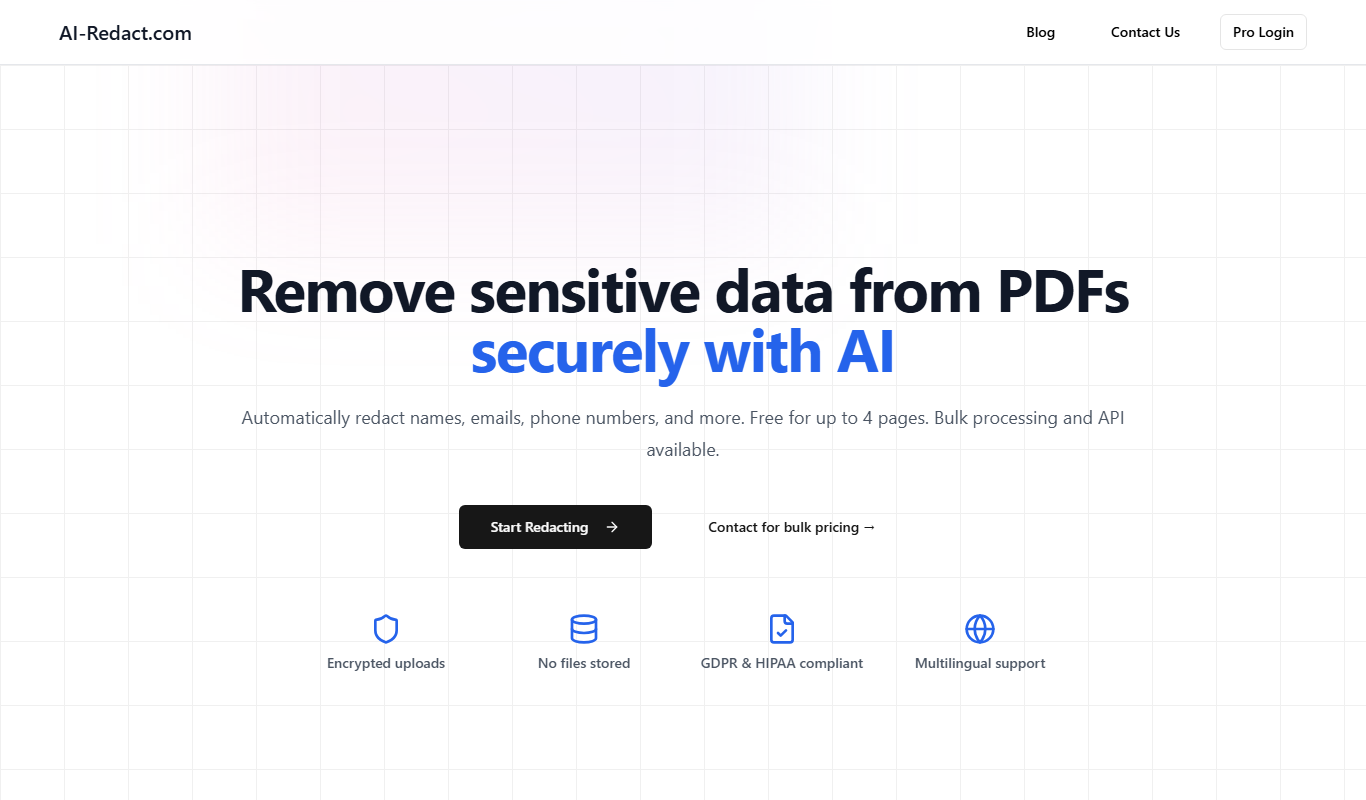
AI PDF Redaction Tool App is a web-based solution that uses AI to identify and permanently remove sensitive data from PDF documents, ensuring privacy and compliance.

Edit in PPT
Edit in PPT converts images, PDF pages and NotebookLM slide decks into editable PowerPoint files and refines them with plain-language AI edits.
Typli
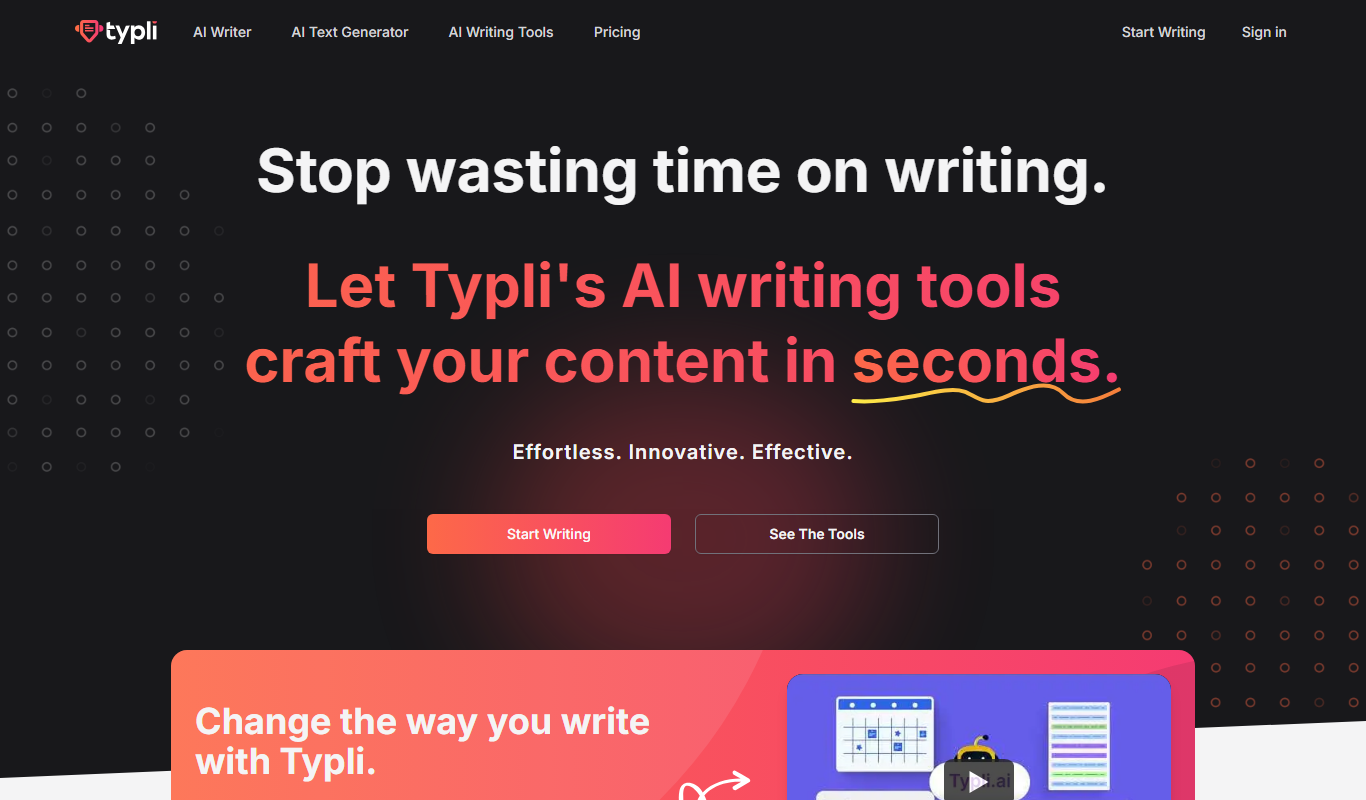
Typli is an AI platform with 185+ specialized writing tools, chat with leading AI models, an image generator and estimates and invoices.

Toolsaday
Toolsaday is an AI content platform with Text Genie, a paraphrasing tool, email and story generators, Novel Studio, text to speech and an image generator.

Partly AI
Partly builds frontier AI for repair: Repair AI, an AI assistant for repair shops, and Interpreter, a language model for automotive parts and repair workflows.

History Timeline Generator
History Timeline Generator is an AI tool that turns a topic such as a person, nation, company or historical event into a customized history timeline.

Quilter
Quilter uses physics-driven AI to automate PCB placement and routing, returning review-ready layout candidates in hours for designs from Altium, Cadence and Xpedition.